
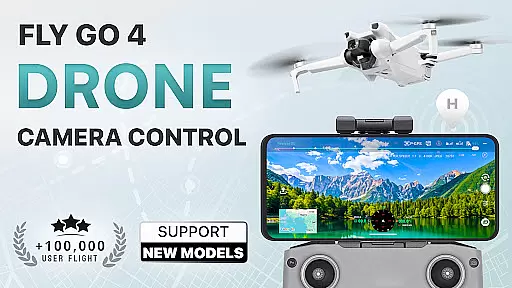
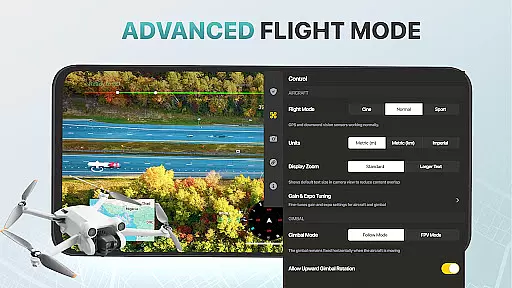
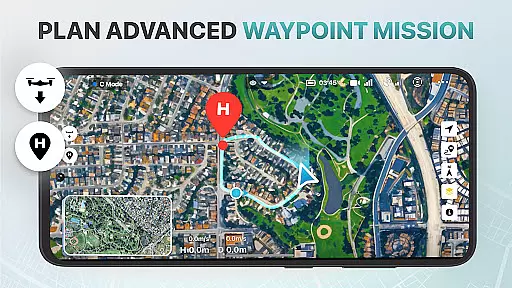
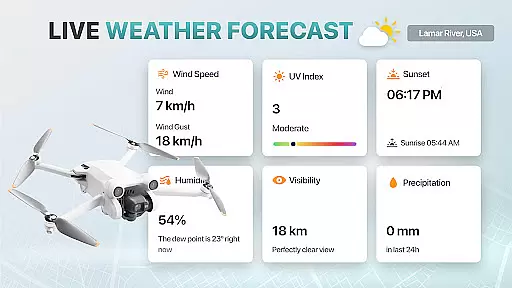
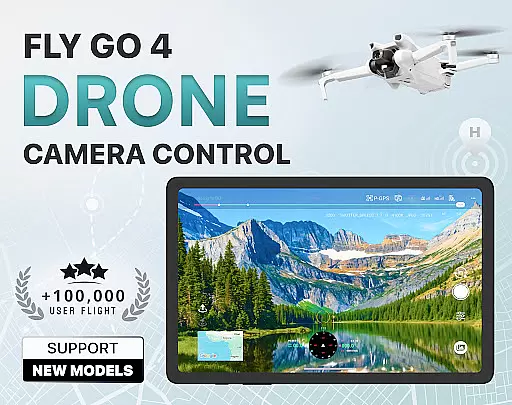
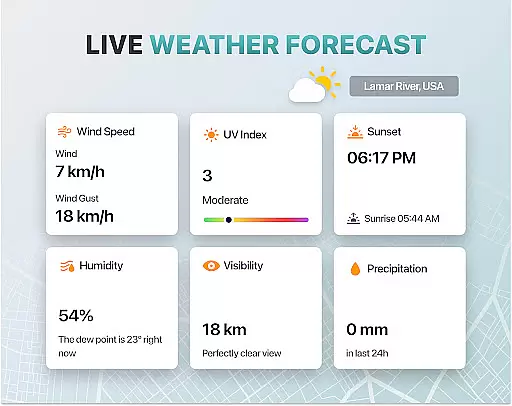
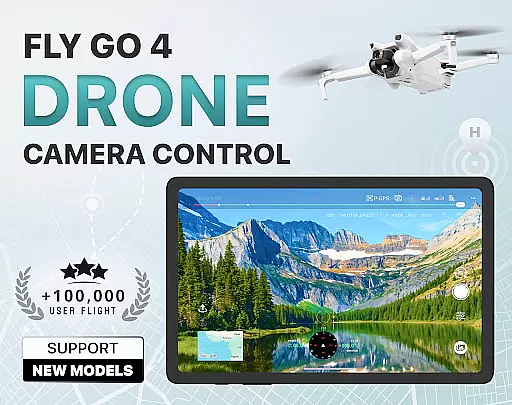
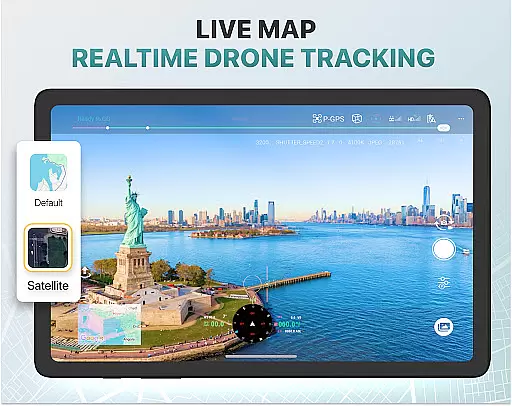
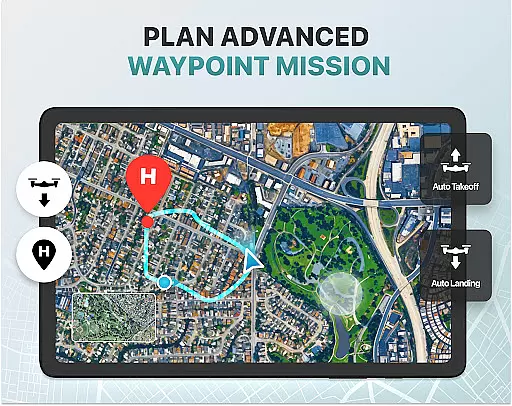
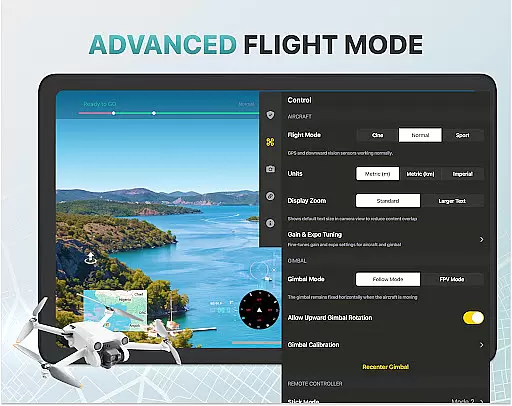
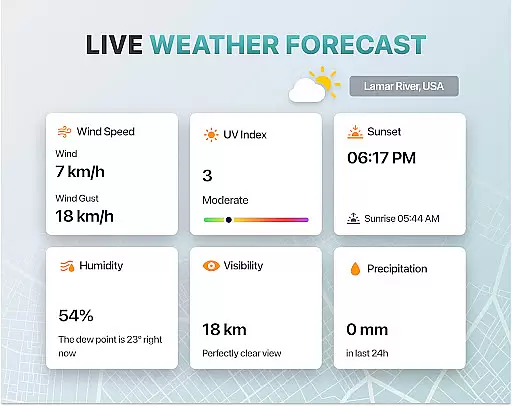
Fly Go 4 Drone Camera Control is a comprehensive drone management app designed for both novice and experienced drone pilots. This application allows users to seamlessly control their drones, flycams, and UAVs directly from their mobile devices. With features like real-time weather updates, no-fly zone alerts, and intuitive flight modes, the app ensures safe and efficient drone operation.
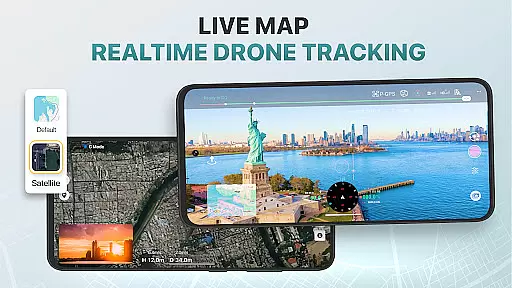
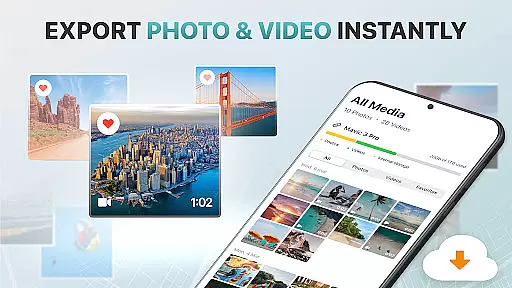
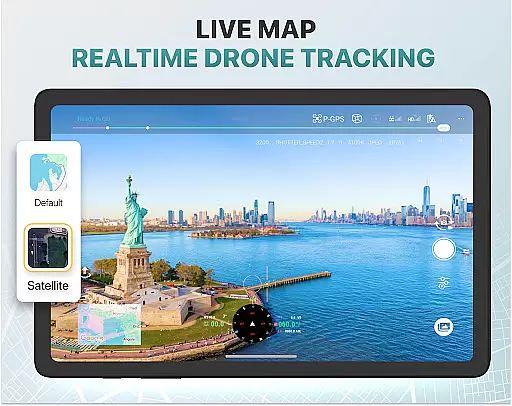
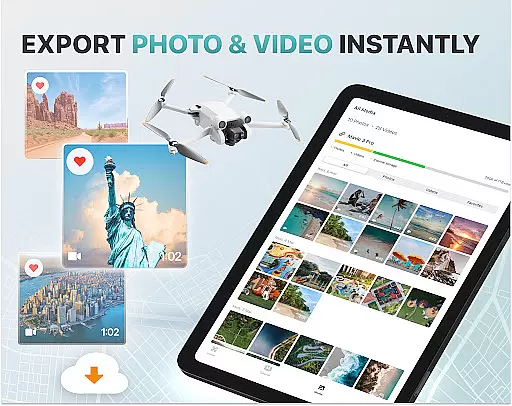
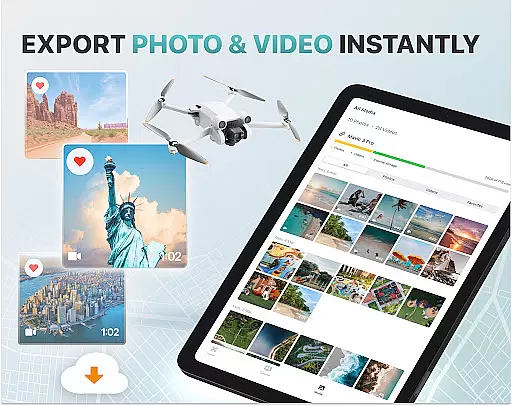
One of the standout capabilities of Fly Go 4 is its advanced camera control functionality. Users can capture stunning panoramic images and videos while enjoying a lag-free live video stream. The app also includes practical tools such as GPS tracking to locate lost drones and smart media export options for easy file sharing and editing. These features make it an essential tool for aerial photography enthusiasts and professional drone operators alike.
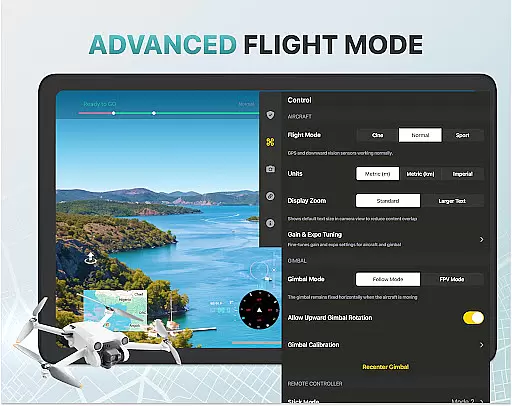
The Fly Go 4 Drone Camera Control app boasts a wide array of innovative features tailored to enhance the drone flying experience. One of its key functionalities is the ability to control drone cameras with precision. Users can adjust gimbal direction and exposure settings directly from their phone screens, ensuring high-quality aerial footage.
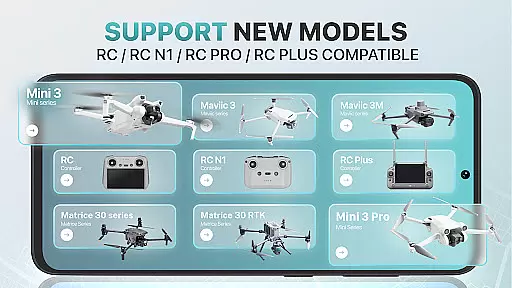
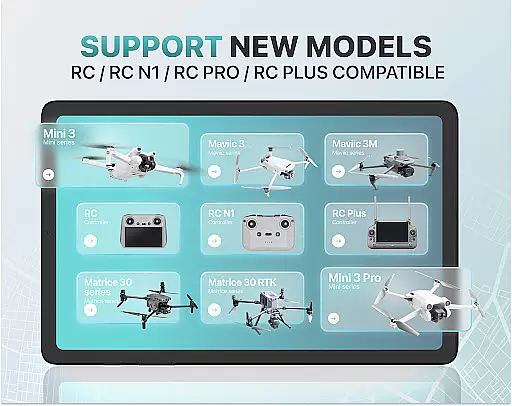
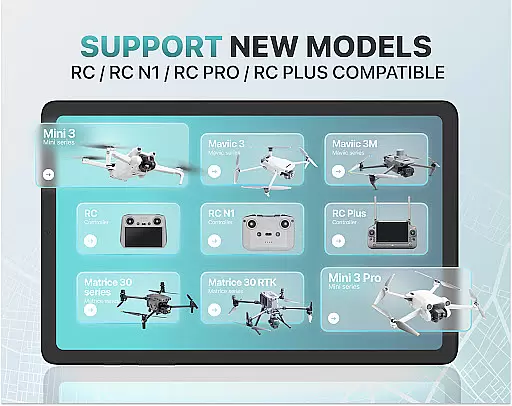
Another significant feature is the app's compatibility with a broad range of drone models, including popular ones like the DJI Mini 3 and Matrice 350 RTK. The app supports intelligent flight modes that simplify complex maneuvers, making it accessible for beginners while still offering advanced options for seasoned pilots. Additionally, users benefit from real-time weather forecasts and no-fly zone alerts, which contribute to safer and more informed flights.
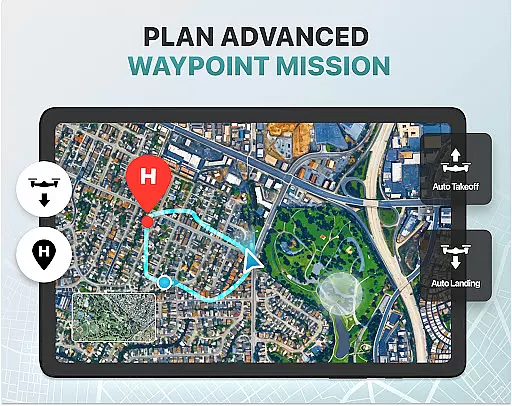
For convenience, the app offers a Home Point Functionality that ensures drones return to a safe location in case of low battery or signal loss. With extensive tutorials and support for various file formats, Fly Go 4 provides a complete solution for managing and enhancing your drone operations.
Real-time capture and preview functionality is essential for drone photography, allowing users to see exactly what their drone's camera is capturing as it happens. The Go Fly Drone Controller Pro app excels in this area by providing a seamless live video feed directly to your phone screen.
This feature ensures that every shot can be perfectly framed and timed, offering precision control over the final output. With lag-free transmission, users can make real-time adjustments to their drone's position and camera settings, ensuring optimal image quality.
The app supports a wide range of drones, including popular models like DJI Mini 3, DJI Mavic 3 Enterprise Series, and Matrice 350 RTK. This compatibility ensures that no matter which drone model you own, you'll have access to high-quality real-time previews.
By delivering a responsive and reliable live stream, the Go Fly Drone Controller Pro enhances the overall photography experience, making it easier than ever to capture stunning aerial footage with confidence.
AI beauty and enhancement features are increasingly important in photography apps, and the Go Fly Drone Controller Pro incorporates advanced algorithms to ensure natural-looking enhancements. These tools help optimize images captured by drones without compromising the authenticity of the original scene.
The AI-powered enhancements include automatic color correction, exposure balancing, and detail sharpening. These adjustments are applied intelligently, ensuring that landscapes appear vibrant and true-to-life while maintaining the integrity of the captured moment.
For users who want more control, the app offers manual adjustment options. This flexibility allows photographers to fine-tune settings such as brightness, contrast, and saturation, achieving the desired aesthetic without over-processing the image.
With its focus on natural enhancement, the Go Fly Drone Controller Pro ensures that every photograph taken with your drone will look professional and polished, enhancing the beauty of your aerial shots while preserving their genuine essence.
User-friendly interface
Wide drone model support
Real-time weather updates
Intelligent flight modes
Advanced camera controls
Premium subscription required
Limited official support
No iOS compatibility
Occasional connectivity issues
Complex for beginners

Long exposure camera with computational photography
 2.60
2.60
How would you look like with a differently shaped nose, chin or lips?
3.90
Shooting photos and records video easily and efficient with professional Camera
4.30
Virtual makeup, hair filters & body tuner—edit from face to full body!
4.20
Be your best in every shot! Fix, edit and retouch your face in selfies & photos.
3.70
See your baby AI baby face generator AI baby maker Face generator babymaker fun!
4.70
Professional quality photo edits with the new Snapseed.
4.00
Collage your moments in one tap: 1000+ layouts, filters, stickers, and texts.
4.90
Astrophotography with your smartphone, photo live stacking and much more!
3.90
Easily view, share, delete photos with Gallery.
4.70
Automatically backup your photos and videos to computer, NAS and Cloud services
4.60
PhotoSync Bundle Add-On License. Enables all features and services in PhotoSync.
4.60
Create AI photos & videos with Enhancer; restore, fix, beautify, enhance photos
4.50
Trendy TikTok time warp scan funny filter app brings you unique photos & videos.
4.40
Edit like a pro with Hypic. Apply filters, AI effects, & magic touch.
4.40
Create AI Photos, Improve and restore quality of blurry, old or damaged pics.
4.20
Photobooth mini FULL app will allow you to add more fun to your parties
4.00
Hair color changer, AI haircut app, fun hair editor and buzz cut filter for all!
3.80
GCamera allows all GCam features on all phone models! Better photos with GCamera
3.30


User Reviews