
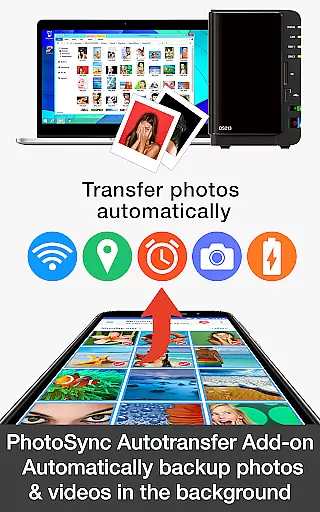
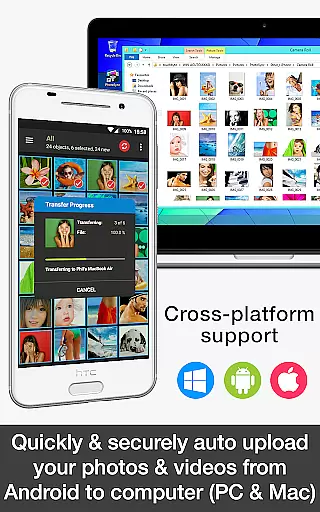
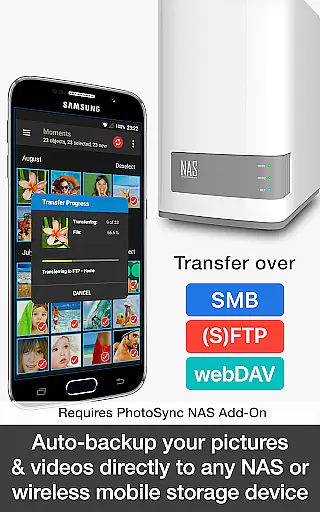

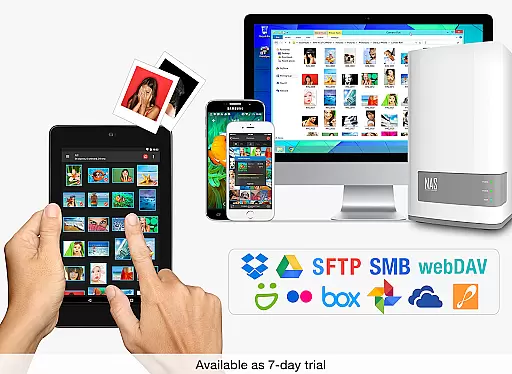
PhotoSync Autotransfer Add-On is an advanced activation license that enhances the free version of PhotoSync by adding automatic wireless photo and video backup capabilities while removing ads. This add-on allows users to effortlessly back up their media files in the background to various destinations including computers, private clouds, NAS devices, and supported cloud services.
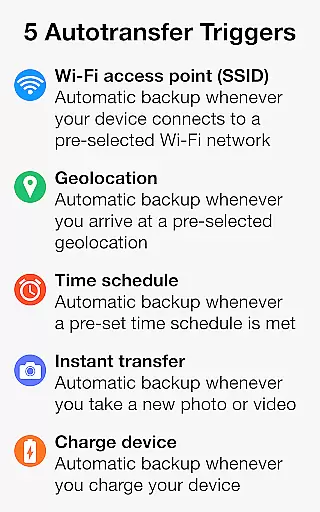
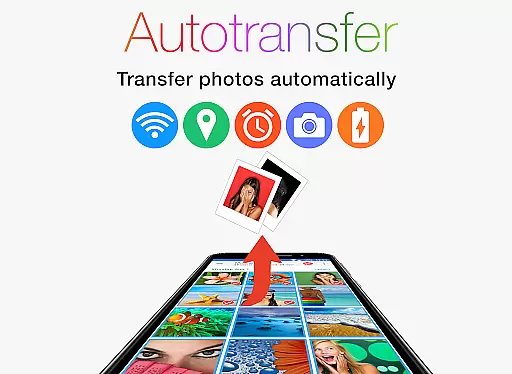
The product stands out with its five configurable Autotransfer triggers, which include Wi-Fi access point detection, geolocation-based activation, scheduled transfers, instant transfer upon capturing a photo, and device charging status. These features ensure that your valuable memories are continuously and securely backed up without manual intervention.
With over 10,000 positive reviews and millions of successful photo transfers, PhotoSync has established itself as a reliable cross-platform solution available on Android, iOS, Windows, and Mac. Its decade-long presence in the market, coupled with continuous updates, guarantees a secure and customizable user experience for both casual and power users alike.
PhotoSync Autotransfer Add-On offers a comprehensive suite of features designed to streamline and automate your photo and video backup process. One of its standout functionalities is the ability to automatically back up media files directly from your Android device to a computer or private cloud over WiFi, ensuring your data remains safe and accessible.
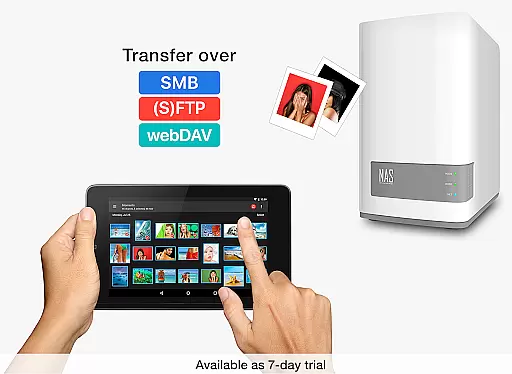
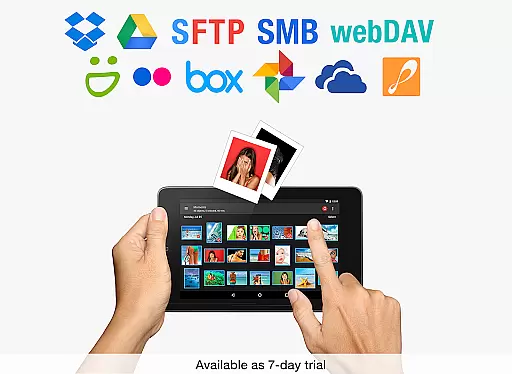
In addition to supporting direct transfers to computers, this add-on also facilitates uploads to any NAS, wireless mobile storage device, or remote server using protocols like SMB, (S)FTP, or WebDav. For those who prefer cloud storage, it integrates seamlessly with popular services such as Dropbox, Google Drive, and more, provided the necessary add-ons are installed.
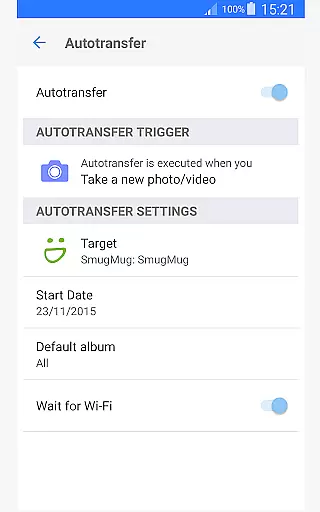
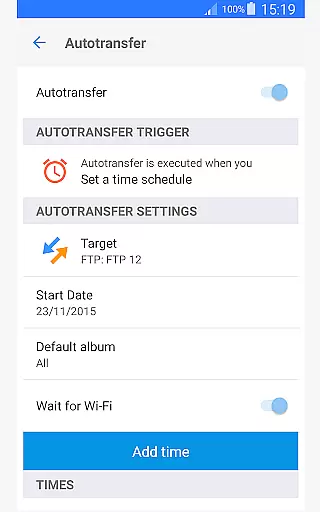
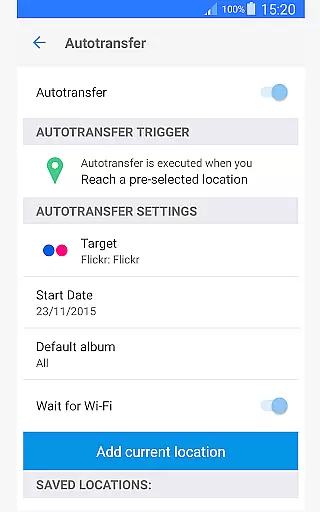
What truly sets PhotoSync apart is its flexibility through five distinct Autotransfer options. Whether you want instant transfers when taking a new picture, location-based backups, or scheduled transfers, this tool provides unparalleled convenience and peace of mind. The total user control and customizability further enhance its appeal, making it an indispensable tool for anyone serious about safeguarding their digital memories.
Real-time capture and preview functionality is essential for ensuring that every photo or video taken meets the user's expectations without delay. PhotoSync Autotransfer Add-On excels in this area by providing instant feedback on media captured, allowing users to make necessary adjustments before finalizing their shots.
This application supports automatic wireless backup of photos and videos in the background, which means users can continue capturing moments without interruption. The app transfers media files to a computer, private cloud, NAS, or supported cloud services immediately after capture, ensuring that no data is lost and everything is securely stored.
With five configurable autotransfer triggers including Wi-Fi access point (SSID), geolocation, time schedule, taking a photo, and charging the device, PhotoSync ensures that your media is always up-to-date across all your devices. This seamless integration allows users to focus on capturing high-quality images and videos without worrying about manual backups.
The real-time capabilities of PhotoSync not only enhance the photography experience but also provide peace of mind knowing that all media is automatically backed up and accessible from multiple locations. This feature is particularly beneficial for photographers who need to manage large volumes of media files efficiently and securely.
While PhotoSync Autotransfer Add-On does not specifically market itself as an AI beauty and enhancement tool, its ability to seamlessly transfer and manage media files can significantly enhance the post-processing workflow. By ensuring that all photos and videos are instantly available across devices, users have more flexibility in applying natural-looking enhancements.
The application supports transferring media to computers, private clouds, NAS systems, and various cloud services, enabling users to utilize advanced editing software for beautification and enhancement. This cross-platform compatibility ensures that whether you're editing on a mobile device or a desktop, the process remains smooth and efficient.
PhotoSync's automatic background transfers mean that users can quickly access their media files on any supported platform, allowing them to apply enhancements and see results almost instantly. This immediacy helps maintain the natural essence of the original content while still achieving professional-grade edits.
By removing ads and adding robust autotransfer capabilities, PhotoSync enhances the overall user experience, making it easier to achieve naturally beautiful results without compromising on quality or performance. This makes it an invaluable tool for both amateur and professional photographers looking to streamline their workflows.
Automatic wireless backup
Supports multiple platforms
Customizable transfer options
Secure and reliable
Ad-free experience
Requires additional add-ons
Premium cost involved
Limited free version
Complex setup process
Dependent on network stability

Remote control of the phone camera from your Wear OS smartwatch
 3.70
3.70
Search, tag and rate your way to an organized image gallery
4.40
Trendy TikTok time warp scan funny filter app brings you unique photos & videos.
4.40
Create AI Photos, Improve and restore quality of blurry, old or damaged pics.
4.20
Cartoon and artistic effects for your photos and videos
4.70
Superimpose one photo on top of another using the original Superimpose app!
3.20
A must-have app for landscape photographers
4.60
Unblur, enhance & restore photos with powerful AI photo enhancer tools.
4.60
Your Family Calendar + Photos. Manage your Skylight Calendar and Skylight Frame.
4.40
Easily create custom gifts, cards, photo books & more on the Shutterfly app!
4.60
Movie camera, supports pro recording settings for filming. Try it and be amazed!
4.50
Create AI photos & videos with Enhancer; restore, fix, beautify, enhance photos
4.50
Effortlessly organize, view and share your photos & videos with Gallery app!
4.40
RAW video capture with advanced controls
4.40
Virtual makeup, hair filters & body tuner—edit from face to full body!
4.20
What celebrity do you look like? Celebs will find your celebrity match!
4.10
Transform Photos: Edit, Beautify and Craft Memories & Make Collages!
4.10
Turn photos into cartoons & avatars! - Photo Editor, Cartoon Face!
3.90
Professional video recording application with manual controls for filmmakers!
2.80


User Reviews