
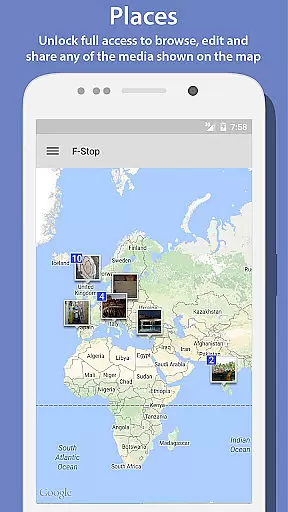
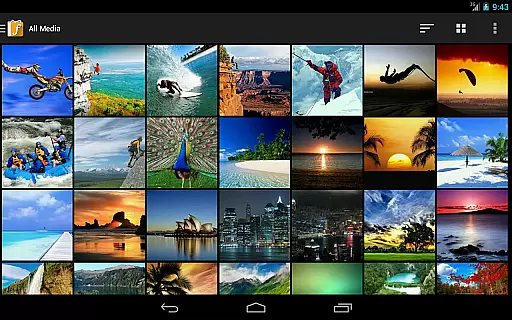
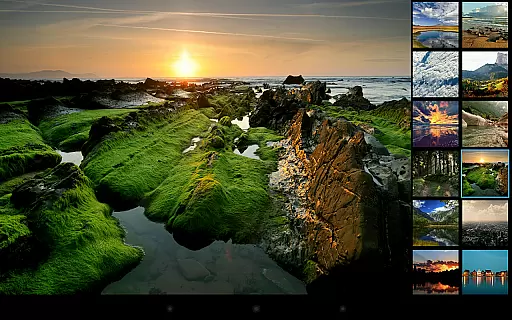
Photo Album F-Stop Pro is a premium upgrade for the free version of F-Stop Media Gallery, designed to enhance your photo management experience. This app unlocks advanced features such as Places, which allows you to view media on Google Maps, and Search, which expands results beyond the limited free version.
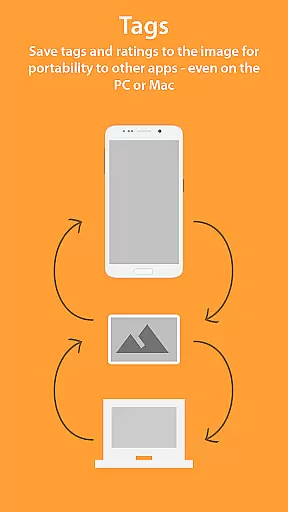
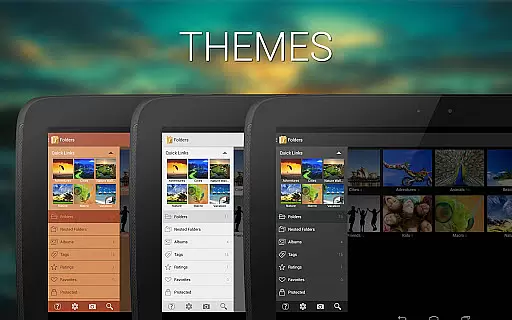
The application also enables users to write metadata directly into JPG files or create sidecar files for other formats using the XMP standard. With custom sorting, navigation drawer customization, unlimited bookmarks, and various themes, it offers extensive personalization options. Additionally, nested folders and albums, smart albums with multiple conditions, and a customizable start-up screen provide superior organization capabilities.
Ideal for photographers and media enthusiasts, Photo Album F-Stop Pro ensures seamless integration with popular photo editing software and provides a more robust, feature-rich experience compared to its free counterpart.
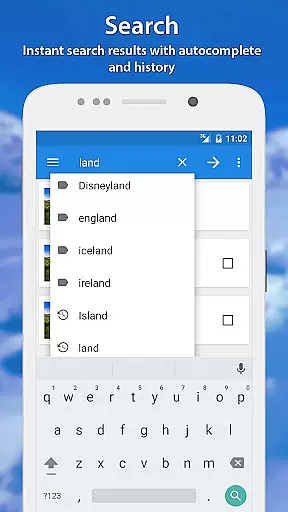
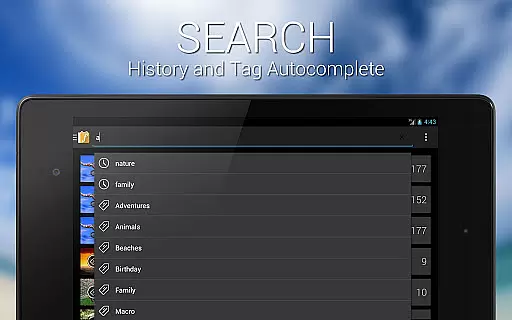
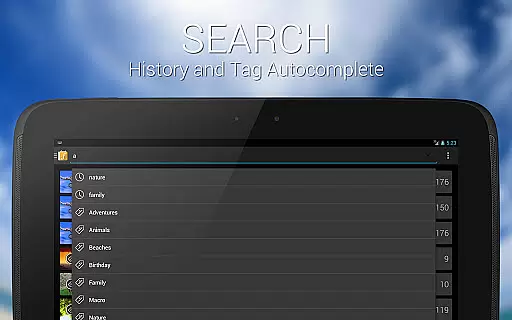
Photo Album F-Stop Pro boasts an array of powerful features that cater to advanced photo management needs. The Places functionality leverages Google Maps' interface to let users browse, edit, and share media geographically. The enhanced Search feature returns all matching media rather than limiting results, offering comprehensive access to your library.
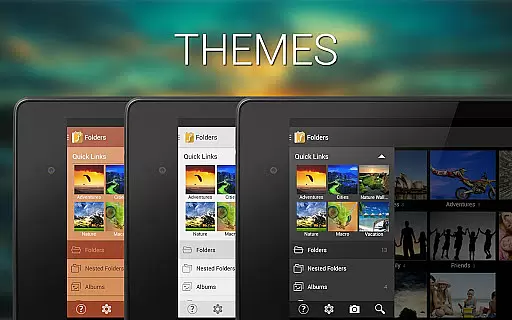
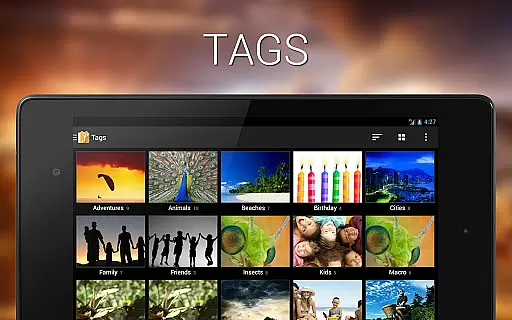
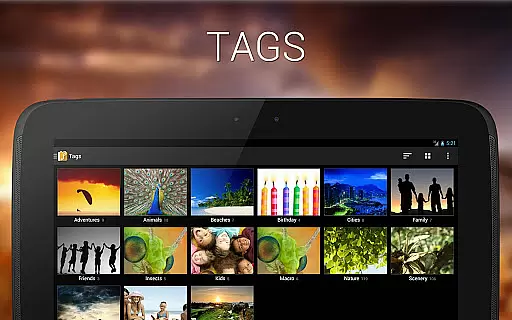
Metadata management is another standout feature, allowing direct embedding of tags and ratings into JPGs or creation of sidecar files for other formats via the XMP standard. Custom sorting through drag-and-drop, along with a customizable navigation drawer and unlimited bookmarks, empowers users to tailor their interface. Themes can be fully unlocked for personalized aesthetics.
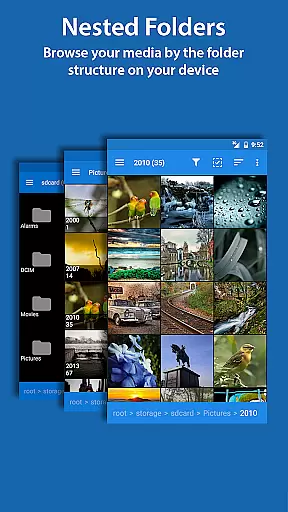
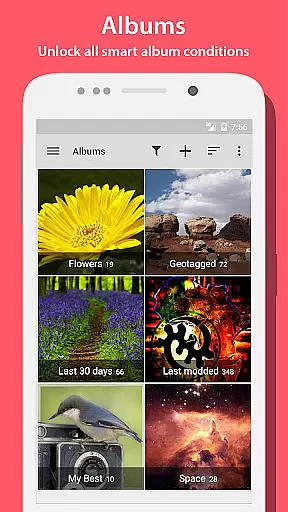
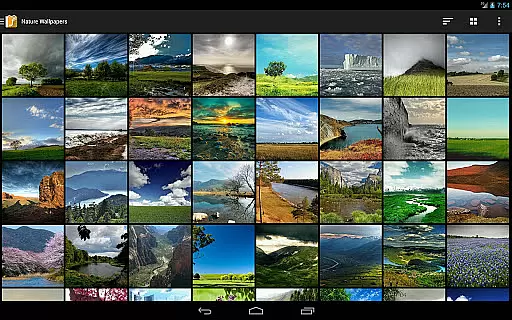
Further, nested folders and albums facilitate organized browsing by folder structures or album hierarchies. Smart Albums support complex conditions like orientation, file type, size, and more. Lastly, the Start-Up Screen option lets users choose their preferred initial view, whether it's folders, albums, tags, or ratings.
Real-time capture and preview functionality is essential for ensuring that users can accurately frame and adjust their shots before taking a photo. In the case of Photo Album F-Stop Pro, this feature is implied through its unlocked capabilities that enhance the photography experience.
The application offers advanced features such as Places, which allows users to view their media on a map with Google Maps integration. This provides an intuitive interface where photographers can see the exact location of their shots in real time, thus improving their ability to capture images from unique vantage points.
Additionally, the app's Search feature returns all media matching the criteria instead of limiting results, which means users have immediate access to their entire library without delay. This instant retrieval mirrors the responsiveness expected in real-time previews.
While not directly involved in image capture, features like Write Metadata and Custom Sorting contribute to a seamless workflow by allowing photographers to manage their photos efficiently after they've been taken. These backend functionalities support a more fluid overall user experience akin to having robust real-time controls at oneu2019s disposal.
AI beauty and enhancement naturalness refers to the application's ability to subtly improve images without making them appear overly processed or artificial. Although Photo Album F-Stop Pro does not explicitly market itself as an AI-driven beautification tool, it offers several features that contribute to enhancing photo quality naturally.
One standout feature is Write Metadata, which saves tags and ratings directly into JPG images using the XMP standard. This ensures compatibility with popular applications like Adobe Lightroom and Apple Aperture, providing professional-grade enhancements while maintaining the integrity of the original image.
Custom Sorting and Nested Albums allow users to organize their media creatively, ensuring that each photo collection tells a story or captures a mood effectively. By enabling drag-and-drop sorting and album nesting, the app empowers users to present their photos in ways that feel organic and true to life.
Furthermore, Smart Albums unlock conditions such as Orientation, Media Type, Extension, File Name, Size, and future additions. These smart filters help curate collections based on specific attributes, resulting in galleries that are both aesthetically pleasing and logically organizedu2014enhancing the viewer's perception of natural beauty within the curated content.
Advanced photo management
Customizable interface
Unlimited bookmarks
Smart album conditions
Metadata writing
Requires free version
No standalone use
KitKat limitations
Device-specific issues
Premium cost

Remote control of the phone camera from your Wear OS smartwatch
 3.70
3.70
[3DSteroid Pro] is a stereoscopic application for Android.
4.30
Create collages easily! Nice pic collage maker & background eraser for Instagram
4.50
Over 800 film simulation recipes for Fujifilm. Black Friday Offer!
4.0
Turn your phone into a professional camera - full DSLR manual photography
4.30
Amazing Photo Effects - The most fun you can have with your photos!
4.70
AI Photo Editor with 100+ Filters, Effects! Remove BG, Retouch & Photo Enhancer.
4.80
Astrophotography with your smartphone, photo live stacking and much more!
3.90
Enhance, upscale, and transform your images — on your device, without limits
4.70
Find time and duration of different sunlight phases at any location
4.90
Create funny photos and videos with the popular Time Warp Scan filter.
4.90
Photo editor: AI filters, photo enhancer, pic collage maker, AI art generator.
4.80
Create Business Headshots, Polaroid Filter, Retake Photos,Profile Pics,AI Photos
4.50
Movie camera, supports pro recording settings for filming. Try it and be amazed!
4.50
Photo editor & gallery. Crop pictures & edit photos offline, no wifi!
4.50
Easily stitch panoramas from multiple photos or video.
4.40
AI-powered video creator by MiniMax - Where ideas meet cinema
4.20
A light meter for true photographers.
4.20
Photo editor: face & body editor, beauty cam, filters and quality enhancer.
4.00


User Reviews