
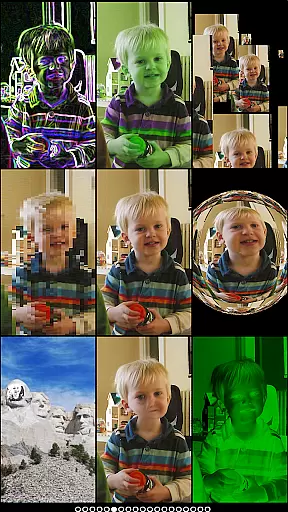
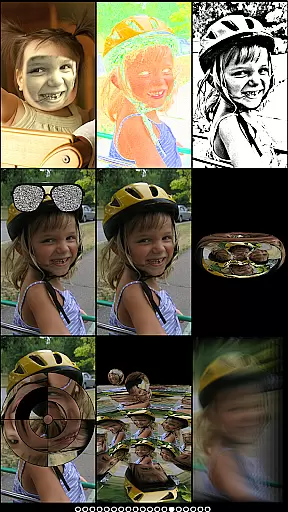
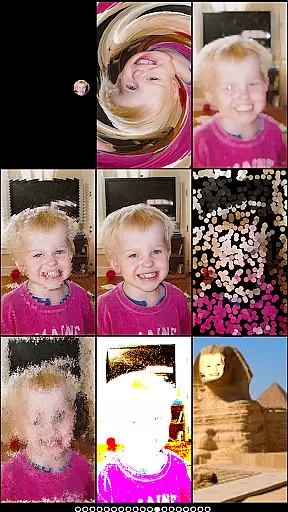
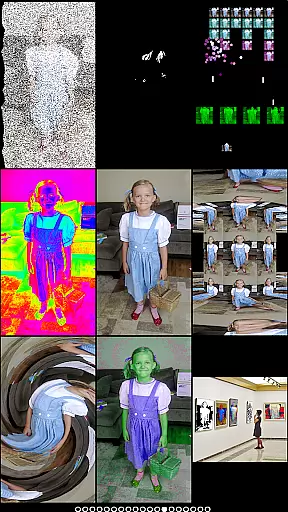
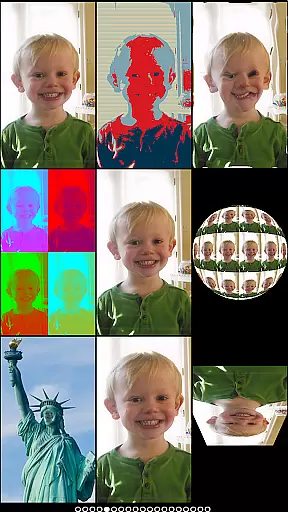
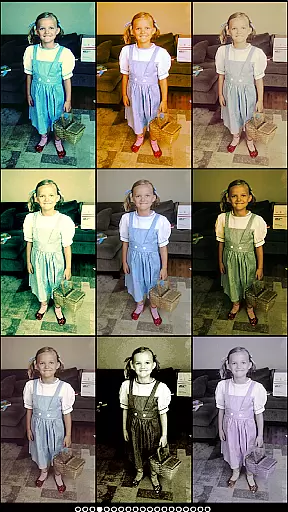
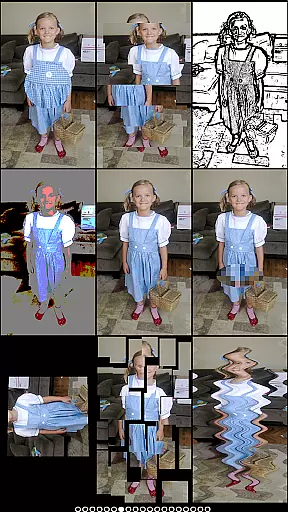
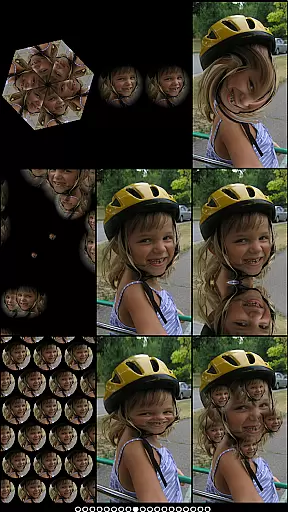
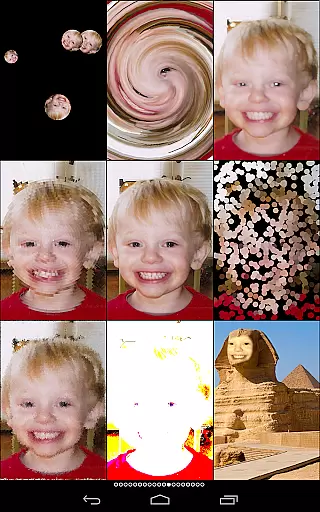
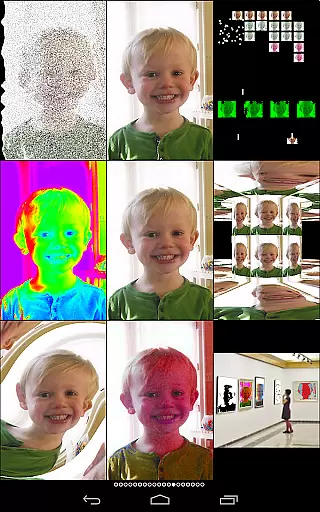
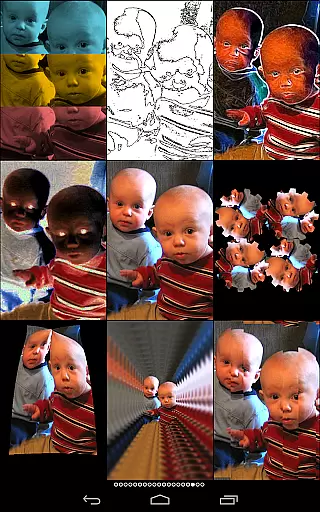
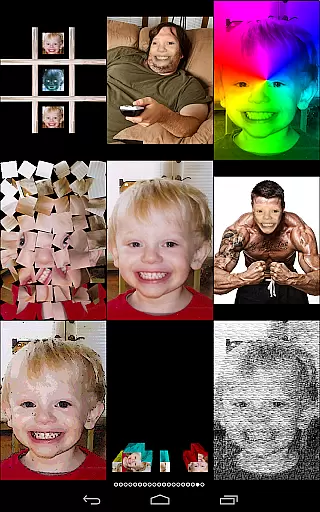
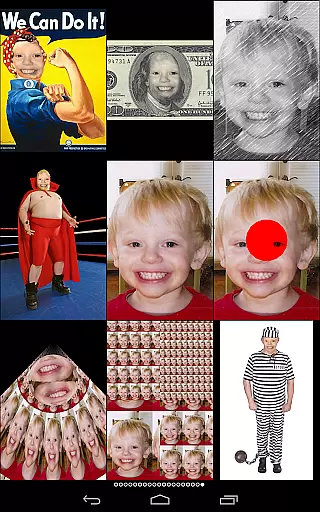
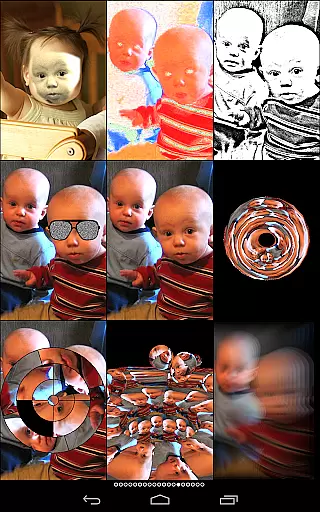
Mega Photo Pro is a feature-rich photography app that transforms your photos and videos into interactive experiences. With over 200 real-time effects, it offers unique ways to personalize your images through morphing, warping, and vintage camera filters. The app also includes engaging games like brick breaker and tile puzzles, allowing users to interact with their photos in playful ways.
One standout feature is the ability to walk through a 3D maze of your photos or view them as a spinning globe. Users can switch between front and rear cameras effortlessly, while interactive elements let you tap, drag, zoom, and rotate before capturing the perfect shot. Whether you're looking for creative photo editing tools or simply want to have fun with your images, Mega Photo Pro delivers both utility and entertainment value.
Mega Photo Pro stands out with its extensive range of innovative features designed to enhance creativity. The app provides over 200 customizable effects such as mazes, engravings, waving flags, and retro camera filters. These effects are rendered in real-time, giving users instant feedback on how their edits will look.
In addition to photo manipulation, the app incorporates mini-games like alien invaders and circular tile puzzles, making it more than just an editing tool. Interactive functionalities allow users to personalize images by dragging elements, applying motion blur, or creating collages. This combination of advanced photo effects and gamified interaction ensures that Mega Photo Pro caters to both casual users and photography enthusiasts alike.
Real-time capture and preview functionality is essential for photography apps as it allows users to see effects applied instantly. Mega Photo Pro excels in this area by providing over 200 real-time effects that transform your photos in unique ways.
The app offers interactive photo effects where users can personalize images before capturing. With simple gestures such as tap, drag, zoom, and rotate, you have the creative freedom to adjust effects to your preference.
Mega Photo Pro supports both front and rear cameras, enabling seamless switching with a single touch. This versatility ensures that whether you are taking a selfie or capturing an object, the preview will always reflect the final output.
Users benefit from the ability to use either live camera feed or select images from their library, ensuring that all creative processes are covered. This feature makes photo editing intuitive and fun, setting Mega Photo Pro apart from other photography apps.
AI beauty and enhancement features are crucial for modern photography apps, aiming to improve image quality while maintaining natural aesthetics. Mega Photo Pro incorporates various vintage camera effects and beautification options that provide a retro feel without compromising on authenticity.
With more than 40 vintage camera effects, users can add a timeless charm to their photos. These enhancements are designed to be subtle yet effective, ensuring that the original essence of the photo is preserved.
The app includes advanced effects like engraving, mosaic, emboss, and x-ray, which allow for artistic expression. Each effect is crafted to enhance specific elements of the photo naturally, giving users professional-grade tools at their fingertips.
By offering a wide array of effects that range from playful to sophisticated, Mega Photo Pro ensures that every user can find something that suits their style. This diversity in enhancement options empowers users to create visually stunning images that remain true to life.
Extensive effect library
Interactive photo tools
Engaging mini-games
Real-time rendering
Vintage camera filters
Complex interface
High memory usage
Paid premium version
Limited free options
Occasional bugs

Remote control of the phone camera from your Wear OS smartwatch
 3.70
3.70
Photo editor: face & body editor, beauty cam, filters and quality enhancer.
4.00
Gallery show photo, video, slideshow, is perfect 3D effect private photo albums.
4.80
Perfect photos with body shaping, BG changer and object remover.
3.70
Add a dreamy vibe to your selfies and videos with soft style filters
4.1
Enhance, retouch & create your story - Share the moment with Photoshop Express.
4.60
Transform Photos: Edit, Beautify and Craft Memories & Make Collages!
4.10
Catch sunlight, sunrise sunset times and sun phases with the AR sun tracker.
4.10
Photo & Video Gallery app to manage albums and save WA Status easily.
4.70
AI Photo Editor with 100+ Filters, Effects! Remove BG, Retouch & Photo Enhancer.
4.80
The original Rarevision VHS look seen everywhere!
4.70
1M influencer's special filter
4.60
AI photo enhancer with Sora 2! Enhance, descratch, and colorize your old photos.
4.50
Turn your phone into a professional camera - full DSLR manual photography
4.30
Virtual makeup, hair filters & body tuner—edit from face to full body!
4.20
All-in-One Editor & AI Photo Enhancer, Collage, Cartoonify, Funny Stickers & BGS
4.10
How old age camera Gender Swap App Face Shape Hairstyle App Hair Styler App fun!
4.00
Professional video recording application with manual controls for filmmakers!
2.80
Photo Album Watch Face shows your favorite pictures as a Watchface.
1.90


User Reviews