
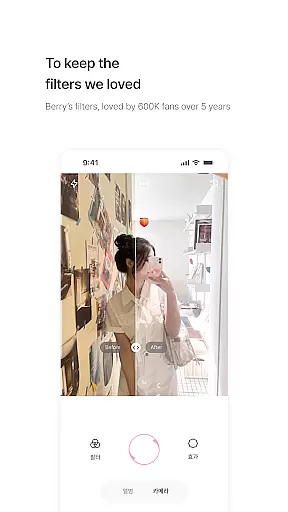
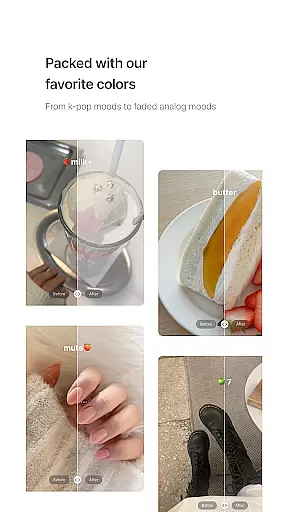
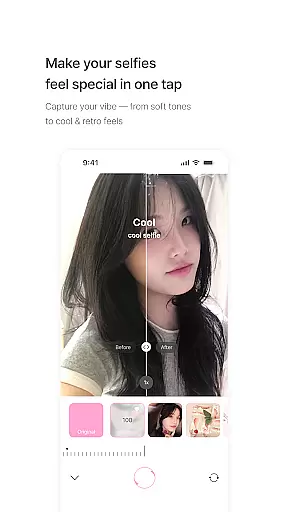
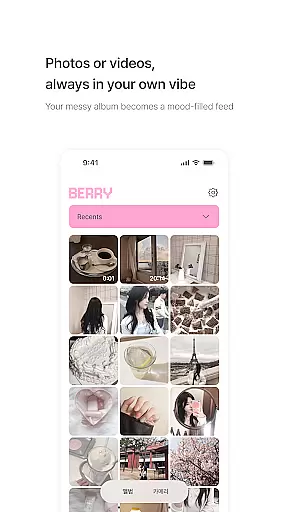
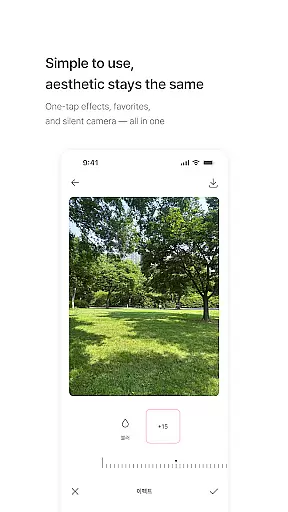
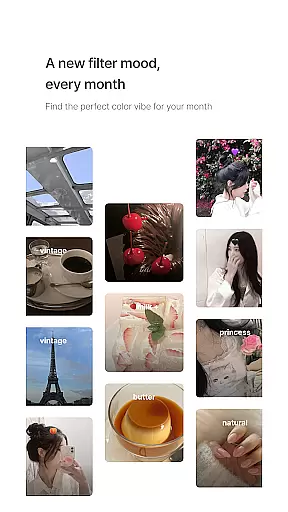
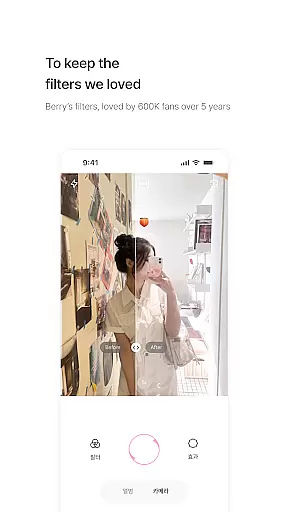
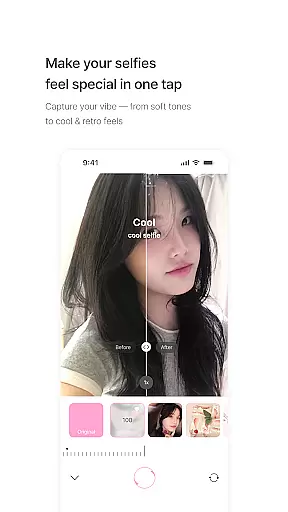
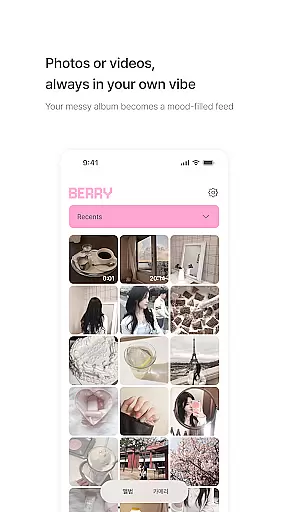
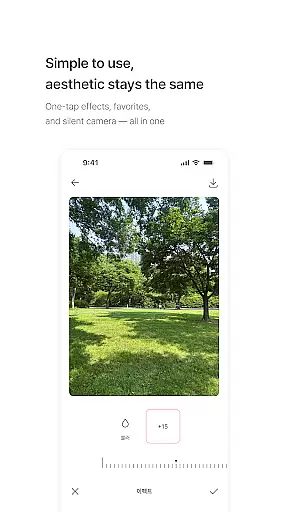
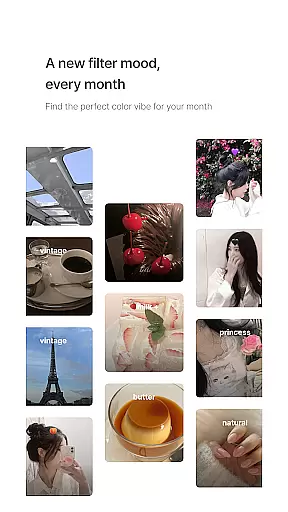
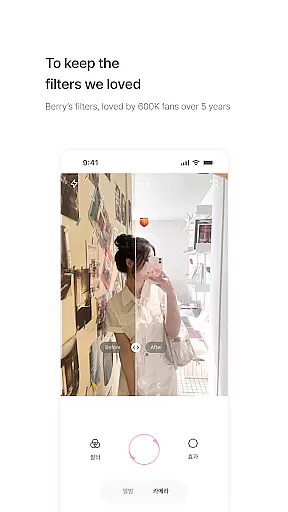
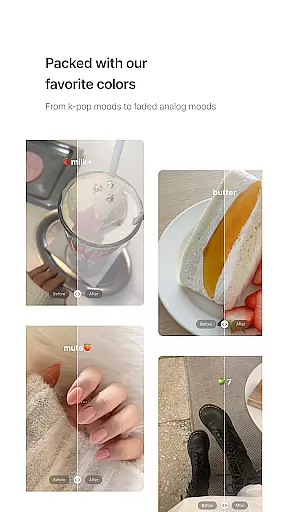
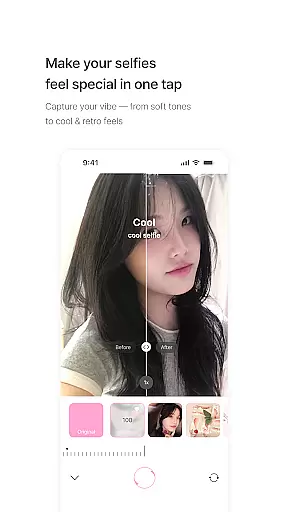
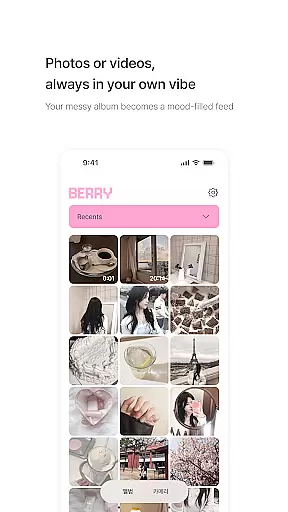
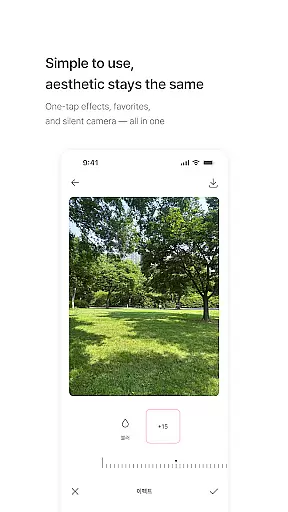
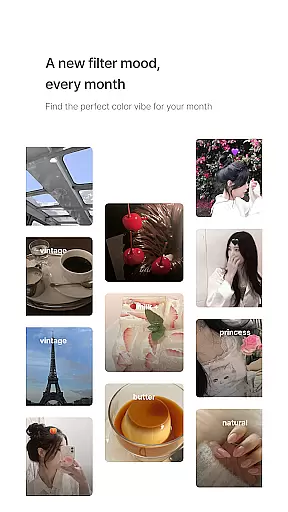
BerryFilm is a photography app developed by Berry, a renowned filter creator from South Korea. This app serves as a dedicated space for her signature soft-toned filters, preserving the unique aesthetics she has crafted over the past five years. Designed for photography enthusiasts who appreciate subtle Korean-style tones, the app offers an ever-expanding collection of filters that bring out natural beauty in every photo and video.
The app's core functionality revolves around its carefully curated filters, ranging from airy milk tones to vintage moods. Users can effortlessly apply these filters with a single tap, transforming their galleries into cohesive, aesthetically pleasing feeds. With new filters added monthly and features like natural skin tone effects in development, BerryFilm ensures users always have fresh tools to enhance their creative projects.
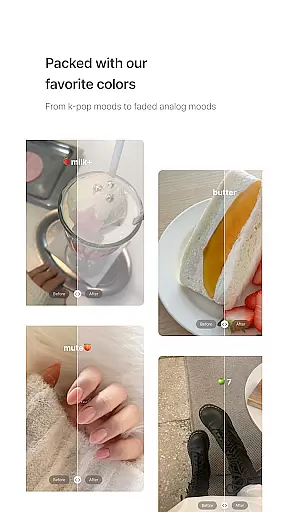
BerryFilm stands out with its distinctive collection of over 20 soft and subtle Korean-style filters. Each filter, such as Milk, Butter, Cool, Warm, and Blossom, has been meticulously designed to create specific atmospheres, from warm and cozy to cool and vintage. These filters allow users to achieve professional-grade color correction without heavy editing, making it perfect for both casual snapshots and artistic compositions.
In addition to its impressive filter library, BerryFilm provides practical features tailored for seamless user experience. The app allows users to save favorite filters for quick access and shoot photos or videos directly within the app using a silent shutter function. Built with real user feedback, the app continuously evolves, ensuring that it meets the needs of its audience while maintaining its hallmark simplicity and ease of use.
Real-time capture and preview functionality is essential for photography apps as it allows users to see exactly how a filter or effect will look before taking the shot. BerryFilm excels in this area by providing an intuitive interface where users can instantly apply one of the many Korean-style filters and see the results in real time.
The app ensures that each filter, from airy milk tones to vintage moods, is accurately represented in the preview window. This means that what users see in the preview is what they get in their final image, ensuring satisfaction with every photo taken.
With BerryFilm, users can trust that their photos and videos will maintain a consistent aesthetic, thanks to the reliable real-time preview feature. This seamless experience lets users focus on their creativity without worrying about unexpected outcomes after capturing a moment.
BerryFilm incorporates AI beauty and enhancement features that prioritize natural-looking results. Unlike other apps that may offer overly processed effects, BerryFilm uses advanced algorithms to enhance facial features while maintaining authenticity.
This commitment to natural beauty is evident in its skin tone correction and soft light features. The app carefully adjusts elements such as brightness, contrast, and color balance to create images that look professionally edited yet remain true to life.
Users who prefer subtle edits will appreciate how BerryFilm's enhancements preserve the original essence of their photos. By avoiding heavy-handed edits, the app delivers polished but genuine-looking images, making it ideal for those who value a more realistic aesthetic in their photography.
Soft and natural tones
Regular filter updates
User-friendly interface
Versatile photo and video support
Real user feedback integration
Limited advanced editing
Fewer filters than competitors
No desktop version available
Occasional bugs reported
Premium-only exclusive filters

Search, tag and rate your way to an organized image gallery
 4.40
4.40
[3DSteroid Pro] is a stereoscopic application for Android.
4.30
Safe & smart flight with Go Fly drone controller for 40+ drone camera, zone map
4.50
Easily stitch panoramas from multiple photos or video.
4.40
Photo editor & gallery. Crop pictures & edit photos offline, no wifi!
4.50
Enhance, retouch & create your story - Share the moment with Photoshop Express.
4.60
Transform Photos: Edit, Beautify and Craft Memories & Make Collages!
4.10
A unique animation app. Powerful, easy to use, and lots of fun.
4.30
Edit photos with the picture generator: PS2 & AI Clay filters, cartoon effects.
4.50
Gallery show photo, video, slideshow, is perfect 3D effect private photo albums.
4.80
See your baby AI baby face generator AI baby maker Face generator babymaker fun!
4.70
Take videos and pictures with the popular TikTok TIME WARP SCAN filter.
4.60
A must-have app for landscape photographers
4.60
All-in-One Editor & AI Photo Enhancer, Beautify & Retouch, Collage, Cartoonify
4.20
The #1 app for B&W film developing featuring an advanced darkroom timer.
4.10
Catch sunlight, sunrise sunset times and sun phases with the AR sun tracker.
4.10
Professional quality photo edits with the new Snapseed.
4.00
Application for remote controlling DSLR
3.00
Photo Album Watch Face shows your favorite pictures as a Watchface.
1.90


User Reviews