
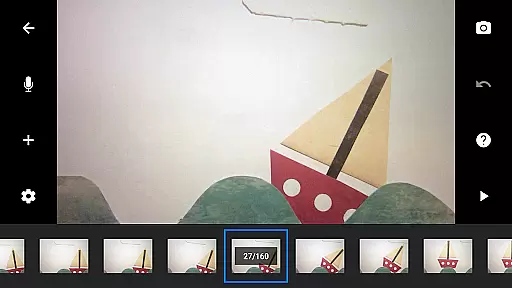
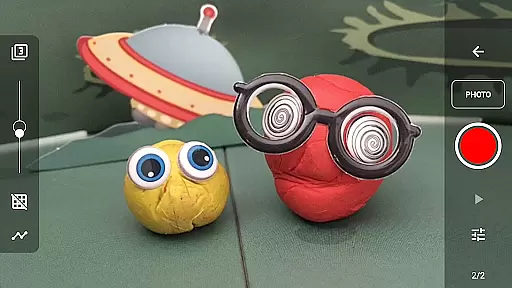
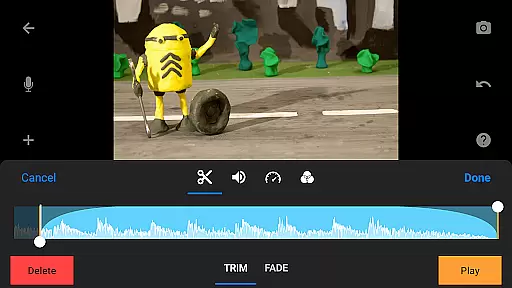
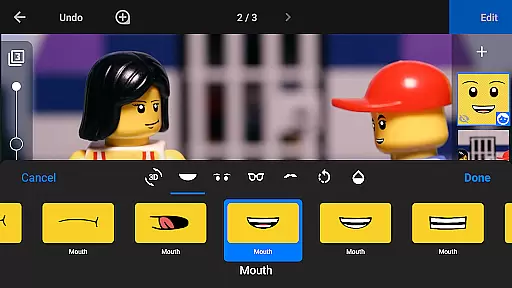
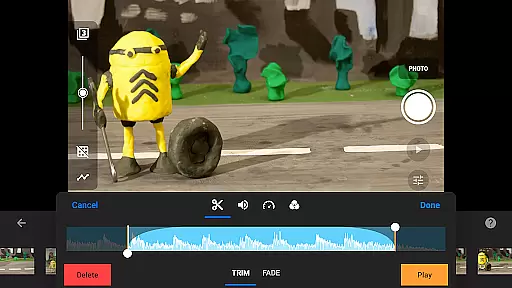
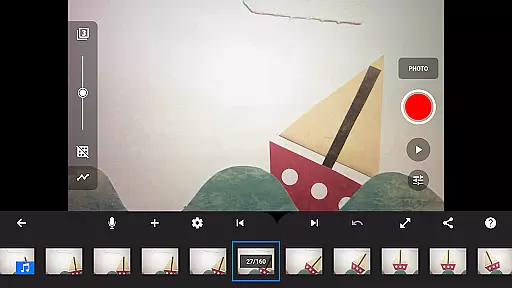
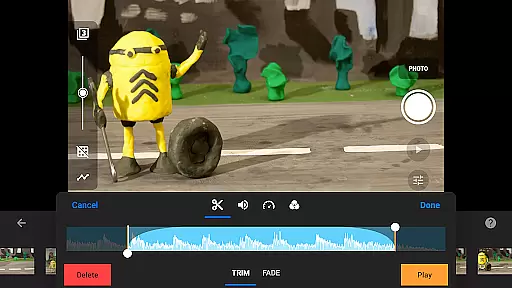
Stop Motion Studio Pro is the ultimate app for stop motion enthusiasts, offering a complete suite of tools to create professional-quality animations. The app features an intuitive interface that makes it easy to produce stunning stop-motion films, whether you're a beginner or an experienced animator.
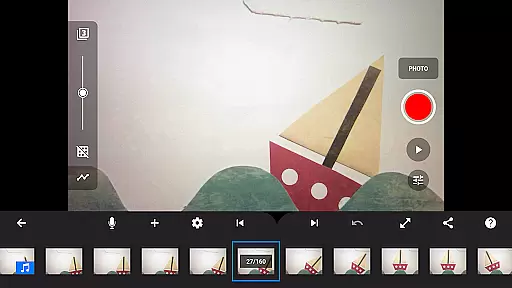
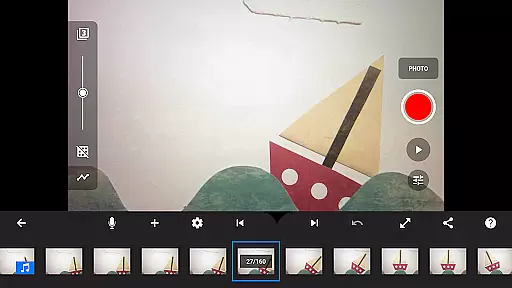
With advanced features like overlay mode, animation guides, and interactive timeline, users can precisely control every frame of their movie. The app also includes powerful editing capabilities such as rotoscoping, green screen effects, and layer-based image editing, allowing creators to add unique touches to their work.
Ideal for both hobbyists and professionals, Stop Motion Studio Pro enables users to capture high-quality images with adjustable time intervals and full camera controls. Projects can be seamlessly transferred between devices using cloud services, making it perfect for those who work across multiple platforms.
Stop Motion Studio Pro stands out with its comprehensive feature set tailored for stop motion creation. The app provides essential tools like overlay mode, which helps in visualizing frame differences, and animation guides for precise object positioning. These features ensure smooth and professional-looking animations.
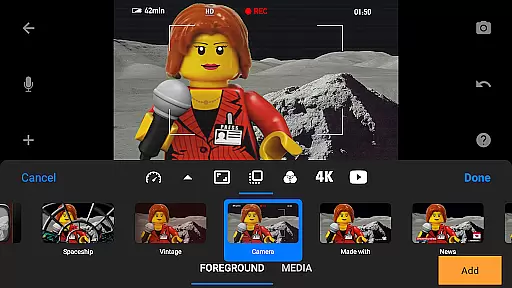
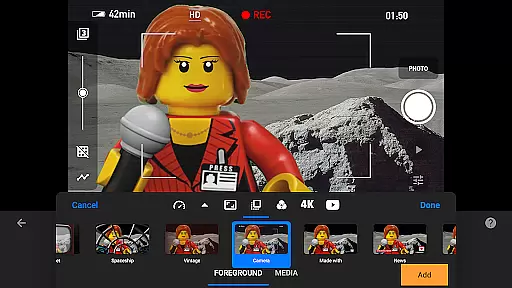
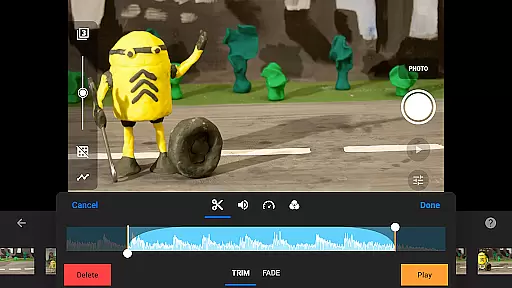
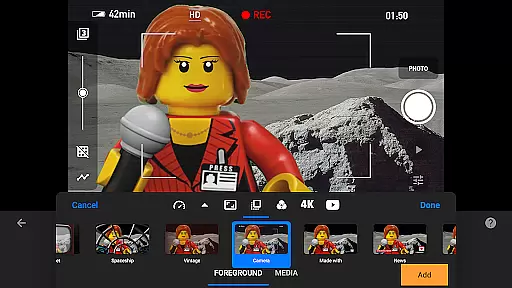
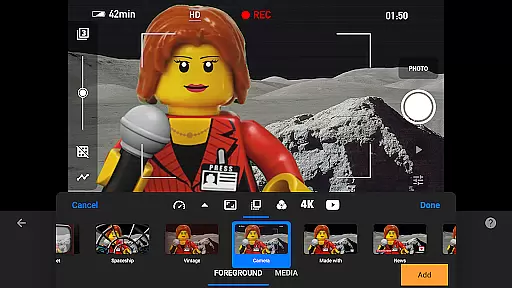
The app's powerful editing suite includes video filters, foreground and background options, and a built-in soundtrack creator. Users can enhance their movies with custom titles, credits, and sound effects from their music library. Advanced features like rotoscoping and green screen effects allow for creative freedom and professional-grade results.
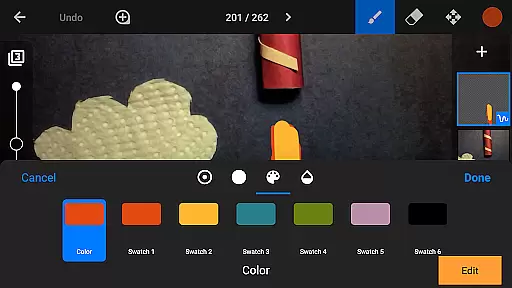
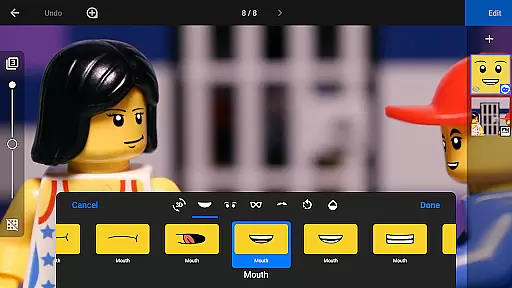
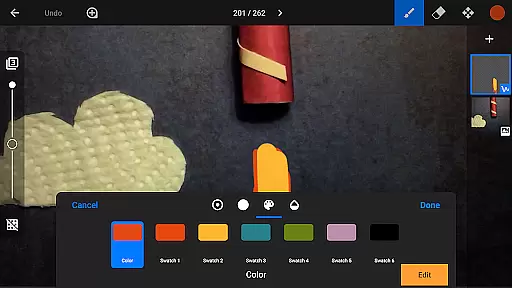
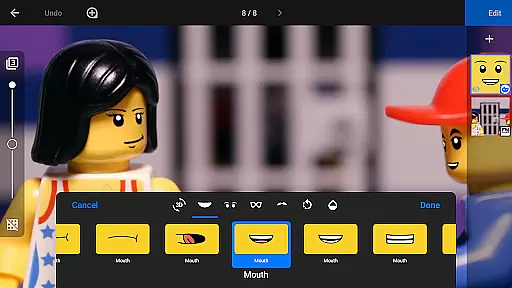
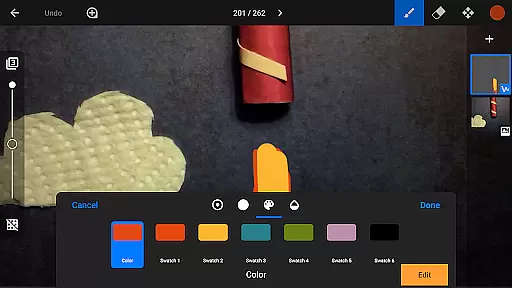
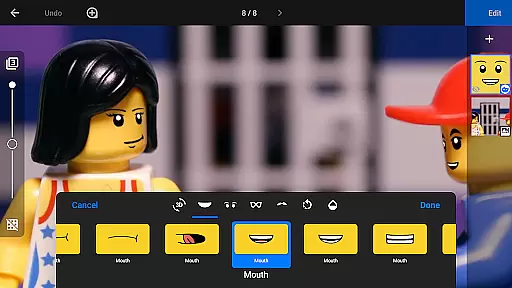
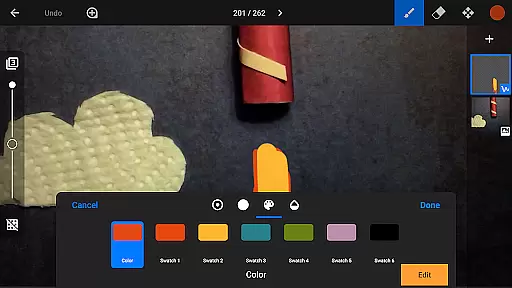
Additional functionalities include a layer-based image editor for adding text, speech bubbles, and facial expressions, as well as tools for touch-ups and object removal. Sharing options are plentiful, with support for YouTube uploads in 4K, animated GIFs, and project transfers via Dropbox or Google Drive.
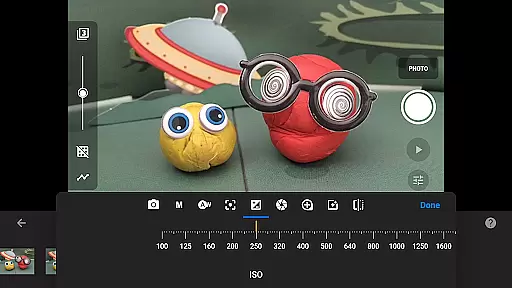
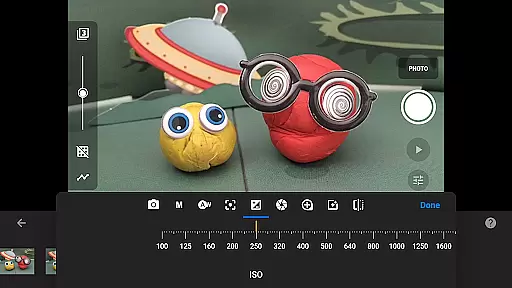
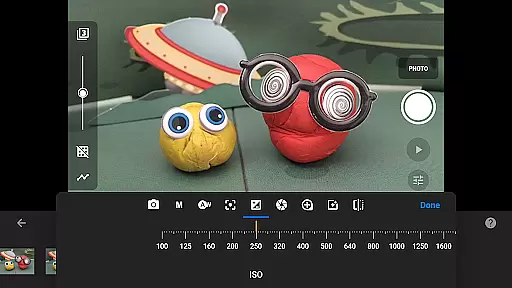
Stop Motion Studio Pro offers a robust real-time capture feature that allows users to create stop-motion animations with precision and ease. The app provides full camera control, including adjustable time intervals, manual white balance, focus, exposure, ISO, and shutter speed settings.
This level of control ensures that each frame is captured exactly as intended, providing professional-quality input for your animations. Additionally, the ability to use a second device as a remote camera adds another layer of convenience and flexibility to the capturing process.
The real-time preview functionality enables animators to see their work come to life instantly, making it easier to adjust scenes on the fly and maintain continuity throughout the project. This immediate feedback loop significantly enhances the creative process.
While Stop Motion Studio Pro does not explicitly market AI beauty features, it excels in natural enhancement tools that elevate the quality of animations without appearing artificial. The app includes a powerful, layer-based image editor that allows users to touch up and enhance images seamlessly.
With options to add text, speech bubbles, titles, and facial expressions, creators can enrich their storytelling while maintaining a natural look. The eraser tool helps remove unwanted objects, ensuring clean frames that preserve the authenticity of the animation.
These enhancement features strike a balance between improving visual appeal and retaining the organic feel of stop-motion animation, resulting in polished yet genuine content that resonates with audiences.
User-friendly interface
Advanced editing tools
Comprehensive sharing options
Professional-grade features
Cross-device compatibility
Steep learning curve
High cost for casual users
Resource-intensive operation
Limited free version
Occasional performance issues

All-in-One Editor & AI Photo Enhancer, Collage, Cartoonify, Funny Stickers & BGS
 4.10
4.10
Photo prints, cards, & gifts at Walgreens. Easy ordering & fast local pickup !
4.80
Be your best in every shot! Fix, edit and retouch your face in selfies & photos.
3.70
A reflected light meter with spot metering and incident light metering.
4.40
Raw Image Viewer. Gallery with support of raw images (.cr3, .cr2, .nef, .raf).
2.00
Enhance, retouch & create your story - Share the moment with Photoshop Express.
4.60
live datamoshing
4.00
Your personal guide to the sun and moon. Plan ahead, visualize and predict!
4.70
Discover & download millions of art for The Frame TV or Hisense CanvasTV
4.60
Find time and duration of different sunlight phases at any location
4.90
See your baby AI baby face generator AI baby maker Face generator babymaker fun!
4.70
Create Business Headshots, Polaroid Filter, Retake Photos,Profile Pics,AI Photos
4.50
Transform photos into videos! Create realistic or anime-style images easily!
4.50
HD Camera Pro with HD Video shooting, Panorama, Photo editor , Beauty Camera.
4.50
Turn your phone into a professional camera - full DSLR manual photography
4.30
All-in-One Editor & AI Photo Enhancer, Beautify & Retouch, Collage, Cartoonify
4.20
AI-powered video creator by MiniMax - Where ideas meet cinema
4.20
Professional camera app that brings DSLR manual photography controls to Android.
4.20
Add a dreamy vibe to your selfies and videos with soft style filters
4.2


User Reviews