
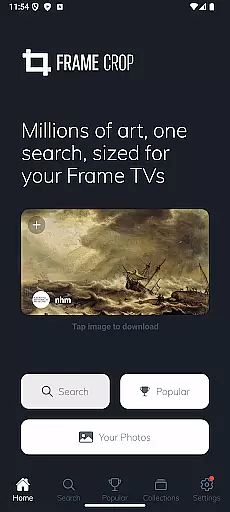
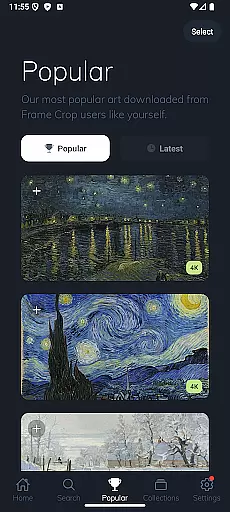
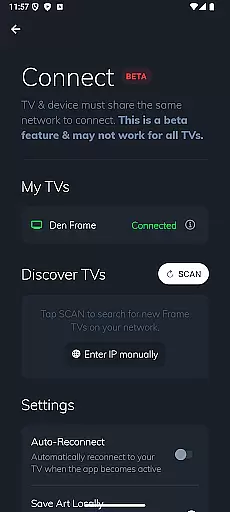
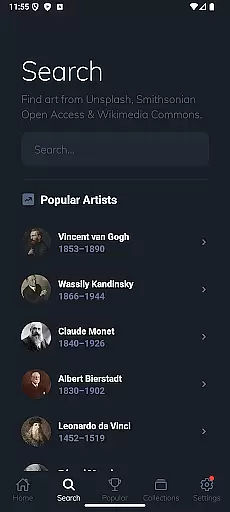
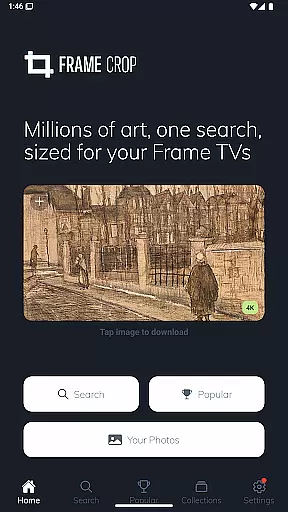
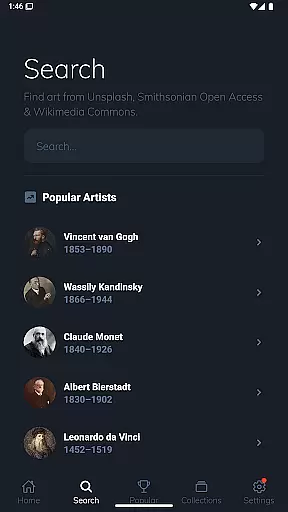
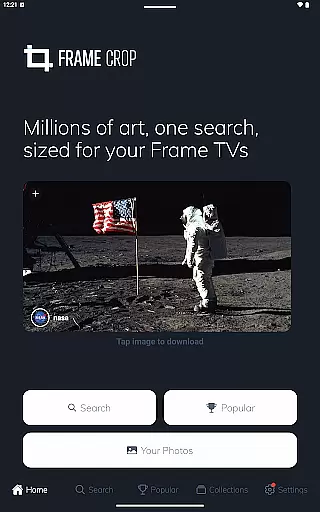
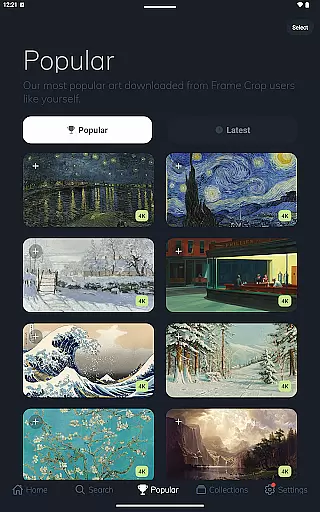
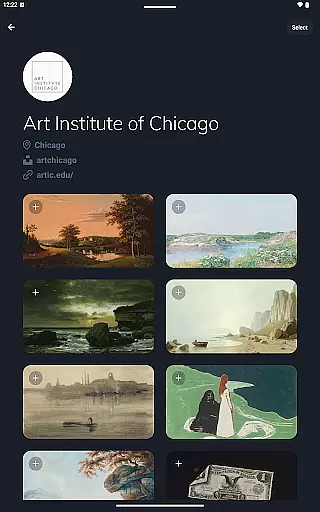
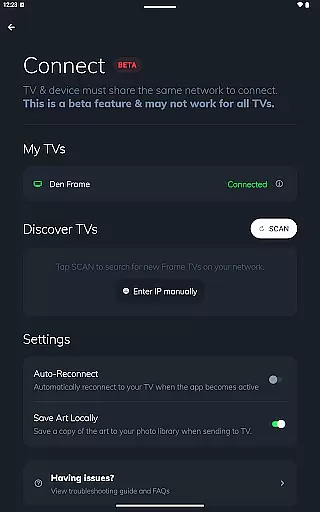
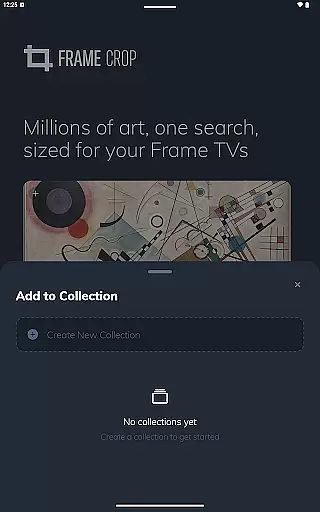
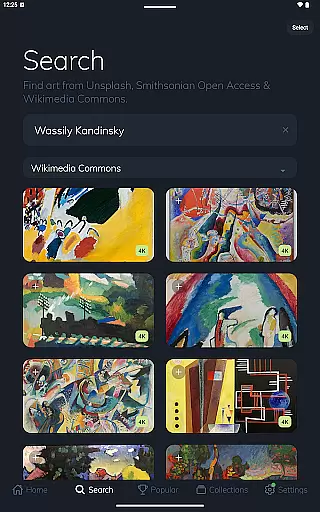
Frame Crop is a specialized application designed for Samsung Frame TV and Hisense CanvasTV owners who wish to enhance their viewing experience with personalized artwork. The app allows users to browse, crop, and download high-quality images from renowned libraries such as Smithsonian and Unsplash. With an intuitive interface, it simplifies the process of adjusting photos to fit the unique borderless display of these TVs.
The core functionality revolves around its powerful cropping tool which ensures every image perfectly matches the TV's aspect ratio. Whether it's family memories or professional art pieces, users can effortlessly customize their displays to match their mood or home decor. Additionally, support for portrait-mounted TVs expands creative possibilities, making it ideal for art enthusiasts and photographers alike.
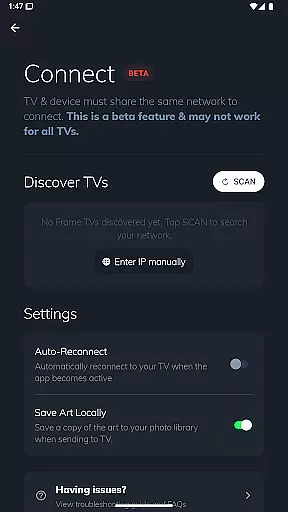
This app is particularly useful in living room settings where aesthetics play a crucial role. By integrating with SmartThings, users can regularly update their digital frames, ensuring a dynamic and engaging environment that reflects personal tastes and seasonal themes.
Frame Crop stands out with its comprehensive set of features tailored specifically for optimizing visual content on Samsung Frame TV and Hisense CanvasTV. One of its key attributes is the advanced photo cropping tool, which enables precise adjustments to ensure images fit seamlessly onto the screen without losing quality or context.
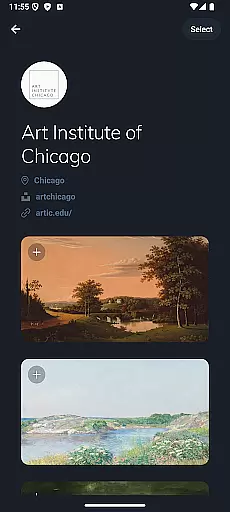
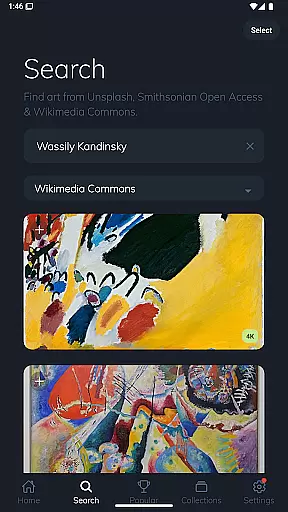
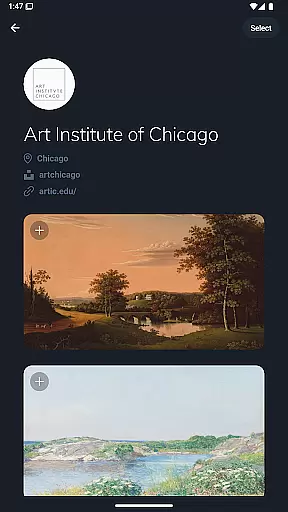
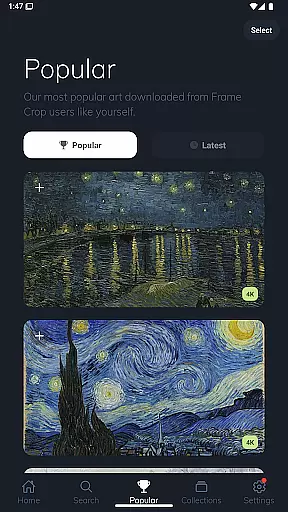
Beyond basic cropping, the app offers access to extensive libraries including Smithsonian Open Access, Unsplash, and Wikimedia Commons. This diverse collection provides thousands of stunning, high-resolution images across various categories like art, landscapes, and animals. Users can search through this vast repository to find the perfect piece that complements their space.
Another notable feature is the support for portrait orientation, allowing even more flexibility in how content is displayed. This versatility, combined with the ability to switch art via the SmartThings app, creates a truly customizable experience that transforms any room into a personalized gallery.
Real-time capture and preview functionality is essential for photography apps like Frame Crop. This feature allows users to see exactly how their selected artwork or photos will appear on their Samsung Frame TV or Hisense CanvasTV before finalizing the display.
Frame Crop excels in this area by providing intuitive cropping tools that enable users to adjust images precisely to fit the borderless display of their TVs. The app supports both landscape and portrait orientations, ensuring that every piece of art looks its best regardless of the TV's mounting.
Users benefit from this feature by being able to match their mood or home decor effortlessly. With real-time previews, they can experiment with different images and arrangements without any guesswork, leading to a more satisfying and personalized viewing experience.
The value of real-time capture and preview lies in its ability to enhance user confidence and creativity. By seeing immediate results, users can make informed decisions about which artworks to display, transforming their living spaces into dynamic galleries that reflect their personal tastes and memories.
AI beauty and enhancement features are becoming increasingly important in photography applications. For Frame Crop, these tools ensure that every image displayed on a Samsung Frame TV or Hisense CanvasTV maintains its natural beauty while benefiting from subtle enhancements.
The app leverages advanced algorithms to optimize images for high-resolution displays. Whether it's a cherished family photo or a stunning landscape from Unsplash, AI enhancements bring out the best in each image without over-processing. This balance between enhancement and authenticity preserves the original intent of the artwork or photograph.
Users gain significant advantages from this feature as it elevates their viewing experience. High-quality images contribute to a more immersive environment, making it easier to appreciate fine details and vibrant colors. Additionally, the appu2019s integration with libraries like Smithsonian Open Access ensures access to professionally curated content.
Ultimately, AI beauty and enhancement naturalness empower users to create visually stunning displays that blend seamlessly with their home decor. By maintaining the integrity of original images while enhancing their visual appeal, Frame Crop delivers an unparalleled level of customization and aesthetic satisfaction.
User-friendly interface
Extensive art library
Precise cropping tools
Portrait mode support
SmartThings integration
Limited to specific TV models
Requires internet connection
No offline functionality
Premium content may require payment
Interface could be overwhelming for beginners

Remote control of the phone camera from your Wear OS smartwatch
 3.70
3.70
Search, tag and rate your way to an organized image gallery
4.40
What celebrity do you look like? Celebs will find your celebrity match!
4.10
All-in-One Editor & AI Photo Enhancer, Collage, Cartoonify, Funny Stickers & BGS
4.10
AI photo editor with hair editor, retouch tools, hair color changer & filters!
4.50
Cartoon and artistic effects for your photos and videos
4.70
A must-have app for landscape photographers
4.60
Create AI photos & videos with Enhancer; restore, fix, beautify, enhance photos
4.50
Hair color changer, AI haircut app, fun hair editor and buzz cut filter for all!
3.80
Android Native system HD camera app. Never been so simple and faster.
4.70
Add Watermark - Sign your pictures with a text or logo. Effective, quick, easy!
4.50
Fit multiple photos on one post. Create carousels & scroll layouts for Instagram
4.50
Use AI Video Generator to turn your words to ai generated videos.
4.50
Effortlessly organize, view and share your photos & videos with Gallery app!
4.40
AI portrait generator and polaroid AI selfie, fun AI generated AI photo creator!
4.30
Natural Beauty, Selfie Retouch
4.30
Turn photos into cartoons & avatars! - Photo Editor, Cartoon Face!
3.90
Professional video recording application with manual controls for filmmakers!
2.80
Raw Image Viewer. Gallery with support of raw images (.cr3, .cr2, .nef, .raf).
2.00


User Reviews