
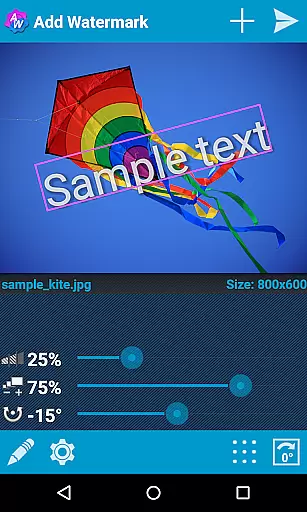
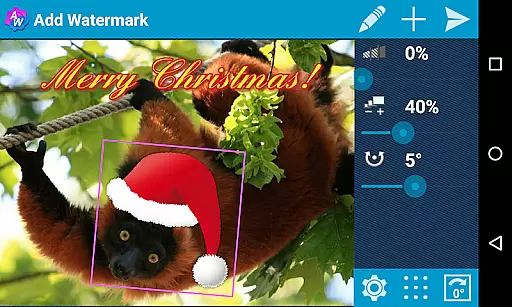
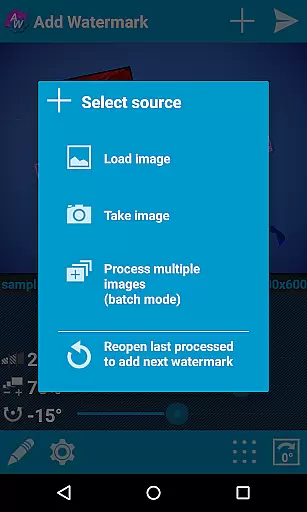
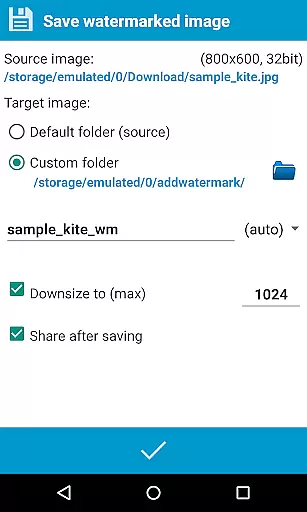
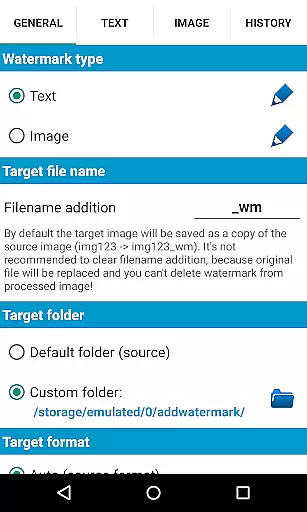
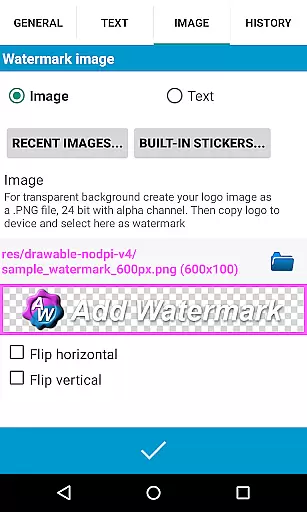
Add Watermark is a powerful photography tool that allows users to protect their digital images by adding customizable watermarks. The app supports both text and logo watermarks, providing photographers and content creators with an essential solution for copyright protection.
With features like batch processing, auto mode through sharing, and extensive customization options including fonts, colors, transparency, and rotation, this app caters to professional needs. Users can save watermarked images in various formats and share them directly to social media platforms, making it an indispensable tool for anyone serious about protecting their visual content.
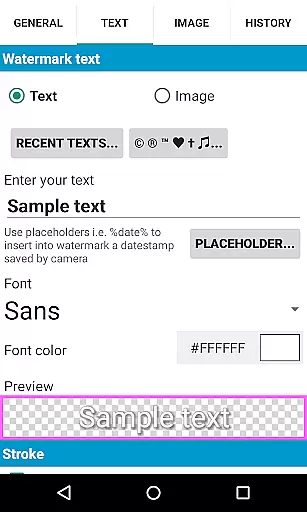
The app offers a comprehensive set of features designed for efficient watermarking. Its batch mode allows processing multiple images simultaneously, while the auto mode enables seamless integration with other apps through sharing functionality. The text mode provides advanced customization with 72 built-in fonts and support for up to 20 custom fonts.
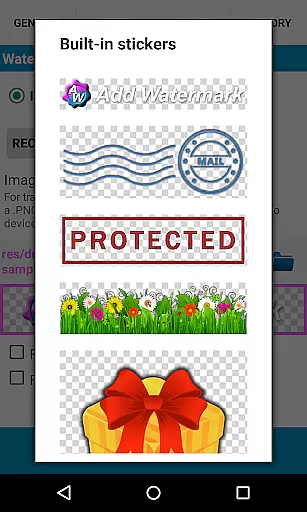
Additional features include built-in sticker collection, transparent PNG support, EXIF and XMP metadata preservation, and 360° panorama compatibility. Users can add timestamps, GPS tags, and other properties as watermarks. The full version also supports backup settings on device or cloud, quick selection of recent watermarks, and image resizing during saving.
Real-time capture and preview functionality is essential for ensuring that the watermark you add to your images appears exactly as intended before finalizing the process. Add Watermark excels in this area by providing users with a dynamic interface where adjustments to size, transparency, rotation, and alignment can be made on the fly.
This app allows photographers and bloggers to experiment with different settings without any lag, offering an intuitive experience that mirrors professional editing software. The real-time feedback ensures that every modification is instantly visible, allowing for precise control over the watermark's appearance.
Users benefit from this feature through enhanced creativity and efficiency. By seeing immediate results of their changes, they can quickly iterate through various designs until achieving the perfect look. This capability not only saves time but also elevates the quality of watermarked images, making them more appealing for sharing across platforms like Instagram or Facebook.
While primarily focused on adding watermarks, Add Watermark also incorporates elements of AI beauty and enhancement to ensure that the added text or logo blends naturally into the original image. This attention to detail preserves the authenticity of photographs while still protecting them with visible identifiers.
The application offers advanced options such as transparency settings, color effects, and font choices which work together to maintain the natural aesthetic of the photo. These features are particularly useful when dealing with complex backgrounds or varying lighting conditions where a simple overlay might otherwise appear out of place.
Photographers appreciate how these enhancements contribute to maintaining professional standards even after applying protective marks. Whether itu2019s subtle timestamp additions or prominent branding logos, each element integrates seamlessly thanks to thoughtful design considerations within the app. As a result, users can confidently share their work knowing it retains its visual integrity alongside necessary copyright protections.
User-friendly interface
Extensive customization options
Batch processing capability
Professional-grade features
Direct social media sharing
Limited free version features
Advanced options require purchase
Steep learning curve for beginners
Occasional performance issues
Some features need technical knowledge

Safe & smart flight with Go Fly drone controller for 40+ drone camera, zone map
 4.50
4.50
What celebrity do you look like? Celebs will find your celebrity match!
4.10
Create & Edit with AI: AI Remove, Enhance, Retouch, Filter
4.10
Transform photos into videos! Create realistic or anime-style images easily!
4.50
Easily view, share, delete photos with Gallery.
4.70
Easily create custom gifts, cards, photo books & more on the Shutterfly app!
4.60
Use AI Video Generator to turn your words to ai generated videos.
4.50
Snap photos remotely using your Garmin watch as the camera trigger
4.5
Unlock the full potential of your DJI drone with Litchi
4.50
Amazing Photo Effects - The most fun you can have with your photos!
4.70
1M influencer's special filter
4.60
Discover & download millions of art for The Frame TV or Hisense CanvasTV
4.60
Create AI photos & videos with Enhancer; restore, fix, beautify, enhance photos
4.50
Fit multiple photos on one post. Create carousels & scroll layouts for Instagram
4.50
Trendy TikTok time warp scan funny filter app brings you unique photos & videos.
4.40
Future baby face generator: AI kids generator, kid face! What my baby look like?
4.40
Virtual makeup, hair filters & body tuner—edit from face to full body!
4.20
Luminar: Photo Editor - easy picture editing with AI
4.20
Remote control the phone camera shutter from your smartwatch and take a picture
1.60


User Reviews