
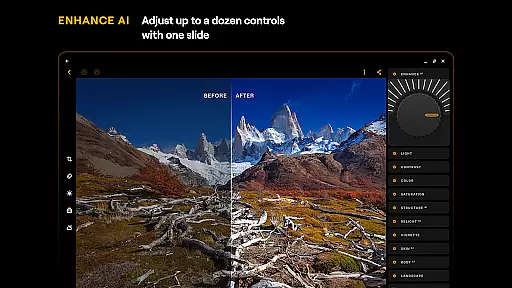
Luminar: Photo Editor is a comprehensive mobile photo editing application designed for both Android and ChromeOS users. This app combines powerful AI-driven tools with an intuitive, interactive interface that responds to touch, sound, and motion, making photo editing more engaging and efficient. The streamlined design offers unparalleled control through smoothly gliding sliders and spinning dials, eliminating complicated processes and allowing users to focus on their creativity.
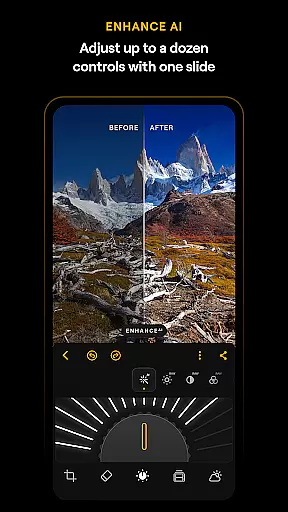
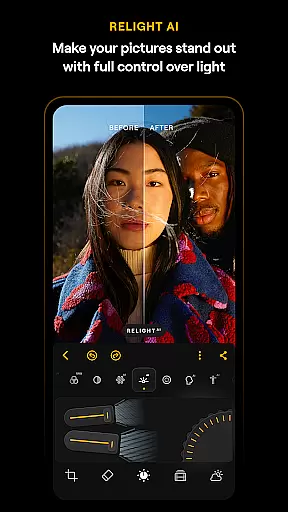
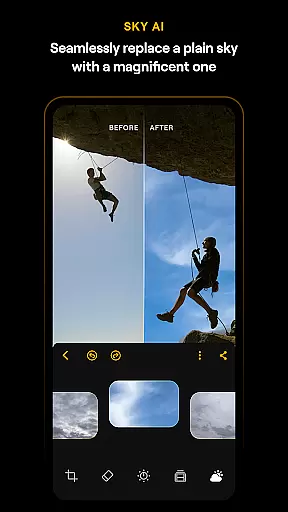
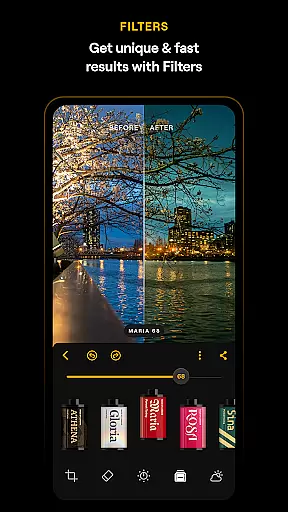
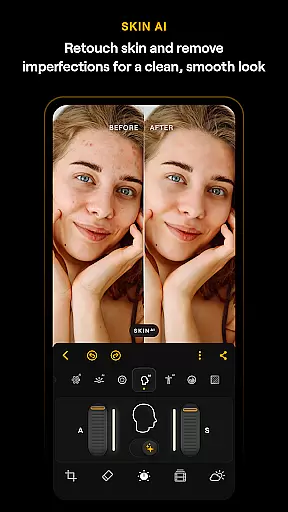
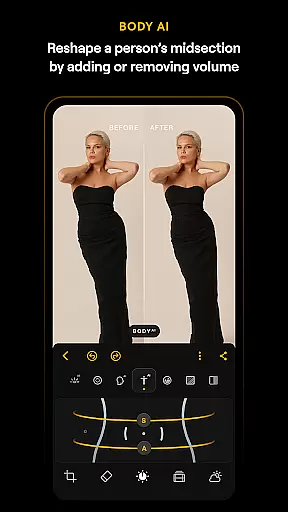
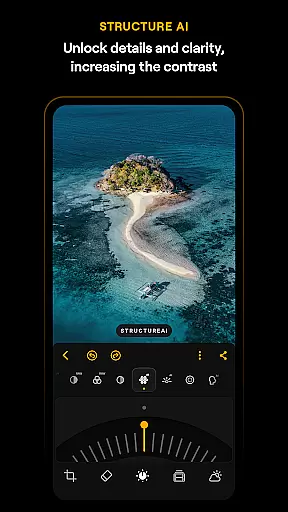
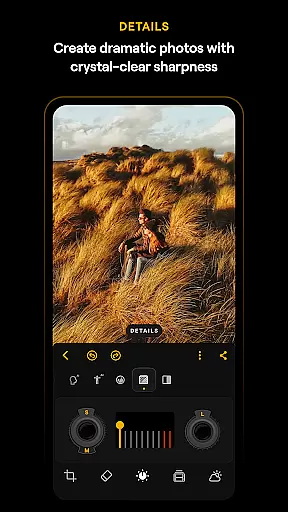
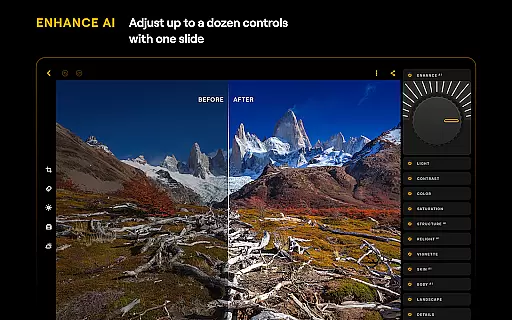
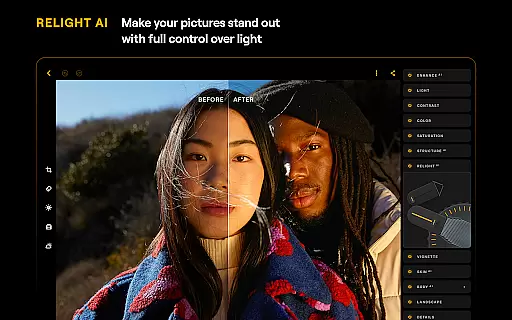
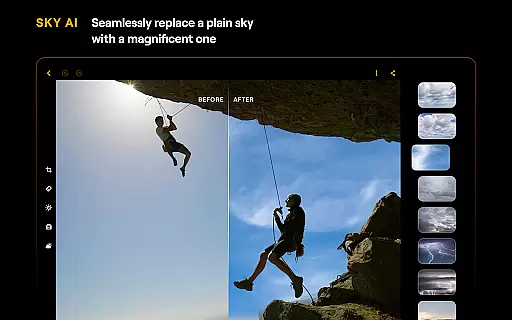
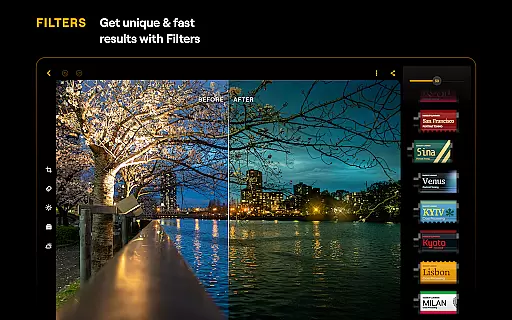
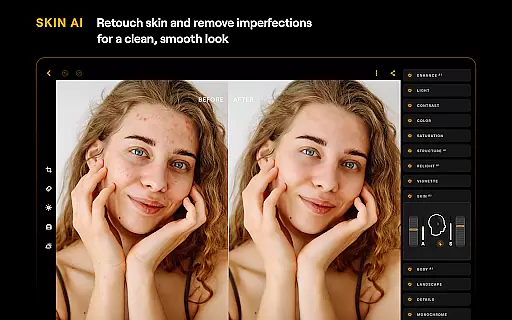
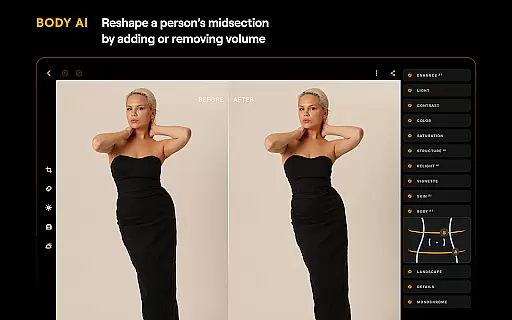
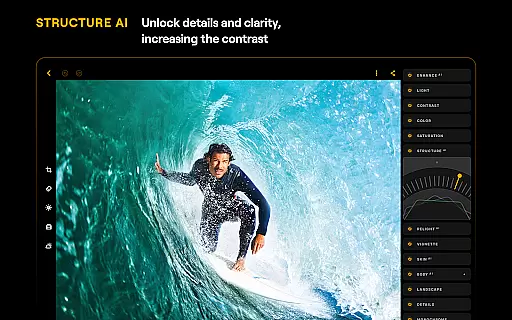
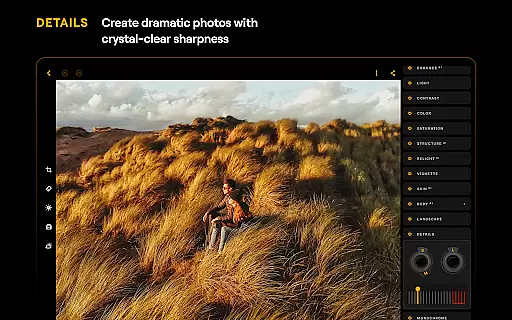
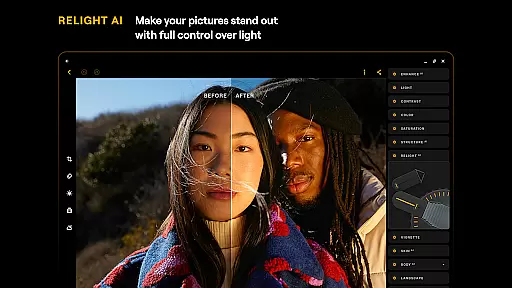
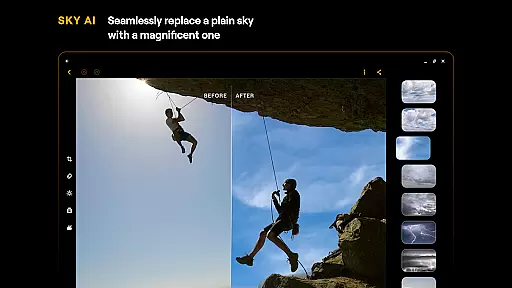
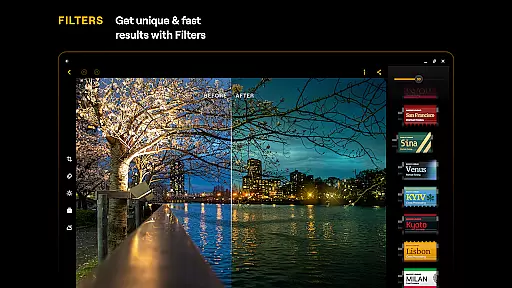
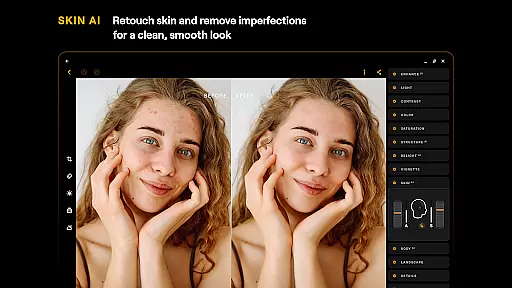
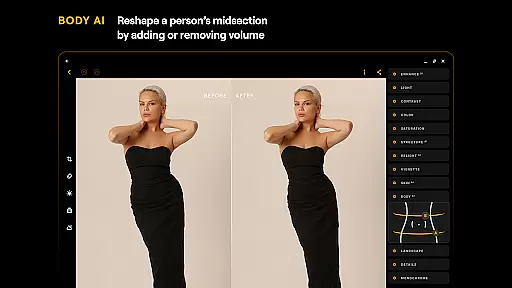
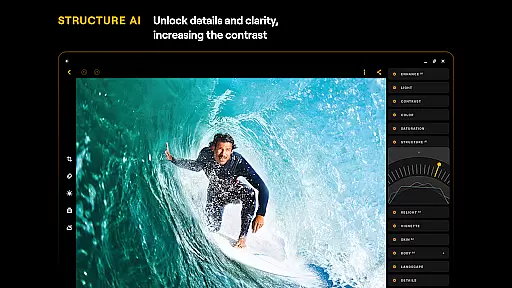
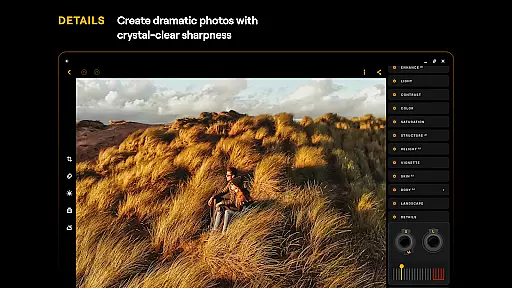
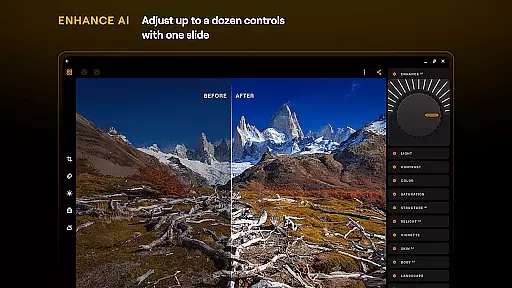
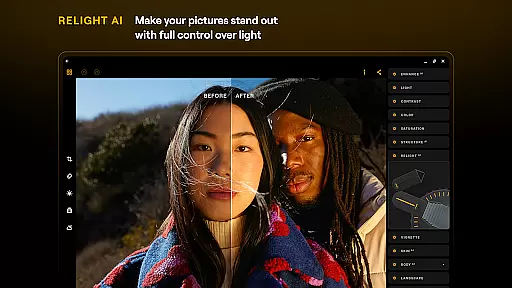
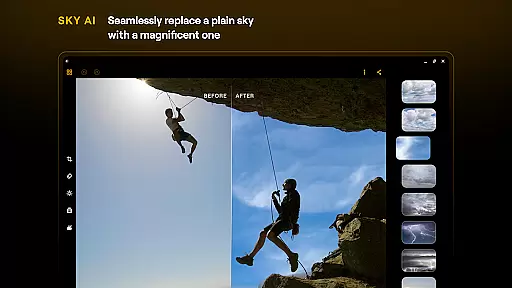
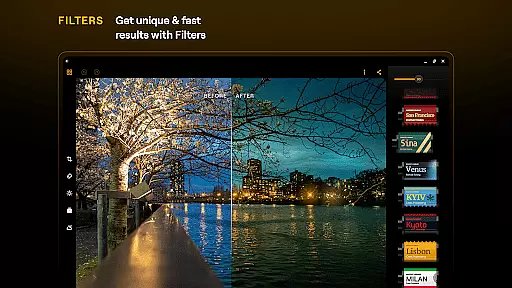
One of the standout features of Luminar is its suite of Smart AI enhancements. These include SkyAI for sky replacement, EnhanceAI for quick color and tone adjustments, StructureAI for detail enhancement, RelightAI for dynamic lighting control, SkinAI for automatic skin retouching, and BodyAI for realistic body shaping. Whether you're editing landscapes or portraits, these tools ensure professional-quality results with minimal effort. Additionally, the app supports RAW file editing, includes advanced tools like Curves and Details, and provides creative options such as Monochrome conversion and Photo Filters.
The app is optimized for devices running Android 11 or later and ChromeOS with Android Runtime support, ensuring a smooth and responsive experience across platforms. With flexible subscription plans including monthly, yearly, and lifetime licenses, Luminar caters to both casual users and professionals seeking a robust photo editing solution.
Luminar: Photo Editor stands out with its innovative combination of AI-powered tools and user-friendly design. The app's interface is specifically crafted to respond to touch with realistic motion and sound, featuring smoothly gliding sliders and spinning dials that make the editing process feel natural and engaging. This design eliminates unnecessary complexity, allowing users to focus on enhancing their photos without being bogged down by technicalities.
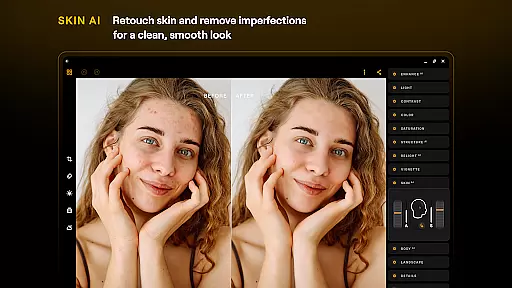
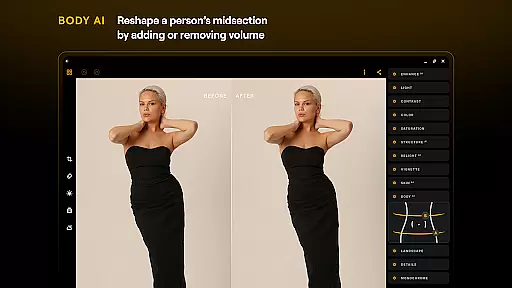
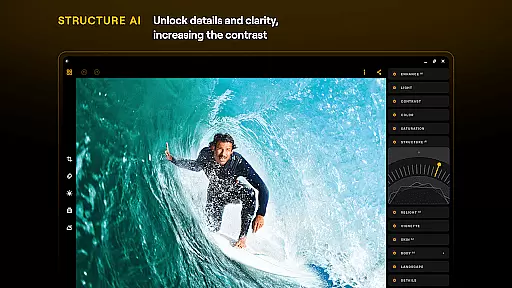
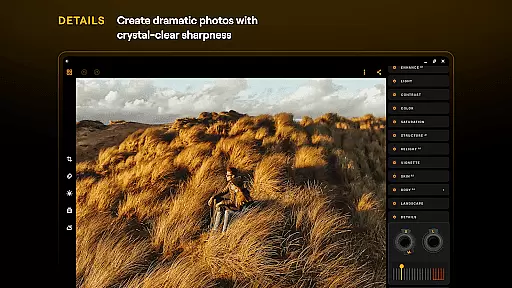
A key highlight is the app's suite of AI-driven features. SkyAI enables users to replace dull skies with vibrant alternatives, while EnhanceAI adjusts color, tone, and clarity with a single slide. StructureAI enhances image details and textures, and RelightAI provides dynamic control over exposure and light sources. For portrait editing, SkinAI automatically retouches skin imperfections, and BodyAI allows realistic midsection adjustments. Beyond AI tools, Luminar also offers advanced manual controls like Curves for precise color adjustments, Details for clarity enhancement, and Erase for removing unwanted elements.
Another notable feature is its seamless integration with Android and ChromeOS devices. Supporting RAW file editing, the app ensures maximum quality and flexibility during post-processing. Its compatibility with devices running Android 11 or later, along with ChromeOS systems, makes it versatile for various users. Subscription plans provide access to all features, catering to both beginners and professionals who demand high-quality photo editing capabilities in a portable format.
Real-time capture and preview functionality is essential for ensuring that every photo taken meets the user's expectations without delay. Luminar: Photo Editor offers a seamless experience by providing instant feedback on images captured through its interface.
This application leverages advanced technology to display adjustments in real time, allowing users to see changes as they happen. Whether it's adjusting lighting or applying filters, what you see is truly what you get, enhancing the creative process significantly.
Users benefit from this feature by being able to make immediate corrections and enhancements, thus saving time and improving workflow efficiency. The ability to visualize edits instantly ensures that photographers can achieve their desired outcome with precision.
The value of real-time capture and preview extends beyond convenience; it empowers creators to experiment more freely, knowing they can rely on accurate previews. This confidence in the editing process translates into higher quality outputs and a more satisfying user experience overall.
AI-driven beauty and enhancement features are revolutionizing how we approach photo retouching, focusing on delivering natural-looking results. Luminar: Photo Editor incorporates sophisticated algorithms like SkinAI and BodyAI to refine images while maintaining authenticity.
These tools intelligently smooth skin textures, remove imperfections, and even adjust body shapes in a realistic manner. By prioritizing subtlety over exaggeration, the app ensures that edited photos retain their genuine essence, avoiding the overly processed look often associated with digital enhancements.
Photographers using Luminar gain a competitive edge by offering clients polished yet believable portraits. This balance between enhancement and realism not only satisfies aesthetic preferences but also upholds ethical standards within photography practices.
Ultimately, the emphasis on naturalness in AI-powered enhancements fosters trust among viewers who appreciate authentic representations. Users can confidently share their work knowing that each image reflects true artistry combined with technological prowess.
User-friendly interface
Advanced AI tools
RAW file support
Cross-platform compatibility
Professional-grade results
Paid subscription required
High system requirements
Limited free features
Occasional performance lag
Complexity for beginners

[3DSteroid Pro] is a stereoscopic application for Android.
 4.30
4.30
Shooting photos and records video easily and efficient with professional Camera
4.30
Safe & smart flight with Go Fly drone controller for 40+ drone camera, zone map
4.50
Cut and paste photo editor & eraser to customize photos easy and swap faces fun
4.50
All-in-One Editor & AI Photo Enhancer, Collage, Cartoonify, Funny Stickers & BGS
4.10
Cartoon and artistic effects for your photos and videos
4.70
Future baby face generator: AI kids generator, kid face! What my baby look like?
4.40
Easily view, share, delete photos with Gallery.
4.70
Snap photos remotely using your Garmin watch as the camera trigger
4.1
Gallery show photo, video, slideshow, is perfect 3D effect private photo albums.
4.80
Amazing Photo Effects - The most fun you can have with your photos!
4.70
A must-have app for landscape photographers
4.60
Easily create custom gifts, cards, photo books & more on the Shutterfly app!
4.60
Create Business Headshots, Polaroid Filter, Retake Photos,Profile Pics,AI Photos
4.50
Search, tag and rate your way to an organized image gallery
4.40
Edit like a pro with Hypic. Apply filters, AI effects, & magic touch.
4.40
What celebrity do you look like? Celebs will find your celebrity match!
4.10
Professional quality photo edits with the new Snapseed.
4.00
How would you look like with a differently shaped nose, chin or lips?
3.90


User Reviews