
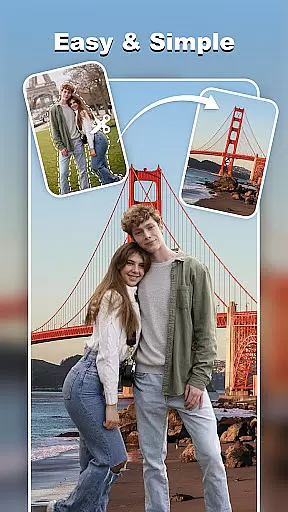
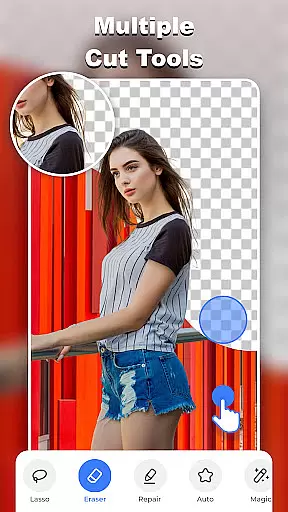
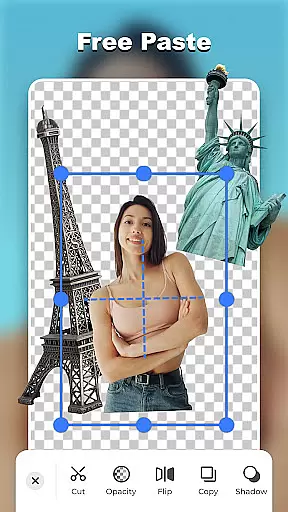
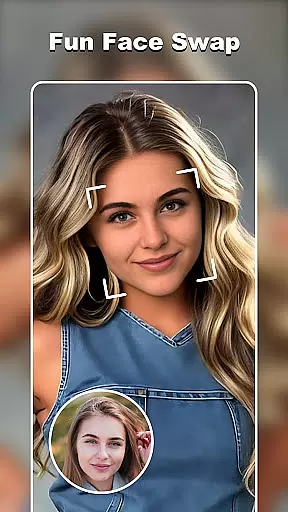

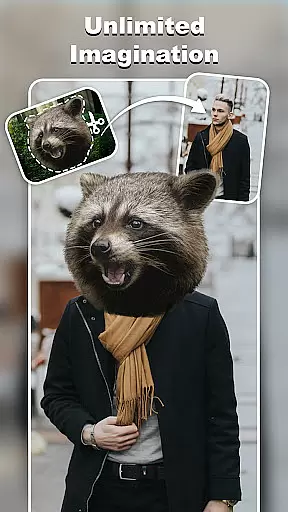
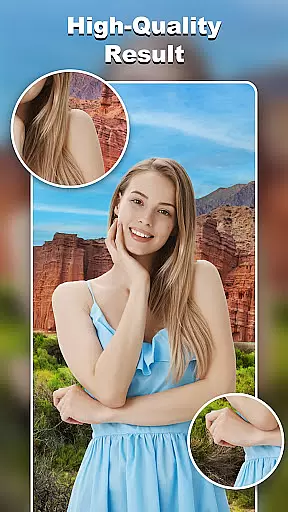
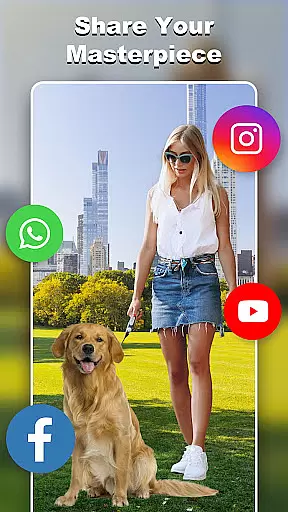
Cut and Paste Photo Editor is an innovative photography app that simplifies the process of cutting and pasting objects in photos. Powered by AI, it offers effortless editing with just two steps: cut what you need and paste where you want. The app supports various creative tasks such as face swapping, background removal, and creating photo collages.
With its powerful tools like magic cutting, smooth pasting, and an online background library, users can create stunning visuals for personal or professional use. Whether you're looking to enhance social media posts or prepare product images for e-commerce platforms, this app provides the necessary features to produce high-quality results.
The app boasts a range of advanced features designed to make photo editing simple and enjoyable. Its magic cutting tool includes options like background eraser, lasso, and auto-cut, enabling precise object selection at the pixel level. Users can easily remove unwanted elements and erase backgrounds with minimal effort.
Once objects are cut out, they can be seamlessly pasted into new scenes. The app allows for creative freedom, letting users merge multiple elements into imaginative compositions. Additional features include ready-to-use templates, colorful decorations, text magic with various fonts, and an e-commerce friendly background remover, making it versatile for both casual and professional projects.
Real-time capture and preview functionality is essential for any photography app, allowing users to see exactly what their final image will look like before taking the shot. Cut and Paste Photo Editor excels in this area by providing a seamless experience that ensures every detail is captured accurately.
The app's advanced AI technology enables users to instantly remove backgrounds, swap faces, and apply various effects in real time. This immediate feedback empowers users to make precise adjustments on the fly, ensuring their creative vision is fully realized without any guesswork.
With its intuitive interface, users can effortlessly navigate through different tools while previewing changes. Whether it's adjusting colors, adding decorations, or experimenting with templates, the app provides a smooth and responsive preview window that enhances the overall editing process.
This feature not only saves time but also significantly improves user satisfaction by delivering high-quality previews that match the final output, making it an indispensable tool for both amateur and professional photographers alike.
AI beauty and enhancement features are crucial for modern photo editors, offering users the ability to enhance their images naturally without over-processing. Cut and Paste Photo Editor stands out by providing sophisticated AI-driven tools that ensure enhancements look realistic and appealing.
The app uses cutting-edge algorithms to automatically detect facial features and apply subtle enhancements that highlight natural beauty. Users can easily adjust skin tones, smooth imperfections, and enhance eyes and lips with just a few taps, resulting in photos that look polished yet authentic.
Beyond basic retouching, the app offers a variety of artistic filters and effects that maintain the integrity of the original image. These enhancements are designed to complement the subject rather than overshadow it, preserving the unique characteristics that make each photo special.
By focusing on natural-looking results, Cut and Paste Photo Editor ensures that every edited image retains its genuine essence, providing users with stunning photos that reflect true beauty. This approach not only boosts user confidence but also sets the app apart from competitors in the photography category.
User-friendly interface
AI-powered editing tools
Versatile creative options
High-quality results
Extensive template library
Limited advanced controls
Occasional processing delays
Watermark on free version
In-app purchases required
Learning curve for beginners

An interval timer to automate photo taking process for timelapse
 2.90
2.90
What celebrity do you look like? Celebs will find your celebrity match!
4.10
How old age camera Gender Swap App Face Shape Hairstyle App Hair Styler App fun!
4.00
Create Business Headshots, Polaroid Filter, Retake Photos,Profile Pics,AI Photos
4.50
Photo Exif Editor allows to view, add and modify EXIF data of multiple photos
4.50
A reflected light meter with spot metering and incident light metering.
4.40
Raw Image Viewer. Gallery with support of raw images (.cr3, .cr2, .nef, .raf).
2.00
See your baby AI baby face generator AI baby maker Face generator babymaker fun!
4.70
The original Rarevision VHS look seen everywhere!
4.70
Gallery show photo, video, slideshow, is perfect 3D effect private photo albums.
4.80
Android Native system HD camera app. Never been so simple and faster.
4.70
1M influencer's special filter
4.60
A must-have app for landscape photographers
4.60
Add Watermark - Sign your pictures with a text or logo. Effective, quick, easy!
4.50
Fit multiple photos on one post. Create carousels & scroll layouts for Instagram
4.50
Use AI Video Generator to turn your words to ai generated videos.
4.50
Shooting photos and records video easily and efficient with professional Camera
4.30
A light meter for true photographers.
4.20
Hair color changer, AI haircut app, fun hair editor and buzz cut filter for all!
3.80


User Reviews