
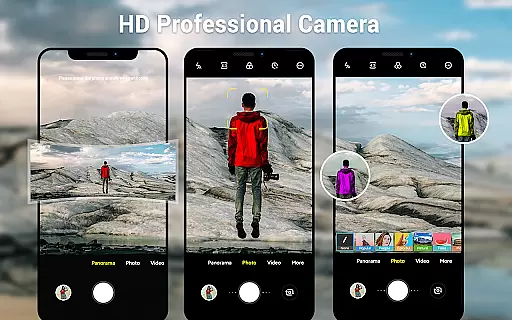
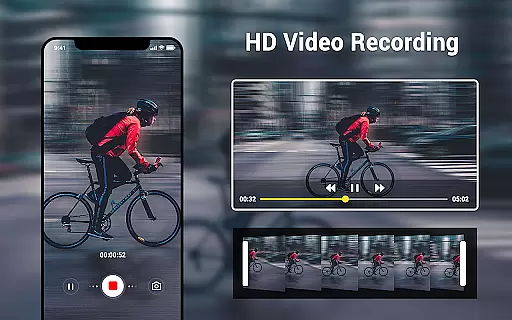
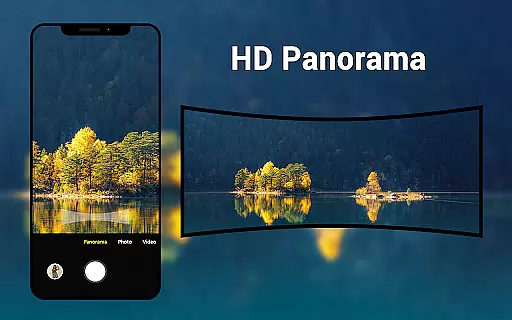
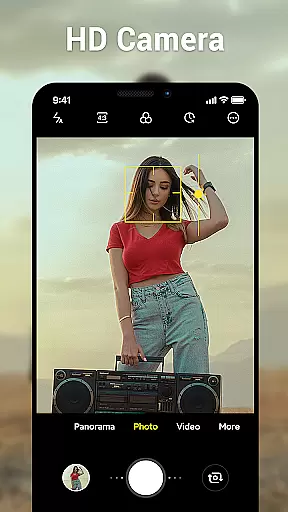
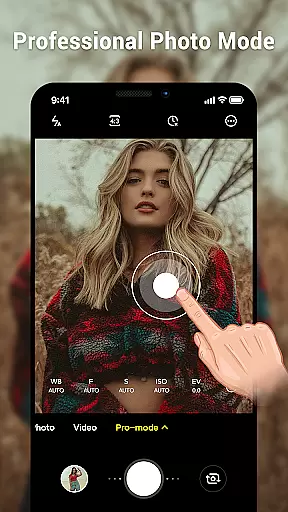
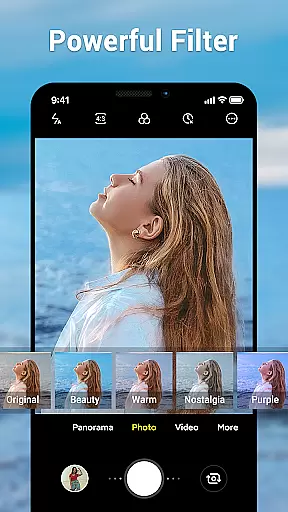
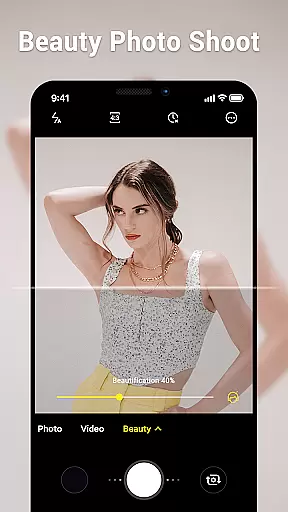
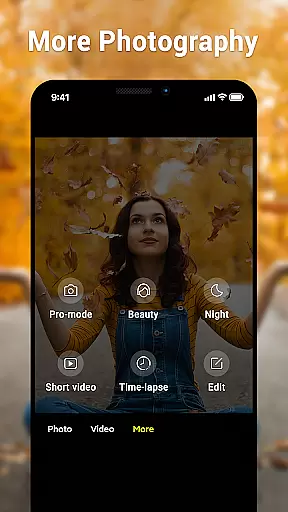
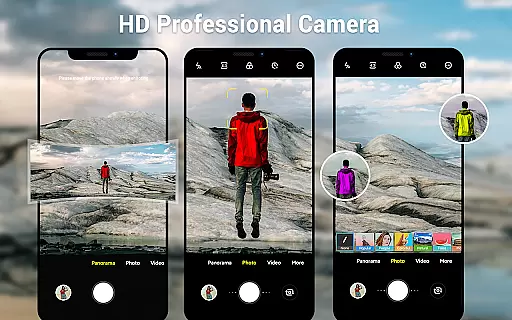
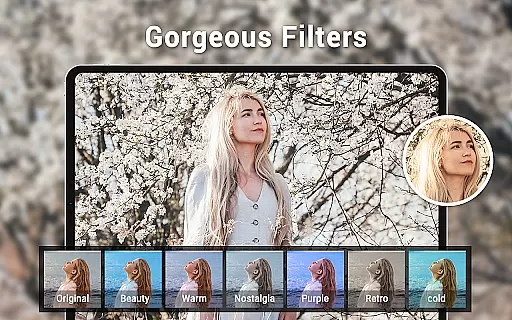
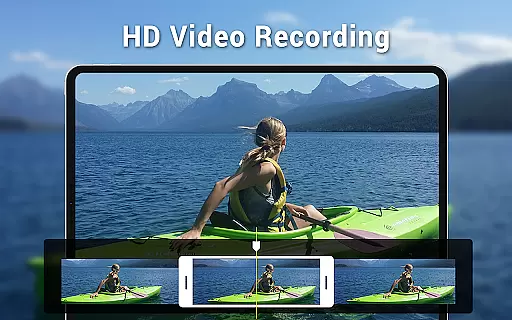
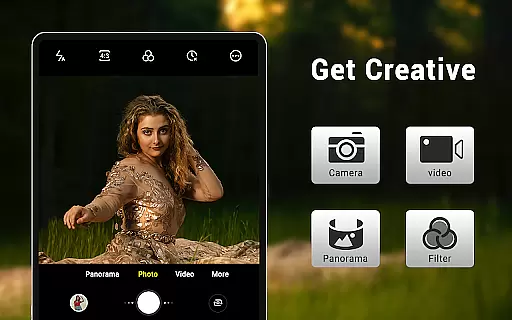
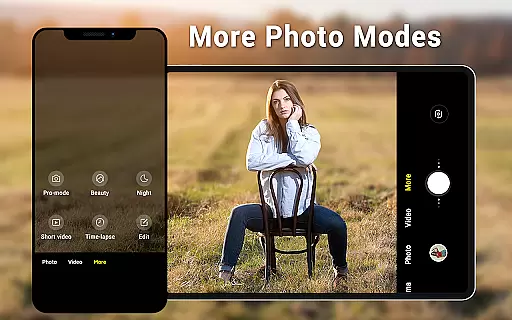
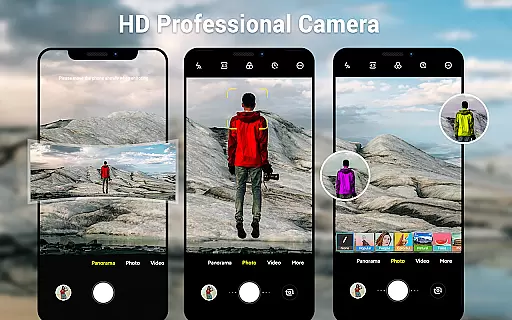
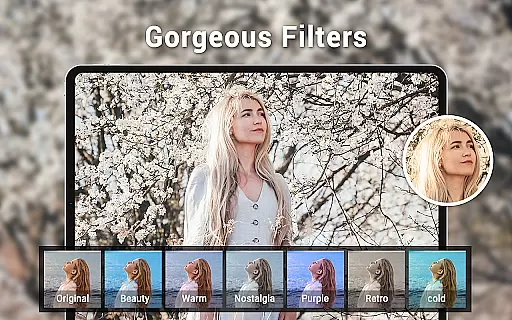
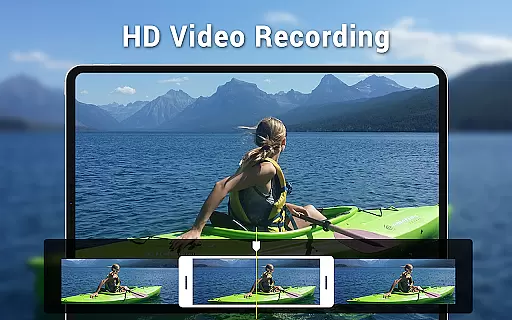
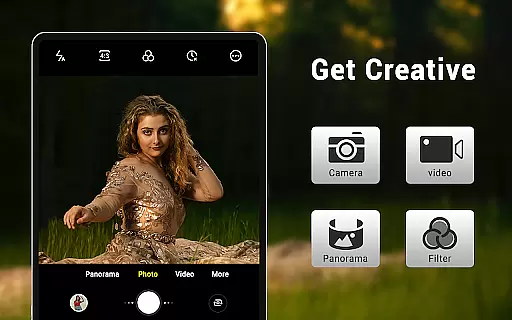
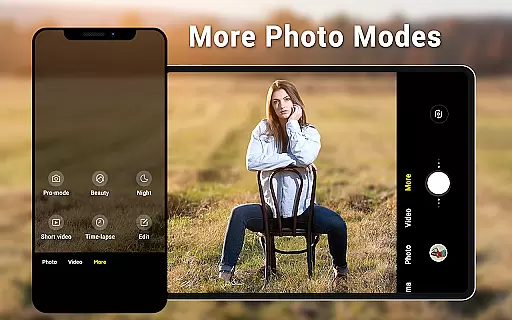
Camera for Android is a native HD camera application designed to provide users with a simple and efficient way to capture high-quality photos and videos. The app supports multiple shooting modes including standard photo capture, video recording, and smart panorama features. With its intuitive interface optimized for both phones and tablets, users can easily access advanced settings such as white balance, exposure control, and screen mode adjustments.
The application stands out through its comprehensive feature set that utilizes the full capabilities of Android devices. Key functionalities include pinch-to-zoom, countdown timer, and location targeting, making it versatile for various photography needs. Whether you're capturing everyday moments or creating professional-quality content, this app ensures excellent results by leveraging your device's hardware advantages.
This camera app serves as an ideal solution for Android users who prefer a reliable native experience. It provides essential tools for both casual and serious photographers while maintaining optimal performance across different devices. By offering customizable options and supporting wide-screen picture formats, it delivers a complete photography solution tailored to modern mobile users' needs.
Camera for Android distinguishes itself through a robust set of features designed to enhance the mobile photography experience. The app offers three primary modes - standard camera, video recorder, and panorama - each equipped with HD capabilities to ensure superior image quality. Advanced functionalities like pinch-to-zoom and smart panorama shooting enable users to capture professional-grade photos with ease.
The application provides comprehensive manual controls including white balance settings with multiple presets (Incandescent, Fluorescent, Auto, Daylight, Cloudy), exposure adjustment, and various screen modes (Action, Night, Sunset, Play). These features give photographers precise control over their shots. Additionally, practical tools such as countdown timer, configurable volume keys, and location targeting make the app suitable for diverse shooting scenarios.
What sets this camera app apart is its optimization for both phone and tablet interfaces, ensuring consistent performance across devices. The dynamic user interface adapts seamlessly to different screen sizes while maintaining easy access to essential functions. With support for wide-screen pictures and customizable picture quality settings, Camera for Android delivers a versatile photography solution that caters to both amateur and experienced users seeking professional results from their mobile devices.
Real-time capture and preview functionality is essential for ensuring that users can accurately frame and capture their desired shots without delay. The Camera for Android app excels in this area by providing a seamless experience that leverages the full capabilities of your device's hardware.
This application offers an intuitive interface that dynamically adjusts to your device, whether you're using a phone or tablet. With features like pinch-to-zoom and exposure settings, users can fine-tune their shots in real time, ensuring every photo or video meets their expectations.
The app supports various shooting modes including HD camera, video recorder, and smart panorama, all enhanced with real-time previews. This means you can see exactly how different settings like white balance and screen modes will affect the final image before you capture it.
By utilizing the native Android system, Camera for Android ensures that there is minimal lag between what you see in the preview and the final captured image, offering a reliable and efficient photography experience.
AI beauty and enhancement features are increasingly important in modern photography apps, allowing users to improve their photos naturally without making them look overly processed. Camera for Android incorporates advanced AI algorithms to enhance images while maintaining their authenticity.
With configurable options such as picture quality settings, white balance adjustments, and exposure controls, users have the flexibility to customize enhancements according to their preferences. These features ensure that each photo reflects the true essence of the moment captured.
The app also includes countdown timers and location targeting, which add another layer of convenience and personalization. Users can set up the perfect shot with ease, knowing that the AI will handle the enhancements in a way that feels natural and unforced.
By focusing on natural enhancement rather than artificial alterations, Camera for Android provides a balanced approach to photo editing, preserving the original beauty of the scene while subtly improving its overall appeal.
User-friendly interface
High-quality imaging
Advanced manual controls
Versatile shooting modes
Optimized performance
Limited creative filters
No built-in editing tools
Basic UI design
Occasional stability issues
Feature redundancy

HD Photo gallery and photo manager to edit, hide private photos, videos & albums
 4.5
4.5
Virtual makeup, hair filters & body tuner—edit from face to full body!
4.20
Over 800 film simulation recipes for Fujifilm. Black Friday Offer!
4.1
Turn your phone into a professional camera - full DSLR manual photography
4.30
HD Camera Pro with HD Video shooting, Panorama, Photo editor , Beauty Camera.
4.50
Gallery Slideshow is slideshow maker app for slideshow from your gallery photos.
3.90
Create AI photos & videos with Enhancer; restore, fix, beautify, enhance photos
4.50
Easily create custom gifts, cards, photo books & more on the Shutterfly app!
4.60
Unblur, enhance & restore photos with powerful AI photo enhancer tools.
4.60
Create funny photos and videos with the popular Time Warp Scan filter.
4.90
Light-weight Media Gallery app for Android made with Jetpack Compose
4.60
Easily stitch panoramas from multiple photos or video.
4.40
Edit like a pro with Hypic. Apply filters, AI effects, & magic touch.
4.40
Shooting photos and records video easily and efficient with professional Camera
4.30
The #1 app for B&W film developing featuring an advanced darkroom timer.
4.10
Photo editor: face & body editor, beauty cam, filters and quality enhancer.
4.00
Application for remote controlling DSLR
3.00
Professional video recording application with manual controls for filmmakers!
2.80
Photo Album Watch Face shows your favorite pictures as a Watchface.
1.90


User Reviews