
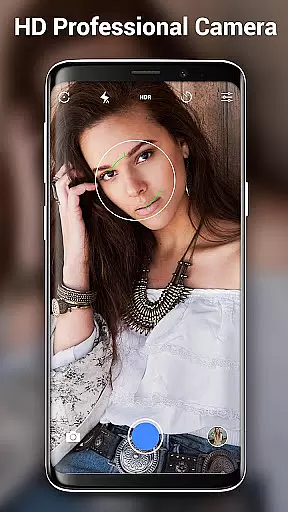
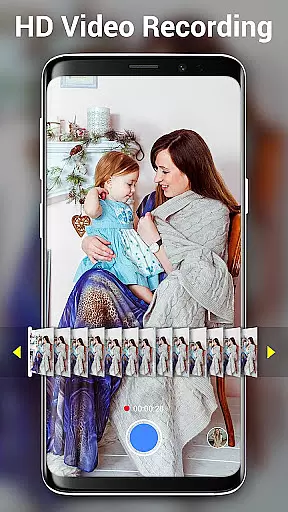

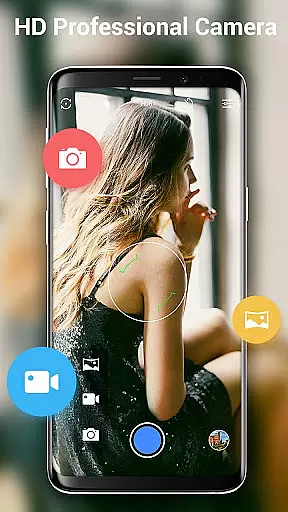
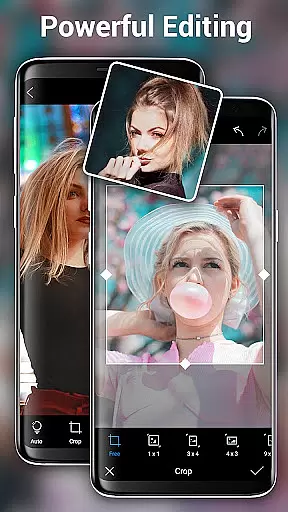
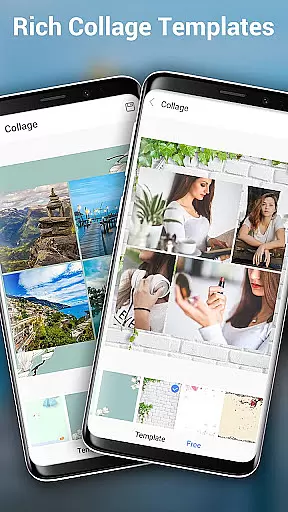
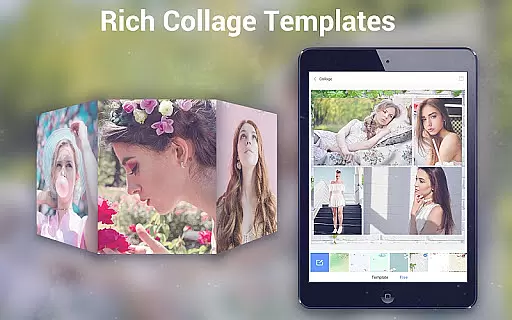
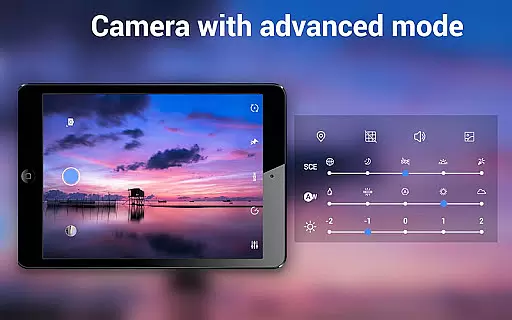
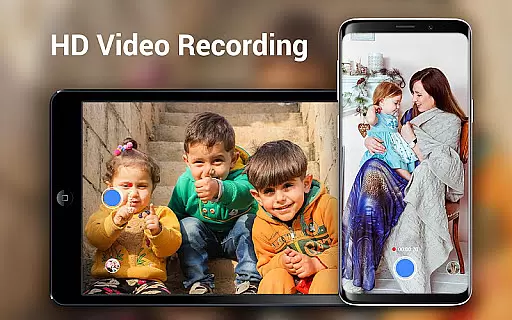
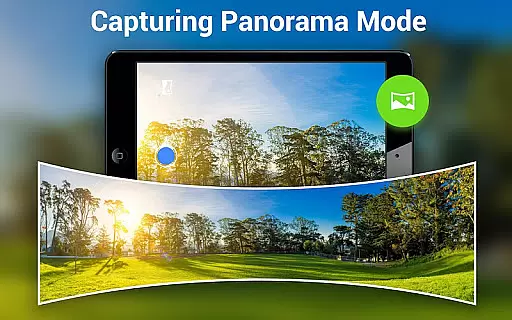
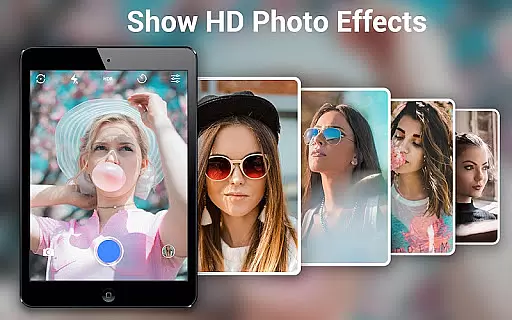
HD Camera Pro Edition is a premium photography application designed for Android users who demand professional-grade features without advertisements. This app offers an extensive range of functionalities including high-definition photo and video capture, creative panorama modes, and advanced photo editing tools.
The application stands out with its Quick Snap feature, enabling rapid photo capture, and supports various photography modes such as Photo Sphere and Panorama. It also includes professional settings like white balance adjustments, timer, time-lapse, and focus options, making it versatile for different shooting scenarios.
Whether you're capturing high-resolution images for professional projects or simply taking selfies, HD Camera Pro provides the tools necessary to produce stunning visuals. Its intuitive interface and powerful features make it suitable for both amateur photographers looking to enhance their mobile photography skills and professionals needing a reliable camera app on the go.
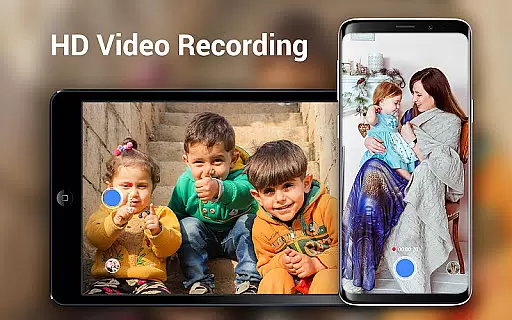
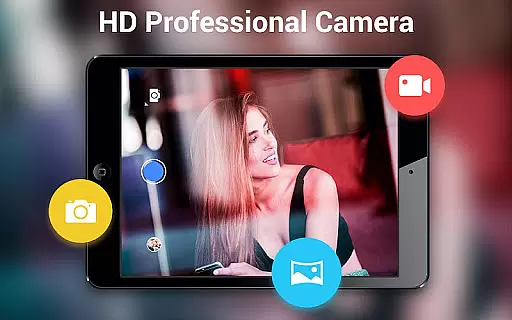
HD Camera Pro boasts an impressive array of features that cater to diverse photography needs. The app supports high-definition video recording with options for pause and resume, ensuring you never miss a moment. Its Professional HD Camera mode allows users to capture detailed images with superior clarity, rivaling standalone digital cameras.
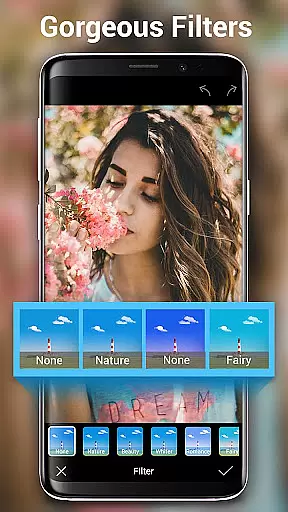
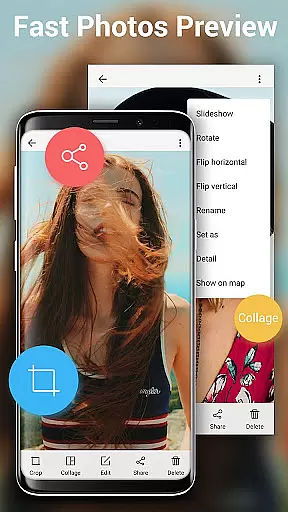
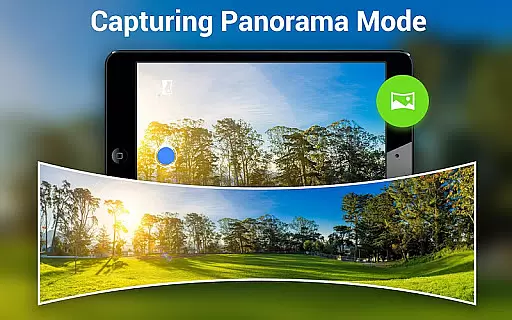
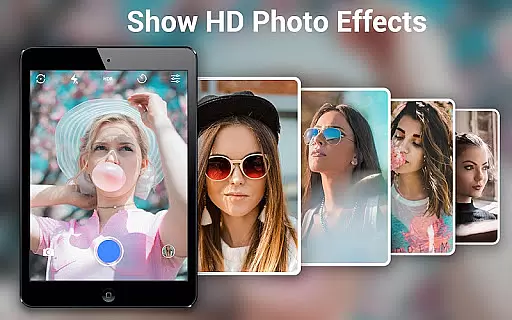
One of the standout features is the Photo Sphere mode, which lets users create immersive 360-degree panoramas. The app also includes various filters and effects, allowing for creative expression in every shot. With built-in photo editing tools, users can crop, adjust, and enhance their images directly within the app.
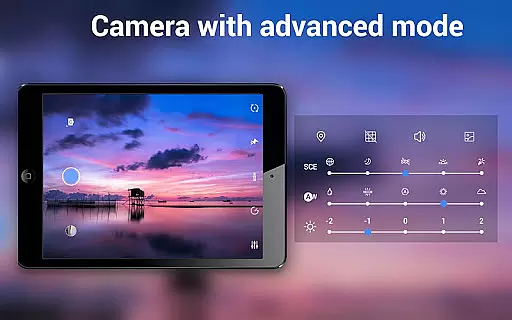
Additional professional features include optical and digital zoom, tap-to-focus functionality, and multiple white balance settings. The app's Beauty Camera mode is perfect for selfies, while the Timer and Time-lapse functions offer creative possibilities for capturing unique moments. These comprehensive features make HD Camera Pro a complete solution for mobile photographers.
Real-time capture and preview functionality is essential for ensuring that every photo or video taken with HD Camera Pro Edition meets the user's expectations. This feature allows users to see exactly what the camera sees, in real time, before they take a shot. The importance of this cannot be overstated, as it ensures that users can make necessary adjustments on the fly, thus capturing the perfect moment without any surprises.
HD Camera Pro Edition leverages advanced processing capabilities to deliver smooth and instantaneous previews, even when shooting in high definition. This means that whether you're capturing a serene landscape or a fast-paced event, the app provides a seamless experience that keeps up with your needs. The clarity and responsiveness of the preview are designed to mimic professional-grade cameras, giving users confidence in their photography.
Users benefit from this feature by having greater control over their photography process. They can adjust settings such as exposure, focus, and white balance in real time, based on the live preview. This level of control not only enhances the quality of photos and videos but also empowers users to explore their creativity without limitations.
The value of real-time capture and preview extends beyond just taking better pictures; it transforms the entire photography experience. With HD Camera Pro Edition, users can enjoy a fluid and intuitive process that makes capturing life's moments a pleasure. Whether you're an amateur looking to improve your skills or a professional needing reliable tools, this feature ensures that you never miss a beat.
AI Beauty and Enhancement features have become a staple in modern photography apps, offering users the ability to enhance their photos with natural-looking effects. In HD Camera Pro Edition, these features are meticulously crafted to ensure that enhancements look genuine and preserve the original essence of the image. The significance of maintaining natural beauty while applying enhancements is paramount, as it respects the authenticity of the subject while elevating its visual appeal.
This application employs sophisticated AI algorithms to analyze facial features and apply enhancements that complement the natural structure. From smoothing skin textures to brightening eyes, each adjustment is made with precision to avoid the artificial look often associated with digital enhancements. Users can expect results that enhance their natural beauty without appearing overly processed or unrealistic.
For users, the advantage lies in the ability to achieve professional-quality edits effortlessly. Whether capturing selfies or portraits, the AI Beauty feature ensures that every photo reflects the best version of the subject. This capability is particularly beneficial for those who seek polished yet authentic images for social media or personal keepsakes.
Ultimately, the AI Beauty and Enhancement features in HD Camera Pro Edition represent a harmonious blend of technology and artistry. By prioritizing naturalness, the app delivers enhancements that feel organic and true to life. This approach not only satisfies the user's desire for beautiful photos but also upholds the integrity of the photographic process, making it an invaluable tool for anyone passionate about photography.
User-friendly interface
High-quality image capture
Extensive feature set
No advertisements
Professional editing tools
Premium price point
Steep learning curve
Resource-intensive
Limited free version
Occasional stability issues

How would you look like with a differently shaped nose, chin or lips?
 3.90
3.90
All-in-One Editor & AI Photo Enhancer, Collage, Cartoonify, Funny Stickers & BGS
4.10
The #1 app for B&W film developing featuring an advanced darkroom timer.
4.10
Photo Exif Editor allows to view, add and modify EXIF data of multiple photos
4.50
Automatically backup your photos and videos to computer, NAS and Cloud services
4.60
Use AI Video Generator to turn your words to ai generated videos.
4.50
Your personal guide to the sun and moon. Plan ahead, visualize and predict!
4.70
Catch sunlight, sunrise sunset times and sun phases with the AR sun tracker.
4.10
A unique animation app. Powerful, easy to use, and lots of fun.
4.30
Android Native system HD camera app. Never been so simple and faster.
4.70
Enhance, upscale, and transform your images — on your device, without limits
4.70
A must-have app for landscape photographers
4.60
Transform photos into videos! Create realistic or anime-style images easily!
4.50
Trendy TikTok time warp scan funny filter app brings you unique photos & videos.
4.40
Future baby face generator: AI kids generator, kid face! What my baby look like?
4.40
RAW video capture with advanced controls
4.40
Professional camera app that brings DSLR manual photography controls to Android.
4.20
Astrophotography with your smartphone, photo live stacking and much more!
3.90
Perfect photos with body shaping, BG changer and object remover.
3.70


User Reviews