
Photo Exif Editor Pro is a powerful tool for photographers and enthusiasts who need to manage the metadata of their images. This application allows users to view, edit, and modify the Exif data embedded in photos, providing essential details about camera settings and location information.
The app features an intuitive interface that makes it easy to correct missing information or update existing data. With support for various file formats including JPG, PNG, and RAW, Photo Exif Editor Pro ensures comprehensive compatibility. The Pro version offers advanced capabilities such as viewing full raw data and batch editing multiple photos without interruptions from ads.
Whether you're organizing your photo library or preparing images for professional use, this app provides the necessary tools to ensure your files contain accurate and complete metadata. Its integration with Google Maps for geotagging adds another layer of functionality, making it indispensable for serious photographers.
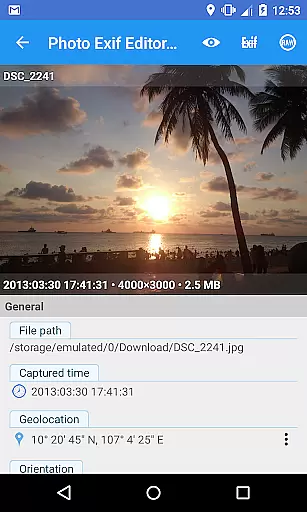
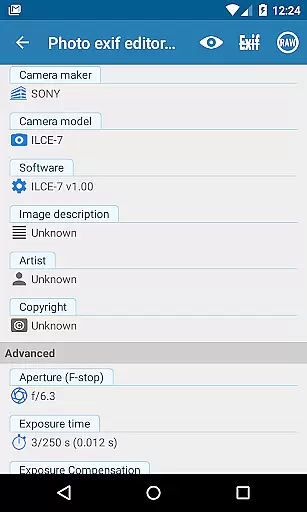
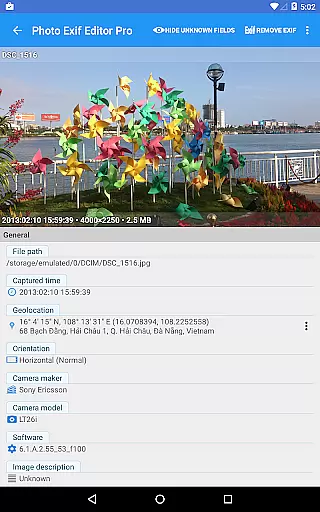
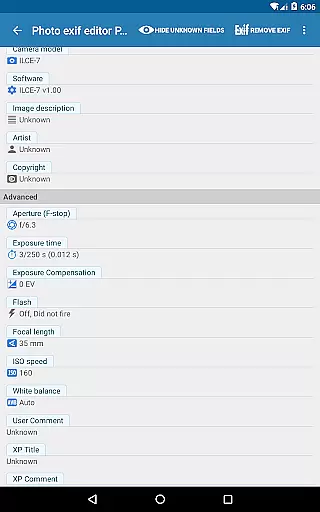
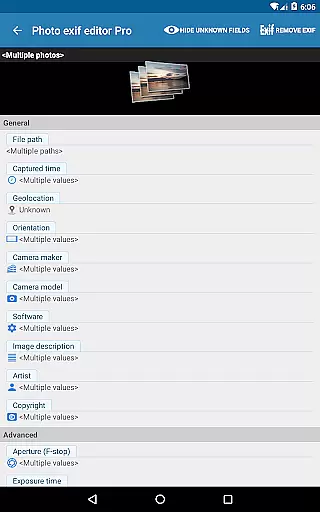
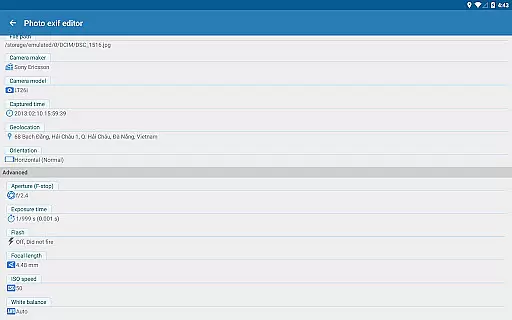
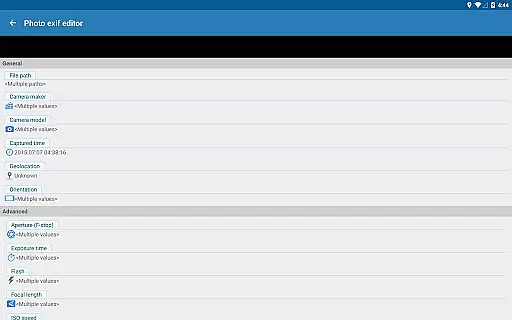
Photo Exif Editor Pro stands out with its robust feature set designed to give users complete control over their photo metadata. One of its key strengths is the ability to batch edit multiple photos, saving significant time when managing large collections. Users can modify critical Exif tags like camera model, maker, captured time, orientation, aperture, shutter speed, focal length, ISO speed, and white balance.
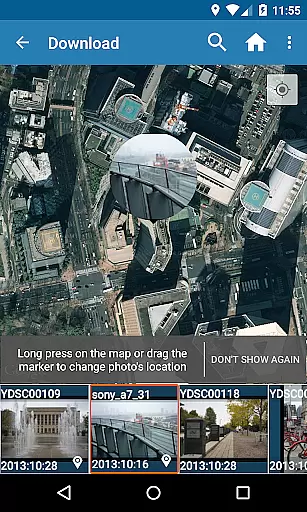
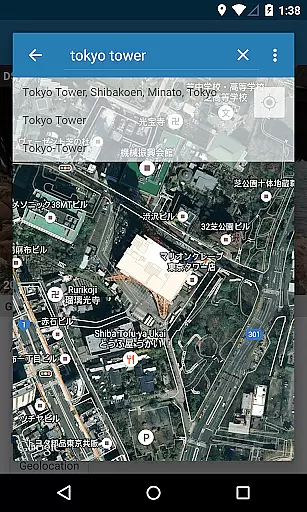
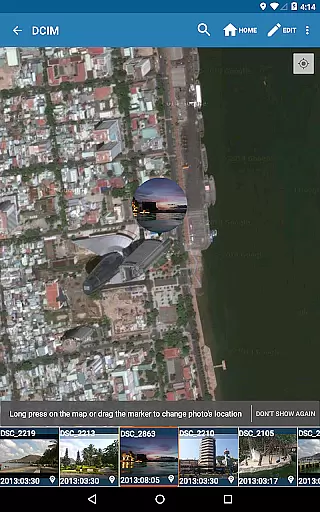
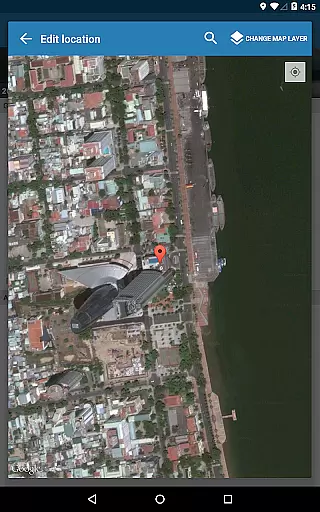
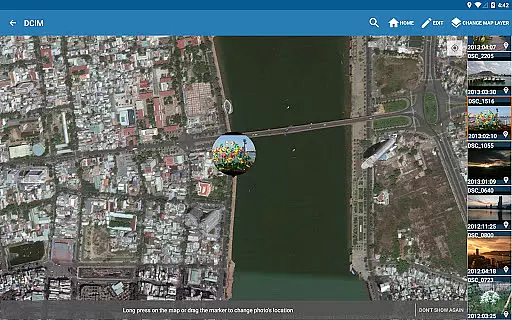
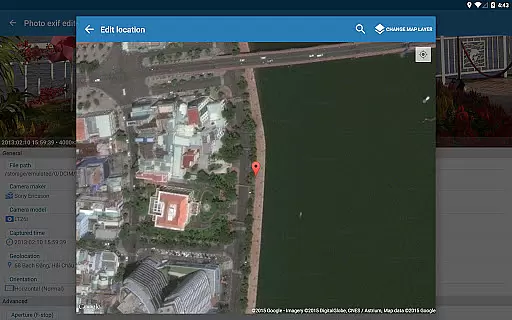
The app also includes advanced GPS tagging capabilities. Through integration with Google Maps, users can add or correct location data for their photos. This feature is particularly useful for travel photography or documenting specific locations. Additionally, the Pro version provides access to the full raw data of images, offering professionals deeper insights into their files.
Other notable features include an ad-free experience, support for various image formats, and the upcoming merge with EXIF Pro - ExifTool for Android. This merger will expand the app's functionality to include editing of audio and video files, further enhancing its value as a comprehensive metadata management solution.
Real-time capture and preview functionality is essential for ensuring that photographers can accurately assess their images while shooting. Photo Exif Editor Pro provides users with the ability to view Exif data instantly, allowing them to make informed decisions about necessary adjustments.
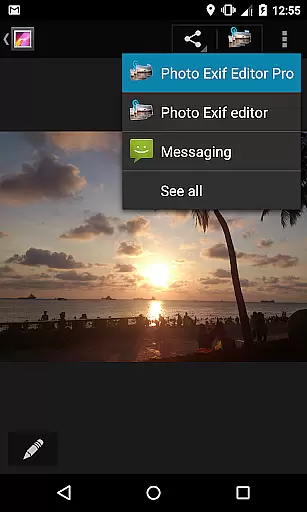
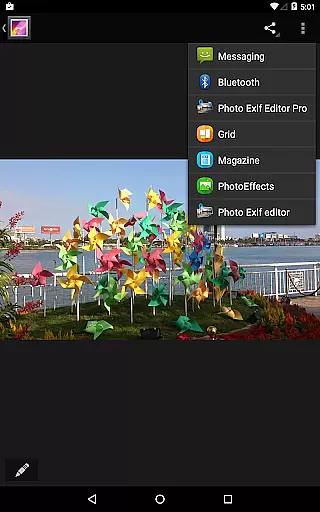
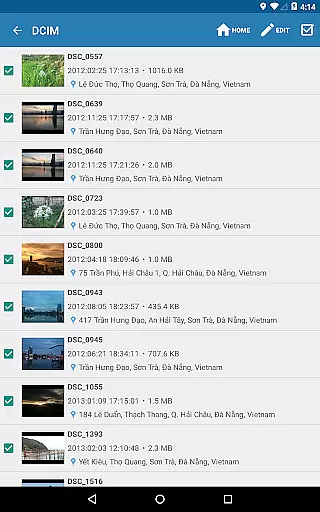
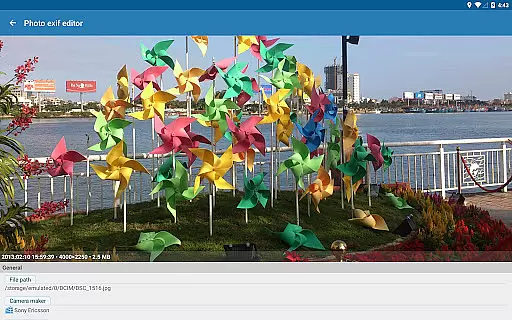
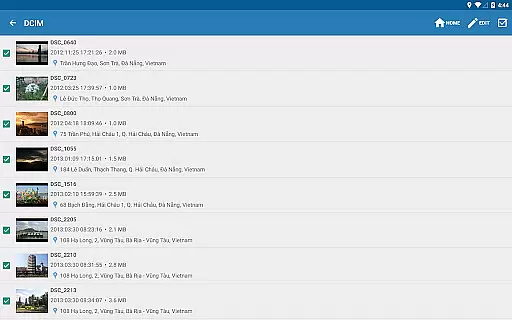
The application's interface is designed to offer a seamless experience when browsing Exif information directly from the Android Gallery or its integrated photo browser. This immediate access to metadata ensures that users can quickly verify critical details such as camera settings and GPS location without leaving the app.
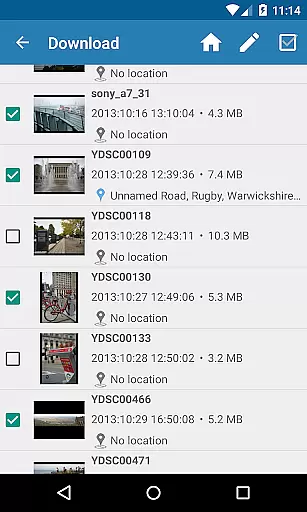
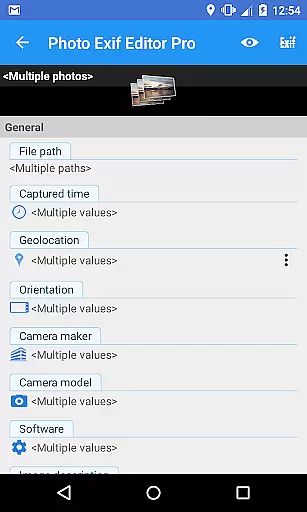
With features like batch editing and Google Maps integration for geotagging photos, Photo Exif Editor Pro enhances workflow efficiency. Users benefit from an intuitive platform where they can modify multiple images simultaneously, thus saving time and improving productivity during post-processing tasks.
While Photo Exif Editor Pro does not focus on AI beauty enhancements, it excels in providing tools for natural-looking edits through precise Exif data manipulation. The ability to adjust EXIF tags such as aperture, shutter speed, focal length, ISO speed, white balance, and more allows users to fine-tune their images authentically.
This commitment to authenticity extends to the app's support for various file formats including JPG, PNG, and RAW. By offering comprehensive control over image metadata, Photo Exif Editor Pro ensures that any modifications maintain the original quality and integrity of the photograph.
Furthermore, advanced features slated for future updates promise even greater versatility in editing capabilities. As all functionalities are merged into this robust application, users will continue to enjoy a professional-grade editing experience focused on delivering realistic results without compromising on detail or accuracy.
User-friendly interface
Batch editing support
Comprehensive Exif tag modification
Google Maps integration
Ad-free experience
Limited to Android 4.4+
No iOS version available
Advanced features require Pro version
External SD card write restrictions
Location permission needed for full functionality

How old age camera Gender Swap App Face Shape Hairstyle App Hair Styler App fun!
 4.00
4.00
AI photo editor with hair editor, retouch tools, hair color changer & filters!
4.50
Take videos and pictures with the popular TikTok TIME WARP SCAN filter.
4.60
Luminar: Photo Editor - easy picture editing with AI
4.20
AI Photo Editor with 100+ Filters, Effects! Remove BG, Retouch & Photo Enhancer.
4.80
Use AI Video Generator to turn your words to ai generated videos.
4.50
The original Rarevision VHS look seen everywhere!
4.70
Remote control the phone camera shutter from your smartwatch and take a picture
1.60
Your Family Calendar + Photos. Manage your Skylight Calendar and Skylight Frame.
4.40
Perfect body tune & face app - photo retouch, makeup, slim body & beautify face.
4.80
Enhance, retouch & create your story - Share the moment with Photoshop Express.
4.60
Discover & download millions of art for The Frame TV or Hisense CanvasTV
4.60
Add Watermark - Sign your pictures with a text or logo. Effective, quick, easy!
4.50
Safe & smart flight with Go Fly drone controller for 40+ drone camera, zone map
4.50
Create Business Headshots, Polaroid Filter, Retake Photos,Profile Pics,AI Photos
4.50
Trendy TikTok time warp scan funny filter app brings you unique photos & videos.
4.40
Easily stitch panoramas from multiple photos or video.
4.40
AI portrait generator and polaroid AI selfie, fun AI generated AI photo creator!
4.30
Create AI Photos, Improve and restore quality of blurry, old or damaged pics.
4.20


User Reviews