
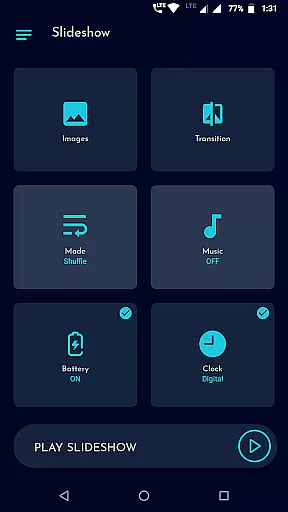
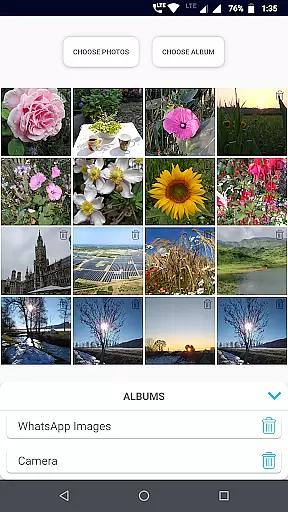
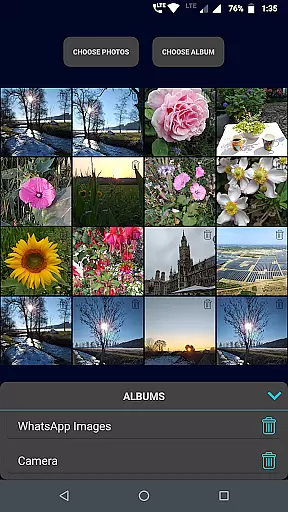
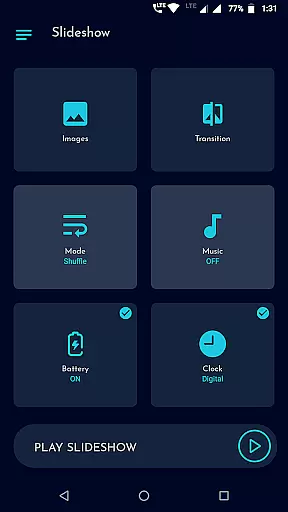
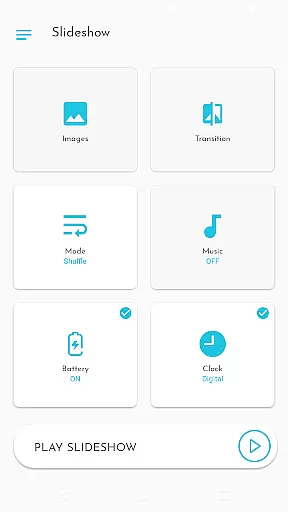
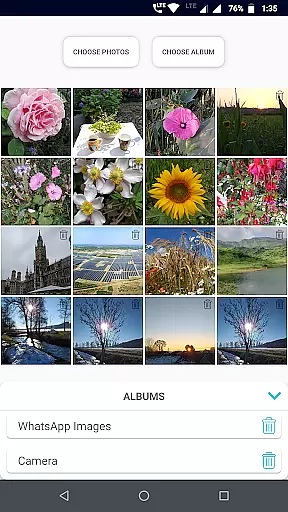
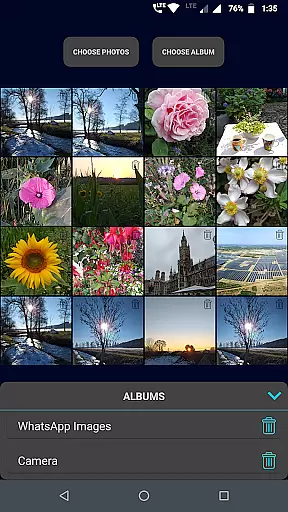
Gallery Slideshow is a photography app designed to display your gallery photos as dynamic slideshows on your phone screen with background music and transition effects. Unlike video editing or slideshow maker apps, this tool focuses on simplicity, allowing users to enjoy their photos in an engaging way without generating any video output.
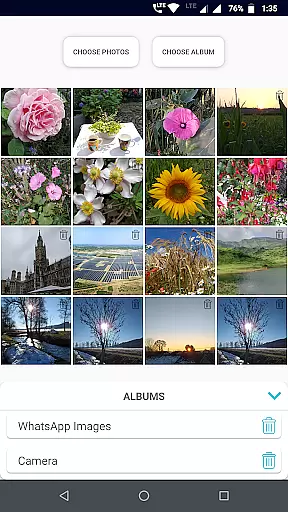
The app supports multiple photo selections, either individually or by entire folders, and offers features like shuffle mode, battery percentage display, and customizable durations between slides. With its user-friendly interface, Gallery Slideshow is perfect for personal entertainment or sharing memories during gatherings.
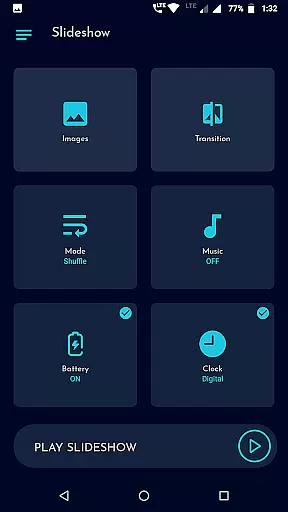
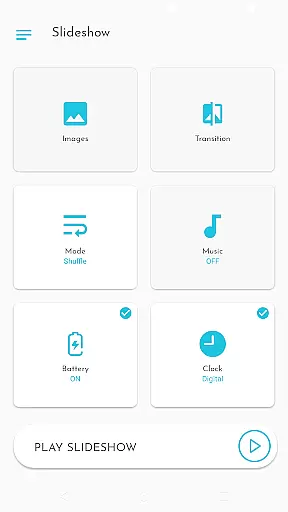
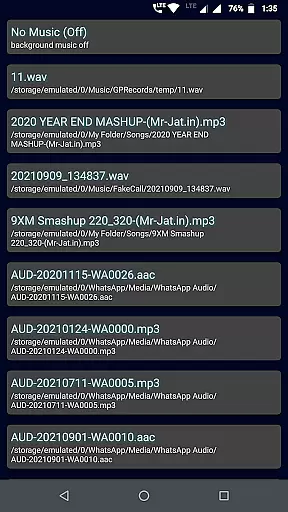
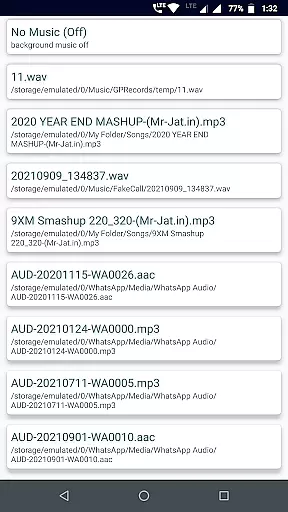
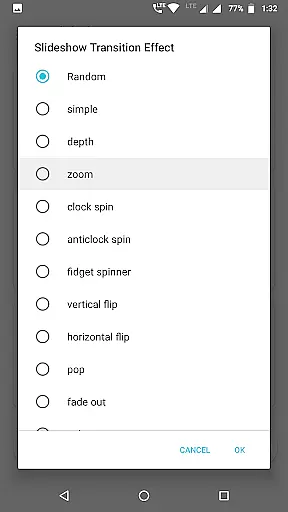
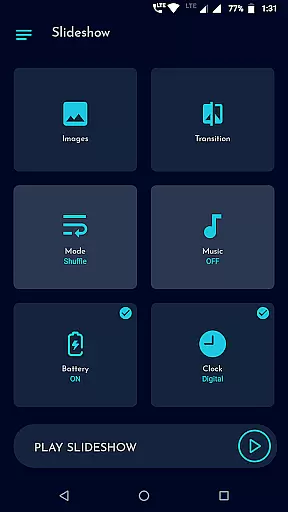
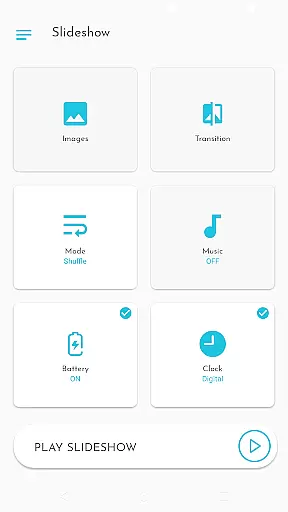
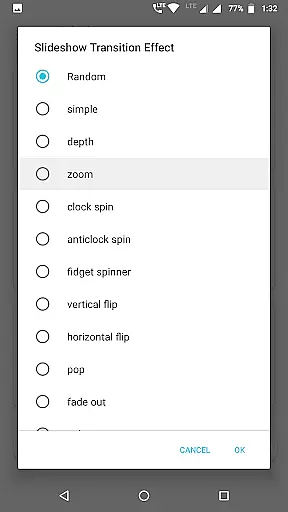
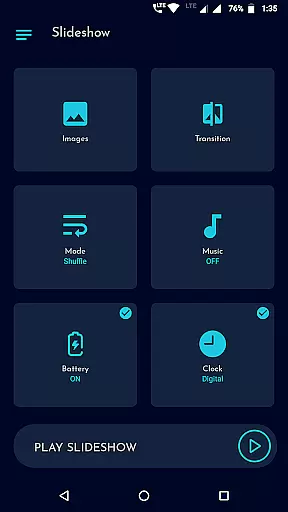
Gallery Slideshow provides a variety of features that enhance the viewing experience. Users can choose from many cool transition effects, set their preferred sequence or shuffle mode for photos, and select background music to create a personalized atmosphere.
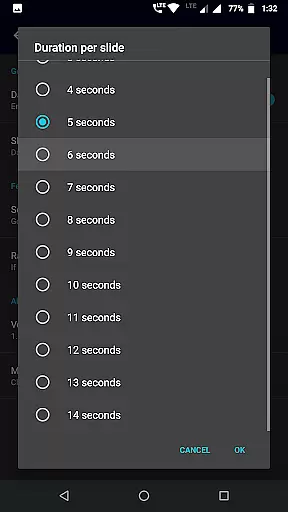
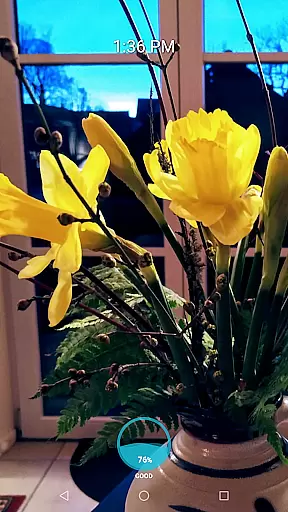
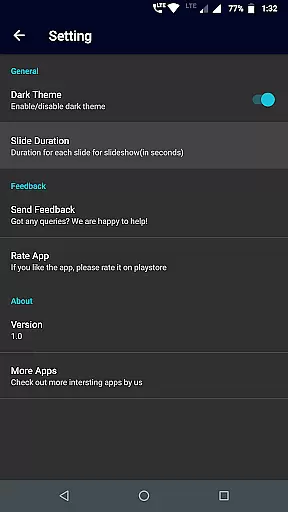
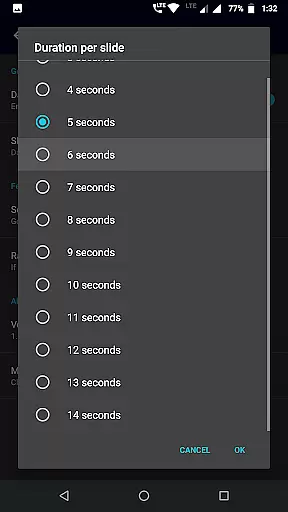
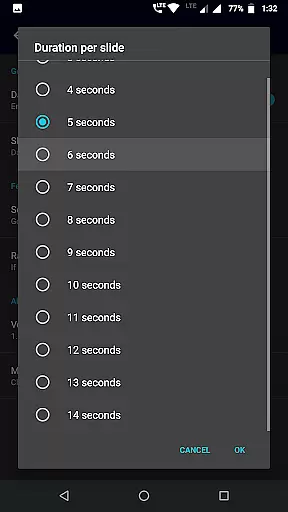
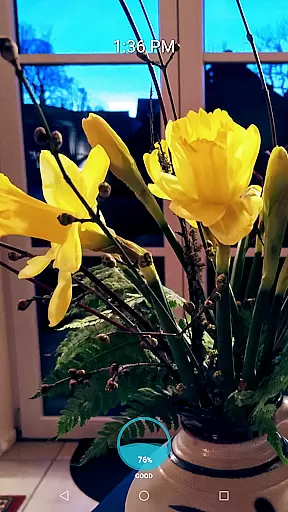
Additional functionalities include options to display battery percentage, analog or digital clocks, and adjust slide durations. The app's intuitive UI ensures seamless navigation, while its ability to handle unlimited photos and folders makes it versatile for different use cases. Whether you're reliving memories alone or entertaining friends, these features make photo viewing more interactive and enjoyable.
Real-time capture and preview functionality is essential for photography apps as it allows users to see exactly what the camera is capturing. Gallery Slideshow provides a unique take on this feature by enabling users to view their selected photos with added elements such as music and transitions directly on their phone screen.
The app offers a variety of cool transition effects, allowing users to customize how their photos are presented during the slideshow. This real-time preview ensures that users can adjust settings like sequence or shuffle options, background music, and duration between slides until they achieve the desired viewing experience.
With additional features such as showing battery percentage, digital or analog clocks, users have control over the information displayed during the slideshow. These options provide both aesthetic customization and practical utility, enhancing the overall user experience while maintaining focus on enjoying personal memories.
While Gallery Slideshow does not offer traditional photo editing tools, its approach to enhancement lies in its presentation capabilities. The app focuses on displaying photos naturally, without altering their content through AI beauty features commonly found in other photography applications.
Instead of modifying images, Gallery Slideshow emphasizes natural presentation by integrating music and transition effects that complement the original photos. Users can select from various transition effects which add an artistic flair to their slideshows without compromising the authenticity of their captured moments.
This method of enhancement respects the integrity of user's photographs while still providing options for personalization. By focusing on how photos are displayed rather than altered, Gallery Slideshow maintains a balance between enhancement and preserving the genuine essence of each image within a dynamic viewing format.
User-friendly interface
Customizable transitions
Background music support
Unlimited photo selection
Battery and clock display
No video creation
Limited editing tools
Basic feature set
No cloud integration
Folder-only management

Shooting photos and records video easily and efficient with professional Camera
 4.30
4.30
HD Photo gallery and photo manager to edit, hide private photos, videos & albums
4.0
Photo prints, cards, & gifts at Walgreens. Easy ordering & fast local pickup !
4.80
Amazing Photo Effects - The most fun you can have with your photos!
4.70
Movie camera, supports pro recording settings for filming. Try it and be amazed!
4.50
Professional photography on your mobile phone
4.20
AI-powered video creator by MiniMax - Where ideas meet cinema
4.20
Enhance, upscale, and transform your images — on your device, without limits
4.70
Solocator stamps photos you take with GPS location, Compass Direction, Date/Time
3.80
The original Rarevision VHS look seen everywhere!
4.70
Easily create custom gifts, cards, photo books & more on the Shutterfly app!
4.60
Trendy TikTok time warp scan funny filter app brings you unique photos & videos.
4.40
Edit like a pro with Hypic. Apply filters, AI effects, & magic touch.
4.40
A light meter for true photographers.
4.20
Transform Photos: Edit, Beautify and Craft Memories & Make Collages!
4.10
How old age camera Gender Swap App Face Shape Hairstyle App Hair Styler App fun!
4.00
USB Storage Access for Photos, Videos, Music and Documents
3.80
Hair color changer, AI haircut app, fun hair editor and buzz cut filter for all!
3.80
Snap photos remotely using your Garmin watch as the camera trigger
4.2


User Reviews