
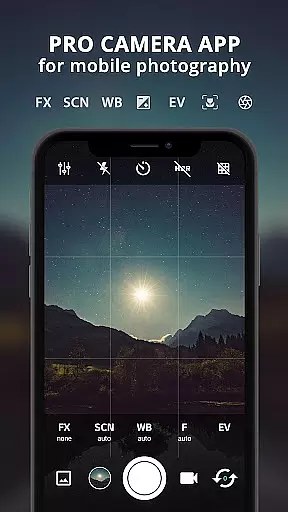
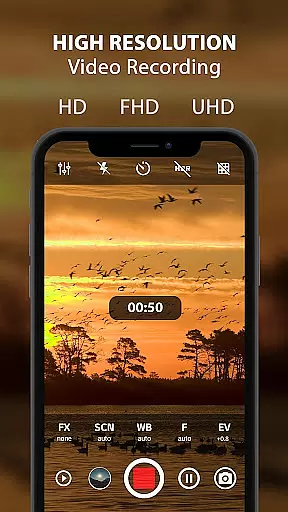
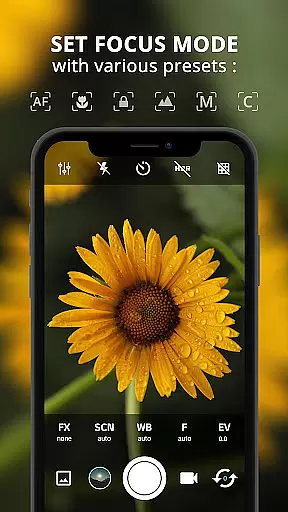
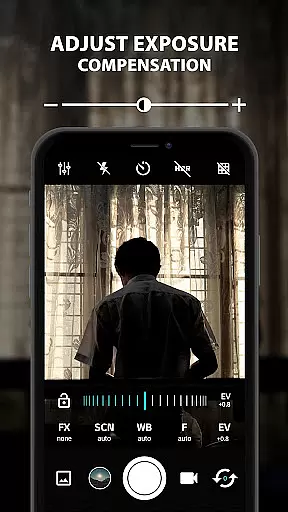
ProCam X transforms your smartphone into a professional-grade camera, offering full manual control over essential photography parameters. This includes adjustable exposure, focus, white balance, ISO settings, and advanced features like manual shutter speed on supported devices. The app enables users to capture high-resolution photos and record 4K videos with optional audio, making it ideal for both amateur photographers and professionals seeking DSLR-like functionality in mobile photography.
In addition to its core capabilities, ProCam X provides creative tools such as real-time filters, geotagging, anti-shake, burst mode, and intervalometer for time-lapse creation. Its intuitive interface ensures ease of use while delivering powerful performance through features like facial recognition, golden ratio grids, and customizable volume key operations. Whether capturing artistic shots or recording professional-quality videos, this app caters to diverse photographic needs.
The app is particularly suited for users who require precision and flexibility in their photography workflow. With support for RAW (DNG) file formats, external microphones, and detailed metadata tagging, ProCam X empowers photographers to achieve superior results directly from their mobile devices. It's an excellent choice for those looking to elevate their mobile photography experience without compromising on quality or functionality.
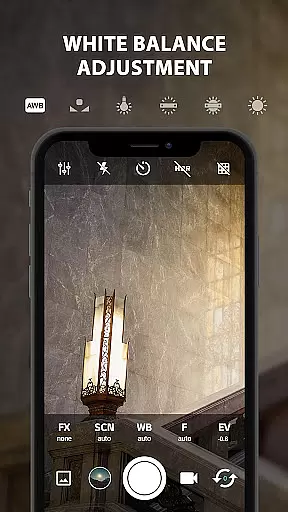
ProCam X stands out with its extensive range of professional camera features designed to give users complete control over their mobile photography experience. One notable feature is the ability to manually adjust ISO, shutter speed, focus, and white balance—functions typically found only in DSLR cameras. These controls allow photographers to fine-tune every aspect of their images according to different lighting conditions and creative preferences, ensuring optimal image quality.
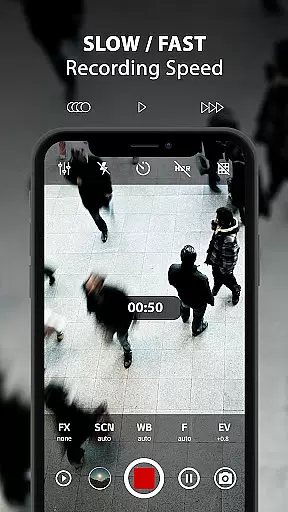
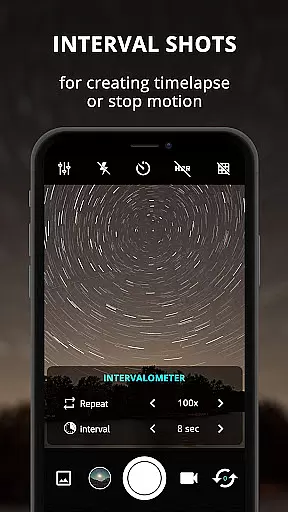
Beyond basic manual settings, the app offers specialized modes such as burst shooting, intervalometer, and time-lapse video creation. Burst mode captures multiple shots at configurable intervals, perfect for action photography or creating stop-motion sequences. The intervalometer function automates timed exposures, enabling seamless time-lapse projects. Additionally, ProCam X supports 4K video recording with customizable bit rates and optional audio, providing versatility for videographers who demand high-resolution output.
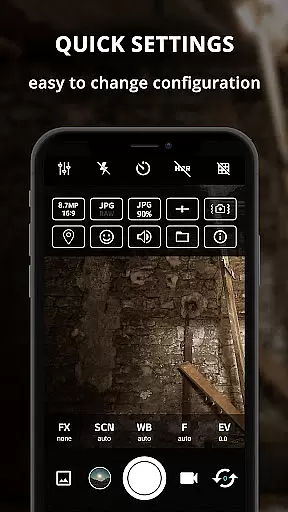
Other standout features include real-time photo filters, geotagging, grid overlays with golden ratio lines, and silent camera operation. Users can also lock orientations, disable shutter sounds, and utilize external microphones for enhanced audio capture during recordings. Each feature is thoughtfully implemented to enhance usability while maintaining a clean and efficient user interface, making ProCam X a comprehensive solution for anyone serious about mobile photography.
Real-time capture and preview functionality is essential for ensuring that every photo or video taken meets the highest standards of quality. ProCam X offers users the ability to see exactly what the camera sees, with real-time adjustments available for exposure, white balance, and ISO settings.
This application allows photographers to fine-tune their images before capturing them, providing a professional-grade experience directly on their mobile devices. The live preview feature ensures that users can make precise adjustments to achieve the desired effect, whether they are shooting in daylight or low-light conditions.
With ProCam X, users benefit from advanced functionalities such as manual focus and shutter speed control, which are crucial for capturing sharp and well-exposed images. These features empower users to take full creative control over their photography, making it an ideal tool for both amateur enthusiasts and professional photographers alike.
AI beauty and enhancement features have become increasingly popular in mobile photography, offering users the ability to enhance their photos naturally without compromising authenticity. ProCam X leverages advanced AI algorithms to provide enhancements that maintain the natural look of subjects while improving overall image quality.
The app's AI capabilities extend beyond simple beautification; it intelligently adjusts skin tones, smooths imperfections, and enhances facial features in a way that looks genuine and unaltered. This ensures that portraits retain their original character while benefiting from subtle improvements that elevate the final result.
Users of ProCam X will appreciate the balance between enhancement and realism, allowing them to produce stunning photographs that still reflect true-to-life details. Whether capturing everyday moments or special occasions, the AI-driven enhancements ensure that every shot is picture-perfect, enhancing the user's photographic experience significantly.
Full manual controls
4K video recording
RAW file support
Real-time filters
Intervalometer feature
Complex for beginners
Device compatibility issues
No free version available
Occasional bugs reported
Requires learning curve

AI portrait generator and polaroid AI selfie, fun AI generated AI photo creator!
 4.30
4.30
Find time and duration of different sunlight phases at any location
4.90
Pet Camera
3.70
Create AI Photos, Improve and restore quality of blurry, old or damaged pics.
4.20
Over 800 film simulation recipes for Fujifilm. Black Friday Offer!
4.3
Movie camera, supports pro recording settings for filming. Try it and be amazed!
4.50
Luminar: Photo Editor - easy picture editing with AI
4.20
Enhance, retouch & create your story - Share the moment with Photoshop Express.
4.60
Turn photos into cartoons & avatars! - Photo Editor, Cartoon Face!
3.90
Cartoon and artistic effects for your photos and videos
4.70
Viewfinder, Light meter, Reciprocity failure time, DOF & Bellows Extension
4.60
A must-have app for landscape photographers
4.60
Create collages easily! Nice pic collage maker & background eraser for Instagram
4.50
All-in-One Editor & AI Photo Enhancer, Beautify & Retouch, Collage, Cartoonify
4.20
live datamoshing
4.00
How would you look like with a differently shaped nose, chin or lips?
3.90
USB Storage Access for Photos, Videos, Music and Documents
3.80
Be your best in every shot! Fix, edit and retouch your face in selfies & photos.
3.70
Add a dreamy vibe to your selfies and videos with soft style filters
4.0


User Reviews