
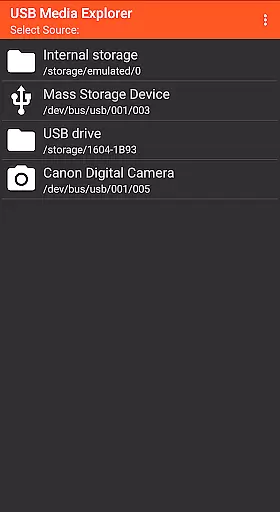
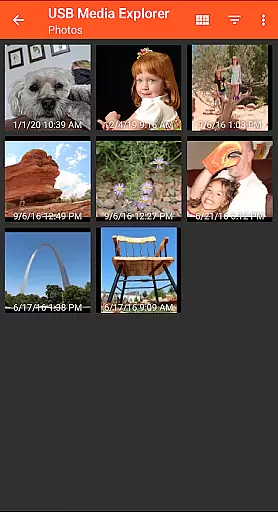
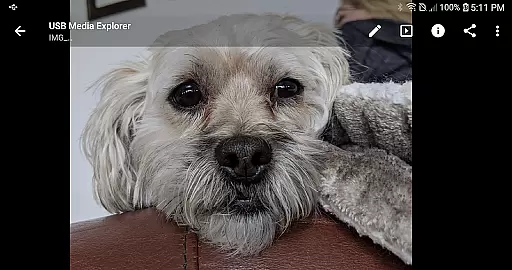
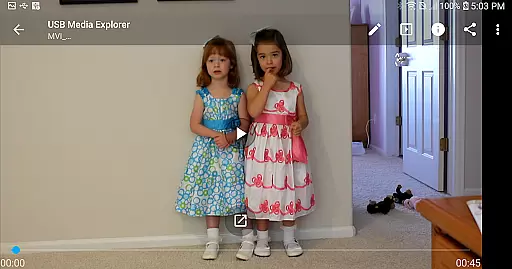
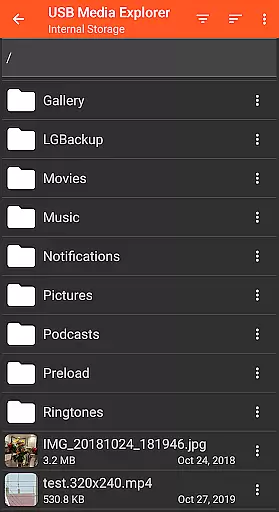
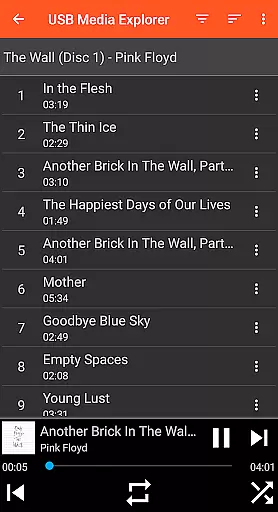
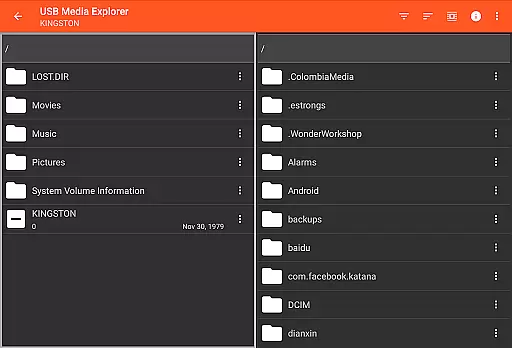
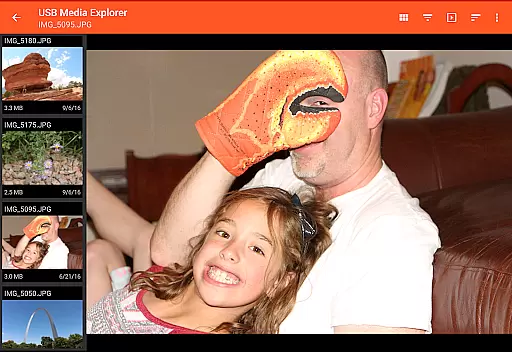
USB Media Explorer (UME) is a versatile photography app that enables users to view photos, stream videos, listen to music, and manage documents from various USB storage devices. The app supports specialized screens for different media types, allowing full-size viewing without importing files. With compatibility across flash drives, card readers, hard drives, cameras, and other Android devices, UME provides a comprehensive solution for accessing multimedia content on the go.
The app's standout feature is its ability to copy files to and from USB devices seamlessly. This functionality makes it an essential tool for photographers and videographers who need quick access to their work. Whether you're reviewing RAW images or streaming high-definition videos, USB Media Explorer ensures your creative projects are always within reach.
USB Media Explorer offers a range of features designed to enhance media management. Users can enjoy specialized interfaces for photos, videos, music, documents, and general file management. The app supports both Jpeg and Raw photo formats, making it ideal for professional photographers. Additionally, the ability to stream videos directly from USB devices eliminates the need for lengthy import processes.
One of the key innovations in UME is its support for various hardware devices, including flash drives, card readers, hard drives, and cameras. While most devices require a microUSB OTG cable or USB C adapter, this flexibility ensures broad compatibility. Although some video formats may need third-party players like VLC, and hard drives might require external power sources, these minor limitations are outweighed by the app's overall functionality and convenience.
USB Media Explorer offers a unique real-time capture and preview feature that allows users to view photos and stream videos directly from USB storage devices without the need for importing. This functionality is crucial for photographers and videographers who require immediate access to their files on the go.
The application supports both JPEG and Raw photo formats, ensuring that professionals can work with high-quality images directly from their cameras or storage devices. The ability to view full-size photos and videos in specialized screens provides an immersive experience that maintains the integrity of the original content.
Users benefit from the app's seamless integration with various USB devices, including flash drives, card readers, and external hard drives. This versatility ensures that no matter what type of storage device you use, USB Media Explorer can handle it efficiently, offering a smooth and responsive preview experience.
This real-time functionality not only saves time but also enhances productivity by allowing users to quickly assess their media files and make necessary adjustments or selections without delay.
While USB Media Explorer does not explicitly market itself as an AI beauty and enhancement tool, its robust media management capabilities allow for natural and effective enhancements to be made to photos and videos. This is particularly beneficial for users looking to optimize their media files while maintaining a natural look.
The app's specialized screens for photos, videos, music, documents, and file management provide users with the tools needed to manage and enhance their media files effectively. Whether adjusting brightness and contrast or applying filters, users can be confident that their edits will preserve the authenticity of the original content.
One of the standout features is the ability to copy files to and from the USB device, enabling users to back up their enhanced media files easily. This ensures that all modifications are safely stored, providing peace of mind and flexibility in managing digital assets.
Overall, USB Media Explorer's comprehensive suite of features makes it an invaluable tool for anyone looking to enhance their media files naturally and efficiently, without compromising on quality or authenticity.
User-friendly interface
Wide device compatibility
Direct file streaming
Comprehensive media support
Efficient file management
Limited native format support
External power often needed
No live image device support
Proprietary protocol issues
Commercial DVD restrictions

Create & Edit with AI: AI Remove, Enhance, Retouch, Filter
 4.10
4.10
Superimpose one photo on top of another using the original Superimpose app!
3.20
Create AI photos & videos with Enhancer; restore, fix, beautify, enhance photos
4.50
Enhance, retouch & create your story - Share the moment with Photoshop Express.
4.60
Astrophotography with your smartphone, photo live stacking and much more!
3.90
A light meter for true photographers.
4.20
Professional camera app that brings DSLR manual photography controls to Android.
4.20
A unique animation app. Powerful, easy to use, and lots of fun.
4.30
Solocator stamps photos you take with GPS location, Compass Direction, Date/Time
3.80
Photo prints, cards, & gifts at Walgreens. Easy ordering & fast local pickup !
4.80
Transform photos into videos! Create realistic or anime-style images easily!
4.50
Search, tag and rate your way to an organized image gallery
4.40
Trendy TikTok time warp scan funny filter app brings you unique photos & videos.
4.40
Natural Beauty, Selfie Retouch
4.30
Virtual makeup, hair filters & body tuner—edit from face to full body!
4.20
Professional photography on your mobile phone
4.20
Luminar: Photo Editor - easy picture editing with AI
4.20
The #1 app for B&W film developing featuring an advanced darkroom timer.
4.10
Application for remote controlling DSLR
3.00


User Reviews