
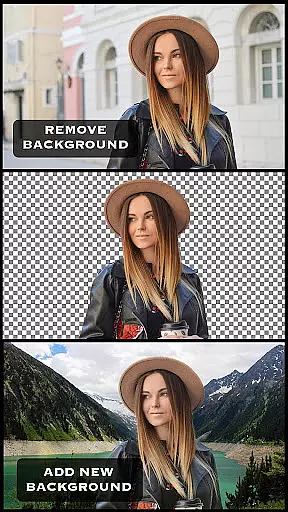

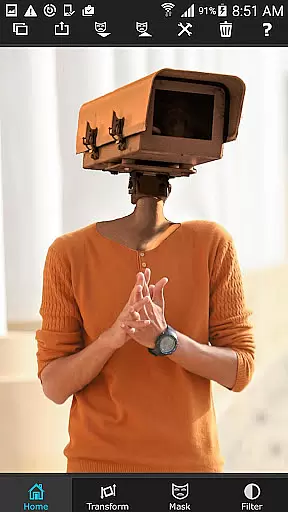
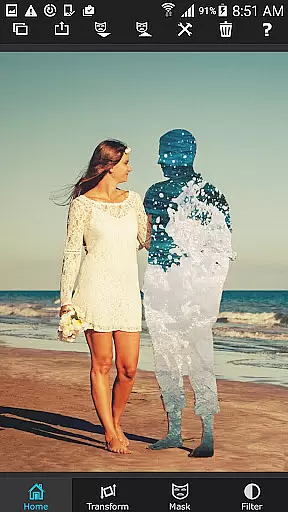

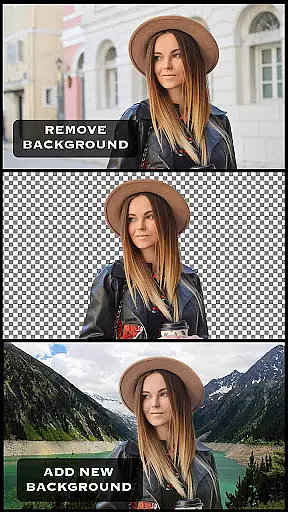
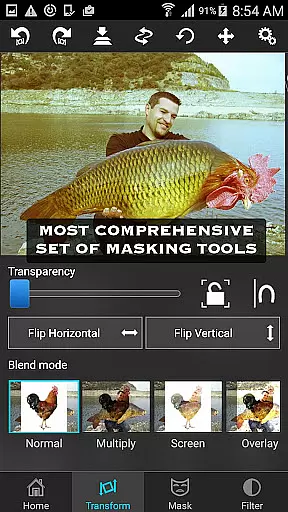
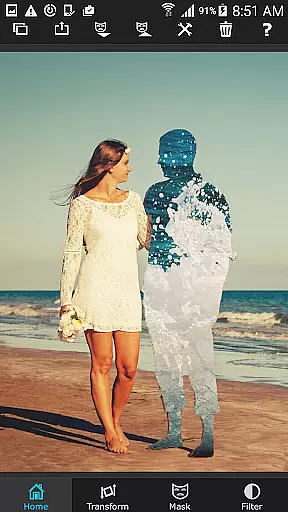

Superimpose is a powerful mobile application designed for photography enthusiasts who want to create professional-grade superimposed or juxtaposed images directly on their iPhone. With just a few taps, users can seamlessly blend two photos together without the need for a computer or expensive software.
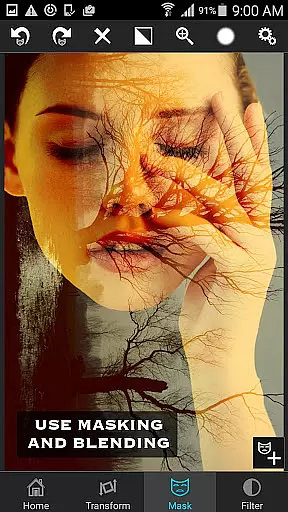
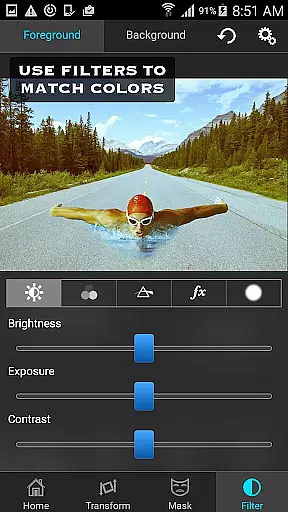
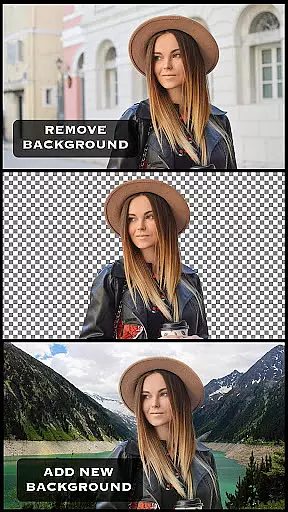
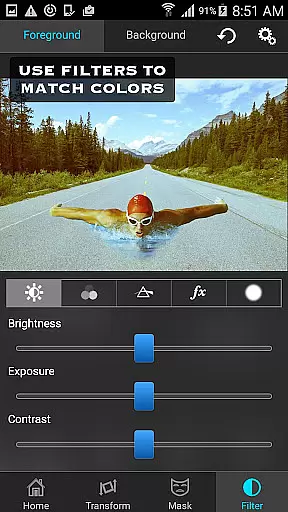
The app offers an extensive range of masking tools that allow you to remove unwanted portions of the foreground image and smoothen edges with precision. You can also adjust colors, exposure, contrast, hue, and saturation to perfectly match both images in terms of color. Whether you're looking to do serious photo editing tasks like blending textures or overlaying borders, Superimpose provides all the necessary tools to amaze your friends with stunning compositions.
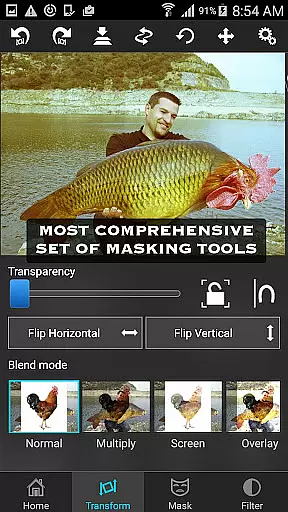
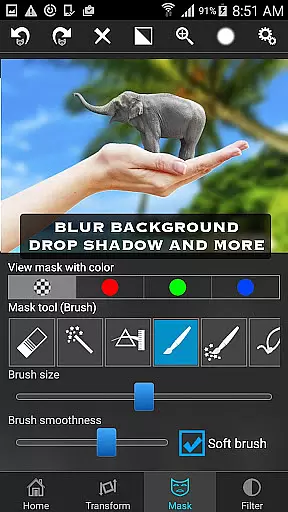
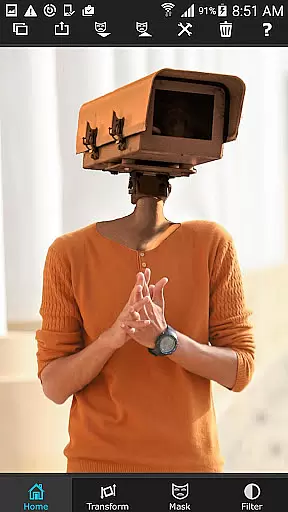
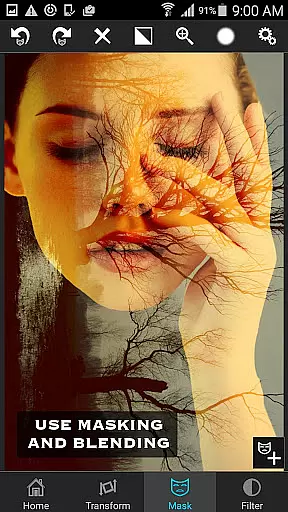
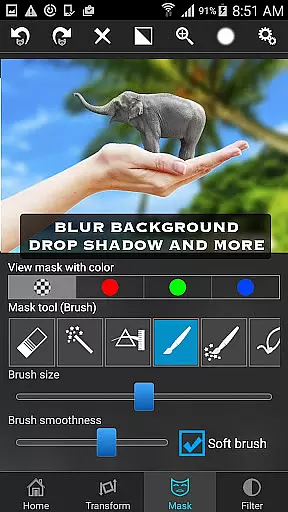
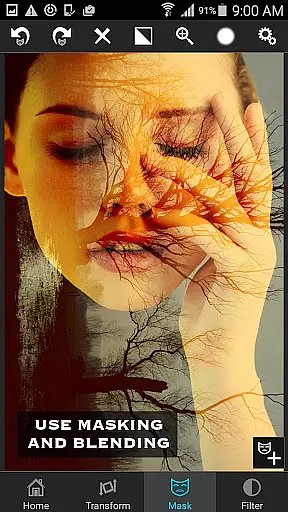
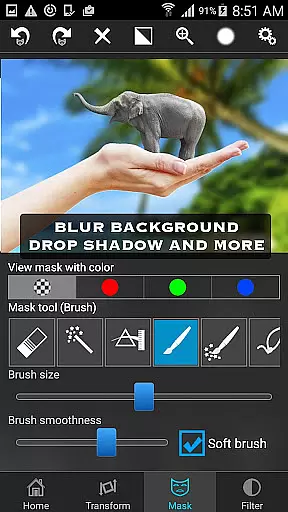
Superimpose stands out with its comprehensive suite of features tailored for creative photo editing. The app includes a variety of masking tools such as brush, lasso, global color similarity, rectangle, ellipse, linear, bi-linear, and radial gradient masking. These tools enable users to mask out specific areas of the foreground image with precision and ease.
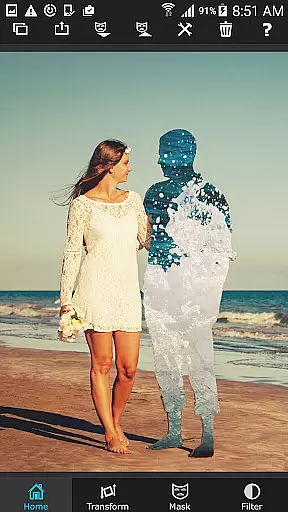
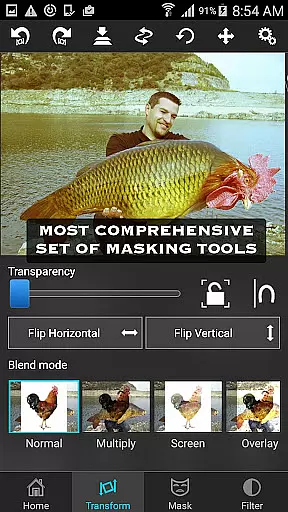
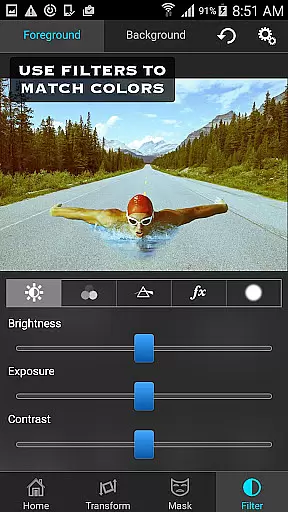
In addition to masking, Superimpose allows users to move, scale, resize, rotate, and flip the foreground image to place it accurately on the background. The app also offers adjustable transparency and 18 blending modes for double exposure effects. Users can fine-tune the colors, exposure, contrast, hue, and saturation of both the foreground and background images to achieve a harmonious blend.
Whether you're a casual user looking to create fun compositions or a professional photographer in need of advanced editing capabilities, Superimpose delivers the tools necessary to produce high-quality results directly on your mobile device.
Real-time capture and preview functionality is essential for photography apps as it allows users to see the results of their edits instantly. Superimpose offers this feature, enabling users to witness their creative visions come to life without delay.
The app provides a dynamic interface where users can load background and foreground images, then immediately view the effects of masking, smoothening, and color adjustments. This instant feedback loop enhances the creative process, allowing photographers to fine-tune their compositions on the fly.
With real-time previews, users can experiment with confidence, knowing precisely how each edit will look in the final image. This capability not only saves time but also encourages artistic exploration, ensuring that the finished work meets professional standards.
AI beauty and enhancement features are increasingly popular in photo editing applications, aiming to improve images while maintaining a natural look. Superimpose incorporates advanced AI algorithms to deliver enhancements that preserve authenticity.
Users can adjust colors, exposure, contrast, hue, and saturation with AI-assisted tools that intelligently balance these elements across both foreground and background images. The app's AI technology ensures that all modifications blend seamlessly, avoiding artificial appearances often associated with heavy editing.
This commitment to natural enhancement empowers users to create stunning compositions that retain their original charm and character. Whether blending textures or overlaying borders, Superimpose's AI capabilities guarantee that every edit looks genuine and refined.
User-friendly interface
Extensive masking options
Precise color adjustments
Versatile blending modes
High-quality results
Limited to iOS
No Android version
Some features may require practice
Advanced tools can be overwhelming
Subscription required for full access

Professional video recording application with manual controls for filmmakers!
 2.80
2.80
Application for remote controlling DSLR
3.00
The #1 app for B&W film developing featuring an advanced darkroom timer.
4.10
USB Storage Access for Photos, Videos, Music and Documents
3.80
See your baby AI baby face generator AI baby maker Face generator babymaker fun!
4.70
Luminar: Photo Editor - easy picture editing with AI
4.20
Smart, light, and fast photo and video gallery
4.30
AI-powered video creator by MiniMax - Where ideas meet cinema
4.20
Turn photos into cartoons & avatars! - Photo Editor, Cartoon Face!
3.90
Amazing Photo Effects - The most fun you can have with your photos!
4.70
Create collages easily! Nice pic collage maker & background eraser for Instagram
4.50
Create AI photos & videos with Enhancer; restore, fix, beautify, enhance photos
4.50
A reflected light meter with spot metering and incident light metering.
4.40
Shooting photos and records video easily and efficient with professional Camera
4.30
Virtual makeup, hair filters & body tuner—edit from face to full body!
4.20
Professional photography on your mobile phone
4.20
Catch sunlight, sunrise sunset times and sun phases with the AR sun tracker.
4.10
Pet Camera
3.70
HD Photo gallery and photo manager to edit, hide private photos, videos & albums
4.3


User Reviews