
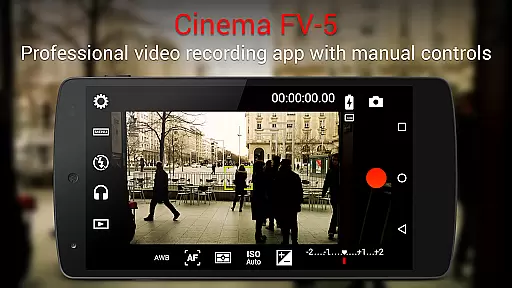
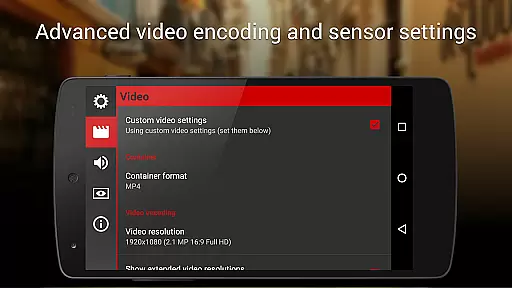
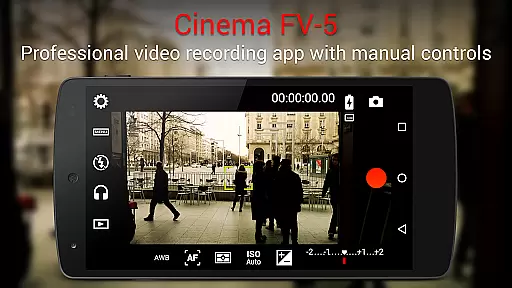
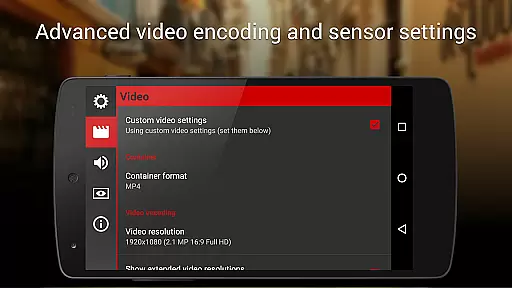
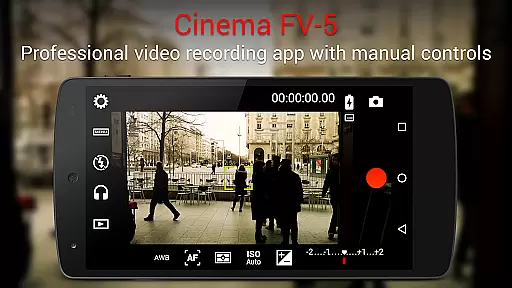
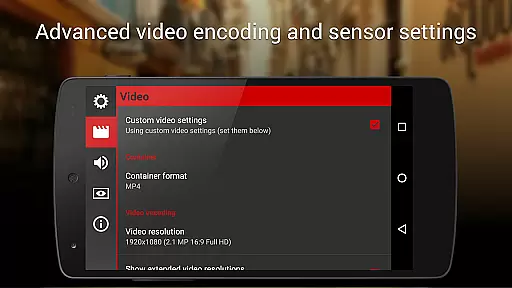
Cinema FV-5 is a professional-grade video camera application designed for mobile devices, offering advanced manual controls that empower videographers to capture high-quality footage. With its comprehensive set of features tailored for both amateur enthusiasts and professional filmmakers, this app allows users to adjust critical image sensor parameters such as ISO, exposure compensation, focus modes, and white balance. These functionalities ensure optimal post-production results, making it an ideal tool for creative projects.
One of the standout capabilities of Cinema FV-5 is its ability to modify settings during recording, including focus adjustments and exposure changes. The app also provides professional tools like a sophisticated electronic viewfinder with live RGB histograms, sound metering options, and support for various audio input sources. Additionally, users can record in 4K UHD resolution on compatible devices, geotag videos, and organize clips with customizable file names. This makes Cinema FV-5 suitable for short- to medium-sized productions where precision and quality are paramount.
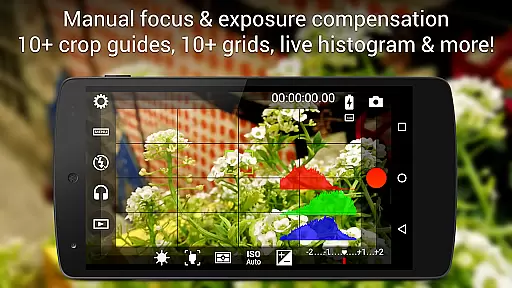
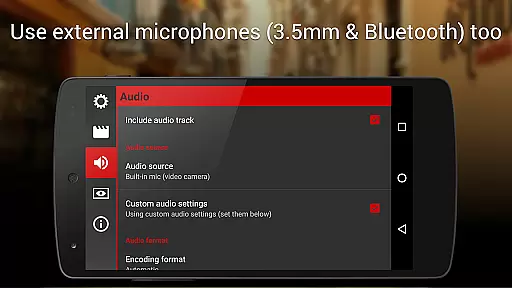
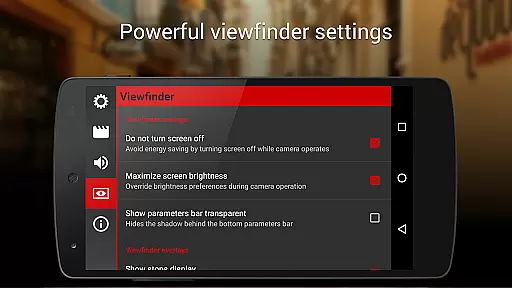
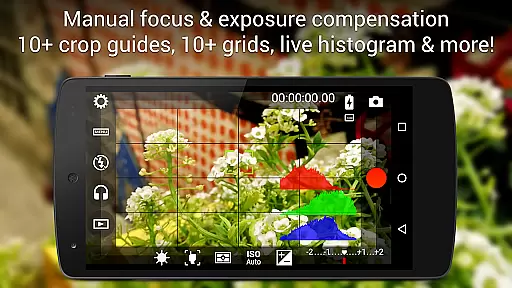
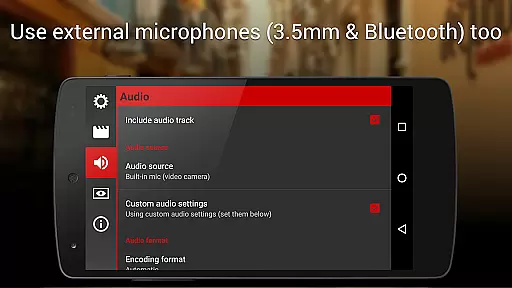
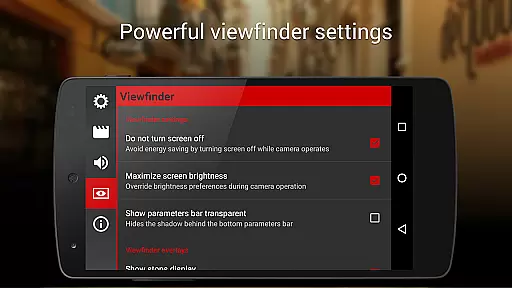
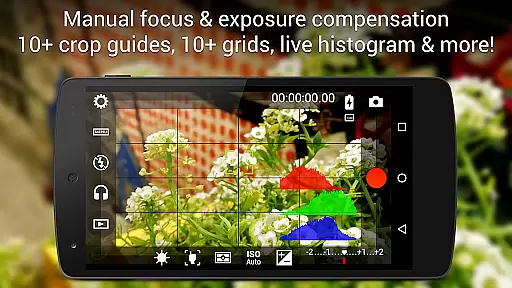
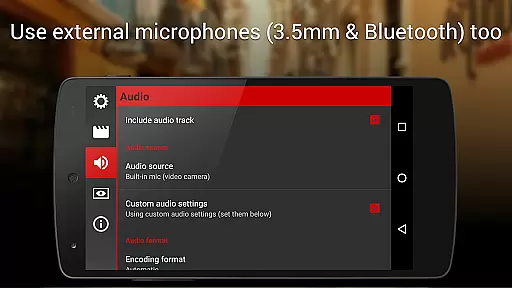
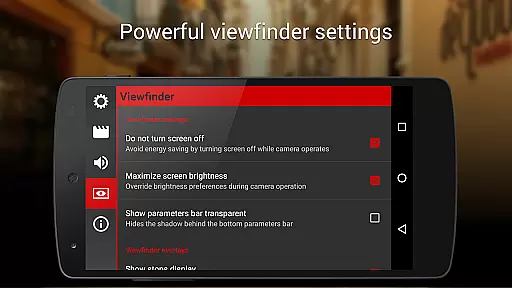
Cinema FV-5 stands out due to its extensive feature set that rivals professional video equipment. Users have access to over ten compositing grids and crop guides within the viewfinder, along with safe area displays and focus peaking. Advanced audio monitoring includes real-time sound level visualization and clipping warnings, ensuring superior audio capture alongside stunning visuals. Furthermore, the app supports multiple audio input methods, including built-in microphones, external wired mics, and wireless Bluetooth headsets.
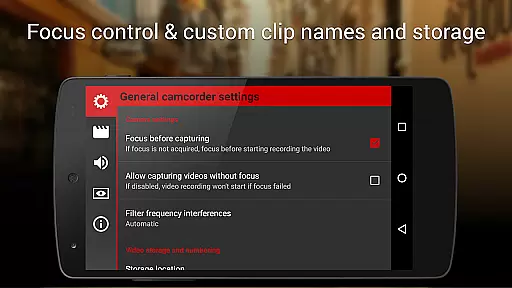
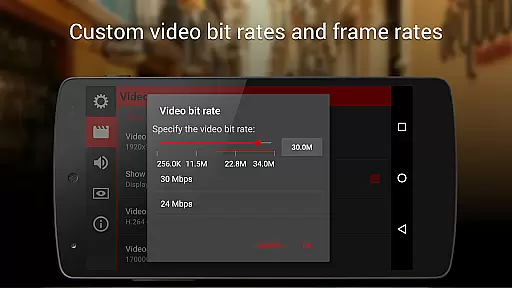
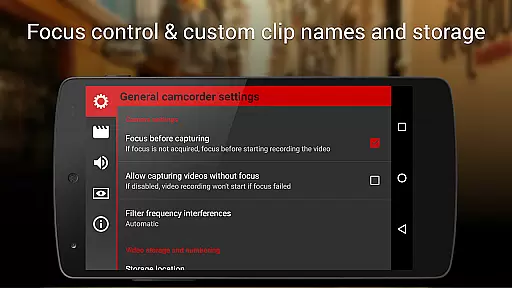
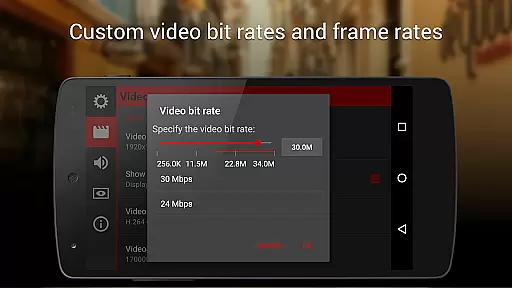
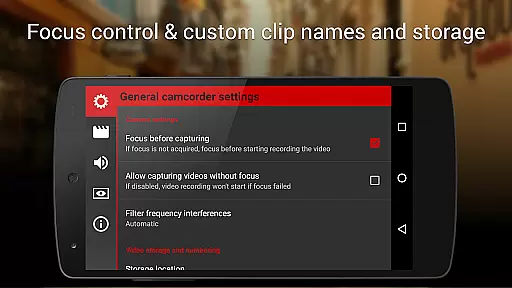
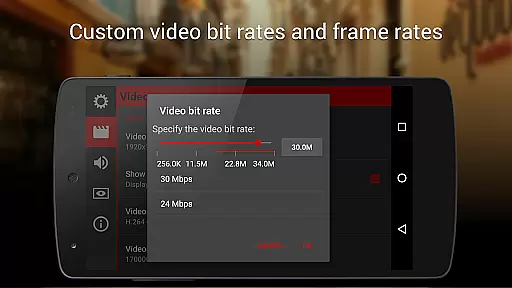
The app's flexibility extends to codec selection, bitrate adjustment, and configuration of audio sampling rates and channels. It offers innovative control options by assigning camera functions to volume keys or hardware shutter buttons, allowing seamless operation even during complex shoots. Features like video geotagging, precise zoom functionality based on 35mm equivalent focal lengths, and automatic locks for exposure and white balance further enhance usability. Lastly, robust organizational tools enable efficient management of recorded content through customizable storage locations and filenames, streamlining workflows from capture to edit.
Cinema FV-5 excels in providing real-time capture and preview capabilities, ensuring videographers can monitor their footage as it's being recorded. This feature is crucial for professionals who need to make precise adjustments on the fly.
The application offers a professional viewfinder with over 10 compositing grids and crop guides, along with safe area displays. These tools allow users to frame their shots accurately and ensure that all important visual elements are captured within the scene.
Additionally, the most advanced electronic viewfinder displays live RGB and luminance histograms during recording. This functionality enables users to assess exposure levels and make necessary corrections instantly, resulting in high-quality video output.
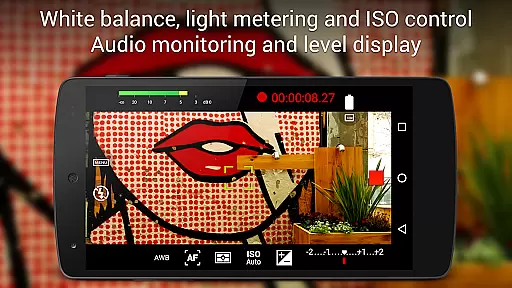
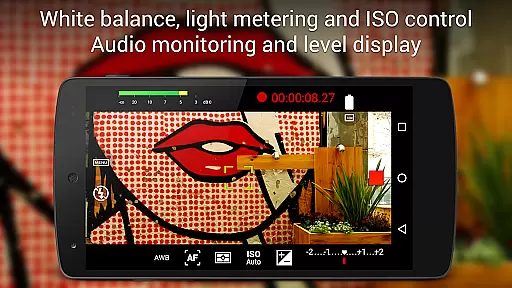
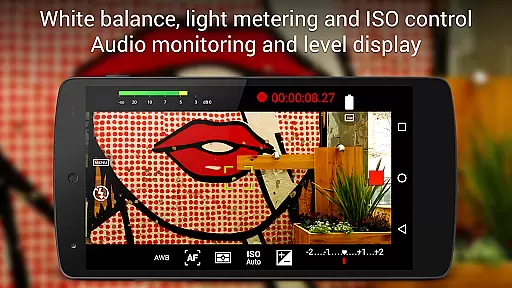
With real-time audio metering options, including audio peak displays and sound clipping warnings, Cinema FV-5 ensures optimal sound quality. Users can leverage any audio input source, from built-in microphones to external Bluetooth headsets, guaranteeing clear and professional-grade audio capture.
While primarily focused on professional controls, Cinema FV-5 also incorporates features that enhance video quality naturally without relying on heavy post-production. The app provides manual controls for ISO, exposure compensation, and white balance, which contribute to more natural-looking footage.
Users can adjust these parameters even during recording, allowing for seamless transitions and consistent visual quality throughout their videos. This flexibility ensures that changes in lighting or environment do not disrupt the viewer's experience.
Focus adjustments during recording further enhance the natural feel of videos by enabling smooth focus transitions and locking onto subjects precisely. This capability helps maintain clarity and sharpness where it matters most, enhancing overall production value.
By supporting 4K UHD video recording on compatible devices, Cinema FV-5 delivers crisp and detailed images that require minimal enhancement. The combination of professional controls and high-resolution capture results in stunningly natural and visually appealing content.
Advanced manual controls
Real-time parameter adjustments
Professional viewfinder tools
Supports 4K UHD recording
Customizable file naming
Steep learning curve
Requires high-end device
No beginner-friendly mode
Interface may feel cluttered
Premium price point

Remote control of the phone camera from your Wear OS smartwatch
 3.70
3.70
Photo Album Watch Face shows your favorite pictures as a Watchface.
1.90
Viewfinder, Light meter, Reciprocity failure time, DOF & Bellows Extension
4.60
Photo editor: AI filters, photo enhancer, pic collage maker, AI art generator.
4.80
Be your best in every shot! Fix, edit and retouch your face in selfies & photos.
3.70
Take videos and pictures with the popular TikTok TIME WARP SCAN filter.
4.60
Add a dreamy vibe to your selfies and videos with soft style filters
4.3
Luminar: Photo Editor - easy picture editing with AI
4.20
AI photo enhancer with Sora 2! Enhance, descratch, and colorize your old photos.
4.50
Perfect body tune & face app - photo retouch, makeup, slim body & beautify face.
4.80
Photo prints, cards, & gifts at Walgreens. Easy ordering & fast local pickup !
4.80
Your personal guide to the sun and moon. Plan ahead, visualize and predict!
4.70
Create collages easily! Nice pic collage maker & background eraser for Instagram
4.50
Create AI photos & videos with Enhancer; restore, fix, beautify, enhance photos
4.50
Effortlessly organize, view and share your photos & videos with Gallery app!
4.40
Future baby face generator: AI kids generator, kid face! What my baby look like?
4.40
Turn your phone into a professional camera - full DSLR manual photography
4.30
Catch sunlight, sunrise sunset times and sun phases with the AR sun tracker.
4.10
Long exposure camera with computational photography
2.60


User Reviews