
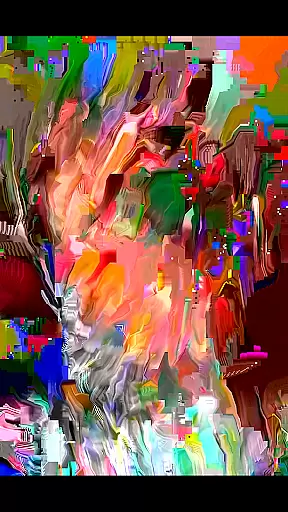
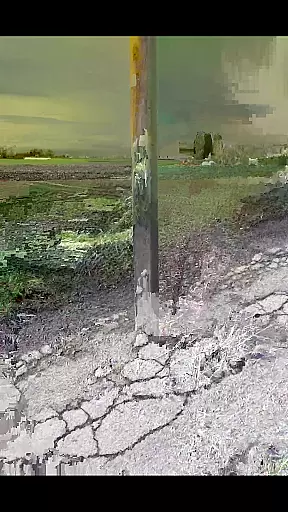
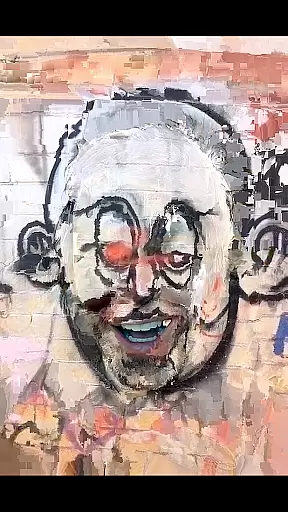
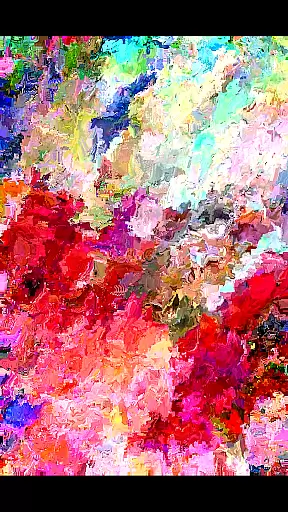
MoshUp is a creative photography app that allows users to perform live datamoshing on their mobile devices. This innovative tool lets you film one scene, then another, and uses the motion data from the second recording to transform the first. The result is unique visual effects that map the motion of one video onto the other, creating stunning artistic visuals.
The app also supports frame repetition by simply holding the screen, giving creators more control over their final output. With the latest update, users can now import videos directly from their gallery, expanding creative possibilities. Whether you're an experimental artist or just looking for new ways to express your creativity through video, MoshUp offers a fresh approach to mobile photography.
MoshUp stands out with its live datamoshing capabilities, allowing real-time transformation of video footage based on subsequent recordings. This feature creates fascinating mapping effects between different scenes, enabling truly unique visual storytelling.
Beyond live datamoshing, the app includes practical tools like frame repetition, activated by holding the screen, which helps in achieving precise artistic control. The recent addition of video import functionality from the device's gallery further enhances creative freedom, letting users experiment with existing footage alongside new recordings.
While still in active development, MoshUp is committed to improving compatibility across devices and providing a stable platform for creative expression through mobile photography. Users are encouraged to provide feedback for ongoing improvements.
Real-time capture and preview functionality is essential for photography apps as it allows users to see the effects applied to their images instantly. MoshUp excels in this area by enabling live datamoshing directly on your phone.
The app lets you film something and then film something different, transforming the first recording through the motion detected in the second. This real-time transformation provides a unique way of creating visually striking mapping effects that are immediately visible on your screen.
Additionally, the feature that allows you to hold the screen to repeat the last frame adds another layer of creative control. This ensures that users can fine-tune their creations without missing a beat, enhancing the overall user experience.
While MoshUp does not focus on traditional AI beauty enhancements, it offers a different kind of enhancement through its innovative datamoshing technique. This method creates interesting visual effects that can be considered an artistic enhancement rather than conventional beautification.
The ability to import videos from your gallery further expands the creative possibilities, allowing users to apply datamoshing effects to pre-existing footage. This flexibility ensures that each piece of content can be uniquely transformed, providing a natural yet artistic touch.
Although still in development, the app's potential for creating engaging and original content is evident. Users are encouraged to reach out with any issues, ensuring continuous improvement and refinement of the app's capabilities.
Unique datamoshing effect
Real-time transformation
Frame repetition control
Gallery import feature
Creative freedom
Limited device support
Developmental bugs
Complex for beginners
Performance issues
Interface not intuitive

Photo Album Watch Face shows your favorite pictures as a Watchface.
 1.90
1.90
Create Business Headshots, Polaroid Filter, Retake Photos,Profile Pics,AI Photos
4.50
Light-weight Media Gallery app for Android made with Jetpack Compose
4.60
Gallery Slideshow is slideshow maker app for slideshow from your gallery photos.
3.90
A reflected light meter with spot metering and incident light metering.
4.40
Collage your moments in one tap: 1000+ layouts, filters, stickers, and texts.
4.90
Use AI Video Generator to turn your words to ai generated videos.
4.50
The original Rarevision VHS look seen everywhere!
4.70
A unique animation app. Powerful, easy to use, and lots of fun.
4.30
Pro version: AR sun/moon tracker for any date. Tool for photographers & planners
4.90
Photo editor: AI filters, photo enhancer, pic collage maker, AI art generator.
4.80
Safe & smart flight with Go Fly drone controller for 40+ drone camera, zone map
4.50
AI photo editor with hair editor, retouch tools, hair color changer & filters!
4.50
Transform photos into videos! Create realistic or anime-style images easily!
4.50
Easily stitch panoramas from multiple photos or video.
4.40
The #1 app for B&W film developing featuring an advanced darkroom timer.
4.10
How old age camera Gender Swap App Face Shape Hairstyle App Hair Styler App fun!
4.00
Raw Image Viewer. Gallery with support of raw images (.cr3, .cr2, .nef, .raf).
2.00
Add a dreamy vibe to your selfies and videos with soft style filters
4.3


User Reviews