
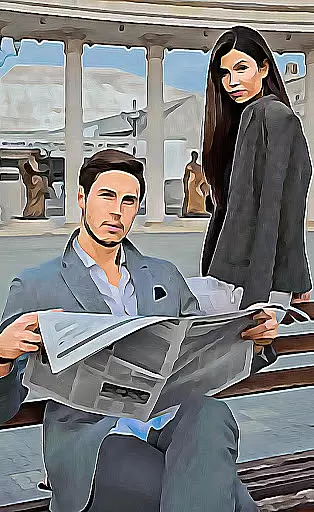
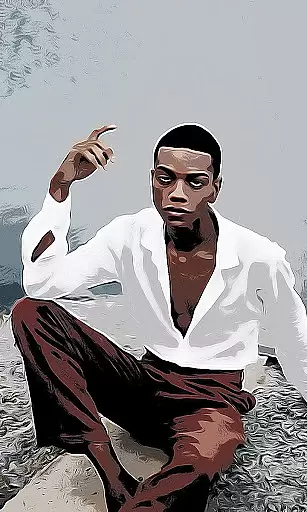
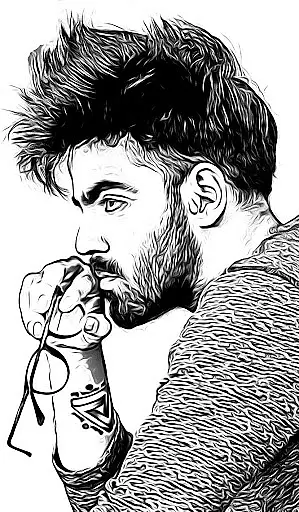
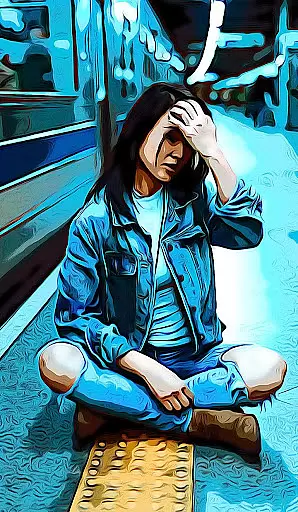
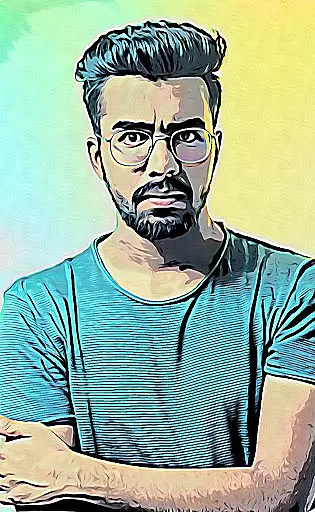
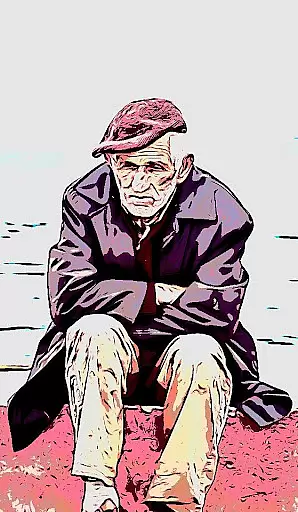
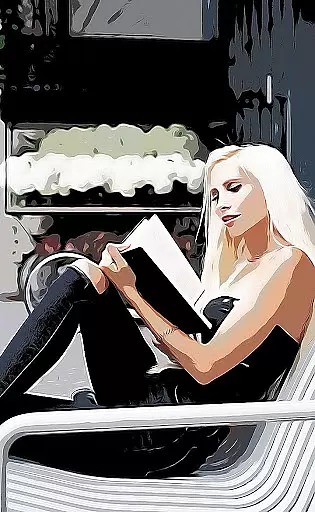
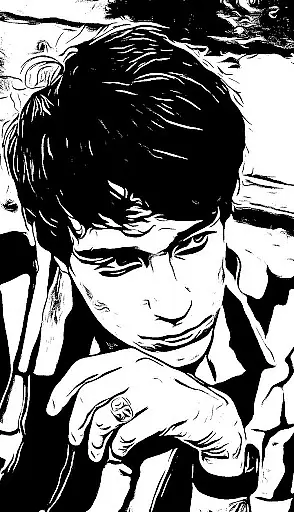
Cartoon Photo PRO is a premium photography app that transforms ordinary photos into artistic masterpieces. With advanced photo effects, it allows users to convert images into cartoons, sketches, oil paintings, and more. The app supports both front and back cameras, pinch-to-zoom functionality, and real-time effects for an immersive experience.
This application is perfect for photography enthusiasts who want to explore creative possibilities. Whether you're looking to enhance your personal photo collection or create unique artwork, Cartoon Photo PRO offers the tools to bring your vision to life. Its user-friendly interface ensures smooth navigation while delivering professional-quality results.
Cartoon Photo PRO stands out with its diverse range of artistic filters and real-time camera effects. Users can apply cartoon, sketch, oil painting, pencil drawing, and thermal vision effects to existing photos or capture new ones directly through the app. The pinch-to-zoom feature provides precise control over image details.
Additional functionalities include autofocus by screen tapping, quick-save options, and seamless social sharing. These features ensure that users can easily customize, save, and share their creations with friends and family. The app's pro version removes ads and unlocks exclusive premium effects, enhancing the overall user experience.
Real-time capture and preview functionality is essential for photography applications as it allows users to see the effects applied instantly through their device's camera. This feature ensures that users can make immediate adjustments before taking a photo.
Cartoon Photo PRO excels in this area by offering real-time effects that can be applied directly via the camera interface. Users have the ability to use both front and back cameras, pinch to zoom, and tap anywhere on the screen for auto-focus, ensuring they capture the perfect shot with their desired cartoon effect.
The value of this feature lies in its immediacy and interactivity. Photographers can experiment with numerous artistic filters such as cartoon, sketch, oil painting, and more, seeing the results instantly. This interactive approach not only enhances user engagement but also significantly improves the likelihood of capturing an image that meets their creative vision.
AI beauty and enhancement features are becoming increasingly popular in photography apps, allowing users to refine and beautify their images with intelligent algorithms. The naturalness of these enhancements is crucial to maintaining the authenticity of the original photo while still improving its aesthetic appeal.
Although Cartoon Photo PRO focuses primarily on artistic effects like cartoons and sketches, it indirectly supports natural enhancement by providing high-quality, diverse filters. These range from thermal vision to crosshatch effects, which add unique dimensions to photos without distorting the underlying image.
Users benefit from these sophisticated AI-driven tools as they can elevate ordinary photos into extraordinary pieces of art. The app's capability to transform images into various stylesu2014while preserving the integrity and detail of the originalu2014ensures that each photograph remains a true representation of the captured moment, enhanced tastefully by advanced digital techniques.
User-friendly interface
Wide variety of effects
Real-time camera functionality
Ad-free experience
Premium features included
Higher cost than free version
Requires significant storage
Limited free effects
No video support
Occasional bugs reported

AI portrait generator and polaroid AI selfie, fun AI generated AI photo creator!
 4.30
4.30
Professional video recording application with manual controls for filmmakers!
2.80
Photo Exif Editor allows to view, add and modify EXIF data of multiple photos
4.50
HD Camera Pro with HD Video shooting, Panorama, Photo editor , Beauty Camera.
4.50
Create AI photos & videos with Enhancer; restore, fix, beautify, enhance photos
4.50
Future baby face generator: AI kids generator, kid face! What my baby look like?
4.40
Collage your moments in one tap: 1000+ layouts, filters, stickers, and texts.
4.90
Use AI Video Generator to turn your words to ai generated videos.
4.50
The original Rarevision VHS look seen everywhere!
4.70
Pro version: AR sun/moon tracker for any date. Tool for photographers & planners
4.90
Enhance, upscale, and transform your images — on your device, without limits
4.70
Cut and paste photo editor & eraser to customize photos easy and swap faces fun
4.50
All-in-One Editor & AI Photo Enhancer, Beautify & Retouch, Collage, Cartoonify
4.20
Luminar: Photo Editor - easy picture editing with AI
4.20
A light meter for true photographers.
4.20
How would you look like with a differently shaped nose, chin or lips?
3.90
Perfect photos with body shaping, BG changer and object remover.
3.70
Long exposure camera with computational photography
2.60
Photo Album Watch Face shows your favorite pictures as a Watchface.
1.90


User Reviews