
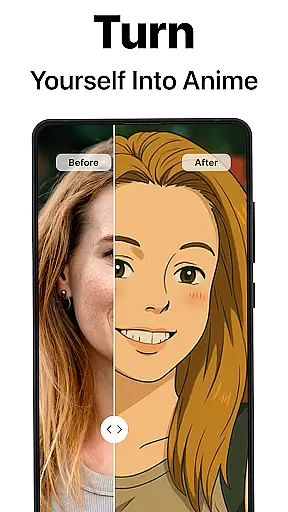
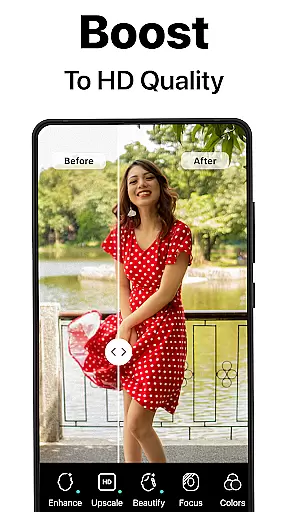
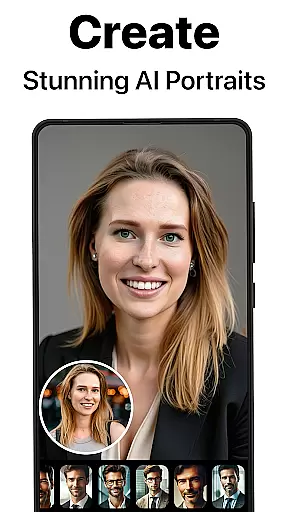
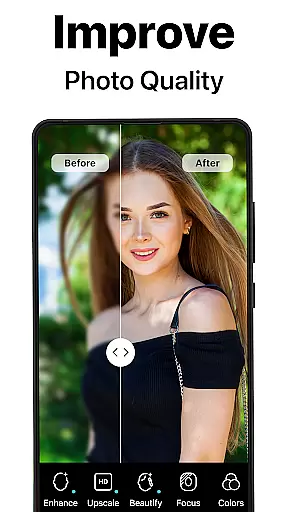
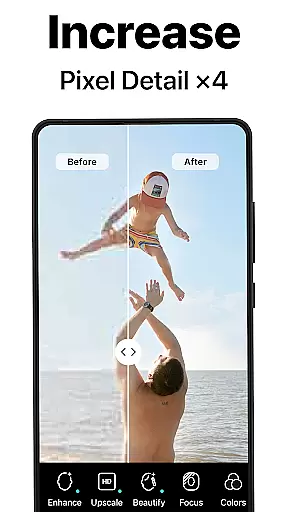
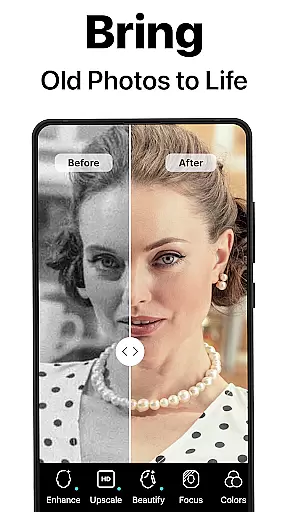
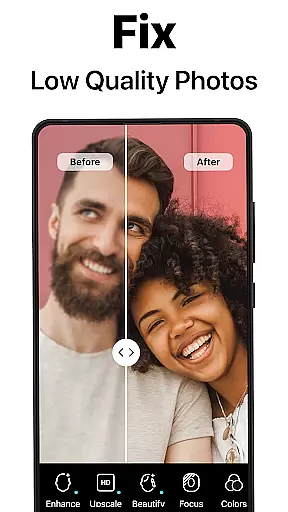
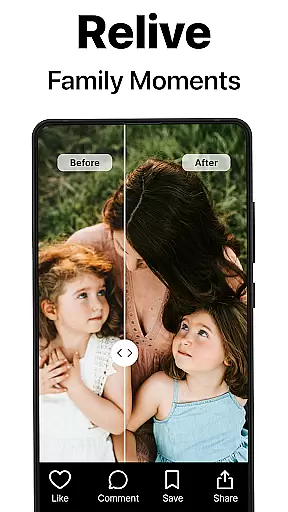
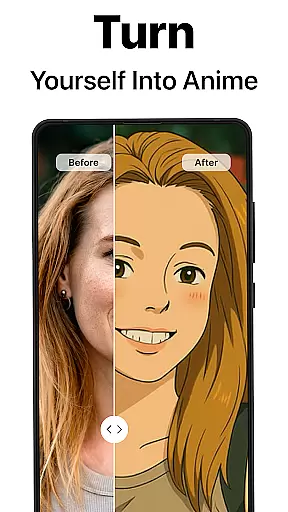
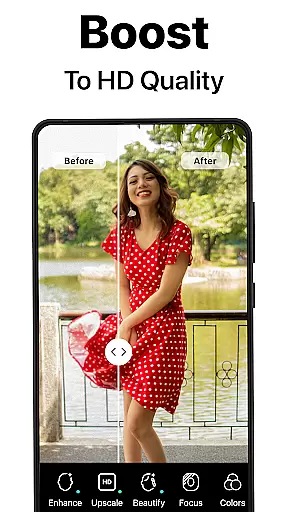
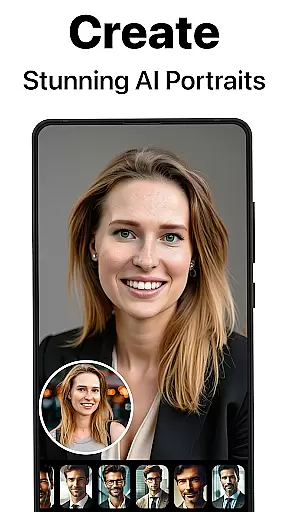
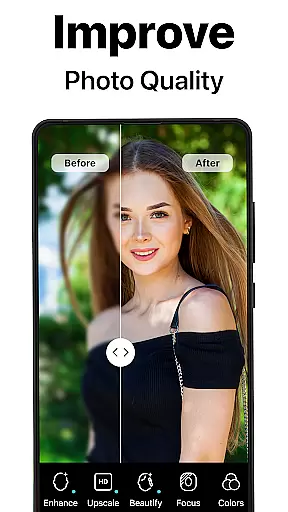
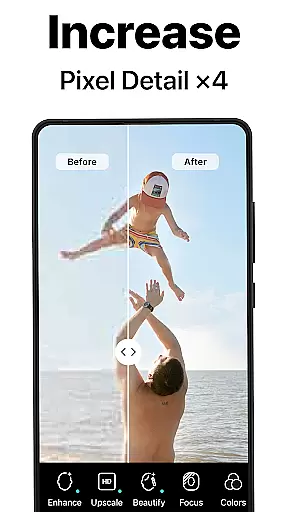
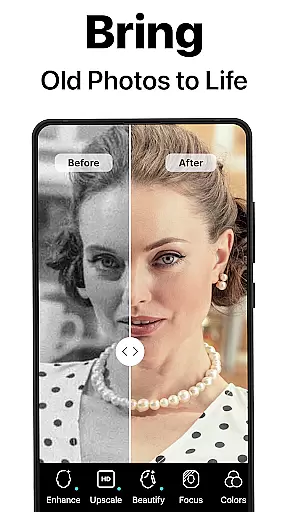
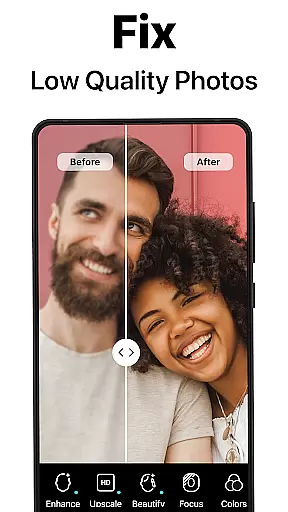
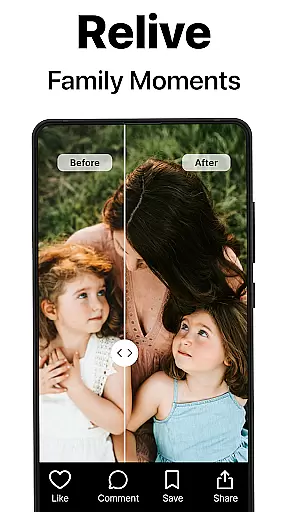
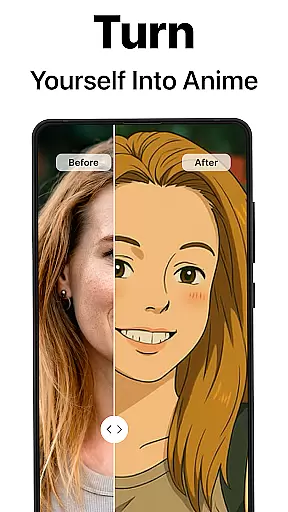
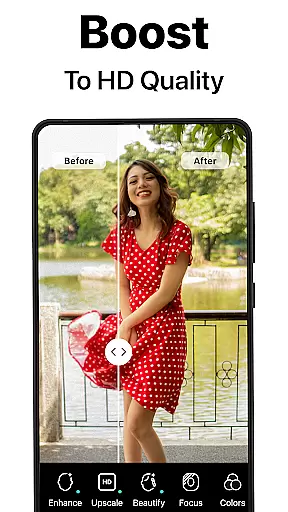
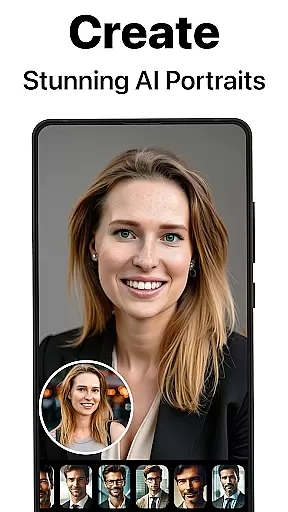
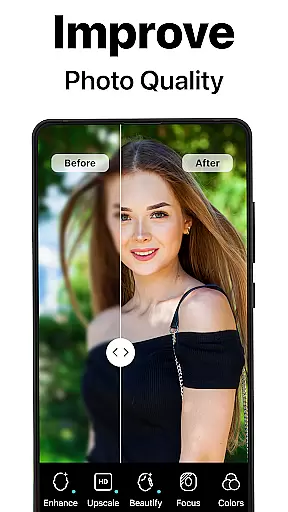
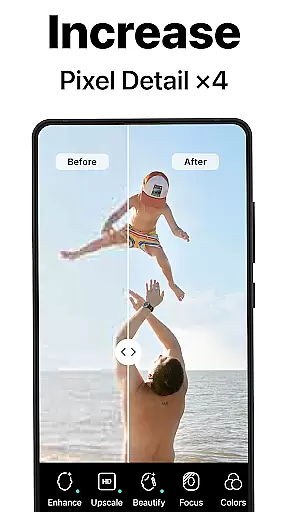
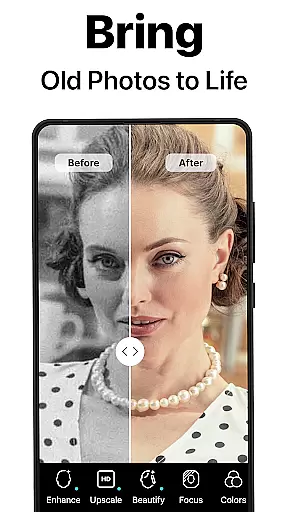
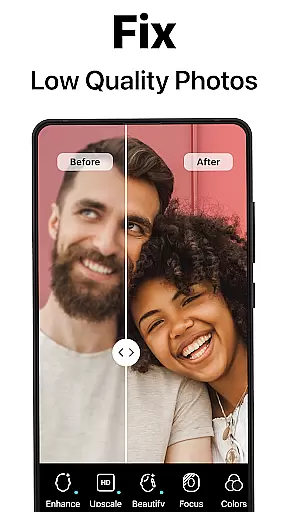
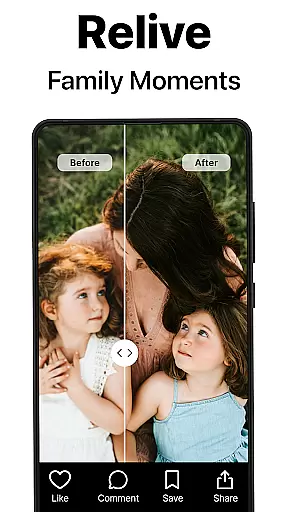

PhotoBoost is a cutting-edge photography app designed to enhance, restore, and transform your photos using advanced AI technology. Whether you're looking to sharpen blurry images, revive pixelated memories, or create stunning AI-generated avatars, PhotoBoost delivers professional-quality results in seconds. With its wide range of features, the app caters to both personal and creative needs, making it an ideal tool for photographers, social media enthusiasts, and anyone who values preserving their cherished moments.
One standout feature is the AI Avatars tool, which allows users to turn ordinary selfies into extraordinary creations across various themes like fantasy, pop culture, and fine art styles. Additionally, PhotoBoost offers photo restoration, colorization, and upscaling capabilities, ensuring that old or low-quality images are revitalized with vibrant colors and sharp details. These tools not only save time but also elevate the visual appeal of your photos, whether for sharing on social media or printing as keepsakes.
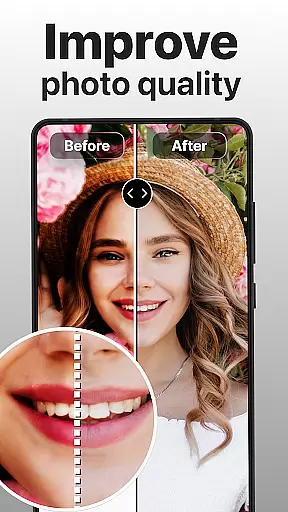
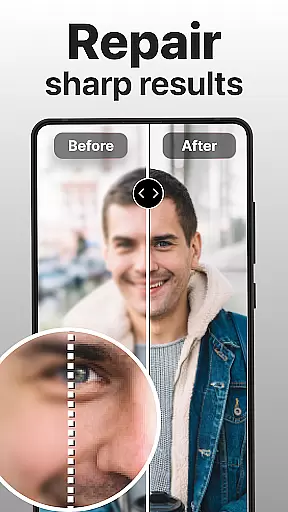
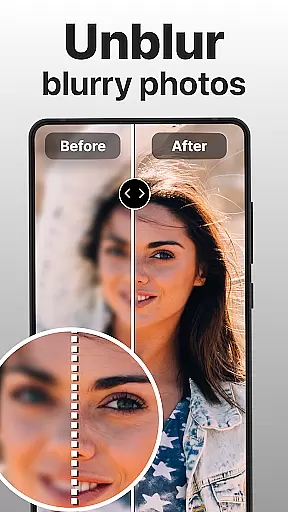
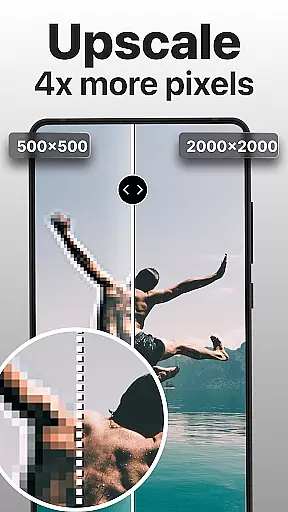
PhotoBoost stands out with its robust set of features tailored to meet diverse photography needs. The app's core functionality revolves around three main pillars: enhancement, restoration, and creativity. For photo enhancement, users can instantly sharpen blurry or pixelated images, upscale low-resolution photos without losing quality, and even compare before-and-after transformations to appreciate the improvements.
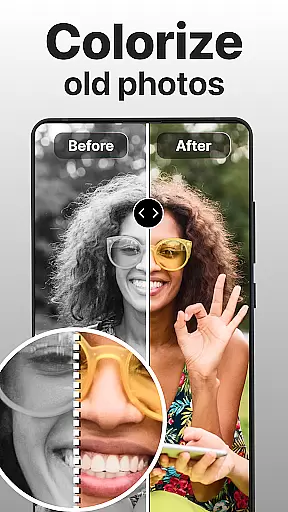
In terms of restoration, PhotoBoost excels at repairing damaged or faded photos, including black-and-white images that can be brought back to life through colorization. This makes it perfect for digitizing vintage family albums. On the creative side, the AI Avatars feature offers unparalleled versatility, enabling users to experiment with hundreds of artistic styles, festive themes, and professional portrait options. Each feature is powered by state-of-the-art AI algorithms, ensuring fast processing times (under 3 seconds) while maintaining exceptional quality.
What sets PhotoBoost apart from competitors is its commitment to variety and innovation. The app provides the largest library of avatar themes and regularly updates its offerings, ensuring users always have fresh content to explore. Whether you're enhancing everyday snapshots or crafting unique visuals for social media, PhotoBoost adapts seamlessly to any use case.
Real-time capture and preview functionality is essential for ensuring that every photo taken meets the user's expectations. PhotoBoost excels in this area by providing instantaneous feedback on images as they are captured, allowing users to make necessary adjustments before finalizing their shots.
The app leverages advanced AI technology to enhance the clarity and quality of photos during the capture process. This ensures that even in challenging lighting conditions or with fast-moving subjects, the resulting images maintain a high standard of sharpness and detail.
For users, this feature translates into greater confidence when taking photos, knowing that the app will help them achieve professional-quality results without the need for extensive post-processing. Whether capturing fleeting moments or staging elaborate compositions, PhotoBoost empowers photographers to seize the moment with precision.
Ultimately, the real-time capture and preview capabilities of PhotoBoost not only streamline the photography workflow but also elevate the overall user experience, making it an indispensable tool for both amateur and professional photographers alike.
AI beauty and enhancement features have become a cornerstone of modern photo editing, and PhotoBoost stands out by offering natural-looking enhancements that preserve the authenticity of the original image. The app employs sophisticated algorithms to subtly refine facial features, skin tones, and other elements without creating an over-processed appearance.
With PhotoBoost, users can choose from a variety of enhancement options tailored to different preferences and styles. From smoothing out minor imperfections to adding a radiant glow, the app ensures that each edit enhances the subject's natural beauty while maintaining realism.
This approach to AI-powered enhancement provides significant value to users who seek polished yet genuine-looking photos. It is particularly beneficial for creating professional portraits or enhancing personal memories, where maintaining the integrity of the original image is paramount.
By prioritizing naturalness in its AI beauty features, PhotoBoost delivers a superior editing experience that respects the essence of the captured moment, thus appealing to photographers who value authenticity alongside aesthetic improvement.
User-friendly interface
Fast processing speed
Versatile editing tools
Regular theme updates
High-quality results
Paid subscription required
Limited free trial
Internet connection needed
Some features may overwhelm beginners
Occasional bugs reported

Effortlessly organize, view and share your photos & videos with Gallery app!
 4.40
4.40
Photo Album Watch Face shows your favorite pictures as a Watchface.
1.90
Photobooth mini FULL app will allow you to add more fun to your parties
4.00
Virtual makeup, hair filters & body tuner—edit from face to full body!
4.20
Photo Exif Editor allows to view, add and modify EXIF data of multiple photos
4.50
Amazing Photo Effects - The most fun you can have with your photos!
4.70
Professional photography on your mobile phone
4.20
PhotoSync Bundle Add-On License. Enables all features and services in PhotoSync.
4.60
Edit photos with the picture generator: PS2 & AI Clay filters, cartoon effects.
4.50
Android Native system HD camera app. Never been so simple and faster.
4.70
See your baby AI baby face generator AI baby maker Face generator babymaker fun!
4.70
1M influencer's special filter
4.60
A must-have app for landscape photographers
4.60
Discover & download millions of art for The Frame TV or Hisense CanvasTV
4.60
Movie camera, supports pro recording settings for filming. Try it and be amazed!
4.50
All-in-One Editor & AI Photo Enhancer, Beautify & Retouch, Collage, Cartoonify
4.20
A light meter for true photographers.
4.20
All-in-One Editor & AI Photo Enhancer, Collage, Cartoonify, Funny Stickers & BGS
4.10
GCamera allows all GCam features on all phone models! Better photos with GCamera
3.30


User Reviews