
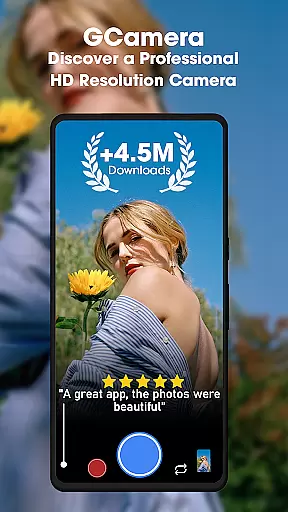
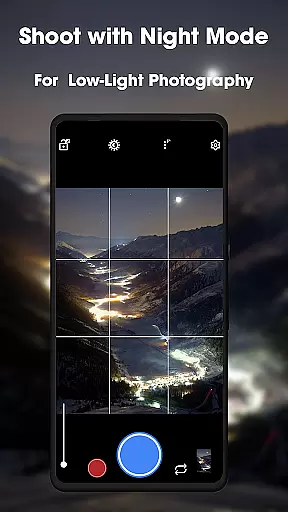
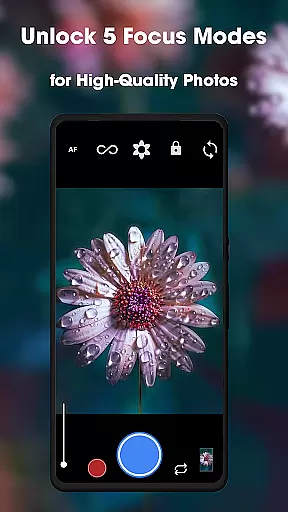
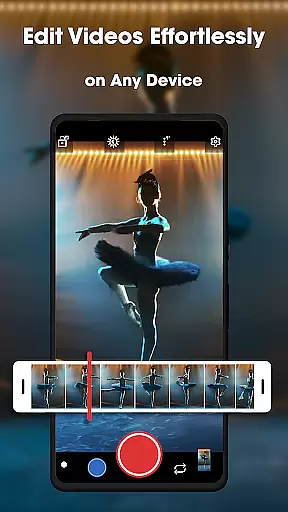
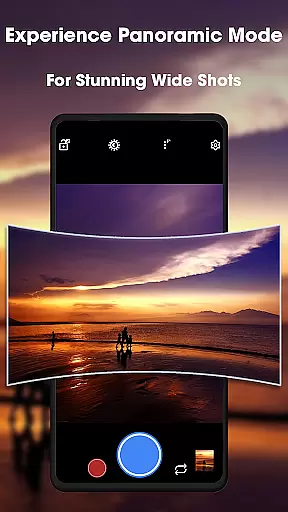
GCamera is a feature-rich photography app that transforms your smartphone into a professional-grade digital camera. With advanced modes like HDR+, Night Sight, and Astrophotography, it ensures stunning image quality in any lighting condition. The app also includes Portrait Mode for artistic bokeh effects and an intuitive user interface for seamless navigation.
Designed for both amateur enthusiasts and seasoned photographers, GCamera empowers users to capture breathtaking photos with vibrant colors, sharp details, and impeccable dynamic range. Whether you're shooting scenic landscapes, low-light environments, or celestial wonders, this app adapts to your creative needs while delivering consistently impressive results.
GCamera stands out with its diverse and innovative features tailored for photography enthusiasts. The HDR+ mode combines multiple shots using advanced algorithms, producing images with enhanced colors and sharpness. Night Sight allows users to capture clear, detailed photos even in challenging low-light conditions, making nighttime photography more accessible than ever.
Astrophotography mode takes creativity to the next level by enabling users to photograph stars and galaxies with remarkable clarity. Additionally, Portrait Mode creates professional-looking portraits by blurring backgrounds into beautiful bokeh effects. These features are complemented by an intuitive design that makes navigating through settings effortless, ensuring a smooth user experience for all skill levels.
Real-time capture and preview functionality is essential for ensuring that every photo taken with GCamera is perfectly composed. This feature allows users to see exactly what the camera sensor is capturing, providing a live view of the scene before taking the shot.
GCamera's advanced processing capabilities ensure that the preview accurately reflects the final image, including effects like HDR+ and Night Sight. This real-time feedback empowers photographers to make necessary adjustments on the fly, optimizing exposure, focus, and framing.
With this precise preview system, users can confidently capture high-quality images without guesswork. Whether shooting in challenging lighting conditions or composing complex scenes, the real-time capture feature ensures that each photo meets professional standards.
The value of real-time preview extends beyond convenience; it enhances the overall photography experience by giving users greater control over their creative process. This results in better photos and a more satisfying user experience.
AI-powered beauty and enhancement features are revolutionizing mobile photography, and GCamera leads the way in natural-looking enhancements. These intelligent tools automatically detect faces and optimize portraits while maintaining authentic appearances.
Unlike traditional beauty filters that often create artificial results, GCamera's AI algorithms analyze facial features and apply subtle enhancements. This includes skin smoothing, blemish reduction, and natural contouring, all while preserving unique characteristics and avoiding the 'plastic' look.
The app intelligently balances enhancement levels based on individual features, ensuring that each portrait retains its genuine qualities. This approach creates professional-grade results that look both polished and realistic.
By combining sophisticated AI technology with a commitment to natural beauty, GCamera delivers enhanced portraits that maintain authenticity. This feature particularly appeals to users who want to improve their photos without sacrificing realism, making it an invaluable tool for social media enthusiasts and professional photographers alike.
User-friendly interface
Advanced HDR+ technology
Excellent low-light performance
Versatile shooting options
Professional-quality results
May drain battery quickly
Requires high-end device
Limited manual controls
Occasional processing delays
Not ideal for beginners

Remote control of the phone camera from your Wear OS smartwatch
 3.70
3.70
Long exposure camera with computational photography
2.60
Easily stitch panoramas from multiple photos or video.
4.40
An interval timer to automate photo taking process for timelapse
2.90
Create collages easily! Nice pic collage maker & background eraser for Instagram
4.50
Luminar: Photo Editor - easy picture editing with AI
4.20
Fit multiple photos on one post. Create carousels & scroll layouts for Instagram
4.50
AI-powered video creator by MiniMax - Where ideas meet cinema
4.20
Turn photos into cartoons & avatars! - Photo Editor, Cartoon Face!
3.90
Find time and duration of different sunlight phases at any location
4.90
Android Native system HD camera app. Never been so simple and faster.
4.70
Add Watermark - Sign your pictures with a text or logo. Effective, quick, easy!
4.50
AI photo enhancer with Sora 2! Enhance, descratch, and colorize your old photos.
4.50
Effortlessly organize, view and share your photos & videos with Gallery app!
4.40
Shooting photos and records video easily and efficient with professional Camera
4.30
A light meter for true photographers.
4.20
How old age camera Gender Swap App Face Shape Hairstyle App Hair Styler App fun!
4.00
Professional quality photo edits with the new Snapseed.
4.00
live datamoshing
4.00


User Reviews