
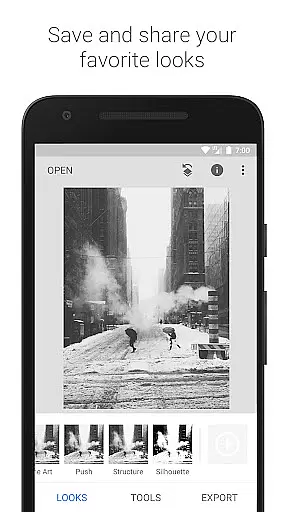
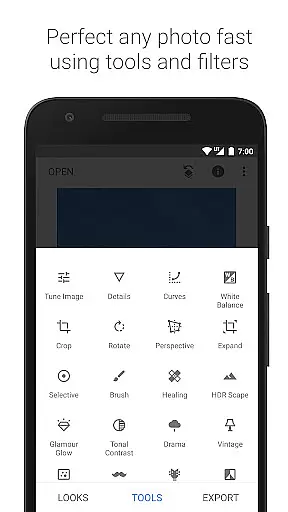
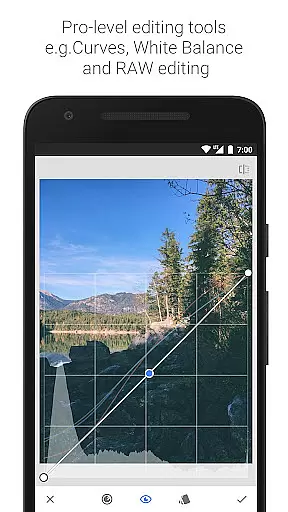
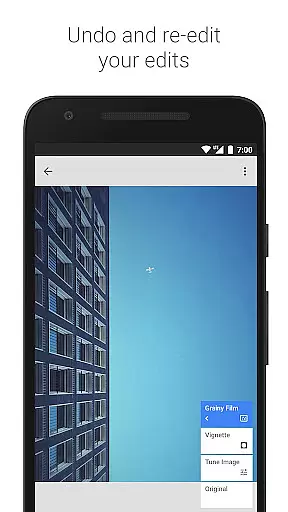
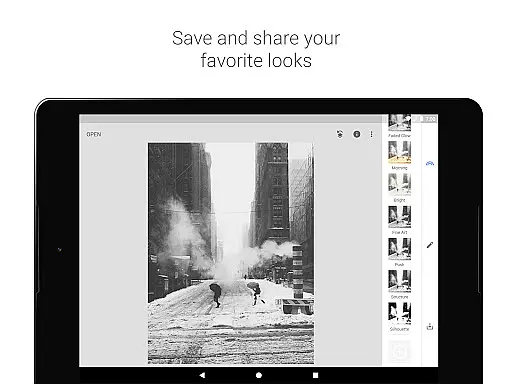
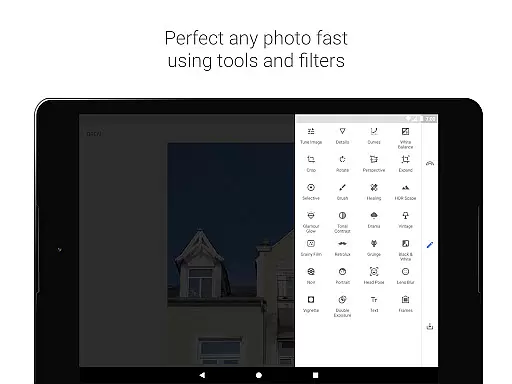
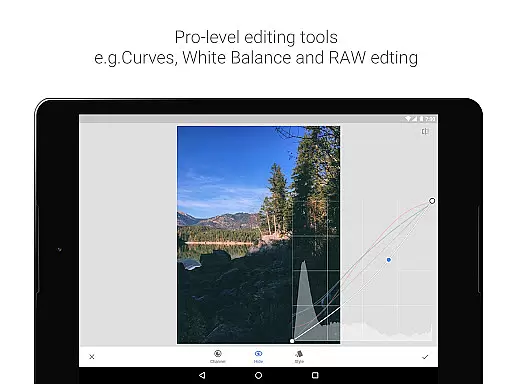
Snapseed is a comprehensive photo editing application developed by Google, offering professional-grade tools for both amateur and expert photographers. The app provides an extensive suite of 29 tools and filters, including options like Healing, Brush, Structure, HDR, and Perspective correction. These features allow users to enhance their images with precise control over every edit.
One of Snapseed's standout capabilities is its support for both JPG and RAW file formats, enabling photographers to work with high-quality images directly on their mobile devices. Users can save personalized editing styles and apply them to future projects, ensuring consistency across their work. Additionally, the Selective filter brush and advanced retouching options make it easy to create stunning visuals tailored to specific preferences.
Whether you're looking to correct minor imperfections or completely transform your photos, Snapseed offers the tools necessary to achieve professional results. Its intuitive interface and powerful editing features make it an essential app for anyone serious about photography, providing a versatile platform that works seamlessly across various devices.
Snapseed stands out in the photography category due to its robust set of features designed for detailed image manipulation. With 29 built-in tools and filters, users have access to advanced functionalities such as RAW Develop, which allows non-destructive editing of RAW DNG files, and Tune Image for fine-tuning exposure and color with precision.
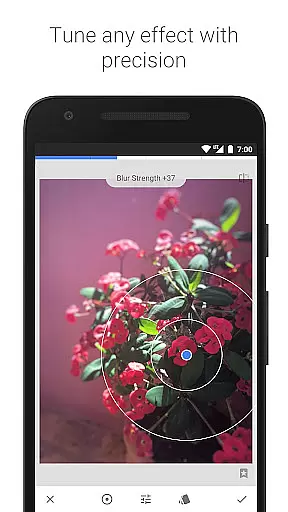
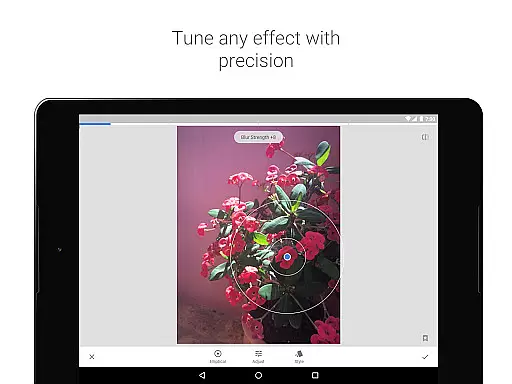
The app also includes creative filters like Lens Blur, which mimics the bokeh effect seen in professional portraits, and Glamour Glow, perfect for fashion photography. Tools like Perspective correction and White Balance adjustment ensure that every photo maintains realistic proportions and natural colors. Furthermore, Snapseed's Selective tool employs 'Control Point' technology, letting users apply enhancements to specific areas while the algorithm handles the rest.
Additional features include Face Enhance for portrait retouching, Text overlays for adding stylized captions, and Double Exposure for blending images creatively. Each tool is crafted to provide maximum control and flexibility, empowering users to produce high-quality edits that reflect their unique style and vision.
Snapseed offers a powerful real-time capture and preview feature that allows photographers to see adjustments as they are made. This immediate feedback is crucial for making precise edits without guesswork.
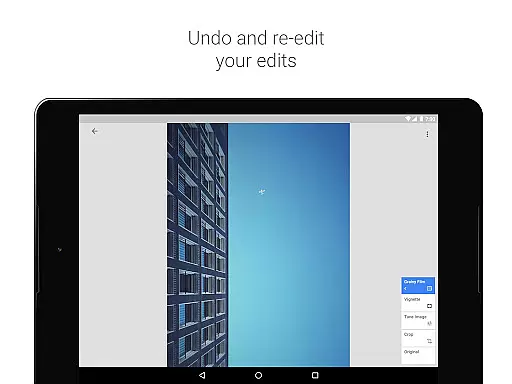
The application supports both JPG and RAW file formats, providing flexibility in capturing images with different levels of detail and dynamic range. The ability to open and tweak RAW DNG files ensures that users can make non-destructive edits while preserving the highest quality possible.
With selective filter brushes and control points, Snapseed enables users to apply enhancements exactly where needed. This level of precision ensures that each part of the image receives the attention it deserves, resulting in professional-grade edits.
Photographers benefit from the app's advanced tools like Healing, Brush, and Perspective correction, which contribute to creating perfectly balanced images. These features collectively enhance the real-time editing experience, making it intuitive and efficient.
Snapseed incorporates AI-powered beauty and enhancement features that elevate photo editing to new heights. The AI algorithms work seamlessly to enhance natural beauty without over-processing, maintaining the authenticity of the original image.
Tools such as Glamour Glow and Tonal Contrast allow users to boost details selectively in shadows, midtones, and highlights. This selective enhancement ensures that facial features and skin textures remain lifelike and true to form.
The Face Enhance tool focuses on key areas like the eyes and skin, adding specific lighting or smoothing effects that enhance portraits naturally. This feature is particularly useful for portrait photographers looking to highlight their subject's best features.
By combining traditional darkroom techniques with modern AI capabilities, Snapseed delivers a comprehensive suite of editing options. Users can achieve stunning results that retain the natural essence of their photos, ensuring professional-quality outputs every time.
User-friendly interface
Extensive editing tools
Supports RAW files
Customizable filters
Free to use
Steep learning curve
Overwhelming for beginners
Limited social sharing
No cloud sync
Occasional bugs

Photo editor: face & body editor, beauty cam, filters and quality enhancer.
 4.00
4.00
Search, tag and rate your way to an organized image gallery
4.40
Application for remote controlling DSLR
3.00
Photobooth mini FULL app will allow you to add more fun to your parties
4.00
AI photo editor with hair editor, retouch tools, hair color changer & filters!
4.50
Create AI photos & videos with Enhancer; restore, fix, beautify, enhance photos
4.50
Future baby face generator: AI kids generator, kid face! What my baby look like?
4.40
Luminar: Photo Editor - easy picture editing with AI
4.20
Unblur, enhance & restore photos with powerful AI photo enhancer tools.
4.60
Pro version: AR sun/moon tracker for any date. Tool for photographers & planners
4.90
Enhance, upscale, and transform your images — on your device, without limits
4.70
Safe & smart flight with Go Fly drone controller for 40+ drone camera, zone map
4.50
[3DSteroid Pro] is a stereoscopic application for Android.
4.30
Smart, light, and fast photo and video gallery
4.30
Professional photography on your mobile phone
4.20
Catch sunlight, sunrise sunset times and sun phases with the AR sun tracker.
4.10
Turn photos into cartoons & avatars! - Photo Editor, Cartoon Face!
3.90
Hair color changer, AI haircut app, fun hair editor and buzz cut filter for all!
3.80
Over 800 film simulation recipes for Fujifilm. Black Friday Offer!
4.1


User Reviews