
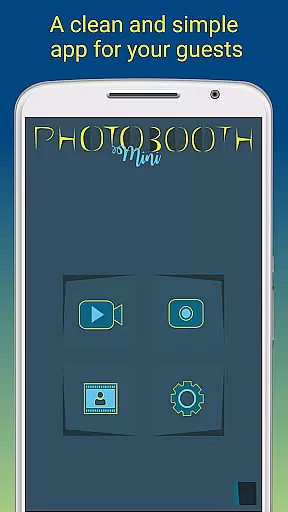
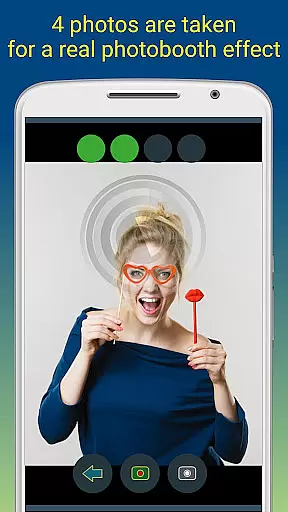
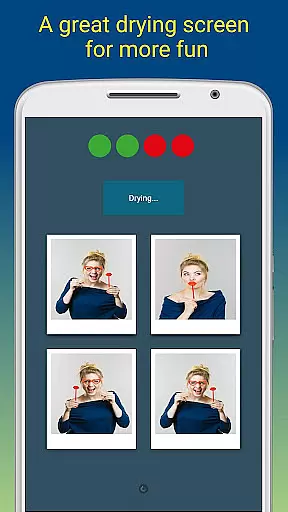
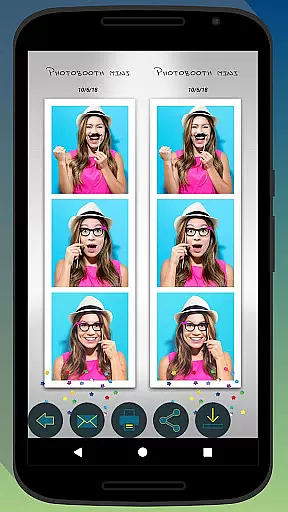
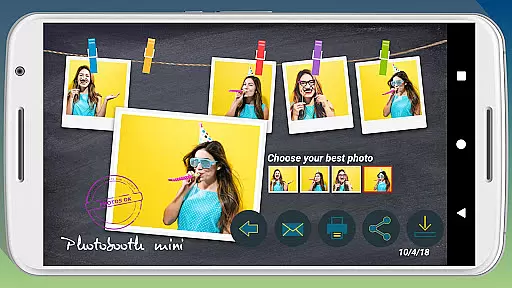
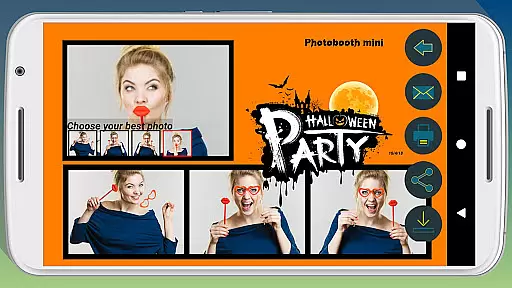
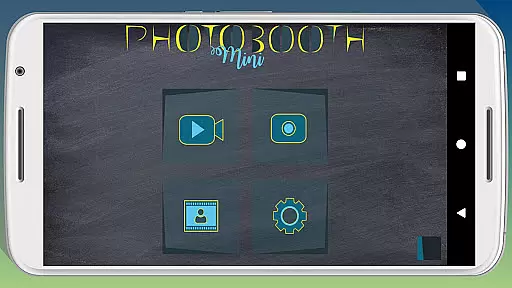
Photobooth mini FULL is a feature-rich photography app designed for capturing fun moments at parties and events. The application offers full-screen preview functionality that adapts to the user's distance, mimicking a real photo booth experience. With options like a timer, multiple picture capture, and video messaging, it ensures an engaging experience. Users can take 4-5 photos per session, enjoy a realistic drying effect with sound, and customize their experience extensively.
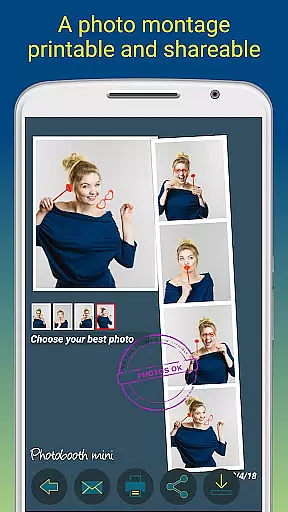
The app is optimized for social gatherings, allowing continuous use over days without performance issues. It supports direct printing, sharing, and emailing of photos. Additionally, users can add text and dates to their images, making it ideal for event documentation. Its configurability extends to background image replacement and timer settings, adapting seamlessly to different event setups.
Photobooth mini FULL stands out with its specialized features tailored for event photography. The full-screen preview adjusts based on the user's distance, providing an authentic photo booth feel. This feature, combined with the ability to zoom using volume buttons while maintaining the chosen distance, enhances usability. The app includes a timer function and allows capturing 4-5 images per session, adding an element of surprise and fun.
Additional notable features include a photo drying simulation with sound effects and video messaging capabilities. The app facilitates extensive customization options such as background image changes and timer adjustments. It also supports offline email requests, automatically sending emails when internet connectivity is restored. These features collectively ensure a versatile, user-friendly experience suitable for various event types.
Photobooth mini FULL offers a real-time capture and preview feature that ensures users can take high-quality, funny pictures with ease. This functionality is crucial for capturing moments accurately as they happen.
The app provides a full-screen preview that adapts to the distance of the face, mimicking a real photo booth experience. Users can zoom using volume buttons while maintaining the chosen distance, ensuring consistent quality across photos.
With additional features like a timer and the ability to take 4 to 5 pictures in one session, users can enjoy a seamless photography experience. The blowing sound effect during photo drying adds an element of fun, enhancing user engagement.
This application is designed to remain active during parties, making it accessible for all guests. It supports extensive customization options, allowing users to replace background images and configure settings to suit their specific needs.
Photobooth mini FULL incorporates AI beauty and enhancement features that ensure natural-looking edits without compromising the authenticity of the captured images. This aspect is vital for users who desire aesthetically pleasing yet genuine photographs.
The AI-driven enhancements automatically adjust various photo elements, such as lighting and skin tones, to produce visually appealing results. These adjustments are subtle, preserving the original essence of the photos while adding a touch of elegance.
Users can further personalize their images by adding text lines and dates, creating memorable keepsakes. The app's capability to save numerous photos over extended periods makes it ideal for events, ensuring no moment is missed.
Additionally, the app facilitates easy sharing and printing directly from the interface. Even without an internet connection at the event venue, the app queues email requests and sends them once connectivity is restored, ensuring smooth operation and user satisfaction.
User-friendly interface
Highly customizable settings
Realistic photo booth simulation
Offline email queuing system
Social media integration
Occasional performance lags
Limited free features
Complex setup for beginners
Requires additional hardware
In-app purchases necessary

Effortlessly organize, view and share your photos & videos with Gallery app!
 4.40
4.40
An interval timer to automate photo taking process for timelapse
2.90
Cut and paste photo editor & eraser to customize photos easy and swap faces fun
4.50
Take videos and pictures with the popular TikTok TIME WARP SCAN filter.
4.60
Create amazing frames with up to five photos. Rounded corners, effects and more!
3.60
A reflected light meter with spot metering and incident light metering.
4.40
Easily view, share, delete photos with Gallery.
4.70
Easily create custom gifts, cards, photo books & more on the Shutterfly app!
4.60
AI-powered video creator by MiniMax - Where ideas meet cinema
4.20
Find time and duration of different sunlight phases at any location
4.90
Gallery show photo, video, slideshow, is perfect 3D effect private photo albums.
4.80
Photo editor: AI filters, photo enhancer, pic collage maker, AI art generator.
4.80
1M influencer's special filter
4.60
Viewfinder, Light meter, Reciprocity failure time, DOF & Bellows Extension
4.60
A must-have app for landscape photographers
4.60
Discover & download millions of art for The Frame TV or Hisense CanvasTV
4.60
Virtual makeup, hair filters & body tuner—edit from face to full body!
4.20
Astrophotography with your smartphone, photo live stacking and much more!
3.90
Long exposure camera with computational photography
2.60


User Reviews