

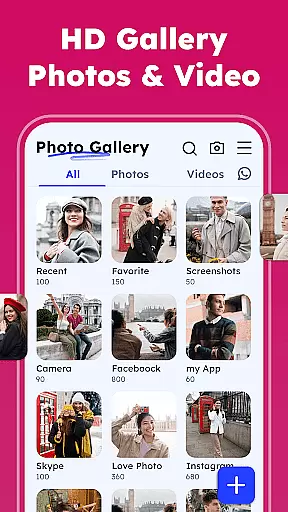


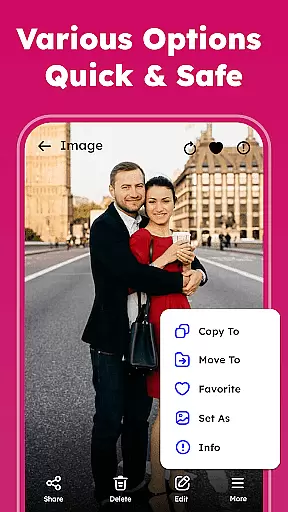
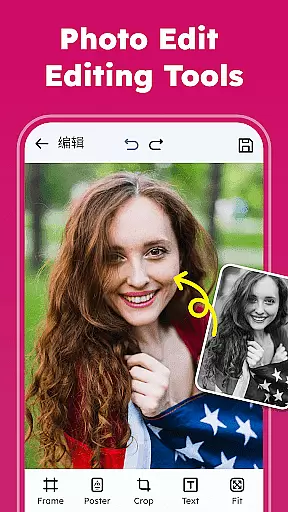
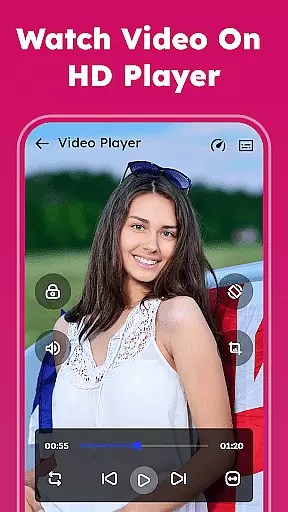

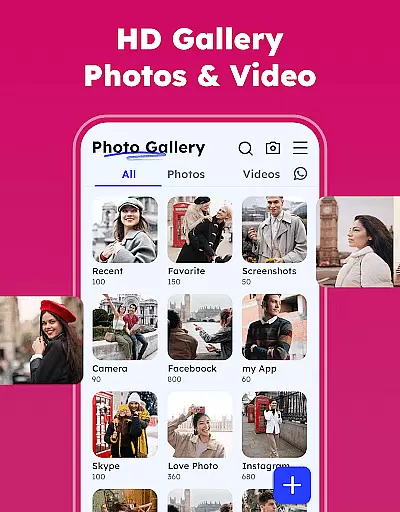

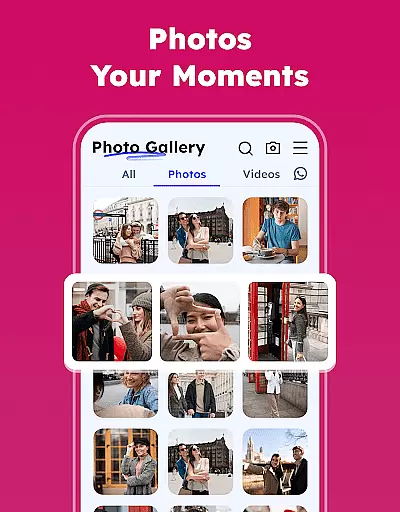
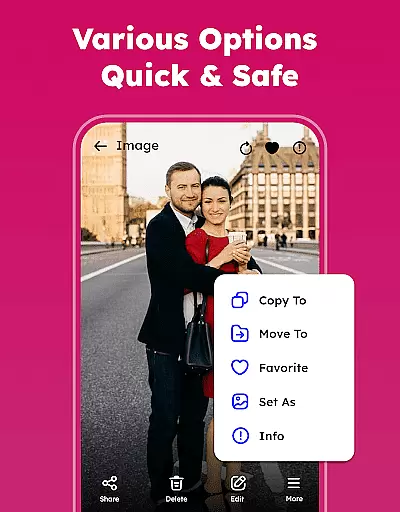
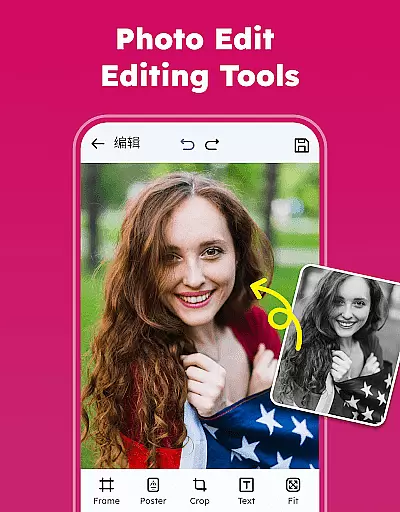
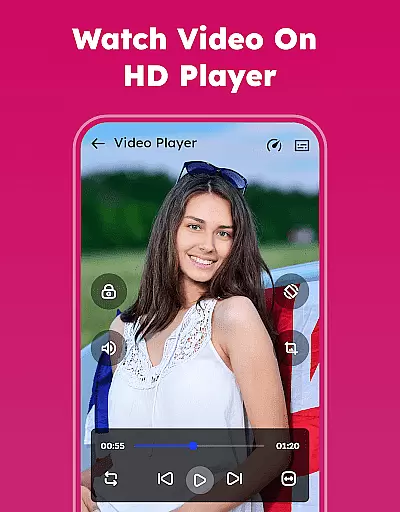

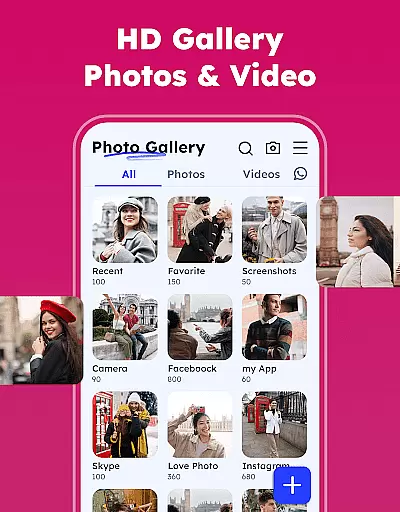

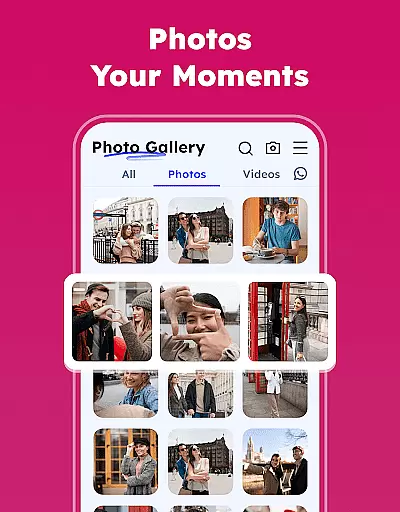
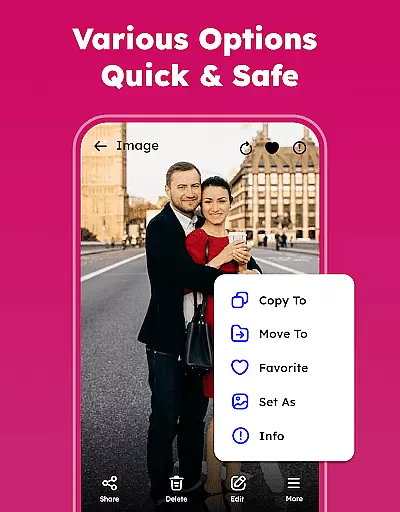
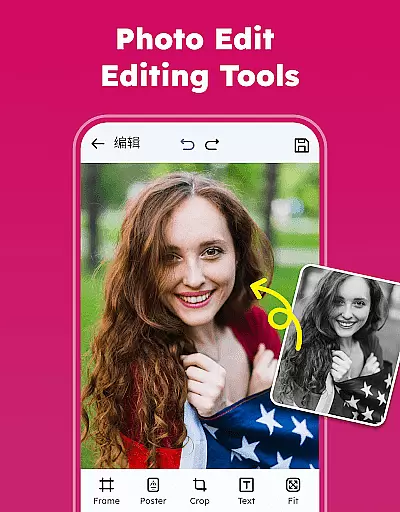
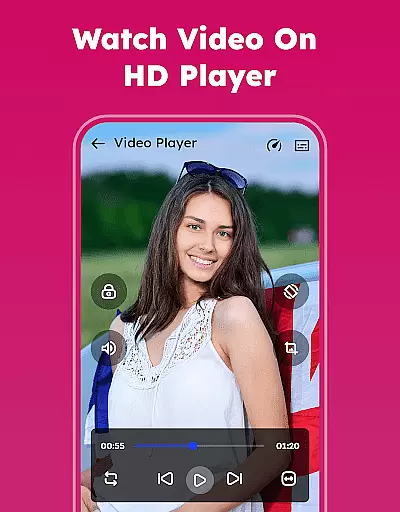
Gallery - Photos & Videos is a feature-rich photography app designed to help users efficiently manage, edit, and protect their media files. This lightweight application offers a comprehensive suite of tools for organizing photos and videos, including password protection, editing capabilities, and easy sharing options. The app's intuitive interface allows users to effortlessly sort and categorize their media by various parameters such as date, size, or category.
Beyond basic organization, Gallery - Photos & Videos provides advanced features like duplicate file removal, automatic categorization in Explore, and the ability to restore deleted items from the trash. Its offline functionality ensures users can access their media without an internet connection while maintaining privacy through its secure gallery lock feature. These robust capabilities make it an ideal solution for both casual users and photography enthusiasts looking to maintain an organized and secure media library.
The Gallery - Photos & Videos app distinguishes itself through an impressive array of features that cater to diverse user needs. At its core, the application functions as a powerful photo organizer, enabling users to view all their media files in one place while providing advanced search capabilities. The built-in photo editor offers professional-grade tools including various filters and creative elements, allowing users to enhance their images with minimal effort.
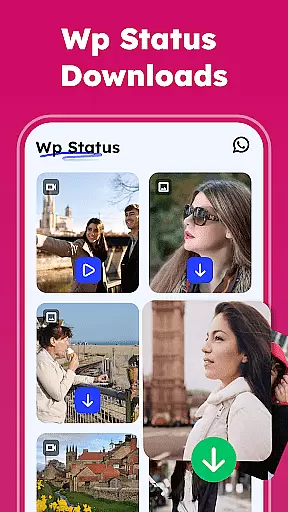
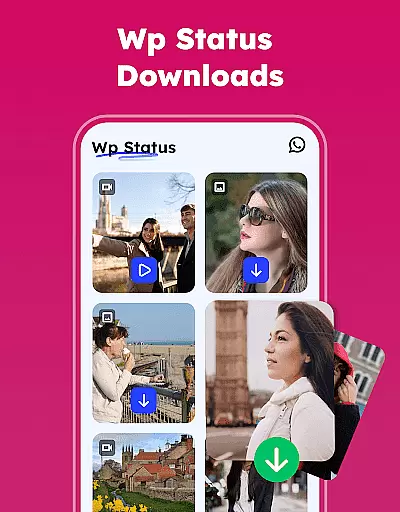
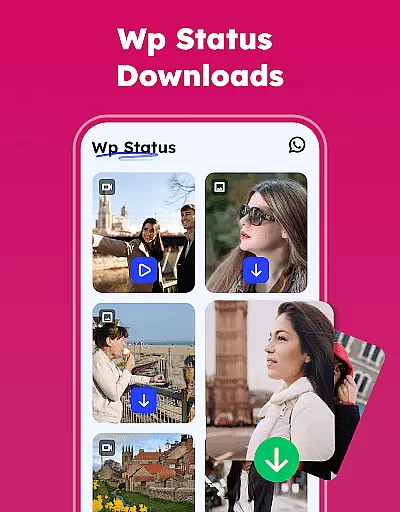
Security and customization are paramount in this photography app. The gallery lock feature provides robust protection for sensitive content through PIN or password protection, while the album manager enables personalized organization of media files. Users can create custom albums, sort media using multiple criteria, and even set light or dark themes based on their preferences. Additional notable features include WA Status Saver functionality, smooth video playback, and automatic media categorization that helps users rediscover their favorite moments through intelligent grouping by people, places, and events.
Real-time capture and preview functionality is essential for any photography app, allowing users to see exactly what they are capturing before taking the shot. The Gallery - Photos & Videos app excels in this area by providing a seamless interface that ensures every photo or video taken reflects precisely what was seen on the screen.
This application leverages advanced imaging technology to offer real-time previews with accurate color representation and sharpness. Users can adjust settings such as exposure, focus, and white balance directly from the preview window, ensuring optimal image quality every time.
The value of real-time capture extends beyond just accuracy; it enhances creativity and control. By seeing immediate results, photographers can experiment with angles and lighting, leading to more artistic freedom and better compositions. This feature is particularly beneficial for those who rely on precision and detail in their work.
Ultimately, the real-time capture and preview capabilities of this app empower users to take full control of their photography experience. Whether capturing everyday moments or professional-grade images, the assurance of knowing exactly how the final product will look is invaluable.
AI beauty and enhancement features have become a staple in modern photography apps, offering users the ability to refine and perfect their images effortlessly. The Gallery - Photos & Videos app stands out by delivering enhancements that maintain natural aesthetics while elevating photo quality.
Utilizing sophisticated AI algorithms, the app intelligently identifies facial features and applies subtle enhancements that preserve authenticity. This includes smoothing skin textures without losing detail, brightening eyes naturally, and enhancing smiles in a way that looks genuine rather than artificial.
For users, this means achieving polished yet realistic results with minimal effort. The AI-driven enhancements cater to various preferences, allowing customization based on individual tastes while ensuring that edits remain undetectable and true to life.
By prioritizing naturalness in its AI beauty features, the Gallery - Photos & Videos app provides an unparalleled user experience. It empowers individuals to present their best selves confidently, whether sharing personal memories or professional portfolios, all while maintaining the integrity of the original image.
User-friendly interface
Comprehensive editing tools
Robust security features
Offline functionality
Automatic media organization
Requires storage permissions
Premium features may cost extra
Occasional performance issues
Limited cloud integration
Advanced features need learning

Safe & smart flight with Go Fly drone controller for 40+ drone camera, zone map
 4.50
4.50
Edit like a pro with Hypic. Apply filters, AI effects, & magic touch.
4.40
Android Native system HD camera app. Never been so simple and faster.
4.70
AI photo editor with hair editor, retouch tools, hair color changer & filters!
4.50
Future baby face generator: AI kids generator, kid face! What my baby look like?
4.40
AI-powered video creator by MiniMax - Where ideas meet cinema
4.20
Hair color changer, AI haircut app, fun hair editor and buzz cut filter for all!
3.80
Pro version: AR sun/moon tracker for any date. Tool for photographers & planners
4.90
Discover How to Plan any Sun, Moon and Milky Way Photo You Imagine in Seconds
4.70
HD Camera Pro with HD Video shooting, Panorama, Photo editor , Beauty Camera.
4.50
Cut and paste photo editor & eraser to customize photos easy and swap faces fun
4.50
Create AI photos & videos with Enhancer; restore, fix, beautify, enhance photos
4.50
Natural Beauty, Selfie Retouch
4.30
All-in-One Editor & AI Photo Enhancer, Collage, Cartoonify, Funny Stickers & BGS
4.10
How old age camera Gender Swap App Face Shape Hairstyle App Hair Styler App fun!
4.00
USB Storage Access for Photos, Videos, Music and Documents
3.80
Be your best in every shot! Fix, edit and retouch your face in selfies & photos.
3.70
Over 800 film simulation recipes for Fujifilm. Black Friday Offer!
4.2
Add a dreamy vibe to your selfies and videos with soft style filters
4.2


User Reviews