
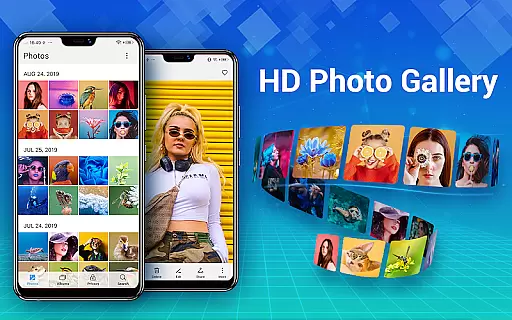
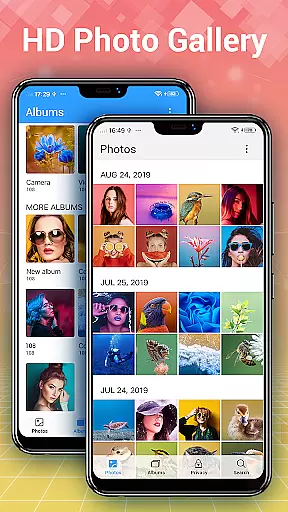
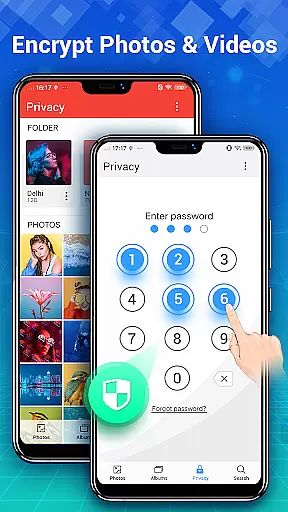
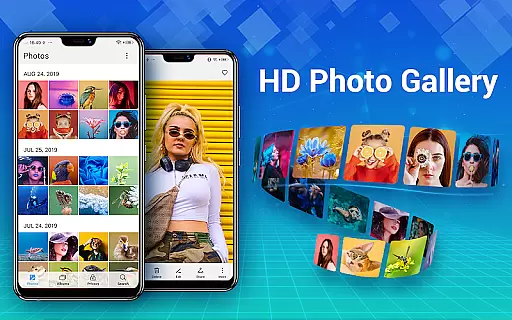
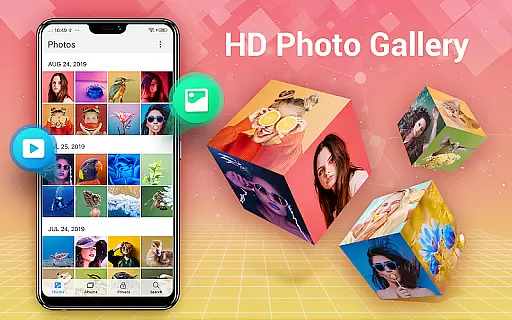
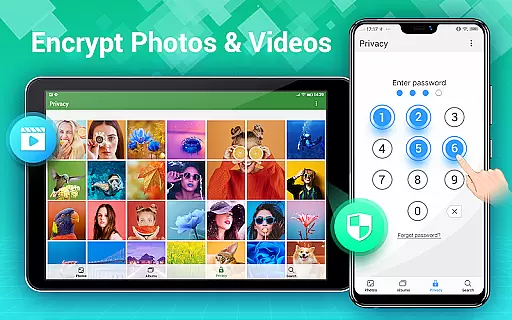
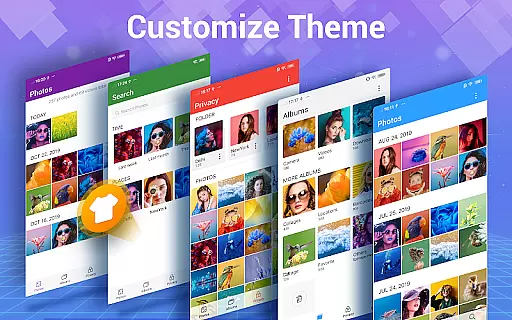
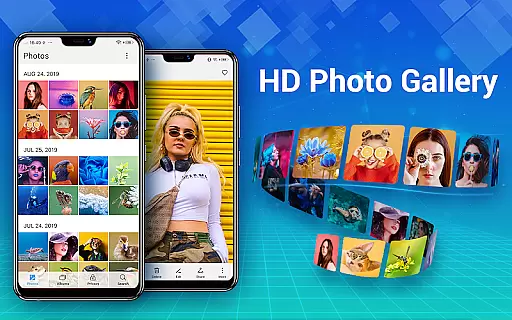
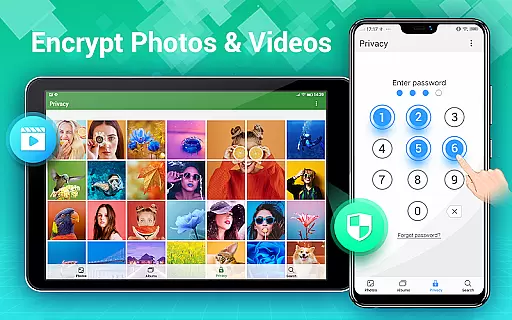
Photo Gallery is a comprehensive photography app designed for Android users, offering an all-in-one solution for managing photos and videos. The app automatically organizes media files into albums, supports HD browsing, and allows easy sharing options. With features like Gallery Lock, users can encrypt private content, ensuring complete privacy protection.
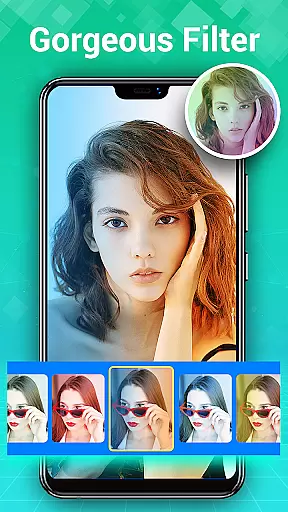
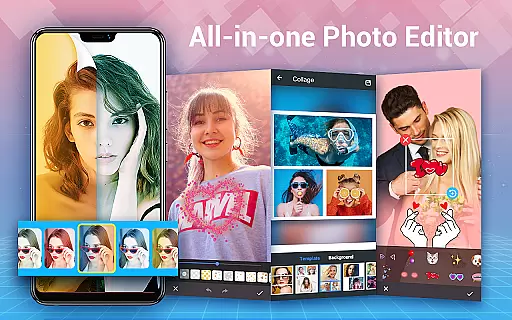
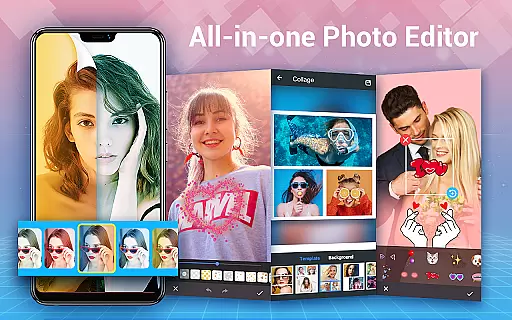
In addition to its organizational capabilities, Photo Gallery includes powerful editing tools. Users can enhance images with one-tap filters, apply creative effects such as stickers and text overlays, and create stylish photo collages. The app also supports slideshow playback, offers various sorting methods, and provides trash management to prevent accidental deletions. Its intuitive interface makes it suitable for both casual users and photography enthusiasts.
This app is particularly useful for individuals who need a secure and efficient way to manage large collections of photos and videos. Whether you're looking to protect sensitive images or simply want a better gallery experience, Photo Gallery delivers a reliable and feature-rich solution that enhances your mobile photography workflow.
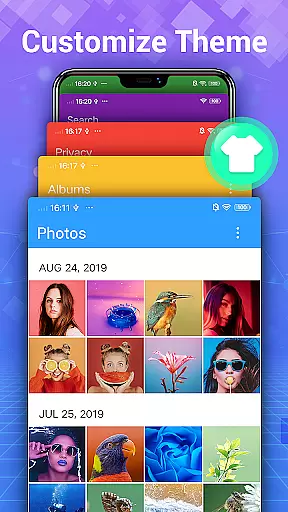
Photo Gallery stands out through its extensive feature set tailored for modern mobile photographers. One of the key highlights is automatic organization, which intelligently categorizes photos and videos by date, album, or custom folders. This ensures quick access to specific files without manual sorting. Additionally, the app supports external SD cards, enabling flexible storage management across devices.
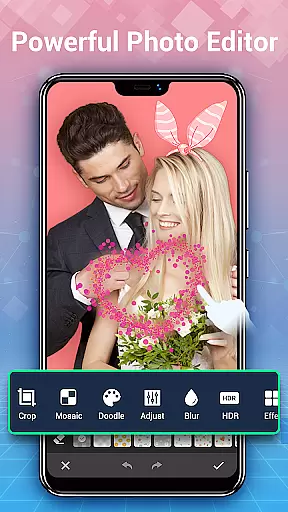
The built-in photo editor is another major advantage, providing professional-grade tools within an accessible interface. From auto-enhancements to detailed adjustments like lighting and blurring, users have full control over their edits. Creative elements such as doodles, mosaics, and stylish stickers allow for personalized touches. Furthermore, the collage maker lets users combine multiple images into visually appealing layouts using free-style or grid templates.
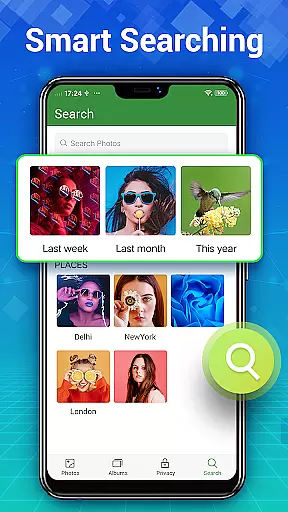
Security features are equally robust, with the Gallery Lock functionality allowing users to hide sensitive content behind password protection. Encrypted files remain invisible in the system gallery, safeguarding privacy effectively. Other notable features include slideshow modes, file recovery options, and advanced search capabilities based on dates or locations. These aspects collectively make Photo Gallery a versatile tool for anyone seeking a premium gallery experience.
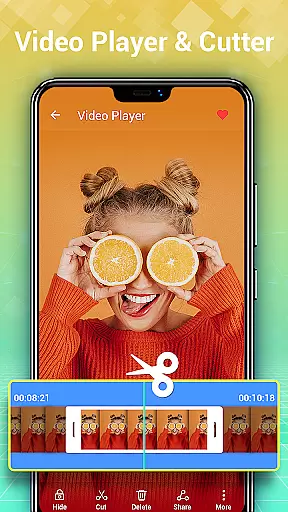
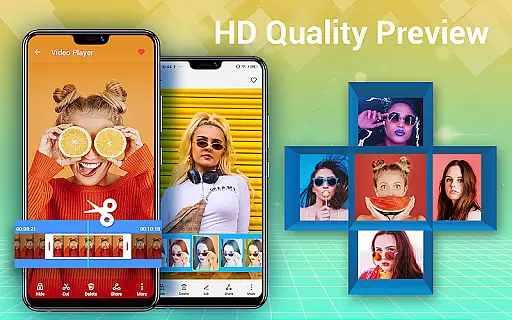
Real-time capture and preview functionality is essential for any photography app, ensuring that users can instantly see the results of their shots before finalizing them. Photo Gallery - Album, Vault offers a seamless experience by providing instant previews of photos and videos, allowing users to make quick adjustments to capture the perfect moment.
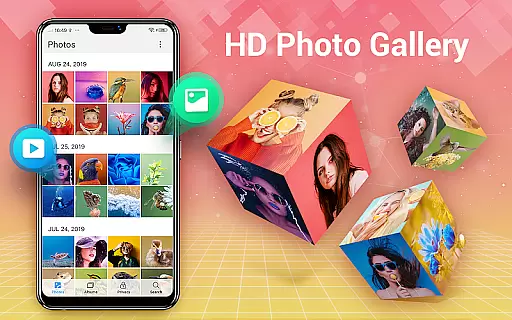
This application supports HD browsing of thousands of gallery photos and videos, enhancing the real-time preview experience with high-quality visuals. Users can organize their media by creating albums and setting favorite ones, which streamlines the process of managing and reviewing captured content.
The benefit of real-time capture and preview extends beyond just viewing; it includes practical features like folders and SD card support. This means users can easily copy and transfer their photos and videos to and from SD cards, maintaining an organized library without hassle.
AI beauty and enhancement features have become a staple in modern photo editing applications, offering users the ability to refine and beautify their images with minimal effort. Photo Gallery - Album, Vault incorporates advanced AI technology to ensure that enhancements look natural and preserve the authenticity of the original photo.
The app provides an array of intuitive and powerful photo editing tools, including auto-enhance options that make photos look their best with just one tap. These tools allow for detailed adjustments such as lighting, stylish stickers, text overlays, doodles, mosaics, cropping, lightening, blurring, and more, all designed to maintain a natural appearance.
By leveraging AI, the app ensures that edits enhance rather than distort, keeping facial features and skin tones true to life. This approach not only boosts user satisfaction but also encourages creativity, enabling users to experiment with different styles while retaining the genuine essence of their photographs.
User-friendly interface
Advanced security options
Powerful editing suite
Automatic organization
Flexible storage support
Requires additional permissions
May feel complex for beginners
Limited cloud integration
Occasional ads in free version
Heavy on system resources

Remote control of the phone camera from your Wear OS smartwatch
 3.70
3.70
Photo Album Watch Face shows your favorite pictures as a Watchface.
1.90
Virtual makeup, hair filters & body tuner—edit from face to full body!
4.20
Pet Camera
3.70
Create AI Photos, Improve and restore quality of blurry, old or damaged pics.
4.20
Use AI Video Generator to turn your words to ai generated videos.
4.50
Your personal guide to the sun and moon. Plan ahead, visualize and predict!
4.70
Catch sunlight, sunrise sunset times and sun phases with the AR sun tracker.
4.10
Your Family Calendar + Photos. Manage your Skylight Calendar and Skylight Frame.
4.40
Cartoon and artistic effects for your photos and videos
4.70
Take videos and pictures with the popular TikTok TIME WARP SCAN filter.
4.60
Automatically backup your photos and videos to computer, NAS and Cloud services
4.60
A must-have app for landscape photographers
4.60
Unblur, enhance & restore photos with powerful AI photo enhancer tools.
4.60
AI photo editor with hair editor, retouch tools, hair color changer & filters!
4.50
Photo editor & gallery. Crop pictures & edit photos offline, no wifi!
4.50
AI portrait generator and polaroid AI selfie, fun AI generated AI photo creator!
4.30
How would you look like with a differently shaped nose, chin or lips?
3.90
Long exposure camera with computational photography
2.60


User Reviews