
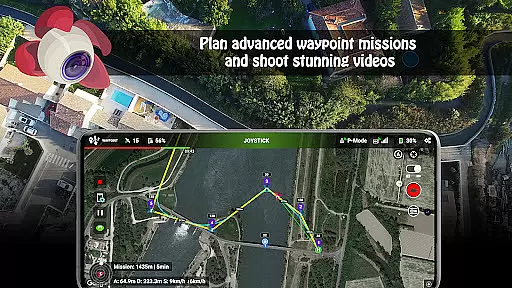
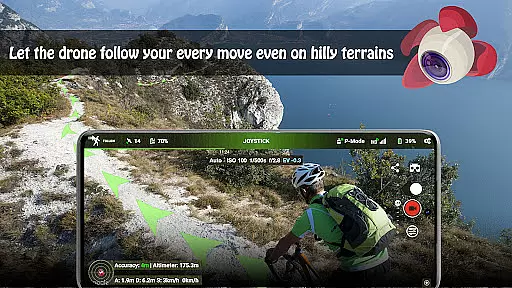
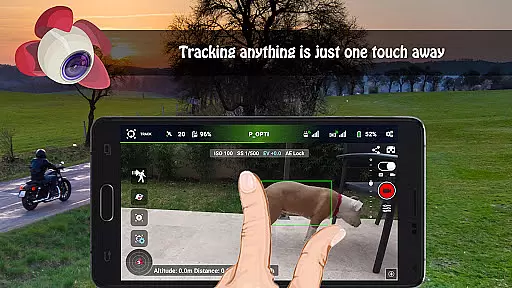
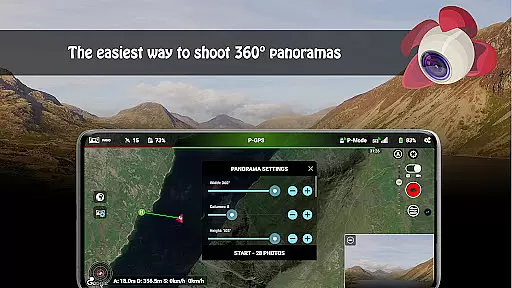
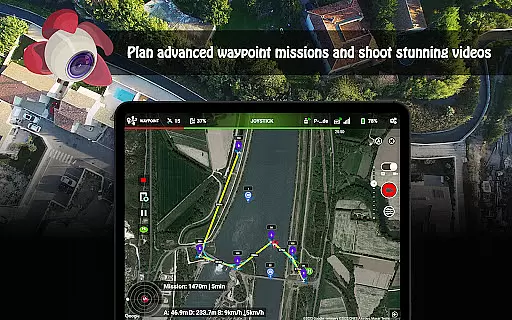
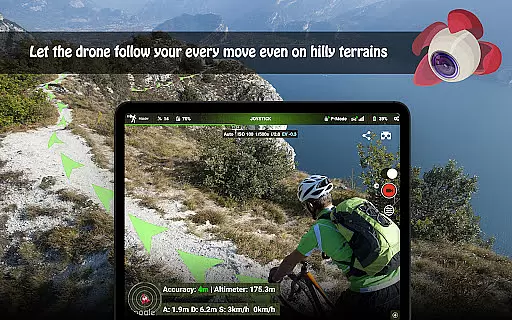
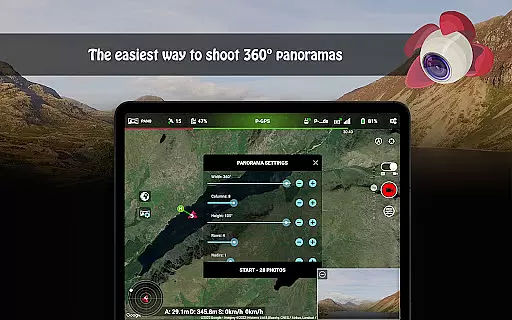
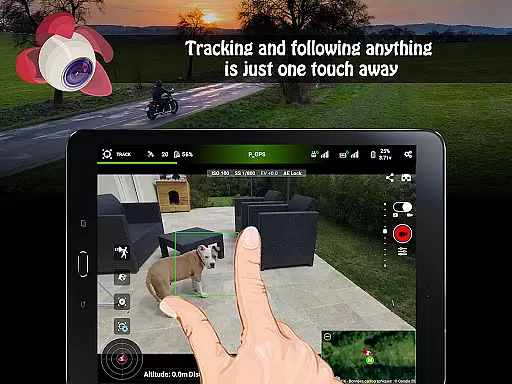
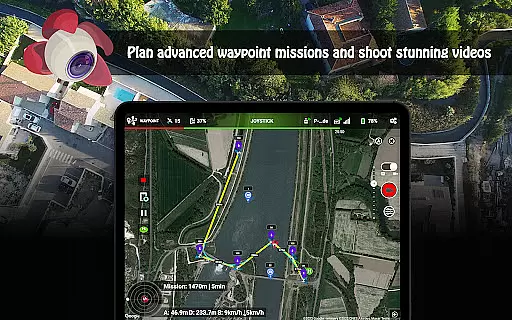
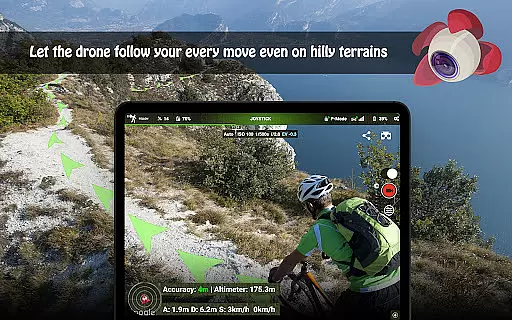
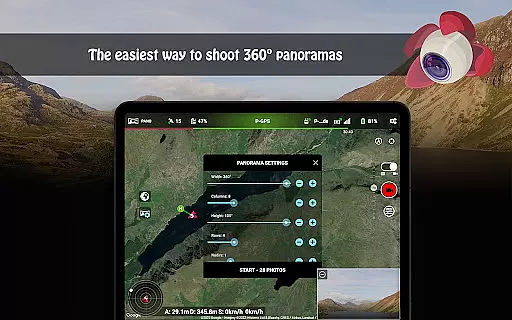
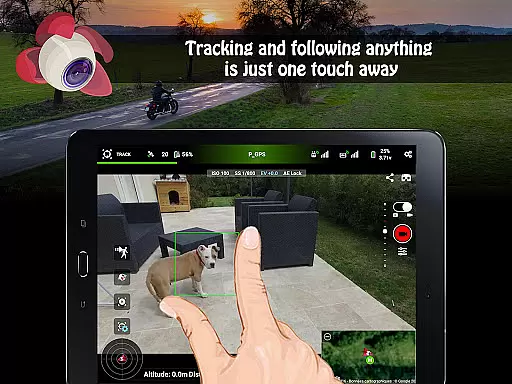
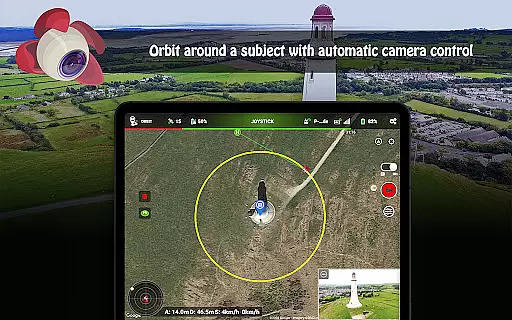
Litchi for DJI Drones is the premier application designed to enhance your drone flying experience. This app unlocks advanced features of compatible DJI drones, offering users an intuitive interface and powerful tools. With Litchi, you can access Waypoint mode for seamless flight planning, Panorama mode for stunning aerial shots, and Track mode that employs computer vision algorithms to frame subjects perfectly.
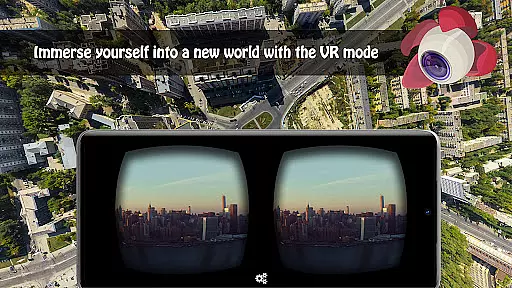
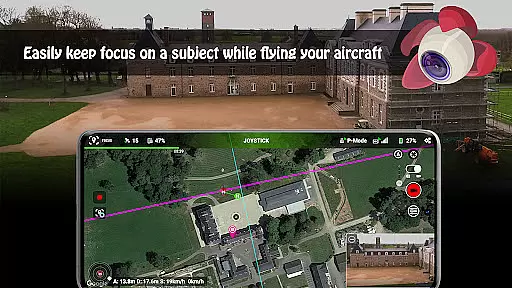
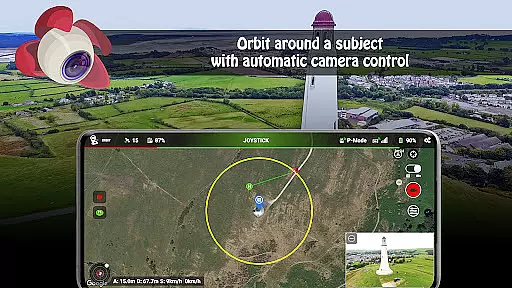
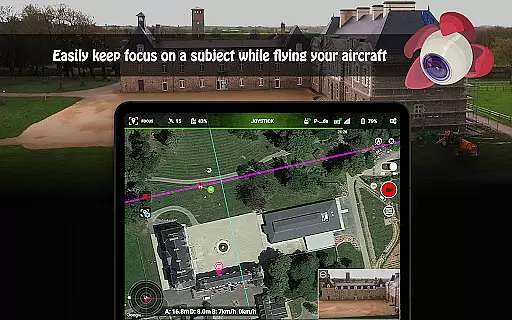
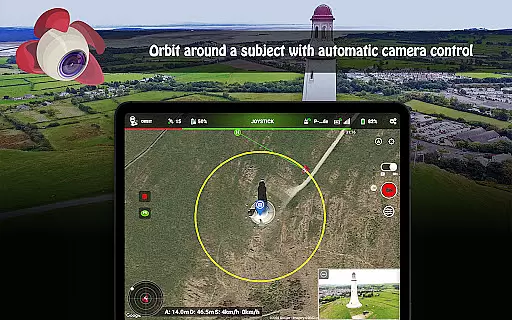
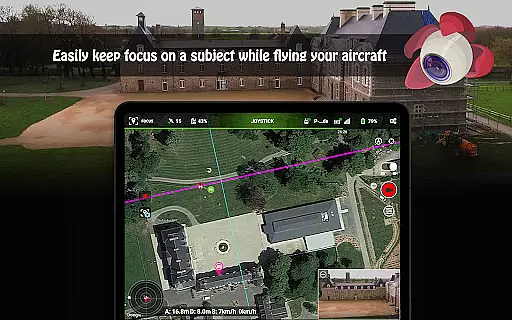
The app also supports immersive VR mode, Follow mode using GPS, and Focus mode for simplified controls. Additional functionalities include Orbit mode, live streaming capabilities, video recording, and support for bluetooth controllers. Whether you're a professional photographer or a hobbyist, Litchi provides the tools necessary to capture breathtaking footage and streamline your workflow.
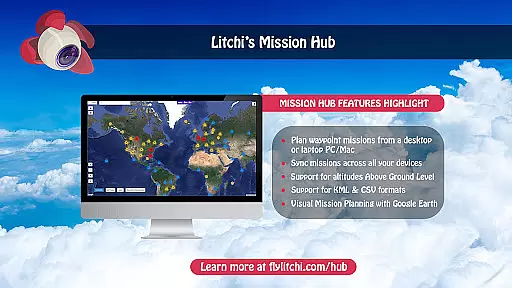
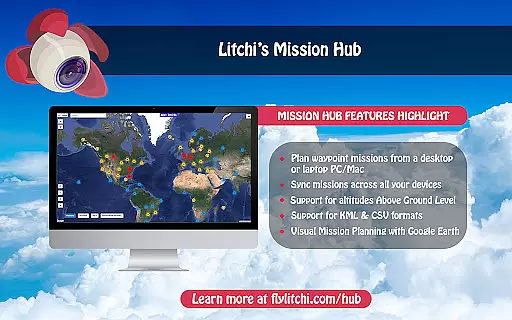
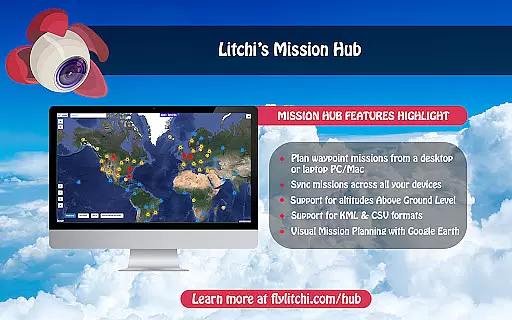
Litchi stands out with its comprehensive feature set tailored for DJI drone enthusiasts. The waypoint engine is particularly robust, allowing users to create intricate flight paths on multiple platforms including PC/Mac, with automatic syncing across devices. This ensures consistent performance whether planning flights at home or in the field.
Beyond waypoints, Litchi offers creative modes like Panorama and Orbit, which enable complex shots with minimal effort. The Track and Follow modes utilize cutting-edge algorithms to autonomously manage framing and tracking, freeing users to focus on capturing the perfect shot. Additionally, integration with Airdata.com and support for external devices like goggles and bluetooth controllers make this app versatile and future-proof.
Real-time capture and preview functionality is essential for drone photography, allowing users to see exactly what the camera captures as it happens. Litchi for DJI Drones excels in this area by providing a seamless live feed from the drone's camera directly to the user's device.
The app ensures minimal latency in video transmission, which is crucial when navigating and framing shots. This real-time feedback enables pilots to make immediate adjustments to the drone's position, angle, or camera settings, ensuring that each shot is perfectly composed.
With Litchi, photographers can also control camera functions remotely, such as adjusting exposure, shutter speed, and ISO settings, all while maintaining a live view of the scene. This level of control enhances the creative process and allows for capturing professional-quality images and videos.
Ultimately, the real-time capture and preview feature in Litchi empowers users to maximize their drone's photographic potential, delivering high-quality visual content with precision and ease.
While primarily focused on drone control and photography, Litchi incorporates features that enhance photo quality through intelligent post-processing. Although not marketed specifically as an AI beauty tool, its image enhancement capabilities ensure natural-looking results.
The app processes images captured by the drone, optimizing colors, contrast, and sharpness without over-processing. This approach maintains the authenticity of the original scene while subtly improving overall image quality. Such enhancements are particularly beneficial for landscape and aerial photography where natural beauty is paramount.
Litchi's enhancement algorithms work to preserve details and textures, avoiding the artificial smoothing effect often associated with aggressive image processing. This ensures that landscapes, structures, and other subjects retain their true character and texture.
By focusing on natural enhancement rather than dramatic alterations, Litchi supports photographers in delivering stunning yet realistic visuals, making it a valuable tool for both amateur enthusiasts and professional photographers seeking genuine representation in their aerial imagery.
Intuitive user interface
Advanced waypoint planning
Seamless device syncing
Innovative tracking features
Comprehensive compatibility
Not compatible with latest DJI models
Requires internet for activation
Additional cost for full features
VR goggles sold separately
Complex for beginners

How would you look like with a differently shaped nose, chin or lips?
 3.90
3.90
Professional video recording application with manual controls for filmmakers!
2.80
Photobooth mini FULL app will allow you to add more fun to your parties
4.00
What celebrity do you look like? Celebs will find your celebrity match!
4.10
Create Business Headshots, Polaroid Filter, Retake Photos,Profile Pics,AI Photos
4.50
Transform photos into videos! Create realistic or anime-style images easily!
4.50
Over 800 film simulation recipes for Fujifilm. Black Friday Offer!
4.1
USB Storage Access for Photos, Videos, Music and Documents
3.80
Fit multiple photos on one post. Create carousels & scroll layouts for Instagram
4.50
Pro version: AR sun/moon tracker for any date. Tool for photographers & planners
4.90
Create funny photos and videos with the popular Time Warp Scan filter.
4.90
A collection of tools and reference tables for DPs, ACs, DITs and Operators.
4.70
Viewfinder, Light meter, Reciprocity failure time, DOF & Bellows Extension
4.60
Unblur, enhance & restore photos with powerful AI photo enhancer tools.
4.60
[3DSteroid Pro] is a stereoscopic application for Android.
4.30
Shooting photos and records video easily and efficient with professional Camera
4.30
Create AI Photos, Improve and restore quality of blurry, old or damaged pics.
4.20
Remote control the phone camera shutter from your smartwatch and take a picture
1.60
HD Photo gallery and photo manager to edit, hide private photos, videos & albums
4.1


User Reviews