
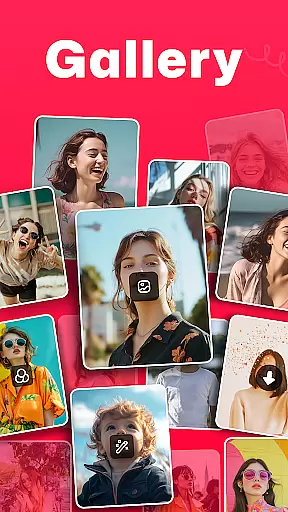

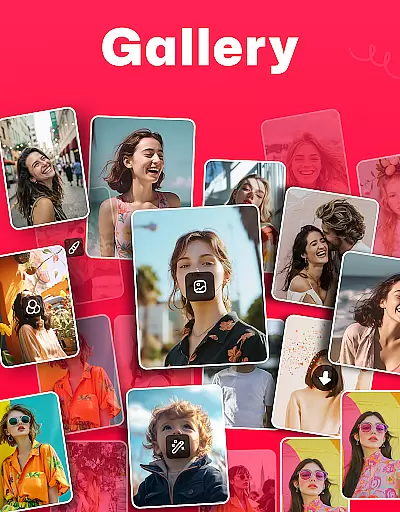

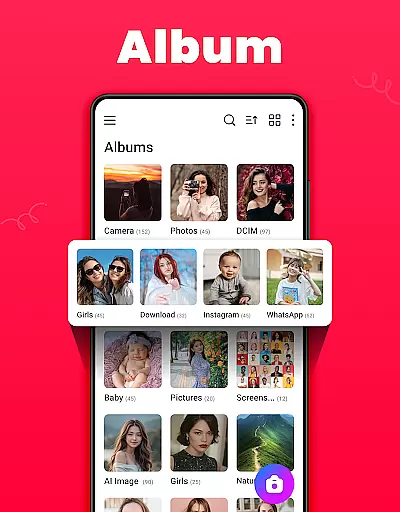

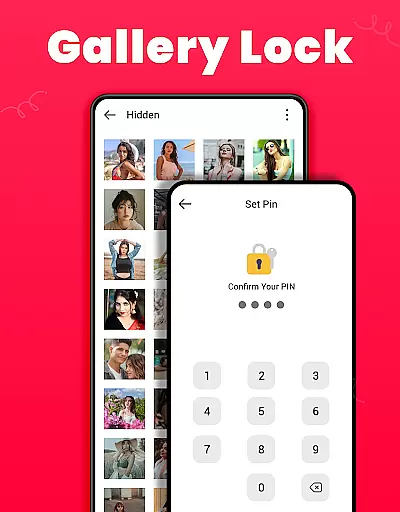
Gallery is a versatile offline photo and video management app designed for Android users. This application allows you to organize, edit, and share your media files effortlessly without requiring an internet connection. The app automatically categorizes your photos and videos based on their file paths, making it easy to locate specific content. Additionally, Gallery offers a secure vault feature that lets you protect sensitive media with a PIN or password, ensuring your private moments remain confidential.
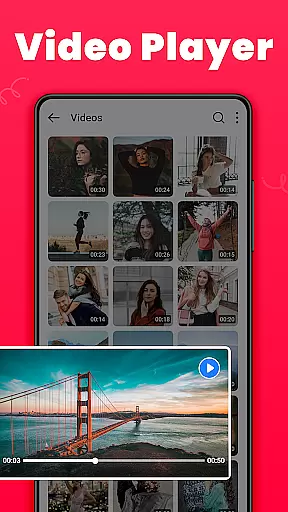
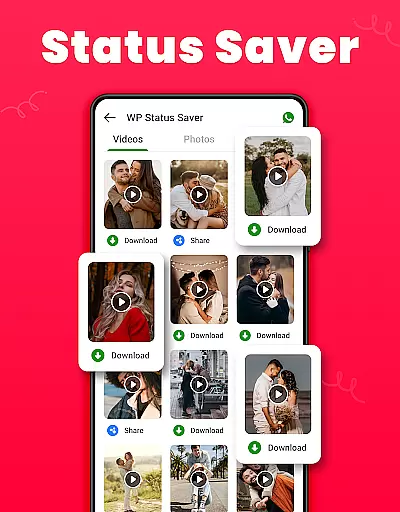
Beyond basic organization, Gallery provides advanced features like photo editing tools, HD video playback, and the ability to recover accidentally deleted files. You can customize your experience by creating favorite lists, setting wallpapers, and sorting albums by various criteria. The app also supports saving WhatsApp statuses and offers a user-friendly interface that works seamlessly on both light and dark modes. Whether you're looking to manage your media library or safeguard personal memories, Gallery delivers a comprehensive solution tailored to modern digital lifestyles.
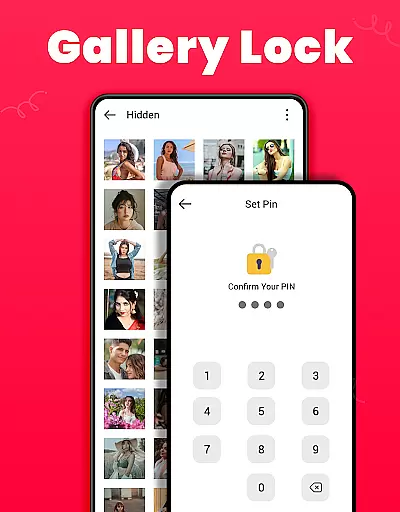
Gallery stands out with its rich set of features designed to enhance photo and video management. One of its key capabilities is the Gallery Lock feature, which secures your private photos and videos in a protected vault using a PIN or password. This ensures that sensitive content remains inaccessible to unauthorized users. For Android 11 users, the app requires 'All Files Access' permission to enable advanced functionalities like file encryption and management, providing an extra layer of security for personal files.
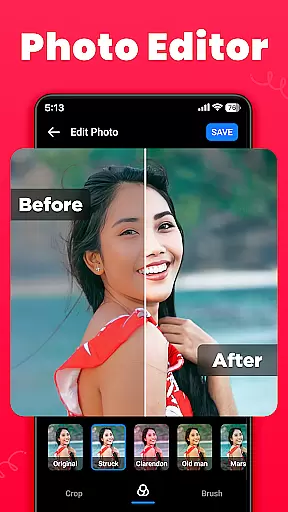
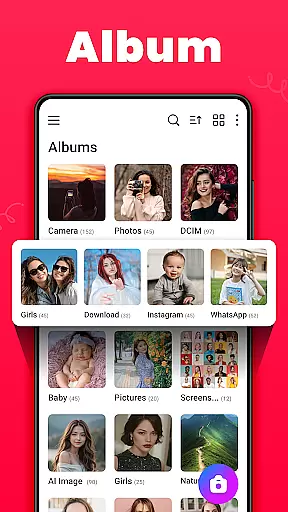
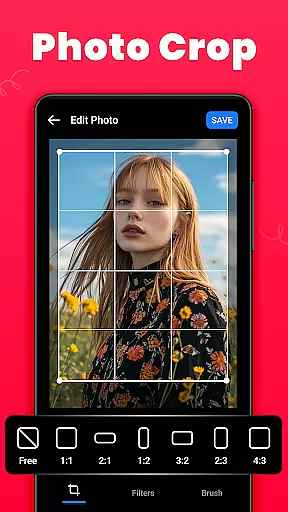
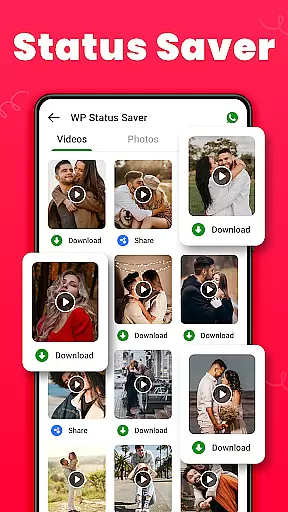
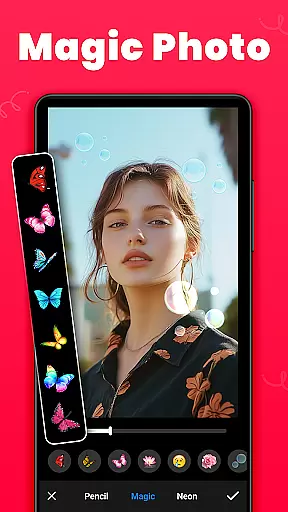
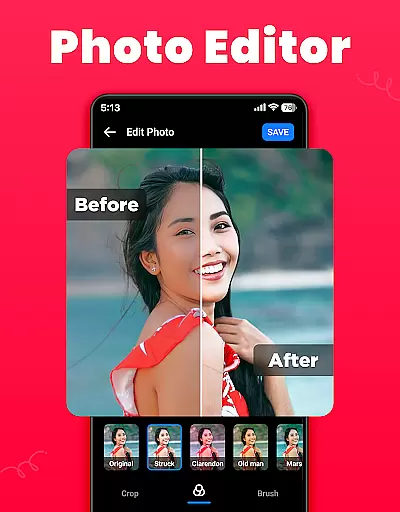
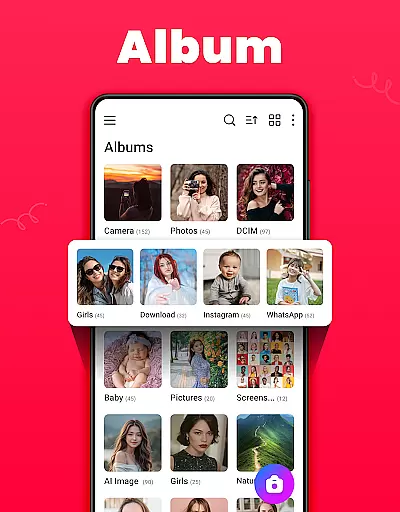
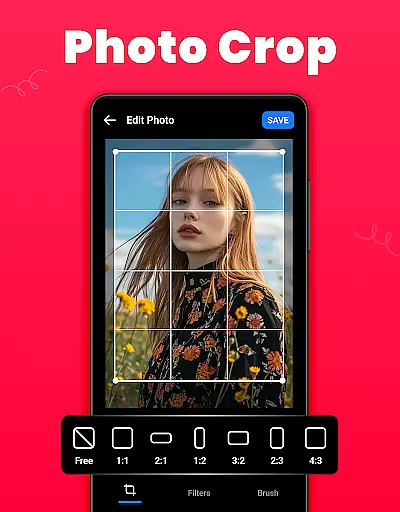
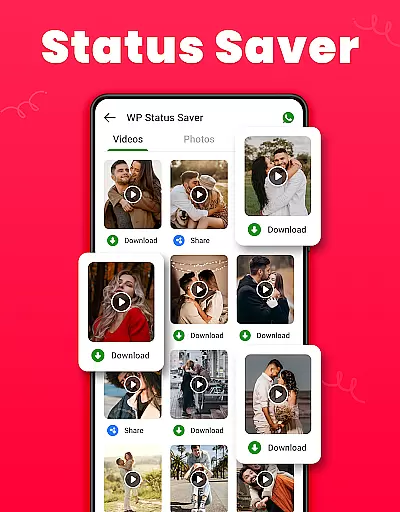
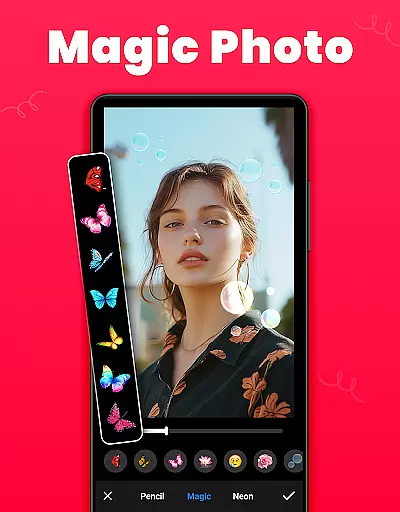
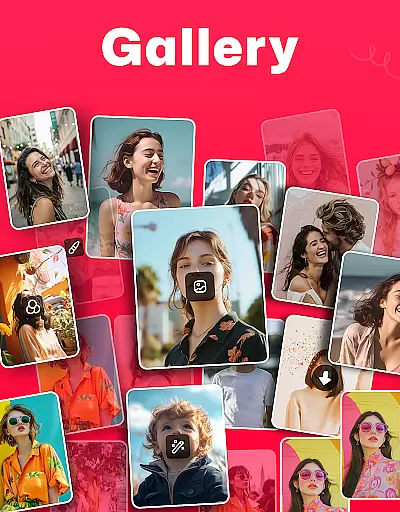
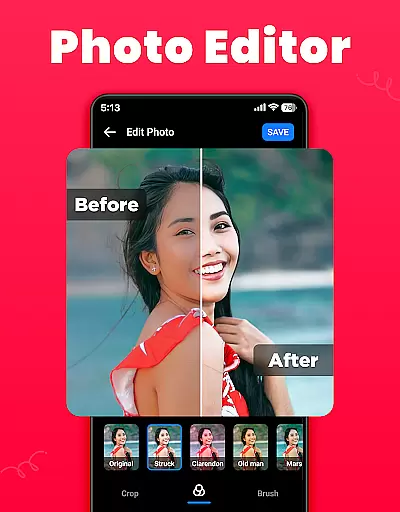
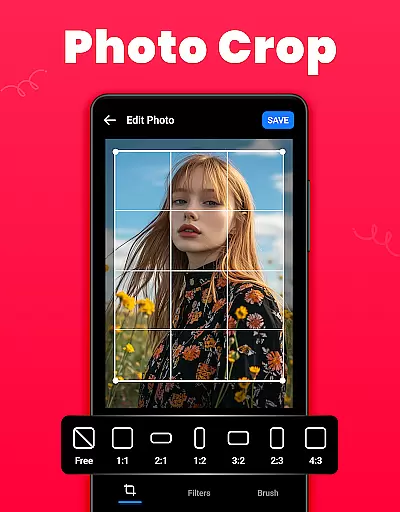
The app also includes powerful organizational tools. Users can create and manage custom albums, sort media by name, date, or path, and view files in either list or grid view. Editing features are equally impressive, offering options like cropping, applying filters, and using brush tools to enhance images. Furthermore, Gallery supports recovering deleted media from a Recycle Bin, allowing users to restore lost files easily. With additional capabilities such as HD video playback, social media sharing, and one-click downloading of WhatsApp statuses, Gallery provides a complete package for managing all types of media content efficiently.
Real-time capture and preview functionality is essential for any photography app as it allows users to frame their shots accurately. The Gallery app provides an intuitive interface that ensures what you see on the screen is what you get in your photo, offering precise control over your camera settings.
This application supports instant photo capturing with minimal latency, ensuring that users never miss a moment. It also includes live filters and effects that can be previewed before taking the shot, allowing for creative expression without needing post-processing.
Users benefit from the ability to instantly review their captured images within the app. This immediate feedback loop enhances the photography experience by enabling quick adjustments and reshoots if necessary, thus improving overall photo quality.
The real-time capabilities extend to video recording too, where users can monitor audio levels, focus, and exposure in real time. Such features make the Gallery app not just a tool for taking pictures but a comprehensive media creation platform.
AI beauty and enhancement features are increasingly popular in photography apps, offering tools to improve photos naturally. The Gallery app employs advanced algorithms to enhance facial features while maintaining authenticity, ensuring edits look realistic rather than artificial.
With this app, users have access to a suite of AI-powered tools designed to smooth skin textures, brighten eyes, and whiten teeth subtly. These enhancements are applied intelligently, recognizing individual facial characteristics to preserve each person's unique appearance.
The advantage for users is clear: they can achieve professional-looking results without extensive editing knowledge. The natural finish provided by these AI enhancements means photos remain lifelike, avoiding the over-processed look that can occur with less sophisticated software.
Furthermore, the Gallery app allows customization of enhancement levels, giving users full control over the intensity of edits. This flexibility ensures that whether someone prefers subtle touch-ups or more noticeable changes, the final image will reflect their desired outcome with natural-looking results.
User-friendly interface
Offline functionality
Secure media vault
HD video playback
Photo editing tools
Limited cloud integration
Occasional bugs reported
Ads in free version
Permissions required
Heavy on storage

All-in-One Editor & AI Photo Enhancer, Beautify & Retouch, Collage, Cartoonify
 4.20
4.20
Natural Beauty, Selfie Retouch
4.30
Photo editor: AI filters, photo enhancer, pic collage maker, AI art generator.
4.80
AI photo editor with hair editor, retouch tools, hair color changer & filters!
4.50
Take videos and pictures with the popular TikTok TIME WARP SCAN filter.
4.60
Fit multiple photos on one post. Create carousels & scroll layouts for Instagram
4.50
Astrophotography with your smartphone, photo live stacking and much more!
3.90
Remote control the phone camera shutter from your smartwatch and take a picture
1.60
Try an anime version, cartoon yourself, and generate AI hug or aging videos!
3.70
Photo prints, cards, & gifts at Walgreens. Easy ordering & fast local pickup !
4.80
AI Photo Editor with 100+ Filters, Effects! Remove BG, Retouch & Photo Enhancer.
4.80
Photo Exif Editor allows to view, add and modify EXIF data of multiple photos
4.50
Photo editor & gallery. Crop pictures & edit photos offline, no wifi!
4.50
Easily stitch panoramas from multiple photos or video.
4.40
Turn your phone into a professional camera - full DSLR manual photography
4.30
What celebrity do you look like? Celebs will find your celebrity match!
4.10
Create & Edit with AI: AI Remove, Enhance, Retouch, Filter
4.10
Photobooth mini FULL app will allow you to add more fun to your parties
4.00
Superimpose one photo on top of another using the original Superimpose app!
3.20


User Reviews