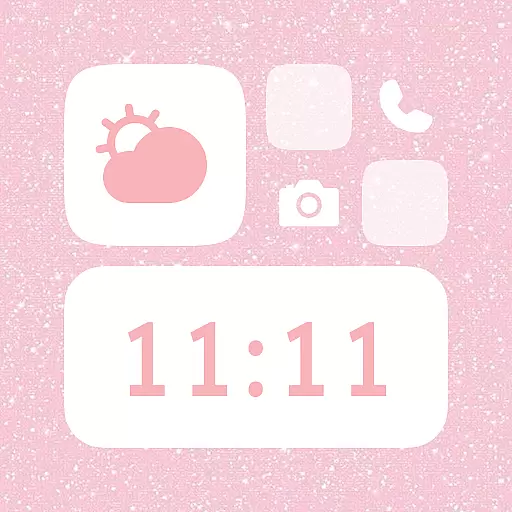
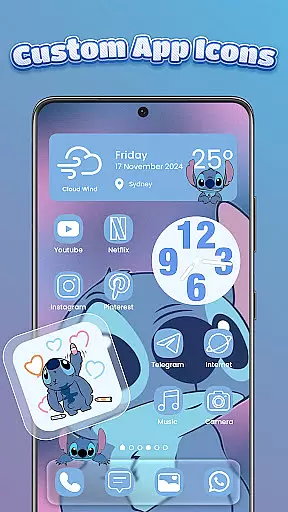
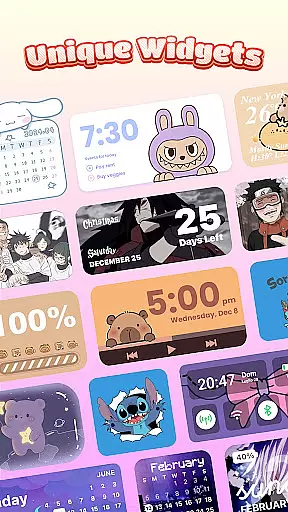
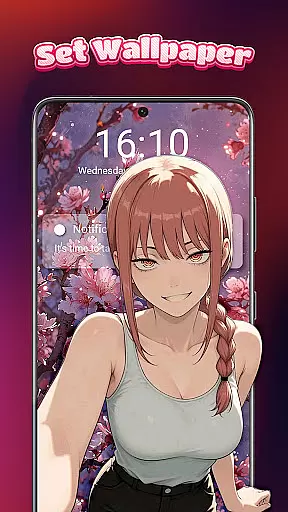
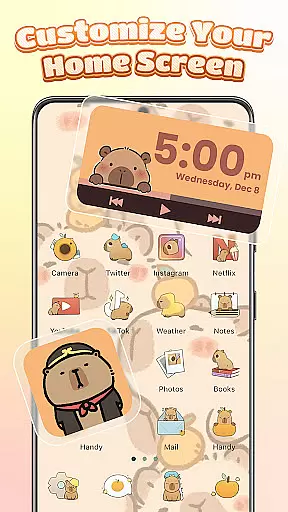
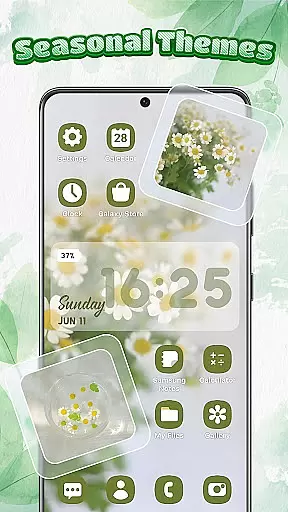
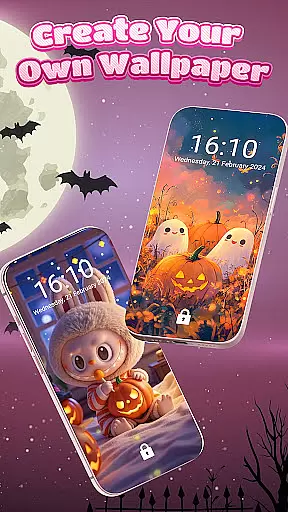
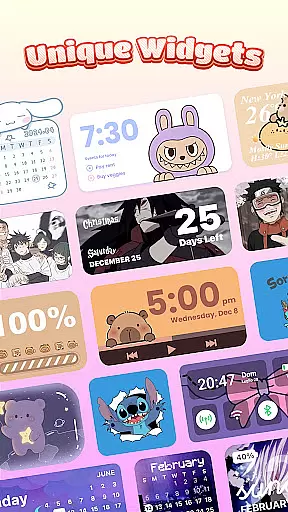
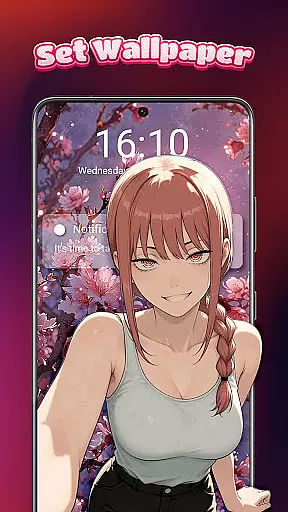
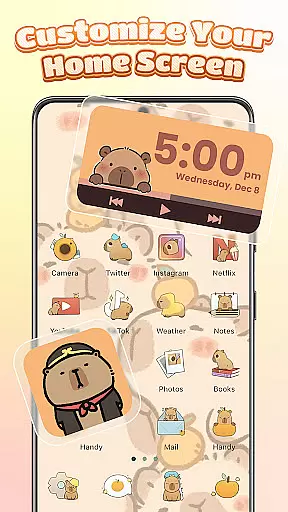
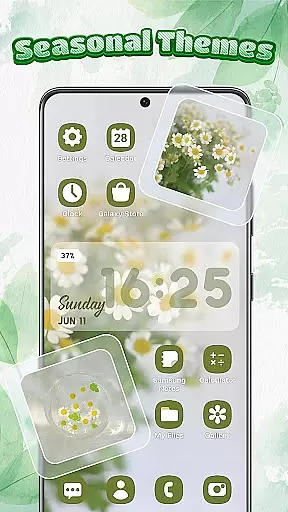
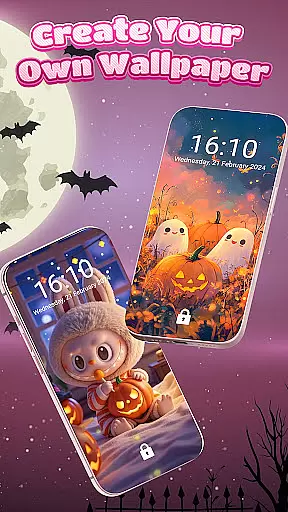
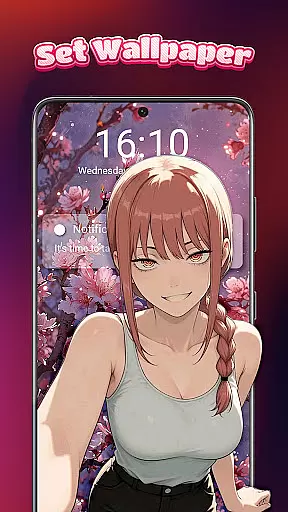
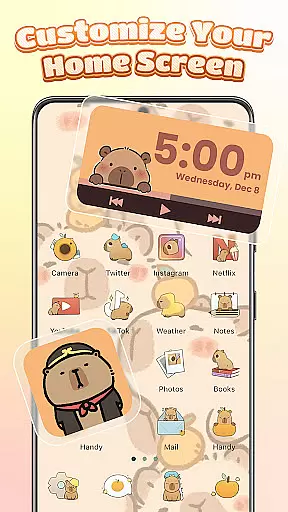
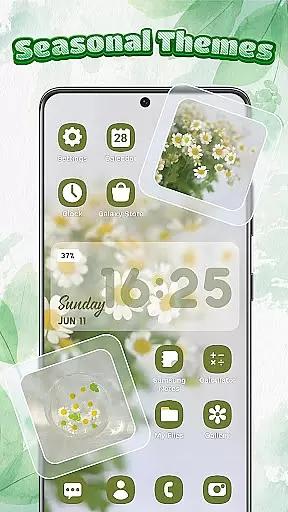
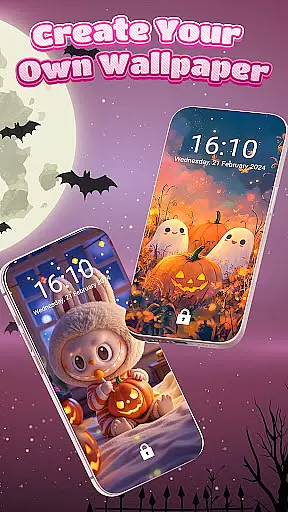
Themebox is a comprehensive personalization app that allows users to fully customize their smartphone's appearance. With over 1000 beautifully designed themes, it offers an extensive range of aesthetic options including wallpapers, icon packs, and color widgets. The app supports various styles such as pastel, dark mode, neon, minimal, and anime themes, making it suitable for users who want to express their individuality through their device's look.
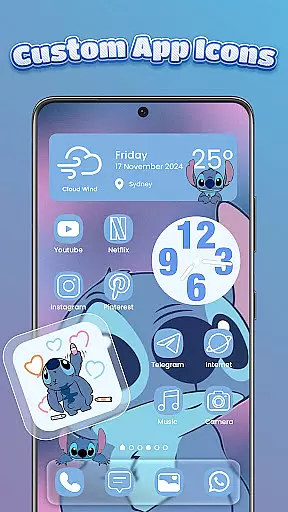
Beyond just visual customization, Themebox provides practical tools like the smart control center, which gives users quick access to essential system settings. Its one-tap icon changer and DIY customization features enable users to modify app icons with different fonts, colors, and transparency levels. This makes Themebox not only a styling tool but also a functional utility that enhances the overall user experience on Android devices.
The app is particularly valuable for users who enjoy creative freedom in designing their home screens. Whether you're looking to create a cohesive aesthetic or simply want to refresh your phone's appearance, Themebox offers the tools to make it both easy and enjoyable. Its lightweight performance and regular theme updates ensure that users always have fresh options to personalize their devices.
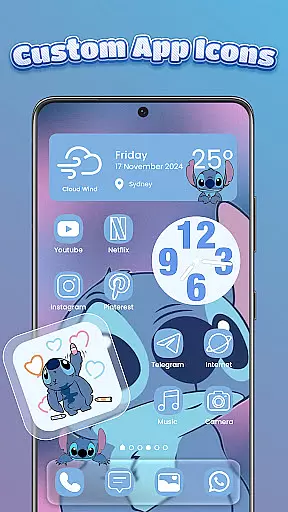
Themebox stands out with its diverse feature set tailored for personalization enthusiasts. One of its key features is the app icon changer, which allows users to transform their app icons with custom styles, fonts, and colors. This feature includes precise control over transparency and background elements, enabling users to create truly unique icon designs that match their personal aesthetic preferences.
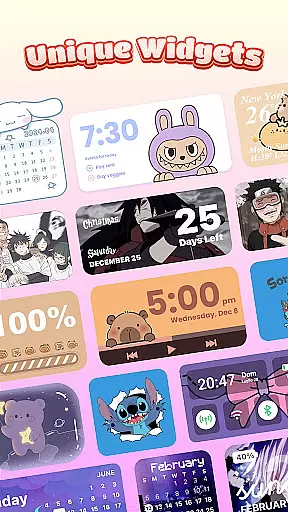
In addition to icon customization, Themebox offers a wide selection of interactive color widgets. These include battery status indicators, calendar displays, weather updates, and even image widgets that can be personalized with photos from the user's gallery. Each widget is customizable to blend seamlessly with the chosen theme, providing both functionality and visual harmony on the home screen.
The app's smart control center is another notable feature, providing a floating panel for quick access to system settings. Combined with its extensive library of wallpapers and themes - including anime, vintage, minimalist, and neon styles - Themebox delivers a complete home screen customization solution. The app's lightweight architecture and regular content updates ensure users can maintain a fresh and personalized device appearance without compromising performance.
Themebox stands out in the personalization category by offering an extensive range of customization options that cater to every user's unique style and preferences. With over 1000 beautifully designed themes, the app allows users to transform their home screens into personalized works of art. These themes cover a wide spectrum of styles including anime, vintage, minimalist, pastel, and neon aesthetics, ensuring there is something for everyone.
Beyond just themes, Themebox provides a comprehensive icon changer feature. This tool enables users to alter app icons with ease, supporting various styles, fonts, transparency levels, and backgrounds. Whether you prefer cute and colorful designs or sleek, modern looks, the app offers the creative freedom to mix and match until you achieve the perfect appearance for your device.
In addition to themes and icons, the app includes customizable color widgets. Users can choose from battery status, calendar, weather, and smart control panel widgets, each of which can be tailored to fit seamlessly into their home screen layout. This level of detail ensures that both form and function are maintained, providing not only beauty but also practical utility.
One of the key strengths of Themebox lies in its exceptional theme compatibility. The app supports a diverse array of themes, ensuring that users can find options that work harmoniously across different devices and screen sizes. This compatibility extends to various Android versions, making it accessible to a broad audience seeking to enhance their smartphone experience.
Themebox doesn't stop at visual aesthetics; it integrates smoothly with system functionalities as well. Through the AccessibilityService API, the app enables features like the floating Control Center, which provides quick access to essential system settings. This seamless integration ensures that while users personalize their devices, they do not sacrifice usability or convenience.
Furthermore, the app guarantees regular updates and exclusive releases, keeping the content fresh and engaging. Daily theme updates mean that users always have new options to explore, maintaining their interest and allowing them to continually refresh their home screens. This commitment to compatibility and ongoing enhancement underscores Themebox's dedication to delivering a superior personalization experience.
Extensive theme library
User-friendly interface
Regular content updates
Customizable widgets
Lightweight performance
Limited iOS support
Some features require premium
Occasional bugs reported
Ads in free version
Learning curve for new users

Winter's Journey: digital watch face for Galaxy Watch & Wear OS
 4.80
4.80
AI-powered Copilot. Personalized keyboard with gifs, stickers & themes
4.40
Customizable screen pets that play, climb, and keep you company.
4.50
The definitive Icon pack maker and editor
4.30 4.50
4.50
Design your screen with unique, vibrant clocks
3.80
HappyLighting is a Bluetooth lamp control software.
3.40
Unleash Your Creativity and Connect with Loved Ones with Lockscreen Drawing!
4.20
Emoji Maker app - Design custom emojis and effortlessly blend them with Mixer
3.80
Customizable Glass widgets. Over 360+ stunning widgets and more!
4.70
Glass style colourful icons with a One UI look and feel
4.60
Stylish Pink Cute Hippo keyboard with 10000+ customized keyboard themes!
4.60
300+ Beautifully crafted widgets inspired by OneUI.
4.60
Handcrafted pixel art icons, widgets & wallpapers
4.60 4.50
4.50
200+ Material Inspired Widgets
4.50
Launcher OS™ Pro without ads help make your phone simple and pretty
4.30 4.10
4.10
Adaptive Dot Style IconPack with Light & Dark Theme.
3.70


User Reviews