

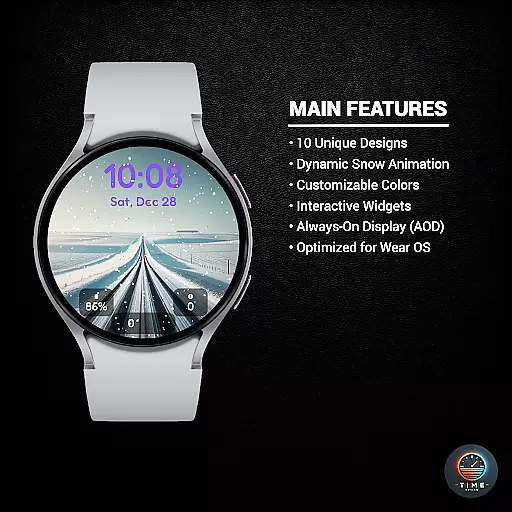
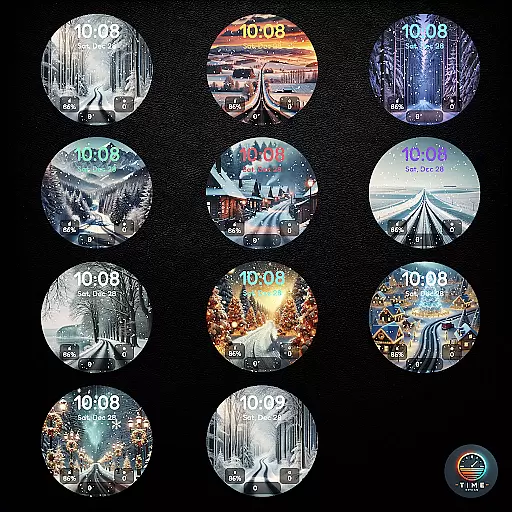
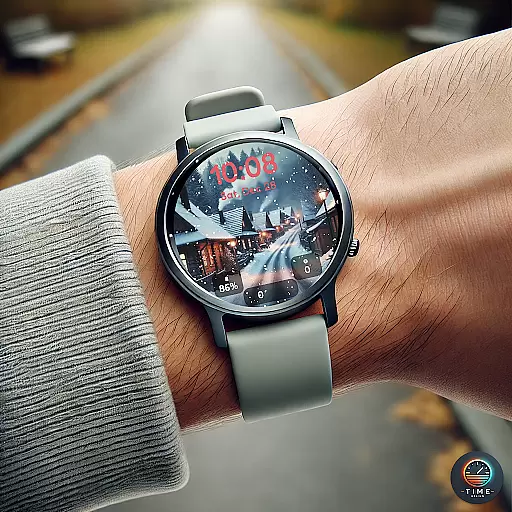
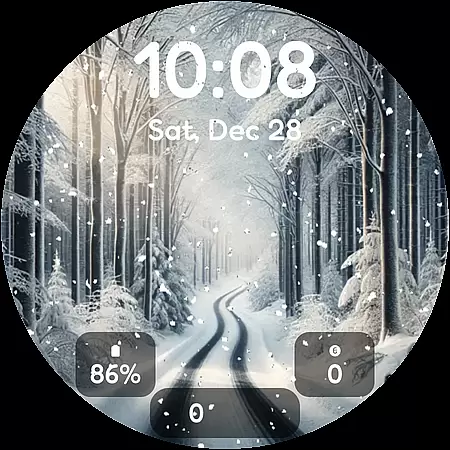
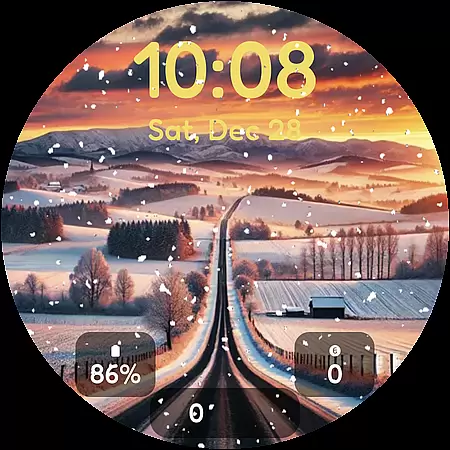
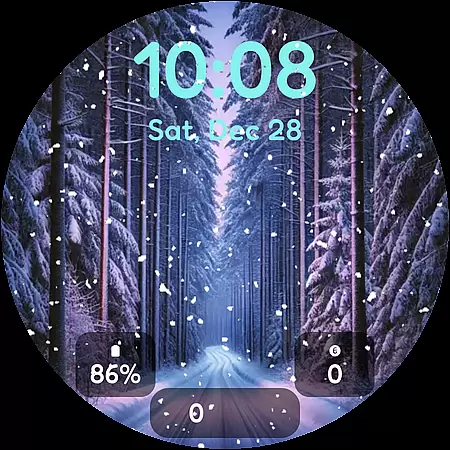
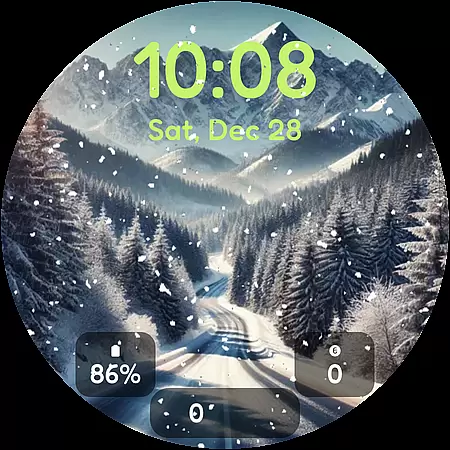
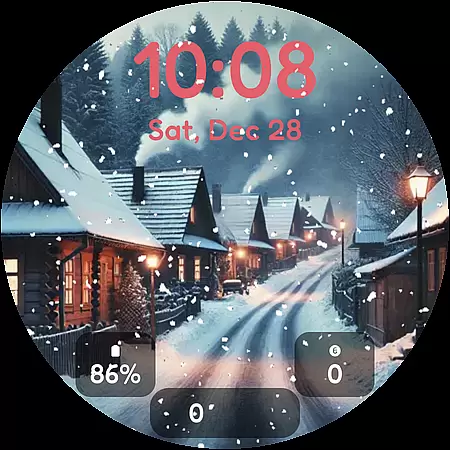
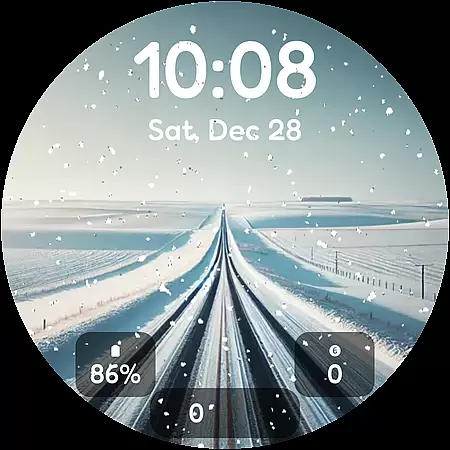
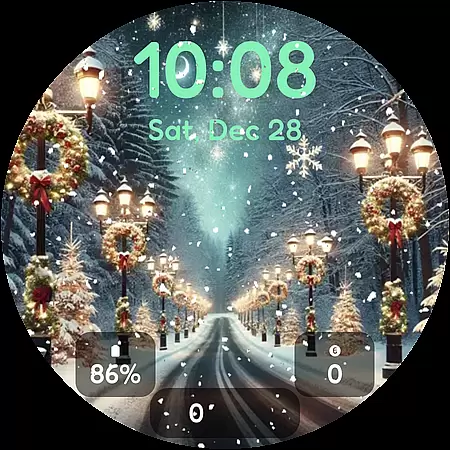

Winter's Journey Watch Face offers a stunning collection of winter-themed designs optimized for Wear OS smartwatches. This personalization app features 10 unique watch face designs with dynamic snow animation, bringing the serene beauty of winter to your Samsung Galaxy Watch or Google Pixel Watch.
The application supports modern smartwatch models including Galaxy Watch series 5-8 and Pixel Watch versions 2-4. Users can enjoy customizable color themes and widget options while benefiting from AOD (Always-On Display) functionality. Perfect for design enthusiasts who want to personalize their smartwatch with seasonal aesthetics.
This watch face application stands out with its carefully crafted design elements. The 10 unique winter themes feature realistic snow animation that brings each design to life. The dynamic weather effects adapt to different screen sizes and resolutions.
Users can customize their experience through multiple color themes and widget configurations. The application maintains optimal performance through Wear OS optimization techniques while supporting AOD functionality. These features ensure both visual appeal and practical usability for smartwatch owners.
Winter's Journey Watch Face offers a rich selection of customization options, ensuring users can tailor their smartwatch to reflect their personal style. With 10 unique designs, each featuring dynamic snow animation, the watch face captures the serene beauty of winter.
The app provides multiple color themes and custom widgets, allowing users to adjust the appearance according to their preferences. This level of customization ensures that your watch face is not only visually stunning but also uniquely yours.
Owners of Samsung Galaxy Watches and Google Pixel Watches can take advantage of the AOD (Always-On Display) support, enhancing both aesthetics and usability. The ability to personalize every aspect of the watch face makes it perfect for fans of modern design.
Ensuring seamless integration across devices, Winter's Journey Watch Face is optimized for Wear OS, making it compatible with Samsung Galaxy Watch 8, Ultra, 7, 6, 5, and Google Pixel Watch 4, 3, 2. This wide compatibility range guarantees a consistent and high-quality experience regardless of the smartwatch model.
Users will appreciate the meticulous attention to detail in maintaining theme consistency across different devices. Whether you own a Galaxy Watch or a Pixel Watch, you can expect the same level of quality and performance from this watch face.
Although it may take up to 15 minutes for the watch face to appear, its optimization for Wear OS ensures smooth operation and visual appeal. This compatibility and optimization make Winter's Journey a reliable choice for those seeking a versatile and visually pleasing watch face.
Stunning winter designs
Dynamic animations
Wide device support
Customizable themes
AOD compatible
Limited to Wear OS
Long installation time
Few widget options
No free trial
Premium price

Ultra realistic high quality analog watch face for Wear OS.
 4.60
4.60
Adult video chat, dating, making friends, random matching
4.20
Unique Fonts, typefaces and stylish text. Fonts for Instagram, Whatsapp & others
4.20
Adaptive Dot Style IconPack with Light & Dark Theme.
3.70
Vibrant Adaptive Icons with Material You and Enhanced Monet Colors.
4.50
Custom edge gestures for volume control, brightness, apps, and shortcuts.
4.3
Unleash Your Creativity and Connect with Loved Ones with Lockscreen Drawing!
4.20
Enjoy a variety of amazing live wallpapers and colorful EDGE lighting borders!
4.80
set a new experience for the Android mobile phone
4.20
Choose your keyboard with RGB colors effect, themes, fonts, emojis.
4.60
Stylish Pink Cute Hippo keyboard with 10000+ customized keyboard themes!
4.60
Ultra realistic gold analog watch face with lots of customization options.
4.50
Ninja Turtles Cowabunga SE watch face for Wear OS
4.50
200+ Material Inspired Widgets
4.50
Themes - Widget & Wallpaper: Customize home screen, icon changer w unique themes
4.30 4.10
4.10
Transfer your live wallpapers from Windows to Android using Wallpaper Engine!
4.00
Crystal-clear, square icon provides a sleek and sophisticated visual upgrade
4.00
HappyLighting is a Bluetooth lamp control software.
3.40


User Reviews