
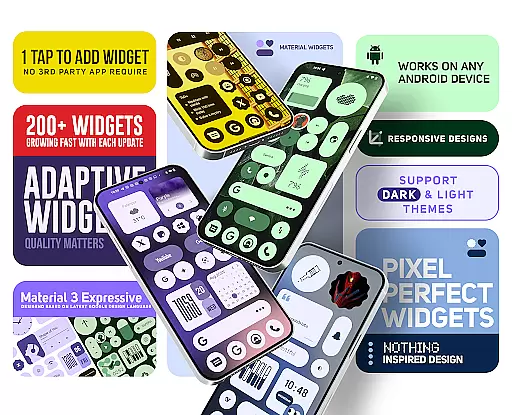
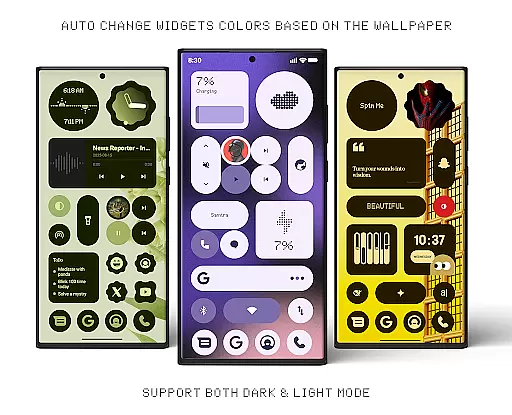
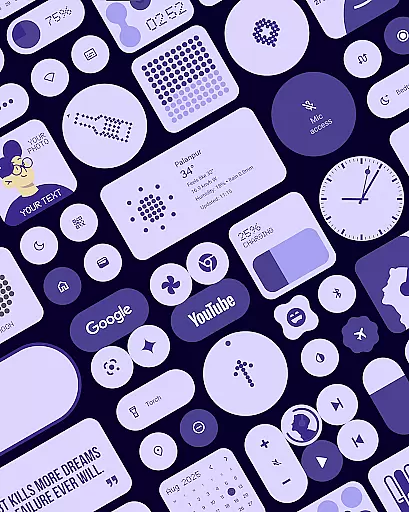
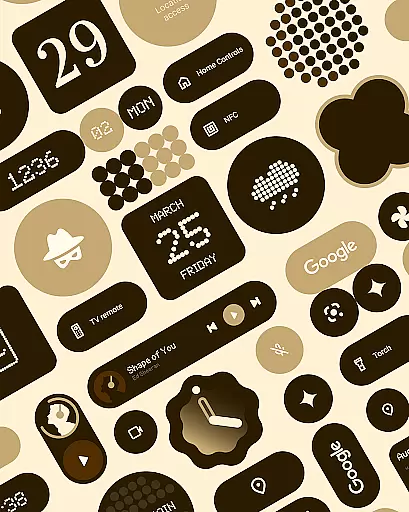
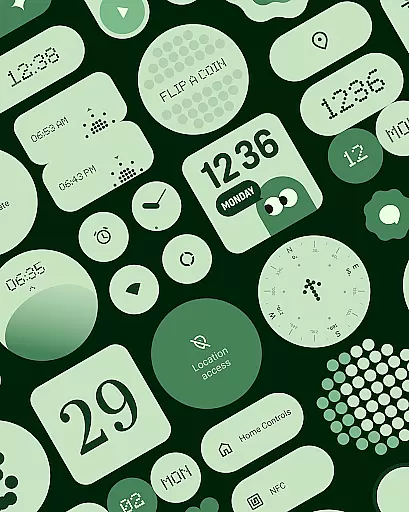
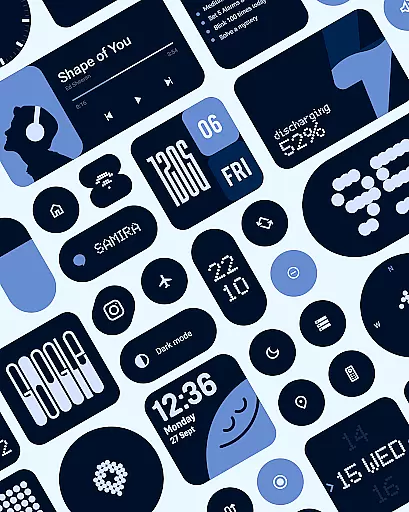
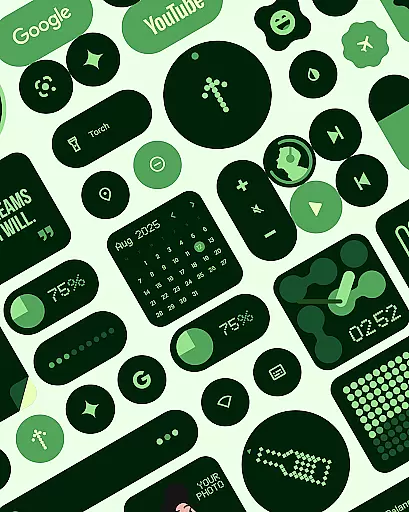
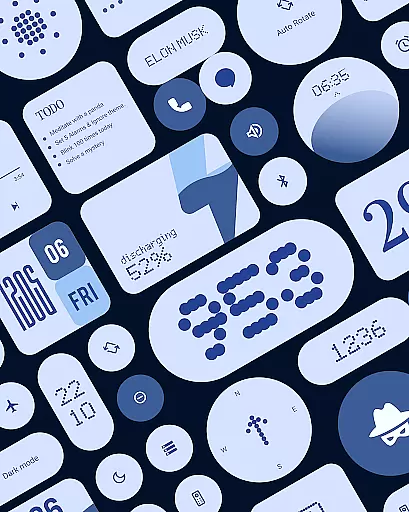
Material Widgets is a personalization app that brings Google's Material 3 design to your home screen. With over 200 widgets, it offers dynamic theming that adapts to your wallpaper and system colors, ensuring a fresh and personalized look.
The app provides a variety of widget types including clocks, calendars, weather, and quick settings, all resizable and adaptive. It eliminates the need for third-party apps, allowing users to add widgets natively and effortlessly.
Whether you want to enhance productivity or simply beautify your device, Material Widgets delivers both functionality and aesthetics, making it an ideal choice for those who appreciate expressive design.
One of the standout features of Material Widgets is its native functionality. Unlike other widget packs, it doesn't require additional apps like KWGT, simplifying the process of customizing your home screen.
Each widget is crafted following Google’s Material 3 guidelines, featuring modern shapes and bold typography. The widgets are fully resizable, offering flexibility in layout customization. From clock widgets to productivity tools, each element dynamically adjusts to light and dark modes.
Additionally, the app includes over 100 wallpapers designed to complement the widgets, completing the personalization experience with cohesive aesthetics.
Material Widgets offers an extensive range of customization options that allow users to tailor their home screens with over 200 widgets. These widgets include clocks, calendars, weather indicators, and even mini-games, ensuring a personalized experience.
Each widget is designed following Googleu2019s Material 3 expressive design guidelines, featuring modern shapes and bold typography. They dynamically adapt to the device's wallpaper and system colors, providing a seamless transition between dark and light modes.
The pack supports full resizing and adaptive scaling, from compact sizes to full-screen layouts. This flexibility empowers users to have complete control over their home screen setup, making it not only functional but also aesthetically pleasing.
Theme compatibility in Material Widgets ensures that every widget matches the user's system theme perfectly. By adapting colors based on the device's wallpaper, the widgets maintain visual harmony across the home screen.
This dynamic theming extends to various functionalities such as battery indicators, weather forecasts, and quick settings controls. Users can enjoy a cohesive look without needing third-party apps like KWGT, as everything works natively.
Included are 100+ Material You-inspired wallpapers that pair beautifully with the widgets. This comprehensive approach allows users to create a home screen environment that feels fresh, dynamic, and uniquely theirs.
Native widget integration
Dynamic color adaptation
Wide variety of widget types
Fully resizable options
Inspired by Material 3 design
Limited to Android devices
No iOS compatibility
Requires manual updates
Some features may feel redundant
Design might not appeal to minimalists

Customizable Glass widgets. Over 360+ stunning widgets and more!
 4.70
4.70
Beautiful realistic hybrid watch face with numerous customization options.
4.50
Fingerprint Lock Screen & Live Animations with 4K Wallpapers as Live Wallpaper
4.40
Art & Emoji Keyboard with Cool Fonts, Cute Themes and Custom Designs.
4.40
Run multiple accounts of the same app on a single device
4.10 4.50
4.50
Organize and manage your photos and videos effortlessly with Photo Gallery
4.20
Customize phone with anime themes, 3D icons, aesthetic widgets & wallpapers
4.80
Custom ringtones songs, music ringtones for Android phones
4.60
Wallpaper HD 4K Live - Thousands of high-quality Anime backgrounds for you.
4.80
100+ Stylish Fonts, Emojis, Symbols keyboard for Instagram & TikTok!
4.80
A Colorful and Minimal icon pack in an Outline Style - Over 13,600 icons!
4.70
300+ Stunning and well-designed widgets inspired by NOTHING.
4.70
Over 28,000 high quality icons to bring color & homogeneity to your phone.
4.60
Customize your home screen with stunning themes, blur, widgets & icons.
4.60
AI-powered Copilot. Personalized keyboard with gifs, stickers & themes
4.40
HappyLighting is a Bluetooth lamp control software.
3.40
Prank your friends with realistic broken screen and cracked HD effects!
4.2
⭐ OneUI inspired Fluffy Icon Pack – Soft. Stylish. Standout. ⭐
4.4


User Reviews