
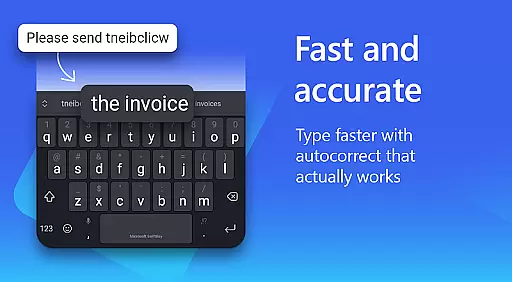
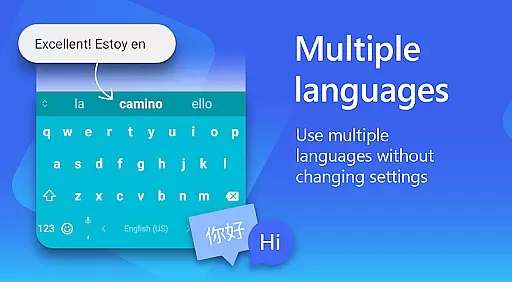
Microsoft SwiftKey AI Keyboard is an advanced personalization tool designed to enhance typing efficiency and style. This intelligent keyboard learns your unique writing patterns, offering personalized autocorrect and predictive text features. With support for over 700 languages and the ability to enable up to five languages simultaneously, it caters to a global audience.
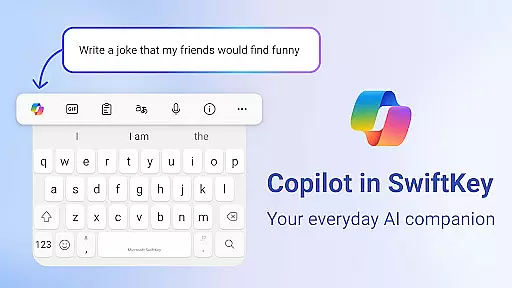
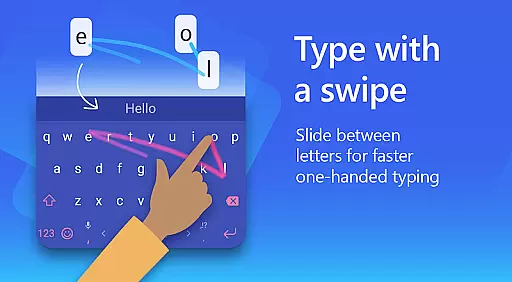
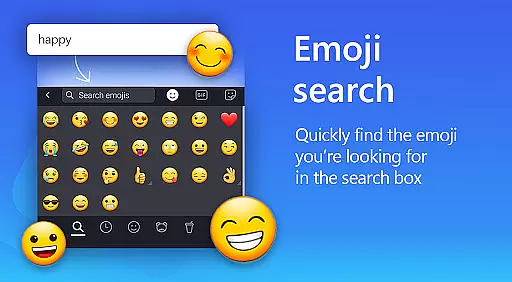
The app goes beyond basic typing by integrating Copilot, an everyday AI companion that allows you to ask questions within your favorite apps. Its swipe-to-type functionality and adaptive emoji predictions make typing faster and more intuitive. The inclusion of rich content options like GIFs, stickers, and emojis helps users express themselves more vividly in digital conversations.
With customizable themes and layouts, Microsoft SwiftKey ensures the keyboard matches your personal style. Whether you prefer swiping or tapping, this app provides a versatile typing experience that adapts to your preferences, making it an essential tool for anyone looking to type less and do more.
Microsoft SwiftKey AI Keyboard offers a comprehensive set of features designed to improve typing efficiency and personal expression. One standout feature is its AI-powered prediction engine, which learns your slang, nicknames, and even emoji usage to provide accurate suggestions. The swipe-to-type functionality allows for seamless input, while the tap-to-type option caters to those who prefer traditional methods.
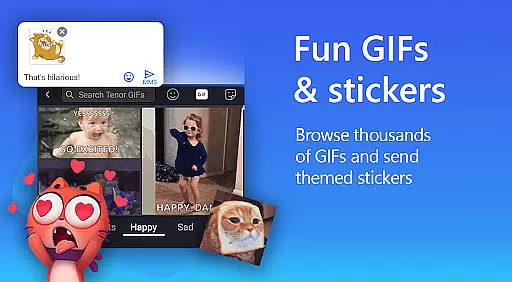
The app includes a rich content suite with adaptive emoji keyboards, searchable GIFs, and stickers, allowing users to add personality to their messages. Copilot, the integrated AI assistant, enables users to ask questions directly within their favorite apps, transforming how they interact with content. Additionally, the custom keyboard toolbar offers quick shortcuts, enhancing productivity.
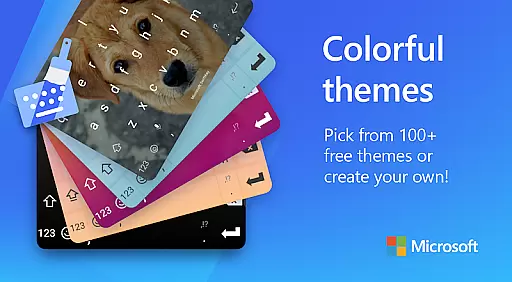
Customization is at the heart of Microsoft SwiftKey, with over 100 colorful themes and the ability to create personalized keyboard backgrounds using photos. Multilingual support for more than 700 languages ensures global accessibility, while optional permissions like voice-to-text and camera integration expand its utility, making it a versatile choice for diverse typing needs.
Microsoft SwiftKey AI Keyboard offers an extensive range of customization options that cater to individual preferences and styles. With over a hundred colorful keyboard themes, users can select a design that best reflects their personality or mood.
Beyond the preset themes, the application allows for a personalized touch by enabling users to create their own custom keyboard theme. This feature lets you use personal photos as the keyboard's background, making every typing experience uniquely yours.
In addition to aesthetic personalization, Microsoft SwiftKey provides functional customization. Users have the ability to adjust their keyboard size and layout, ensuring comfort and efficiency while typing. These tailored experiences enhance user interaction and satisfaction with the app.
The adaptability of Microsoft SwiftKey's customization features ensures that whether you're looking for a visual refresh or ergonomic adjustments, this intelligent keyboard meets diverse user needs effectively.
Theme compatibility in Microsoft SwiftKey AI Keyboard ensures that all selected themes are not only visually appealing but also fully functional across different devices and screen sizes. This seamless integration maintains the integrity of the design, providing a consistent look and feel no matter where you type.
Users benefit from knowing that each theme they choose will be optimized for performance without compromising on style. The adaptive nature of these themes means that whether you're using a smartphone or tablet, your chosen aesthetic flows effortlessly between devices.
Moreover, SwiftKey's commitment to regular updates and improvements guarantees that new themes will continue to be compatible with evolving technology standards. This dedication ensures long-term usability and enjoyment of customized keyboard experiences.
Ultimately, Microsoft SwiftKeyu2019s approach to theme compatibility enhances user engagement by delivering both beauty and functionality in one package, allowing individuals to express themselves through their device's most used interfaceu2014the keyboard.
AI-powered predictions
Supports 700+ languages
Customizable themes
Integrated Copilot AI
Swipe and tap typing
Optional permissions needed
Limited without permissions
Feature complexity
Occasional lag
Premium features cost

Ultra realistic high quality analog watch face for Wear OS.
 4.60
4.60
Gun Chase - Let the chase begin.
4.80
Personalize your phone with stunning HD and 4K wallpapers!
4.70
Wallpaper HD 4K Live - Thousands of high-quality Anime backgrounds for you.
4.80
Customize glowing edges, wallpapers, and caller screen with EdgeAura.
3.50
Design your screen with unique, vibrant clocks
3.80
HappyLighting is a Bluetooth lamp control software.
3.40
Choose your keyboard with RGB colors effect, themes, fonts, emojis.
4.60
Yandex Browser — stylish and secure, with voice search and data compression
4.40
100+ Stylish Fonts, Emojis, Symbols keyboard for Instagram & TikTok!
4.80
300+ widgets inspired by Material You and Material 3 expressive design.
4.60
Aesthetic Widgets, HD Wallpapers, Themes in Mico Widget for Home and Lock Screen
4.50 4.50
4.50 4.50
4.50
Fingerprint Lock Screen & Live Animations with 4K Wallpapers as Live Wallpaper
4.40
Art & Emoji Keyboard with Cool Fonts, Cute Themes and Custom Designs.
4.40
The definitive Icon pack maker and editor
4.30
Your home screen, just the way you like it.
4.30
Unique Fonts, typefaces and stylish text. Fonts for Instagram, Whatsapp & others
4.20


User Reviews