
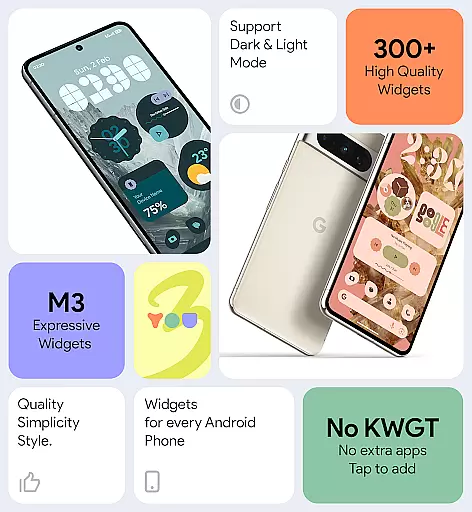
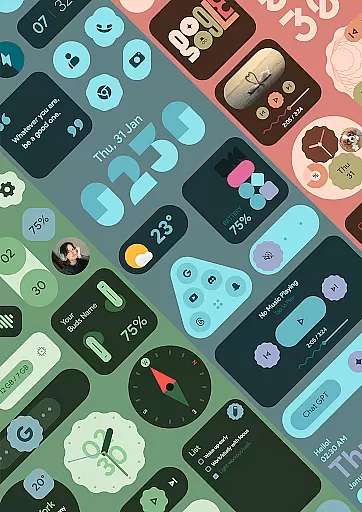
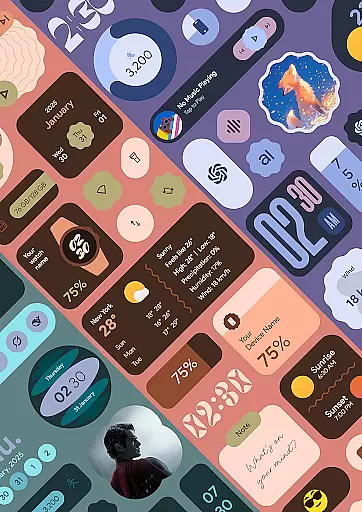
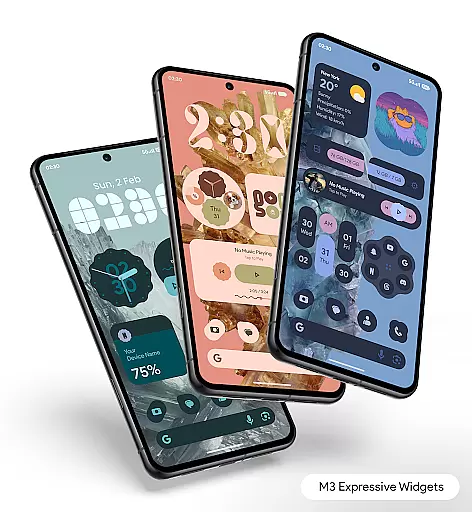
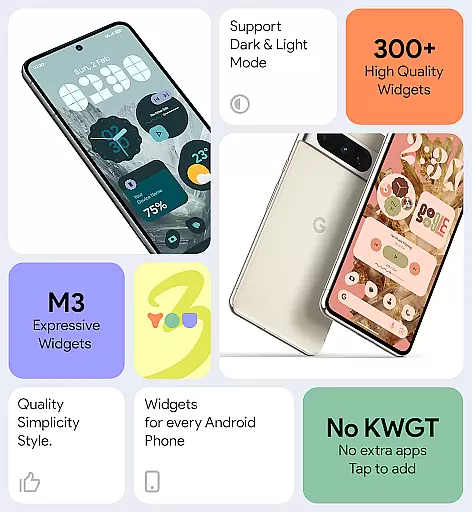
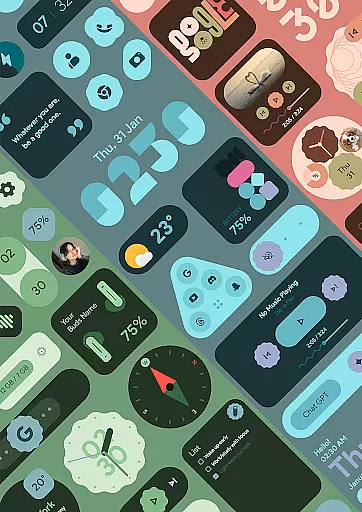
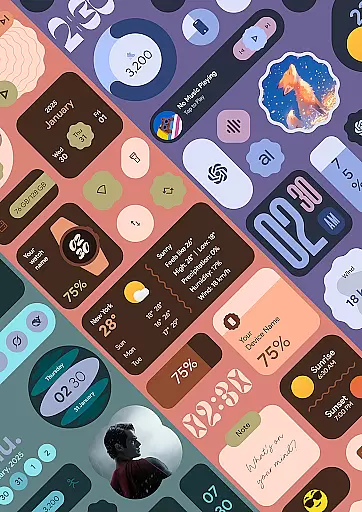
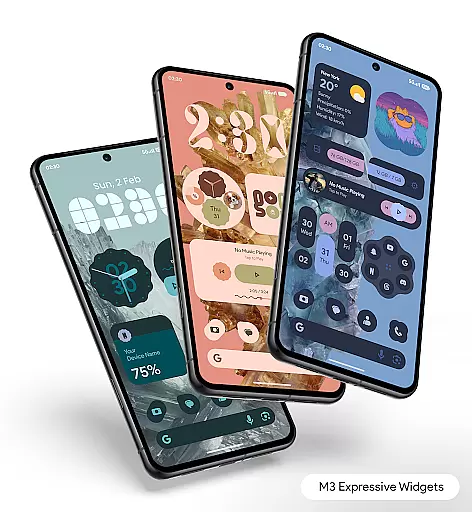
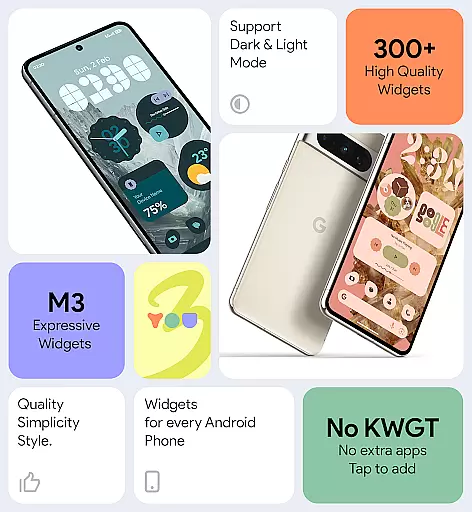

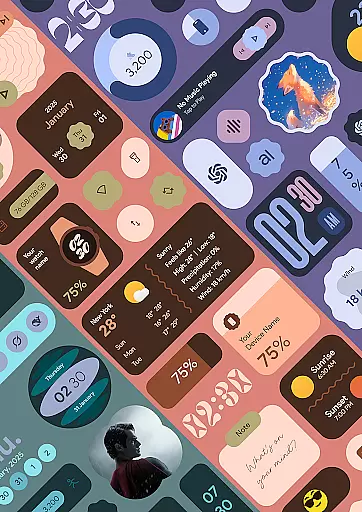
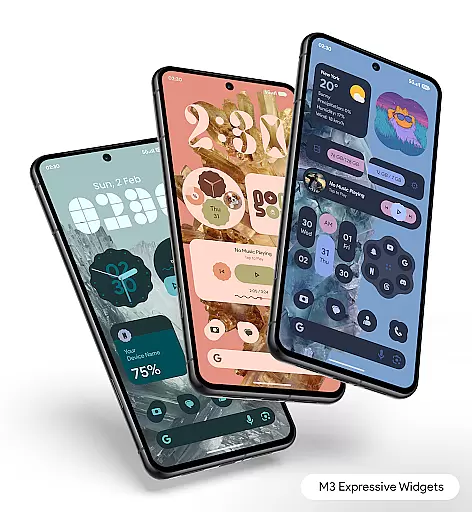
Material You Widgets is a versatile personalization app that brings over 300 beautifully designed widgets to your Android device. These widgets include clocks, weather updates, games, quick settings, photos, and more, all crafted with the modern Material You design language. The app ensures seamless integration with your device's existing theme, providing dynamic shapes and adaptive designs for a personalized experience.
One of the standout features is its ability to function without requiring additional apps like KWGT. Users can enjoy customizable widgets that match their wallpaper and theme effortlessly. With regular updates introducing new widgets and battery-optimized performance, this app caters to both aesthetic and functional needs. Whether you want to enhance productivity or simply refresh your home screen, Material You Widgets offers an elegant solution.
Material You Widgets stands out with its extensive range of customization options. The app includes over 300 stunning widgets that are not only visually appealing but also highly functional. From dynamic clock faces to interactive weather displays, each widget is designed to provide both utility and style. The inclusion of changeable shapes for apps, quick settings, and photos adds another layer of personalization.
The app leverages Material You theming to ensure that all widgets blend seamlessly with your device’s current look. It also provides theme-matching wallpapers, making it easy to create a cohesive home screen. Performance-wise, the widgets are optimized for smooth operation and minimal battery consumption. Regular updates ensure that users receive fresh content and improved functionality over time, maintaining the app's relevance and appeal.
Material You Widgets offers an extensive range of customization options that allow users to personalize their home screens like never before. With over 300 beautifully designed widgets, the app covers various categories including clocks, weather, games, and more.
The true power of customization comes from the app's deep integration with Material You. This feature ensures that all widgets can instantly match your device's theme, creating a seamless and visually cohesive experience across your home screen.
Users can enjoy dynamic shapes for apps, quick settings, and photos, giving them unparalleled control over the look and feel of their widgets. The ability to change shapes and styles makes each widget not just functional but also a reflection of personal taste and creativity.
This level of customization empowers users to create a home screen that is uniquely theirs, enhancing both aesthetics and usability. Whether you prefer minimalistic designs or vibrant expressive themes, Material You Widgets caters to all preferences.
Theme compatibility is at the heart of Material You Widgets, ensuring that every widget seamlessly integrates with the user's chosen system theme. This powerful feature allows for instant matching of widgets with the deviceu2019s current Material You theme.
The app provides over 300 stunning widgets and wallpapers, each designed to adapt dynamically to theme changes. This means whether you switch to a light or dark mode, the widgets will adjust accordingly, maintaining visual harmony throughout your device.
Moreover, the adaptive nature of these widgets extends beyond mere color matching. They are optimized to offer a consistent look and feel, regardless of the theme settings, thus preserving the elegance and functionality of your home screen.
By focusing on theme compatibility, Material You Widgets ensures that users enjoy a cohesive and professional appearance on their devices, making daily interactions more pleasant and visually satisfying.
User-friendly interface
Extensive widget variety
Dynamic theming options
Regular feature updates
Battery-efficient performance
Premium version required
Limited iOS support
Occasional update delays
Advanced settings needed
Learning curve for new users

A Colorful and Minimal icon pack in an Outline Style - Over 13,600 icons!
 4.70
4.70
Customizable flower power digital watch face for Wear OS watches.
4.00
Make your phone look simple & luxury, like iDevice
4.60
Gun Chase - Let the chase begin.
4.80
Turn your lock screen into fun with smile live wallpapers & animated wallpapers!
2.50
Dark icon pack based on One 8
4.80
Stylish Pink Cute Hippo keyboard with 10000+ customized keyboard themes!
4.60
400+ Beautifully crafted widgets inspired by NOTHING.
4.70
Amazing letter fonts in your messages and social statuses
4.70
A minimalist productivity launcher. One-hand-friendly. Zero ads.
4.70
Want to make your phone more special than ever?
4.60
Choose your keyboard with RGB colors effect, themes, fonts, emojis.
4.60
3D, live, and moving wallpapers & themes in 4K and HD for your device.
4.50
Turn text & photos into stunning AI videos, art, and creative visual stories.
4.50
Art & Emoji Keyboard with Cool Fonts, Cute Themes and Custom Designs.
4.40
Yandex Browser — stylish and secure, with voice search and data compression
4.40
The definitive Icon pack maker and editor
4.30
Crystal-clear, square icon provides a sleek and sophisticated visual upgrade
4.00
Emoji Maker app - Design custom emojis and effortlessly blend them with Mixer
3.80


User Reviews