
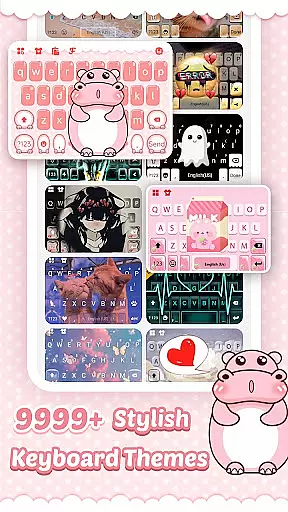
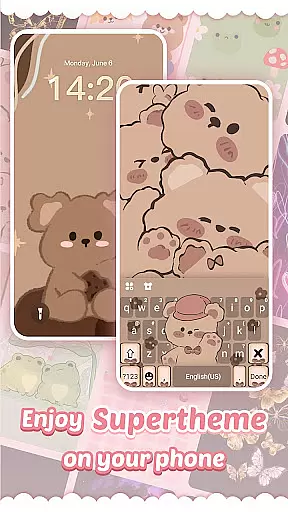
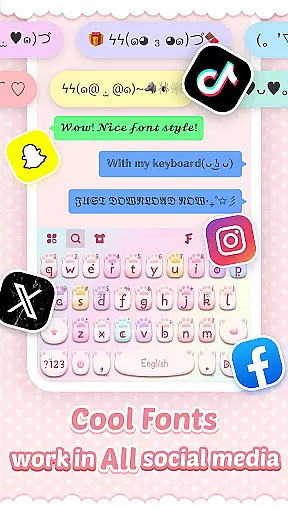
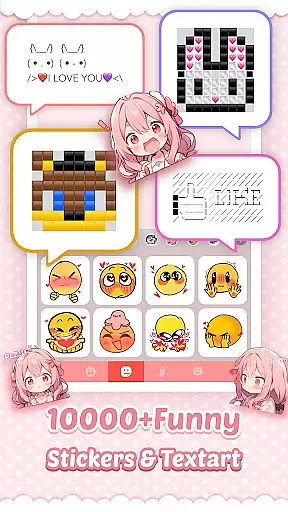
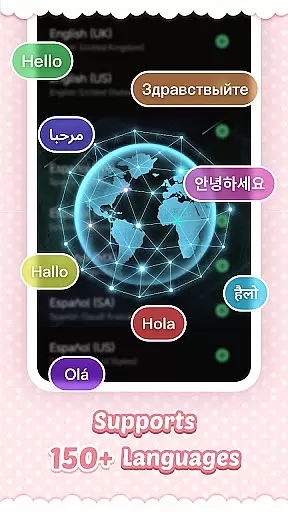
Pink Cute Hippo Theme offers a personalized keyboard experience with stylish backgrounds, fonts, and emojis. Designed for Android users, it supports over 150 languages, making global communication seamless. The theme allows complete customization, from keyboard colors to unique fonts, enhancing both aesthetics and functionality.
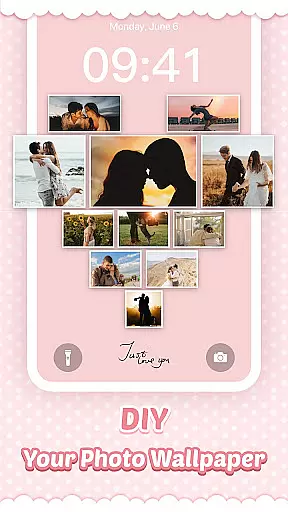
With features like swipe typing, contextual prediction, and cloud-based suggestions, this app ensures fast and accurate typing. Users can also create custom keyboards using personal photos. Compatible with most Android devices, Pink Cute Hippo Keyboard prioritizes privacy by not collecting personal information or photos used as wallpapers.
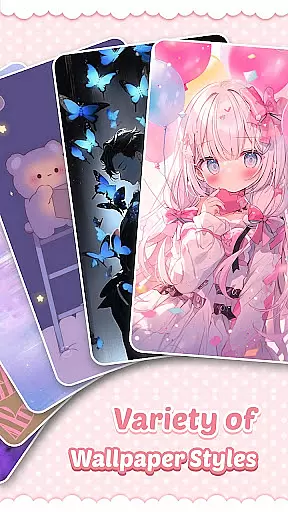
This app stands out with its extensive customization options, including HD wallpapers in various themes such as cute, romantic, and sporty styles. The keyboard supports creative fonts and the latest emojis, allowing expressive and fun conversations across social media platforms.
Advanced typing features include clipboard management for quick copy-paste actions, swipe-to-type functionality for faster input, and powerful auto-correction tools. Contextual and cloud-based predictions improve text accuracy and emoji suggestions. With regular updates adding new themes weekly, users always have fresh content to explore.
Pink Cute Hippo Theme offers an extensive range of customization options that allow users to personalize their keyboard experience. With a plethora of stylish backgrounds, fonts, emojis, and stickers, this app transforms the standard keyboard into a vibrant canvas of self-expression.
The app provides numerous keyboard themes including 3D, cool, cute, romantic, cartoon, and more, ensuring there's something for everyone. Users can choose from a variety of categories such as animals, anime, sports, love, and countless others, updated five times a week, keeping the content fresh and engaging.
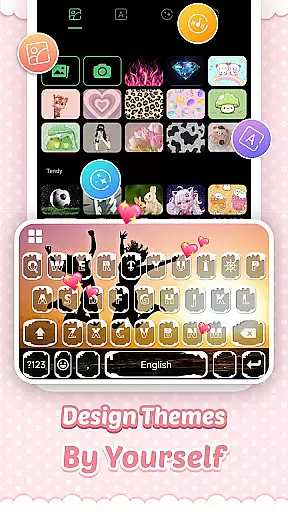
Moreover, Pink Cute Hippo Keyboard supports creating a custom keyboard using personal photos or wallpapers. This feature, combined with customizable colors, sounds, effects, fonts, and layout, ensures that every user can design a keyboard that perfectly matches their style and mood.
By offering these diverse customization options, Pink Cute Hippo Theme enhances user satisfaction and engagement, making each typing experience unique and enjoyable.
Theme compatibility is crucial for a seamless user experience, and Pink Cute Hippo Theme excels in this aspect. The app is designed to be compatible with almost all Android devices, ensuring that users across different hardware platforms can enjoy its features without any issues.
Whether you own a Samsung Galaxy, Huawei, HTC, OPPO, Xiaomi, Nokia, VIVO, Sony Xperia, or Moto device, Pink Cute Hippo Keyboard works efficiently. It supports models ranging from Samsung Galaxy Note series, S series, Huawei P and Mate series, to various other brands and models, providing a consistent experience.
In addition to device compatibility, the theme also ensures that all visual elements like backgrounds, fonts, and emojis are displayed correctly regardless of screen size or resolution. This attention to detail guarantees that the aesthetic appeal of the keyboard is maintained across all devices.
With its broad compatibility and meticulous design, Pink Cute Hippo Theme delivers a cohesive and visually pleasing experience, enhancing usability and user satisfaction on any supported Android device.
Highly customizable
Supports 150+ languages
Regular theme updates
Enhanced privacy protection
Vibrant design options
Limited iOS support
Some features may need updates
Ads in free version
Occasional bugs reported
Learning curve for new users

Only for Wear OS devices!
 4.90
4.90
3D, live, and moving wallpapers & themes in 4K and HD for your device.
4.50
Transform your phone with Launcher iOS 26 - Smooth & elegant iOS experience
4.50
Ultimate Gallery Lock App - Hide Pictures, Videos and Lock Apps Instantly!
4.60
Transfer your live wallpapers from Windows to Android using Wallpaper Engine!
4.00
Zip lock screen with magic wallpaper to decorate your phone with fun zipper lock
4.60
Adaptive Dot Style IconPack with Light & Dark Theme.
3.70
300+ widgets inspired by Material You and Material 3 expressive design.
4.60
Modern Glass Icon Pack with glossy icons, clean minimal theme & aesthetic style
4.5
Wallpaper HD 4K Live - Thousands of high-quality Anime backgrounds for you.
4.80
Personalize your phone with stunning HD and 4K wallpapers!
4.70
Classic analogue watch face. For wear os devices.
4.60
Ultra realistic high quality analog watch face for Wear OS.
4.60
Icons made of colorful linear lines
4.60 4.50
4.50
Adult video chat, dating, making friends, random matching
4.20
Run multiple accounts of the same app on a single device
4.10
Realistic animated snow on your wrist, with 10 images landscapes to choose from
4.00
Ultimate widget creator. Design custom widgets for a truly unique home screen!
3.90


User Reviews