
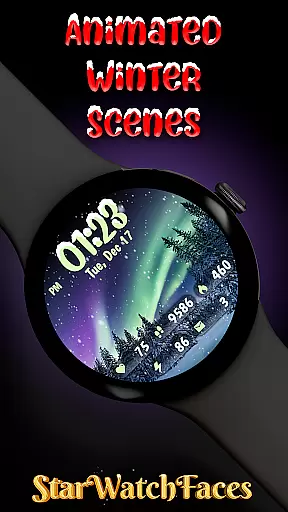
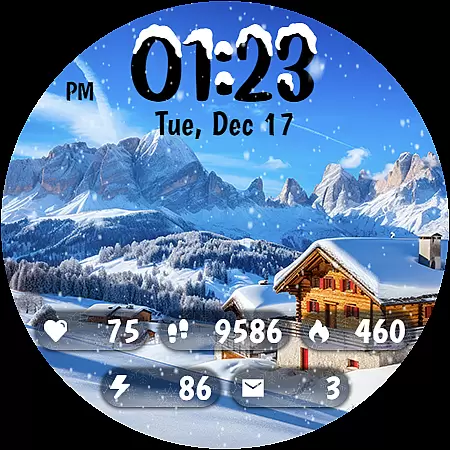
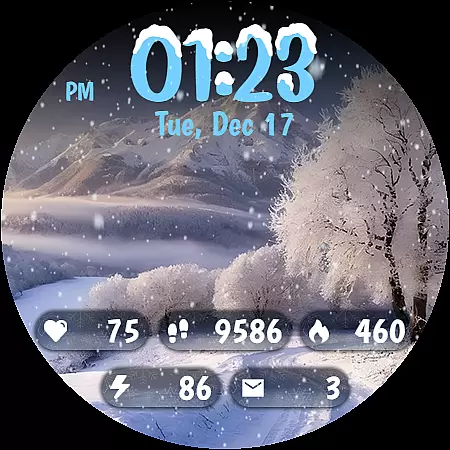
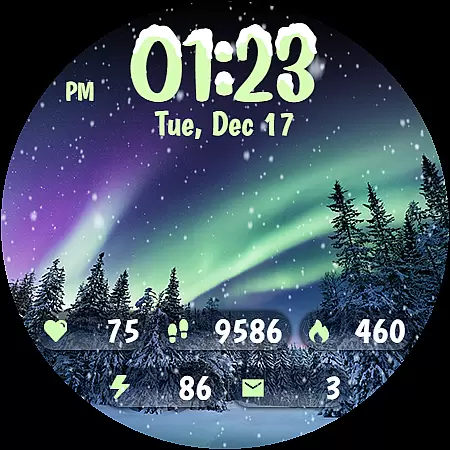
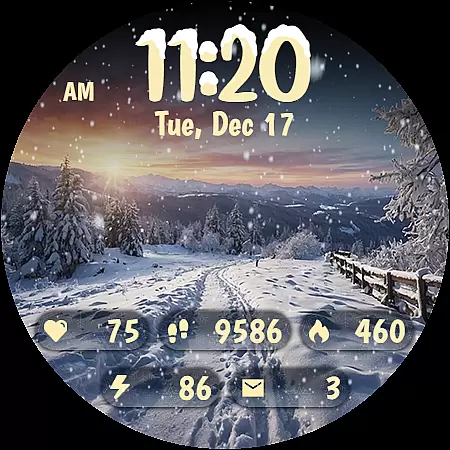
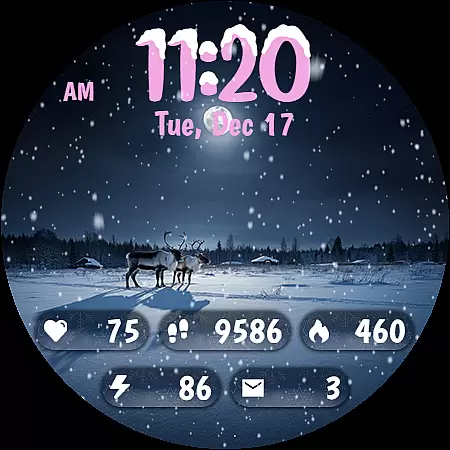
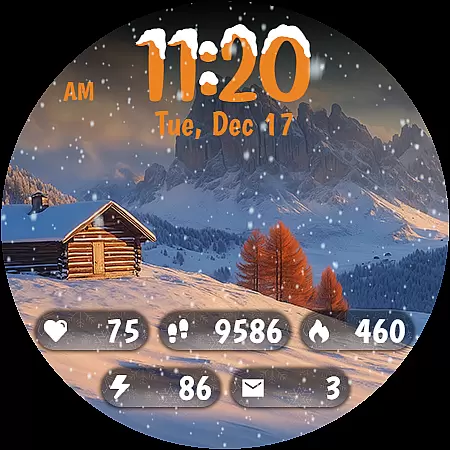
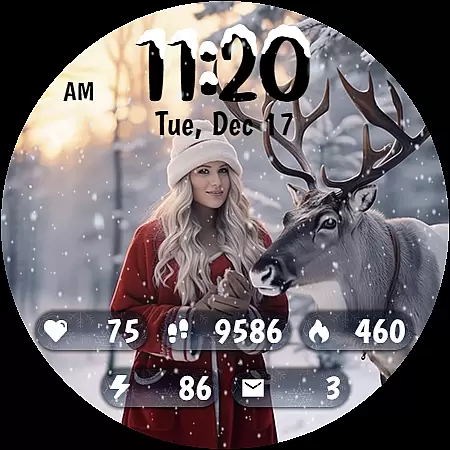
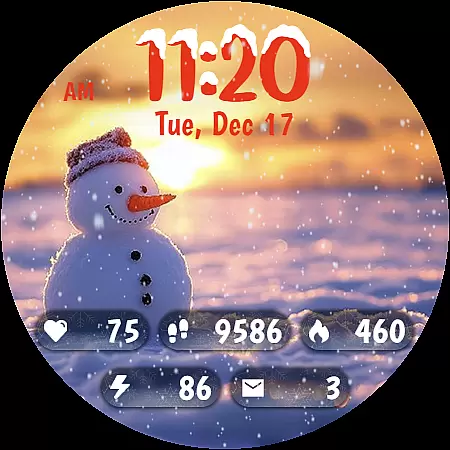
Animated Winter Scenes brings the serene beauty of winter to your Wear OS smartwatch. This personalization app offers a collection of stunning, animated watchfaces that transform your device into a window overlooking enchanting snowy landscapes.
With features like animated snowfall, 30 customizable color themes, and a unique digital clock design, this app provides both aesthetic appeal and practical functionality. Users can access essential information at a glance while enjoying the cozy atmosphere of a winter wonderland on their wrist.
The watchface is optimized for battery efficiency with AOD mode and supports comprehensive health tracking metrics, making it perfect for those who appreciate both style and substance in their wearable technology.
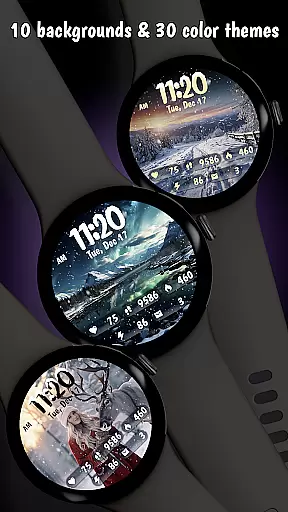
Animated Winter Scenes stands out with its carefully crafted features designed to enhance your smartwatch experience. The app offers 10 breathtaking winter-themed backgrounds, each featuring unique landscapes that range from majestic mountains to enchanting forests.
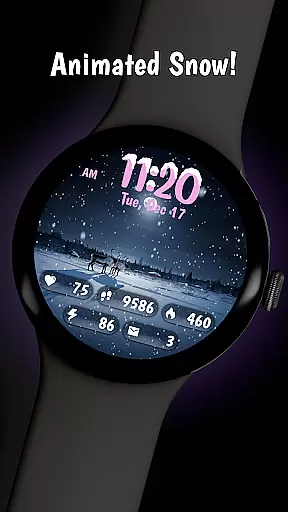
A key highlight is the animated snow feature that creates a calming, festive atmosphere. Combined with 30 customizable color themes and a stylish digital clock with snow accents, users can create a personalized timepiece that matches their unique style.
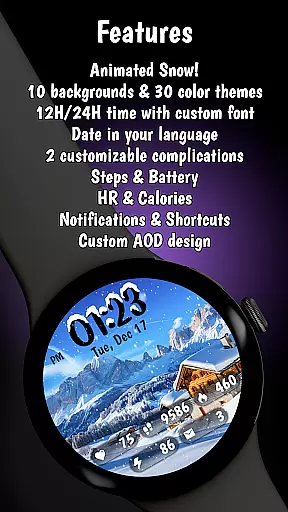
Practical features include comprehensive health tracking displays, date information in your device's language, and an optimized Always-On Display mode. Built using the latest Watch Face Format, the app ensures smooth performance and compatibility with the latest Wear OS devices.
Customization is at the heart of Animated Winter Scenes, offering users a rich tapestry of options to tailor their smartwatch experience. With 10 stunning winter-themed backgrounds ranging from majestic mountains to enchanting forests, users can select scenes that resonate with their personal style.
Beyond static images, the app provides dynamic elements such as animated snow and a custom digital clock adorned with unique fonts and snow accents. These features ensure that each glance at your watch is not only informative but also visually delightful.
The ability to choose from 30 color themes adds another layer of personal expression, allowing for perfect harmony between aesthetics and functionality. This extensive customization ensures that every user can craft a look that's uniquely theirs.
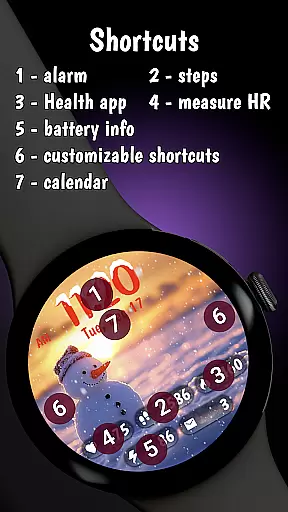
By integrating essential information like step count, heart rate, and battery status into the design, Animated Winter Scenes offers both beauty and utility. Users enjoy a personalized yet practical wearable experience that reflects their individuality while keeping them connected and informed.
Theme compatibility in Animated Winter Scenes ensures seamless integration across various Wear OS devices, providing a consistent and optimized visual experience. The app leverages the latest Watch Face Format (WFF) to guarantee that all design elements display correctly regardless of screen size or resolution.
This compatibility extends to Always-On Display (AOD) mode, where battery efficiency is prioritized without compromising on style. Users can enjoy their chosen winter scenes continuously, knowing that performance remains uncompromised.
Moreover, Animated Winter Scenes supports comprehensive information overlays such as date display in multiple languages and health metrics like calories burned. This ensures that despite the artistic embellishments, practical usability stays intact.
With its optimization for the newest Wear OS updates, Animated Winter Scenes guarantees reliable performance and compatibility. Users benefit from an engaging interface that marries cutting-edge technology with captivating design, ensuring their smartwatch remains both fashionable and functional.
Stunning winter themes
Animated snow effect
Customizable colors
Battery optimization
Health tracking display
Premium price point
Limited to Wear OS
Complex customization
Resource intensive
No weather integration

Customizable Glass widgets. Over 360+ stunning widgets and more!
 4.70
4.70
A light in the dark, a unique style and an andless cutomization!
4.30
Turn your lock screen into fun with smile live wallpapers & animated wallpapers!
2.50
Dark icon pack based on One 8
4.80
Ultimate Gallery Lock App - Hide Pictures, Videos and Lock Apps Instantly!
4.60
Transfer your live wallpapers from Windows to Android using Wallpaper Engine!
4.00
Embrace the Night. Unleash the power of darkness with Raven Dark Icon Pack
4.60
Unleash Your Creativity and Connect with Loved Ones with Lockscreen Drawing!
4.20
300+ widgets inspired by Material You and Material 3 expressive design.
4.60
Wallpaper HD 4K Live - Thousands of high-quality Anime backgrounds for you.
4.80
Add cute Shimeji pets to screen, interact with them and relax with cute motions
4.60
Zip lock screen with magic wallpaper to decorate your phone with fun zipper lock
4.60
Beautiful realistic hybrid watch face with numerous customization options.
4.50
Turn text & photos into stunning AI videos, art, and creative visual stories.
4.50 4.50
4.50 4.50
4.50
Fingerprint Lock Screen & Live Animations with 4K Wallpapers as Live Wallpaper
4.40 4.10
4.10
Ultimate widget creator. Design custom widgets for a truly unique home screen!
3.90


User Reviews