
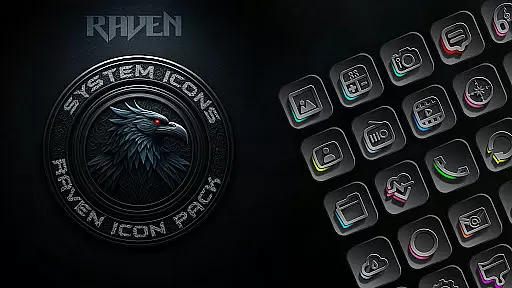
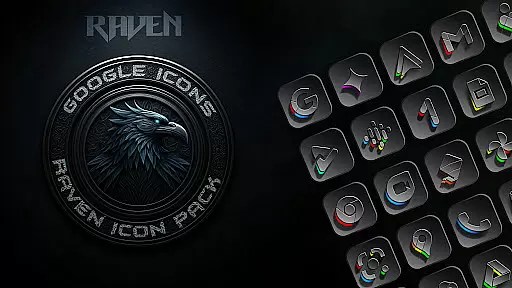
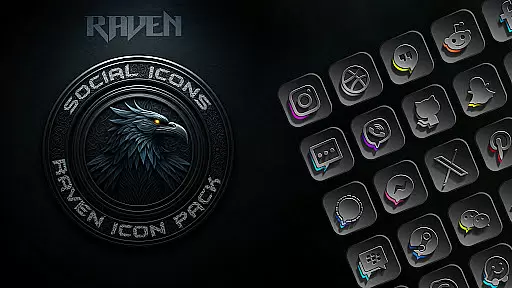
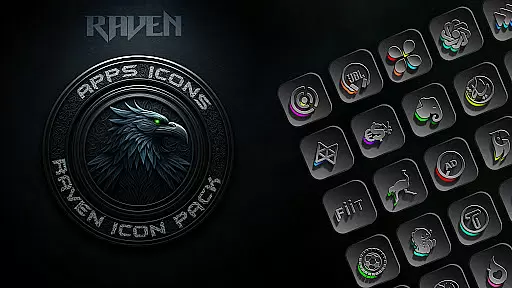
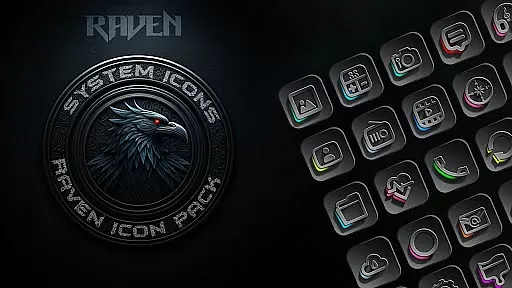
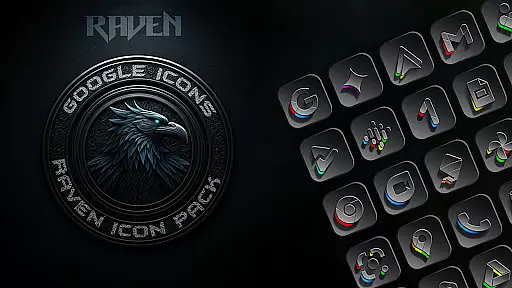
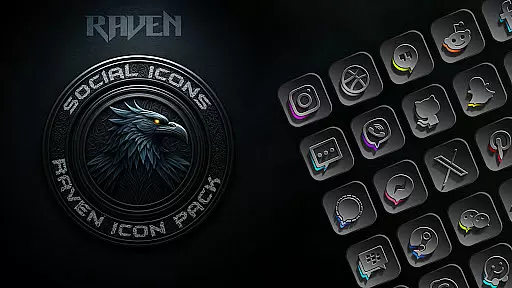
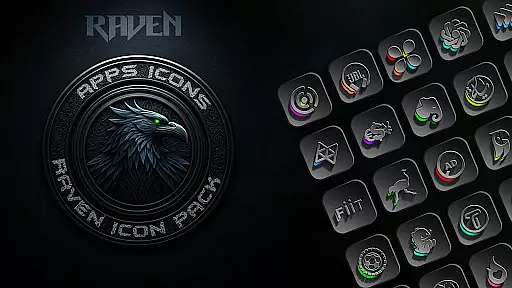
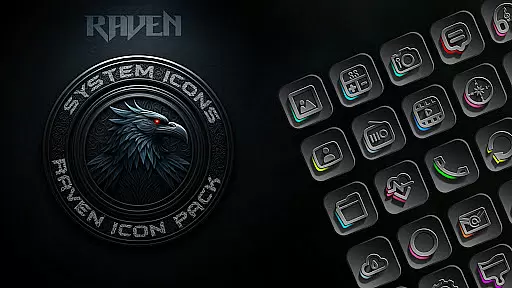
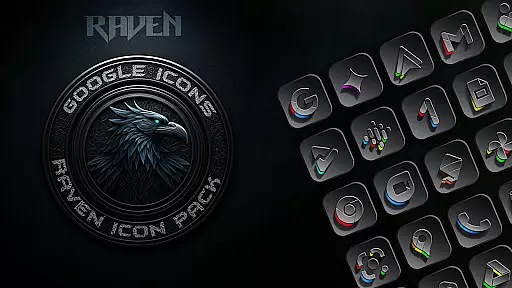
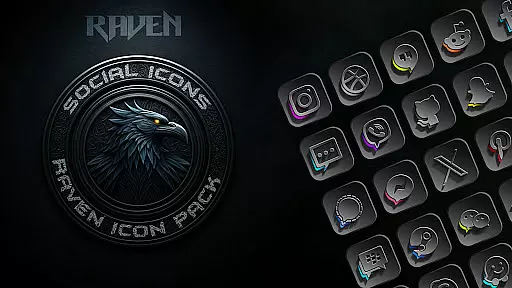
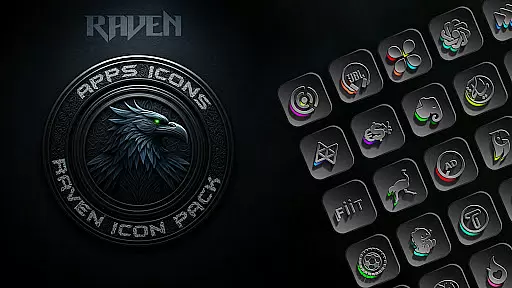
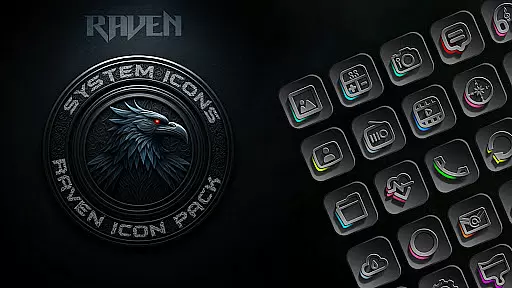
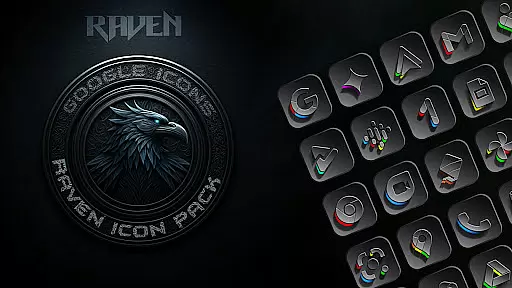
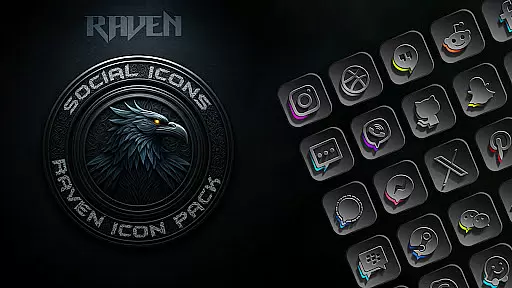
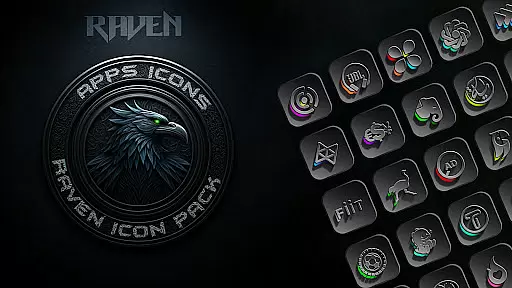
Raven Dark Icon Pack offers a sophisticated collection of dark-themed icons, designed to give Android users a sleek and mysterious aesthetic. With over 4500 unique icons, this pack supports most launchers and includes features like cloud-based wallpapers and an icon request tool.
The minimalist design prioritizes functionality while maintaining visual harmony. Regular updates ensure that user requests are met, making it a dynamic and evolving personalization tool for your device's home screen.
This icon pack stands out with its vast library of 4500+ meticulously crafted icons, each reflecting a dark and moody aesthetic complemented by subtle color accents. Alternate icons for popular apps provide additional customization options.
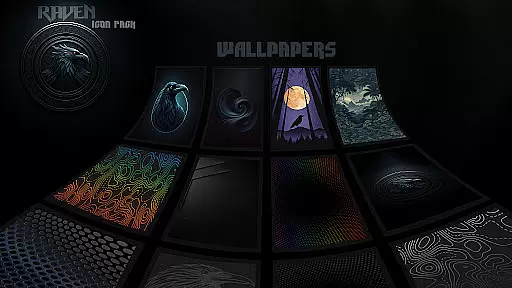
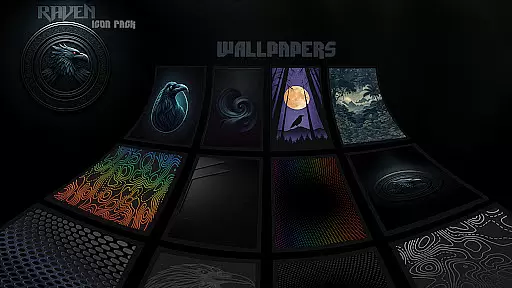
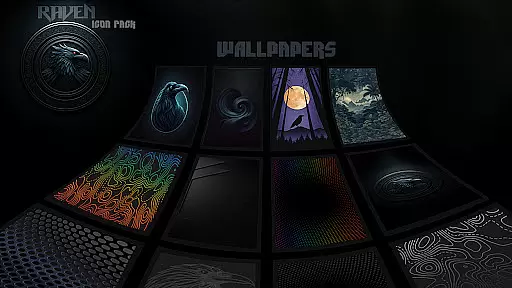
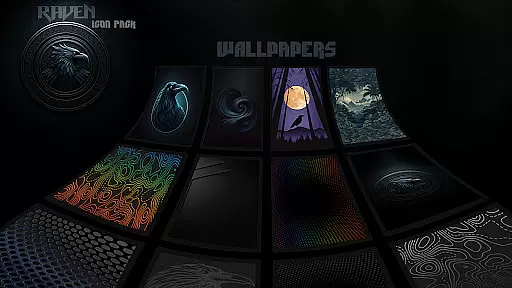
Users can access a curated selection of 15 stunning wallpapers that perfectly match the pack's style. The inclusion of an icon request tool ensures that missing icons can be requested, while compatibility with numerous launchers makes it versatile for different devices.
Raven Dark Icon Pack offers an extensive range of customization options, ensuring that users can truly personalize their Android devices. With over 4500 unique icons, this pack provides a rich selection to suit various tastes and preferences.
The pack includes alternate icons for popular apps, allowing users to choose the design that best fits their style. This level of variety ensures that your home screen remains distinct and reflective of your personal aesthetic.
Additionally, the inclusion of a cloud-based wallpaper selection enhances the customization experience. Users can access 15 stunning dark wallpapers that perfectly complement the icon pack's sleek and mysterious theme.
By supporting a wide array of launchers, Raven Dark Icon Pack makes it easy for users to apply their chosen look across different devices and interfaces, providing a seamless and versatile customization process.
Compatibility is a key feature of the Raven Dark Icon Pack, designed to work harmoniously with most Android launchers. Whether you're using Nova Launcher, Apex Launcher, or any other supported launcher, you can expect a smooth integration of the dark-themed icons.
For Samsung users, the pack requires Android 12 with Samsung One UI 4.0 or newer. By downloading the Theme Park app from the GOOD LOCK on Samsung Store, Samsung device owners can also enjoy the elegance of this icon pack.
It is important to note that while many launchers are supported, some like Google Now Launcher do not support any icon packs. Therefore, having a compatible launcher is essential to fully utilize the Raven Dark Icon Pack.
This compatibility ensures that regardless of your device or launcher choice, you can achieve a cohesive and stylish home screen setup that reflects the dark and moody aesthetic of the icon pack.
Extensive icon library
Regular updates
Cloud-based wallpapers
Icon request feature
Wide launcher support
No Google Now Launcher support
Limited Samsung compatibility
Requires specific launchers
Some features need third-party apps
Premium pricing

A Colorful and Minimal icon pack in an Outline Style - Over 13,600 icons!
 4.70
4.70
Beautiful realistic hybrid watch face with numerous customization options.
4.50
Realistic animated snow on your wrist, with 10 images landscapes to choose from
4.00
Personalize your phone with stunning HD and 4K wallpapers!
4.70
Ultimate widget creator. Design custom widgets for a truly unique home screen!
3.90 4.50
4.50 3.50
3.50
Struggling to find apps? Use this app to locate and open any app on your phone!
2.20
Fast SMS & group chat - use GIFs and emojis from your home screen launcher.
4.50
One 8 icons glass color version
4.80
Nothing Icon pack with more than 3750+ highly crafted icons.
4.70
Choose your keyboard with RGB colors effect, themes, fonts, emojis.
4.60
3D, live, and moving wallpapers & themes in 4K and HD for your device.
4.50
Try creating your own keyboard with "Keyboard theme for android" app now!
4.50
200+ Material Inspired Widgets
4.50
The definitive Icon pack maker and editor
4.30
Magic fluids wallpaper 4D: Relax with stunning fluid simulation wallpaper app
4.20
Customizable flower power digital watch face for Wear OS watches.
4.00
Turn your lock screen into fun with smile live wallpapers & animated wallpapers!
2.50


User Reviews