
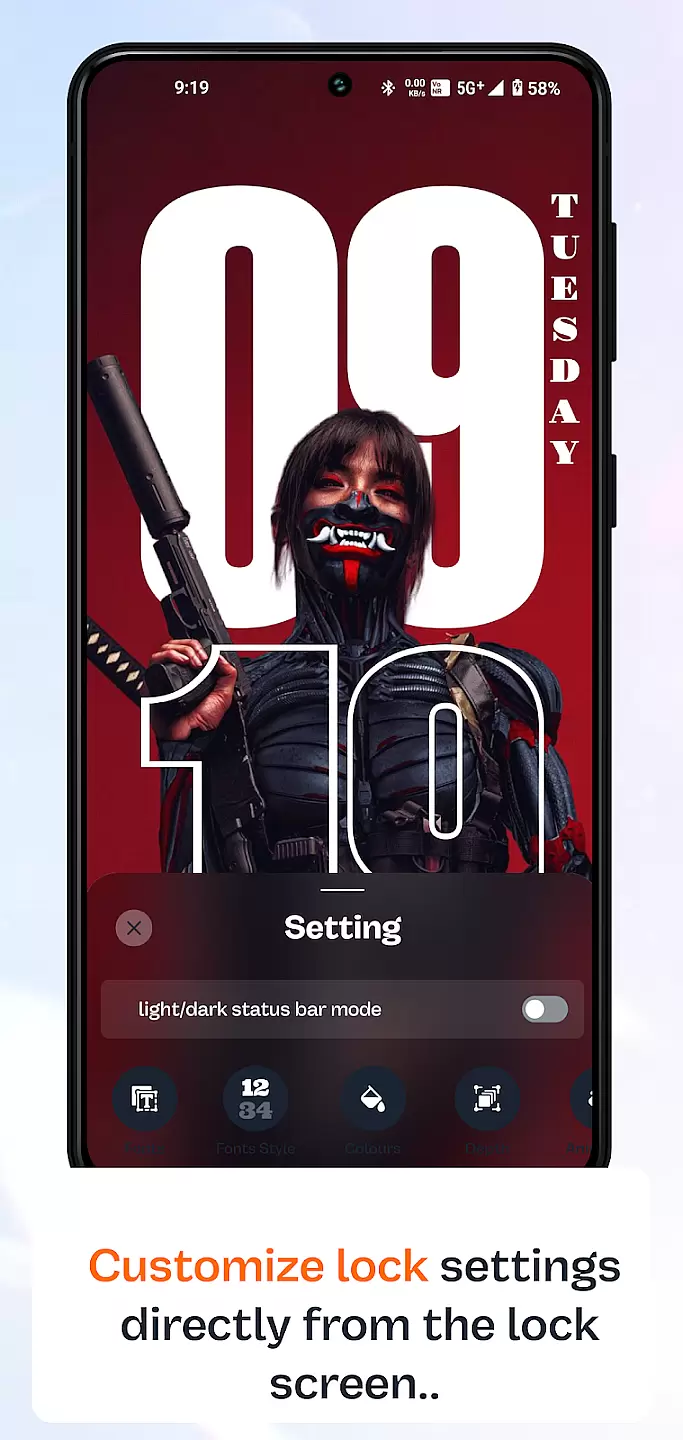
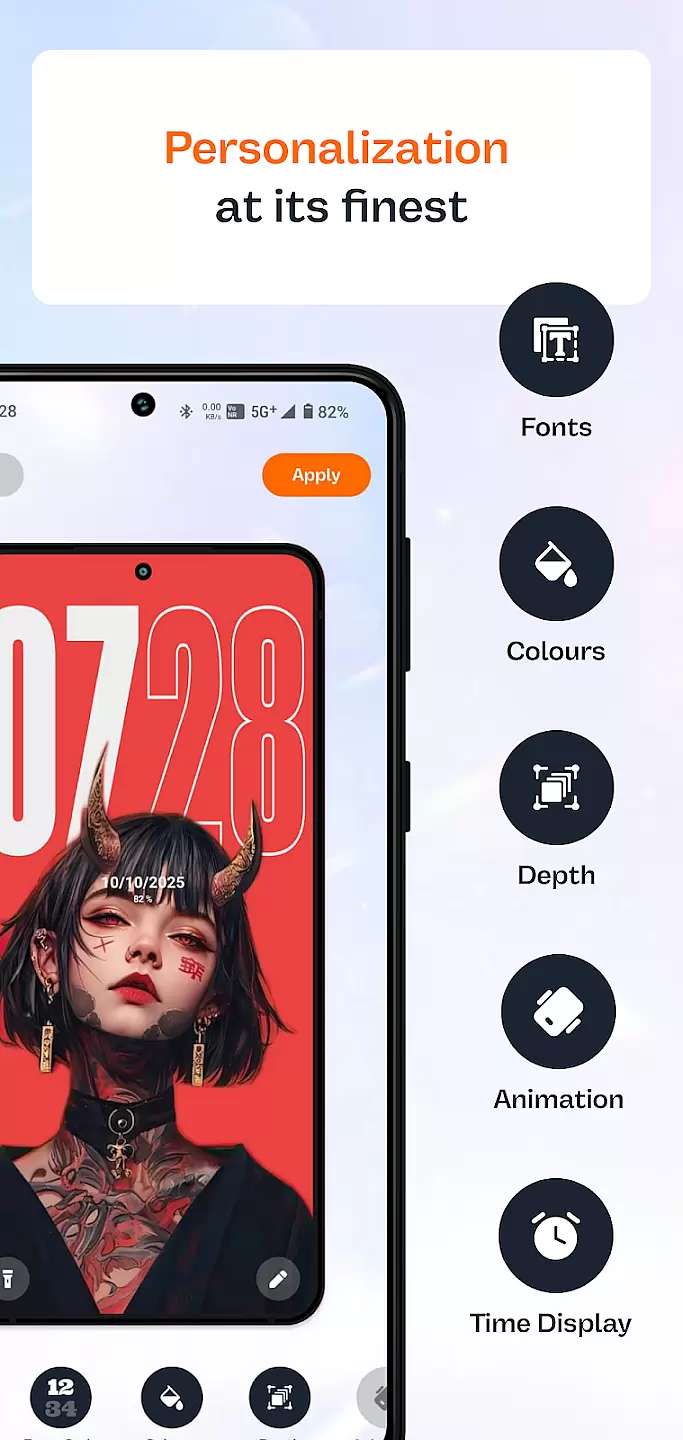
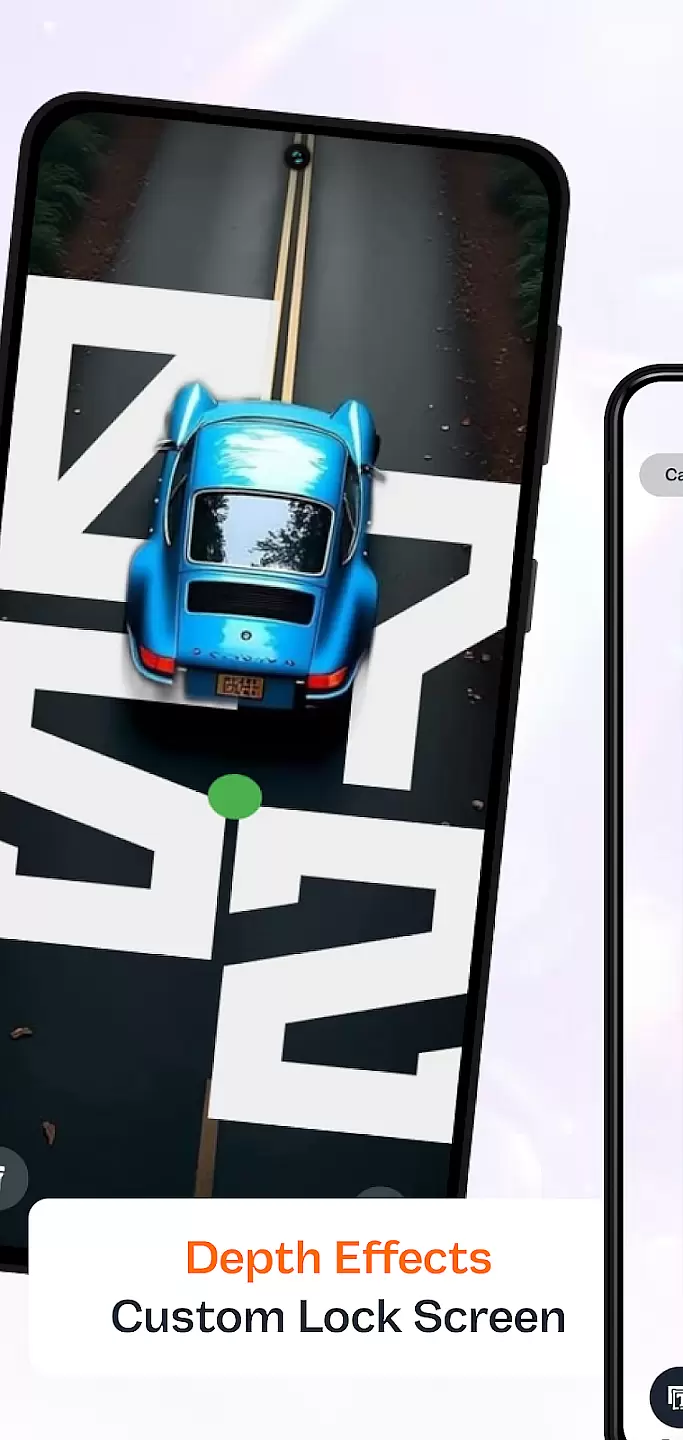
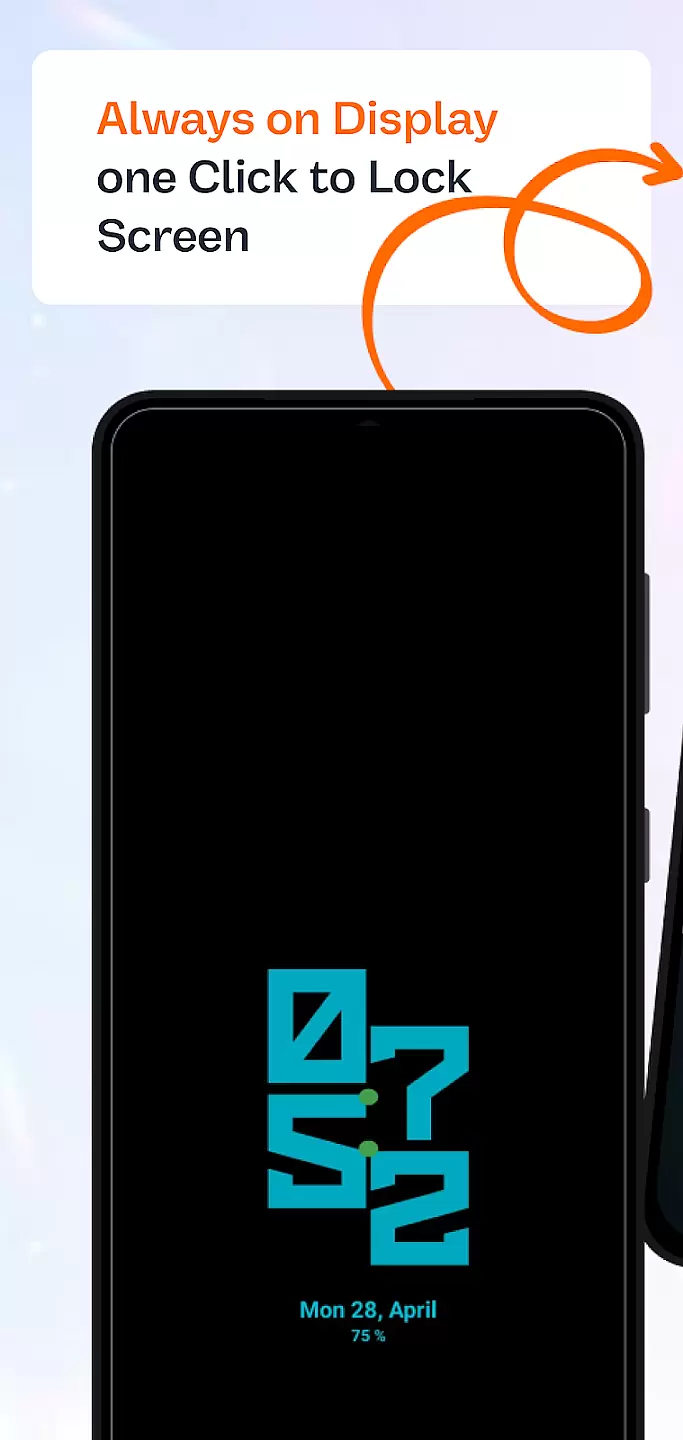
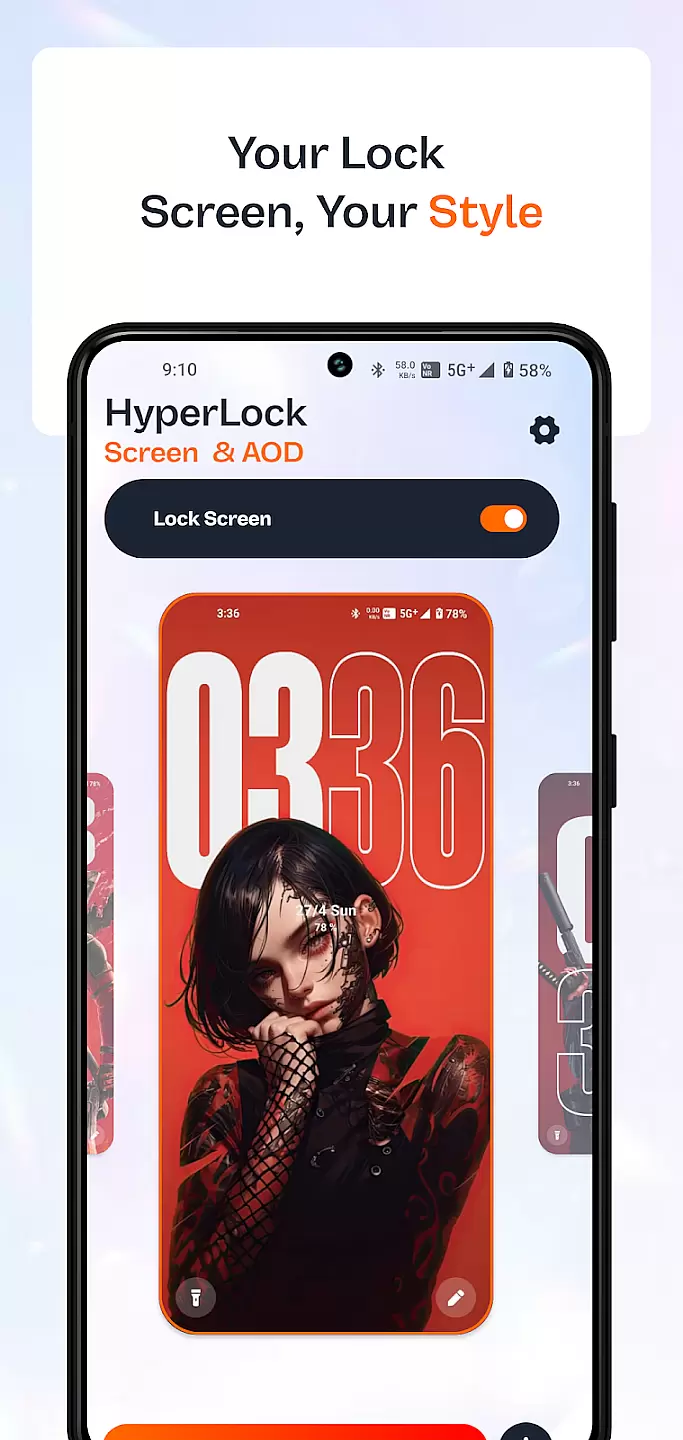
HyperLock Screen & AOD is a personalization app designed to enhance your device's lock screen and always-on display. It offers a variety of customization options, allowing users to personalize their device's appearance with unique designs and themes. The app supports features like clock styles, notifications, and widgets, making it both functional and visually appealing.
This application is perfect for users who want to make their smartphone truly unique. With regular updates and a user-friendly interface, HyperLock ensures that your device not only looks great but also provides useful information at a glance.
HyperLock Screen & AOD boasts an impressive array of features. Users can choose from a wide selection of clock styles, including digital, analog, and custom designs. The app also allows for personalized notification settings, ensuring that you see only the most relevant information on your lock screen.
In addition to aesthetic enhancements, HyperLock offers practical functionalities such as weather updates, music controls, and quick access to frequently used apps. These features are seamlessly integrated into the user interface, providing a smooth and intuitive experience without compromising on performance or battery life.
Customization is at the heart of personalizing your device to truly make it yours. HyperLock Screen & AOD offers a wide array of customization options that allow users to tailor their device's lock screen and always-on display to their personal tastes.
This application provides various themes, fonts, and color schemes, ensuring that every user can find something that resonates with their style. Whether you prefer a minimalist look or something more vibrant and eye-catching, HyperLock Screen & AOD has got you covered.
Users benefit from the ability to change every aspect of their lock screen, from the clock style to the notification layout. This level of detail ensures that your phone not only looks unique but also functions in a way that suits your daily routine.
The true value of HyperLock Screen & AOD lies in its commitment to providing options that enhance both aesthetics and usability. With regular updates and new content additions, your device's look and feel can continually evolve with your changing preferences.
Theme compatibility is crucial for ensuring that the visual modifications you apply to your device work seamlessly across different interfaces and functionalities. HyperLock Screen & AOD excels in this area by offering themes that are compatible with a wide range of devices and operating system versions.
This app meticulously designs each theme to maintain visual consistency whether your screen is active, locked, or in always-on display mode. This means that the colors, fonts, and design elements you choose will look great no matter how you interact with your device.
For users, this means a cohesive experience that enhances the overall look of their device without compromising on functionality. The themes have been optimized to ensure quick loading times and minimal battery consumption, which is essential for maintaining performance.
HyperLock Screen & AOD stands out by not only focusing on the visual appeal but also ensuring that all themes are rigorously tested for compatibility and performance. This dedication ensures that users enjoy a seamless and attractive experience every time they use their device.
Highly customizable
User-friendly interface
Regular feature updates
Battery efficient
Variety of themes
Limited widget options
No 24/7 support
Premium features locked
Occasional bugs
Ads in free version

Capture moments that pass like a storm, second by second.
 4.5
4.5
Customizable flower power digital watch face for Wear OS watches.
4.00
Ultimate Gallery Lock App - Hide Pictures, Videos and Lock Apps Instantly!
4.60
Nothing Icon pack with more than 3750+ highly crafted icons.
4.70
Organize and manage your photos and videos effortlessly with Photo Gallery
4.20
Custom edge gestures for volume control, brightness, apps, and shortcuts.
4.3
Emoji Maker app - Design custom emojis and effortlessly blend them with Mixer
3.80
Fast SMS & group chat - use GIFs and emojis from your home screen launcher.
4.50
Custom ringtones songs, music ringtones for Android phones
4.60
Embrace the Night. Unleash the power of darkness with Raven Dark Icon Pack
4.60
Bring adorable pets to life on your screen. Playful, interactive and full of fun
4.60
Aesthetic Widgets, HD Wallpapers, Themes in Mico Widget for Home and Lock Screen
4.50
Color phone with cool effects for call screen, flash alert & ringtones music
4.50
Fingerprint Lock Screen & Live Animations with 4K Wallpapers as Live Wallpaper
4.40
Wear Os Watch Face - Seasonal - Animated Snow Effect - 9 Animals
4.20
Adult video chat, dating, making friends, random matching
4.20
Run multiple accounts of the same app on a single device
4.10
Your go to Weather App & Home Screen. Get your weather at a swipe of a finger!
3.80
Interactive Miniature Painting Catalogue
3.30


User Reviews