
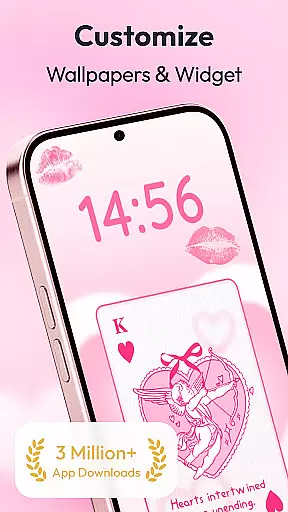
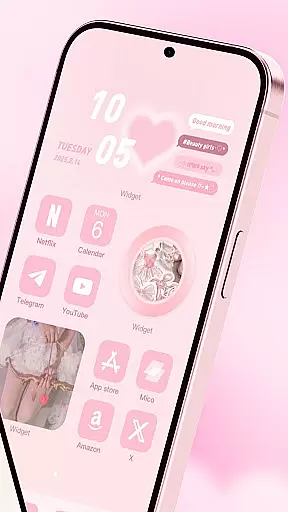
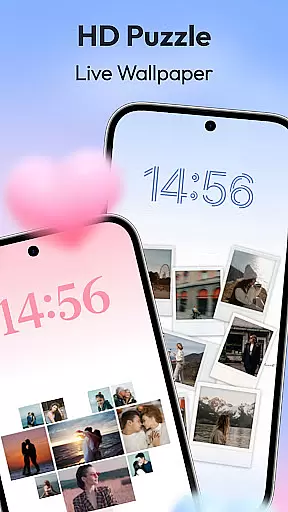
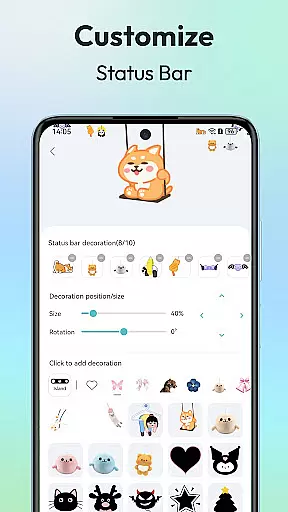
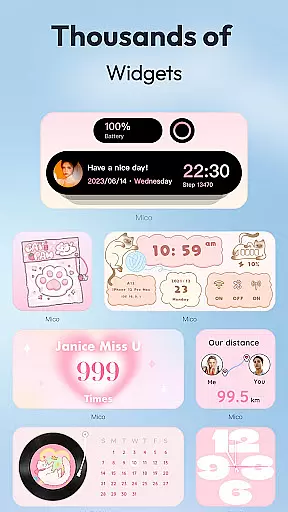
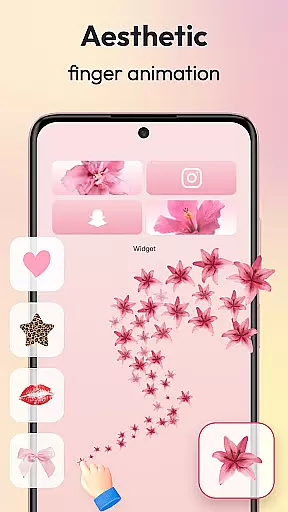
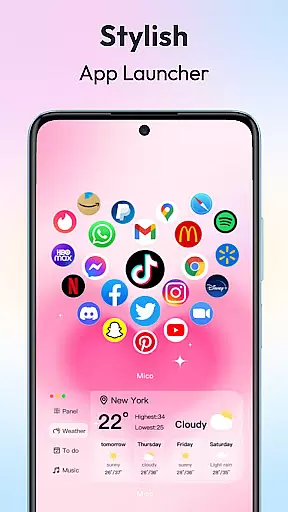
Mico is a powerful personalization app that transforms your mobile device into a creative canvas. With over 1000 customization tools, it offers an extensive range of widgets including couple and battery widgets, 4K live wallpapers, and unique home screen designs. The app allows users to personalize their phone screens with custom themes, photo frames, and even DIY widgets, making each screen 100% unique to its owner.
One of the standout features of Mico is its ability to let users create dynamic and personalized lock screens. Whether you want matching couple widgets with your partner or health tracking dashboards, Mico has it all. Additionally, the app provides professional design tools such as smart text designers and icon packs, ensuring that both Android and iOS users can enjoy a customized experience tailored to their preferences.
The true value of Mico lies in its versatility and ease of use. It caters to various aesthetic tastes and functional needs, from anime themes to motivational quote displays. Users can easily switch between different styles and sync their preferences across platforms, making it an essential tool for anyone looking to enhance their device's appearance and usability.
Mico stands out with its comprehensive suite of personalization features. The app includes WidgetSmith and Widgify tools, which allow users to create and customize widgets with ease. These tools offer a variety of styles and functionalities, from practical utilities like step counters to fun elements like animated music players, giving users endless possibilities to decorate their phones.
In addition to widgets, Mico provides a 4K Live Wallpaper Maker. This feature lets users transform their favorite photos or videos into vibrant, high-definition wallpapers. With AI-powered filters and daily updated collections ranging from scenic landscapes to popular anime themes, users can continuously refresh their home screens with new and exciting visuals.
Mico also excels in offering Pro Customization Tools. The DIY Widget Builder and Smart Layout Engine enable users to convert personal images into live widgets and apply one-tap style presets. Furthermore, the app boasts over 2000 icon packs, catering to diverse aesthetics such as retro pixel art and neon glows. These advanced tools ensure that every user can achieve a professional-level customization that reflects their individuality.
Customization is at the heart of personalizing your digital experience, and Mico excels in providing a vast array of options to tailor your device's appearance and functionality. With over 1000 creative widgets, the app allows users to add practical functions and aesthetic enhancements to their home screens. These range from cute battery indicators and music players to creative animations that reflect individual style.
Mico stands out with its innovative tools like WidgetSmith and Widgify, which empower users to craft their own widgets. Whether it's transforming favorite photos into widgets or choosing from various styles provided by top designers globally, the possibilities are endless. The Locket Widget adds a layer of personalized freedom while maintaining security, allowing for intimate yet secure personal displays.
The uniqueness of Mico lies not only in its extensive widget library but also in its comprehensive approach to screen customization. From dynamic lock screen designs featuring smart text editors with motivational quotes to health dashboards that track real-time steps, every feature is designed to enhance user interaction. This level of customization ensures that each useru2019s device becomes an extension of their personality, offering both form and function in one sleek package.
Theme compatibility is crucial for ensuring a cohesive look across all device interfaces, and Mico takes this aspect seriously by offering unparalleled theming capabilities. Users can 'themify' their phones with custom themes and wallpapers, applying popular designs such as Labubu or trending TikTok wallpapers with just a single tap. This ease of application makes switching themes effortless, catering to diverse aesthetic preferences.
Beyond static images, Mico supports 4K live wallpapers, enabling users to animate their screens with scenic landscapes or beloved movie clips. The inclusion of AI-powered filters and depth effects further enhances portrait wallpapers, creating visually stunning focal points on any home screen. Additionally, daily updated collections span various interests including manga, anime, abstract art, and more, ensuring fresh content regularly.
Moreover, Micou2019s focus mode feature intelligently matches wallpapers based on time or location, dynamically adapting the visual environment throughout the day. Such thoughtful integration demonstrates Mico's commitment to delivering a seamless thematic experience. By combining high-quality visuals with functional elements like cross-platform sync between iOS and Android devices, Mico guarantees that no matter where you are, your personalized theme remains consistent and vibrant.
User-friendly interface
Extensive customization options
Cross-platform compatibility
Daily updated content
AI-powered enhancements
Some features may require paid subscription
Highly detailed settings might overwhelm beginners
Occasional performance lags on older devices
Limited offline functionality
Ads in free version

A retro cartoon style watch face and a punch right in the face of the copyright
 4.60
4.60
Unique Android Launcher
4.60
Add cute Shimeji pets to screen, interact with them and relax with cute motions
4.60
Try creating your own keyboard with "Keyboard theme for android" app now!
4.50
Wallpaper HD 4K Live - Thousands of high-quality Anime backgrounds for you.
4.80 4.50
4.50
Struggling to find apps? Use this app to locate and open any app on your phone!
2.20
400+ Beautifully crafted widgets inspired by NOTHING.
4.70
Transform your device in a game console
4.40
Winter's Journey: digital watch face for Galaxy Watch & Wear OS
4.80
Gun Chase - Let the chase begin.
4.80
100+ Stylish Fonts, Emojis, Symbols keyboard for Instagram & TikTok!
4.80
300+ widgets inspired by Material You and Material 3 expressive design.
4.60
Beautiful realistic hybrid watch face with numerous customization options.
4.50 4.50
4.50
Themes - Widget & Wallpaper: Customize home screen, icon changer w unique themes
4.30
Organize and manage your photos and videos effortlessly with Photo Gallery
4.20
Transform your phone with stunning video wallpapers and a unique, personal touch
3.80
Custom edge gestures for volume control, brightness, apps, and shortcuts.
4.3


User Reviews