
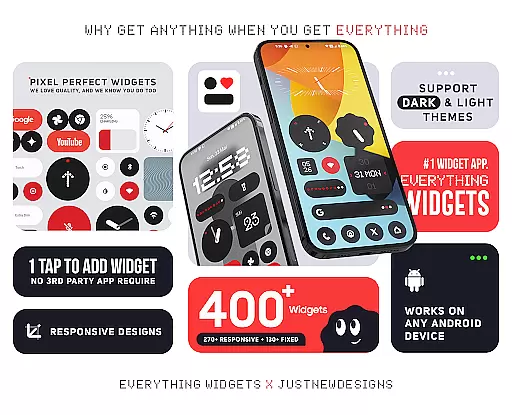
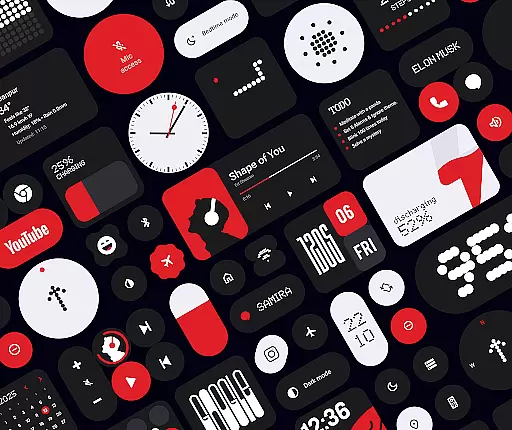
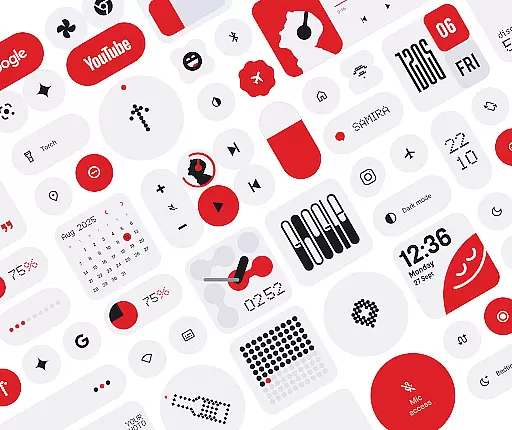
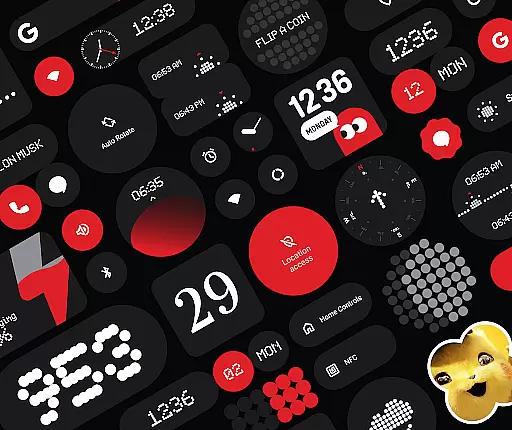
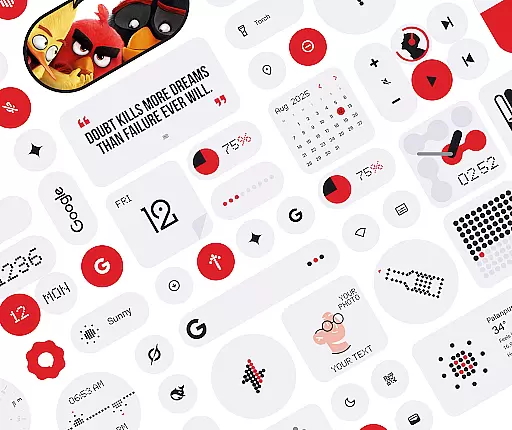
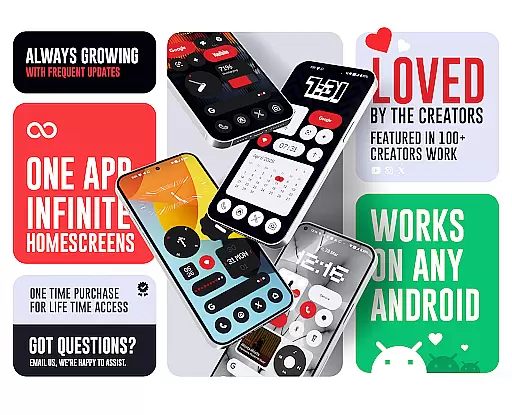
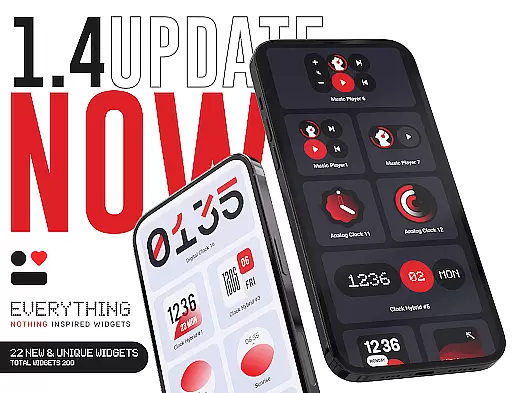
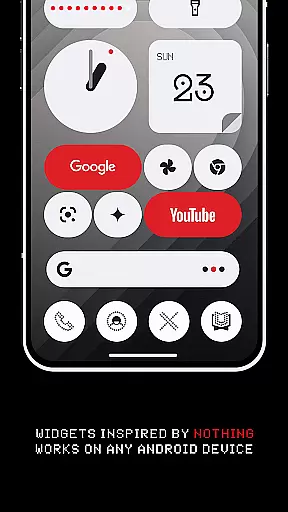
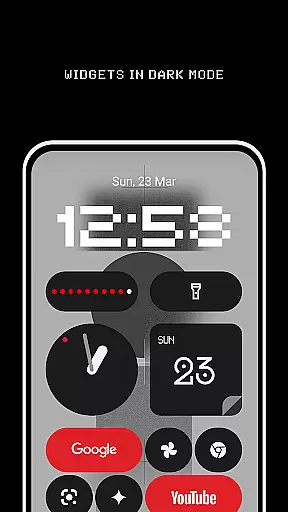
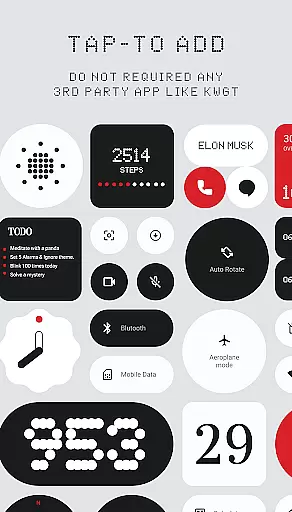
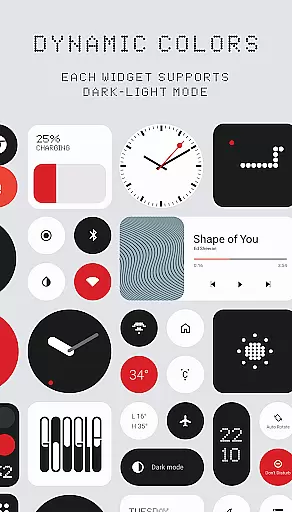
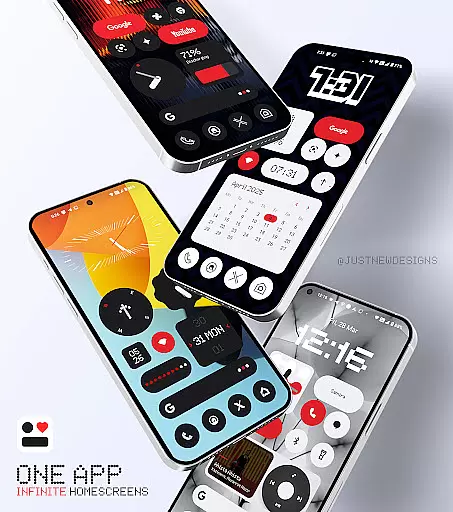
Everything Widgets is a comprehensive widget pack designed to enhance your Android home screen with over 400 beautifully crafted widgets. Inspired by the Nothing OS aesthetic, it offers a wide variety of functional and stylish options that work natively without requiring additional apps.
The app includes resizable clock, calendar, battery, weather, and quick settings widgets, along with unique Google app integrations and productivity tools. With matching wallpapers and regular updates focused on quality, Everything Widgets provides a complete customization solution for personalizing your device's appearance and functionality.
Everything Widgets stands out through its extensive collection of over 400 native widgets that require no third-party applications to function. The widgets are fully resizable, allowing users to adjust them from small to large sizes for optimal home screen organization.
Key features include elegant clock and calendar displays, battery monitoring tools, weather information panels showing forecasts and moon phases, and quick toggle options for WiFi and Bluetooth. Additionally, users can access contact shortcuts, photo displays, and utility functions like a compass and calculator, all designed with a clean, modern aesthetic.
Customization is at the heart of Everything Widgets, offering users an extensive array of options to personalize their home screens. With over 400 widgets available, this app provides a rich diversity of customization choices that cater to various preferences and needs.
The app includes clock and calendar widgets, battery indicators, weather forecasts, quick settings toggles, contact shortcuts, photo displays, Google app integrations, utility tools, productivity enhancers, pedometer, inspirational quotes, and even game widgets. This vast selection ensures that users can tailor their smartphone experience precisely as they wish.
Everything Widgets stands out by allowing full resizing and responsiveness of most widgets. Users can adjust sizes from small to large, ensuring a perfect fit for any home screen layout. This flexibility empowers users to create a unique interface that not only looks good but also enhances functionality.
By providing such a wide variety of customizable options, Everything Widgets enables users to craft a personalized and efficient digital environment. The ability to tweak and modify various elements on the home screen leads to an optimized user experience tailored specifically to individual lifestyles and aesthetic preferences.
Theme compatibility is a crucial aspect of Everything Widgets, ensuring that all widgets blend seamlessly with the overall design language inspired by Nothing OS. This harmonious integration creates a cohesive look and feel across the entire home screen.
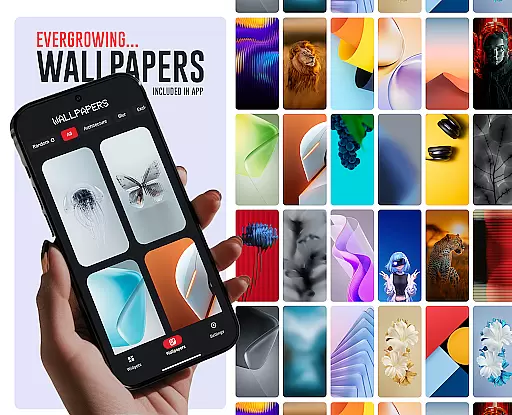
The app offers matching wallpapers alongside its widget collection, further enhancing theme consistency. With over 100 wallpapers included, users can complete their customization process by selecting designs that complement their chosen widgets. These exclusive wallpapers add another layer of personalization while maintaining visual coherence.
Everything Widgets supports native functionality without requiring additional apps like KWGT or third-party tools. This native support guarantees smooth performance and reliable operation within the Android ecosystem. Users benefit from a hassle-free setup process where they simply tap to add widgets and enjoy immediate results.
By focusing on robust theme compatibility, Everything Widgets delivers a polished and unified appearance. Users can rest assured knowing that every element will work together harmoniously, resulting in a visually appealing and highly functional home screen setup.
User-friendly interface
Wide widget variety
No extra apps needed
Fully resizable options
Regular quality updates
Limited to Android
No iOS compatibility
Some features basic
Design too minimal
Needs more animations

Adult video chat, dating, making friends, random matching
 4.20
4.20
Turn text & photos into stunning AI videos, art, and creative visual stories.
4.50 4.50
4.50 4.50
4.50
Embrace the Night. Unleash the power of darkness with Raven Dark Icon Pack
4.60
300+ Stunning and well-designed widgets inspired by NOTHING.
4.70
Handcrafted pixel art icons, widgets & wallpapers
4.60
Modern Glass Icon Pack with glossy icons, clean minimal theme & aesthetic style
4.0
Create stunning widgets with Widget 2026: Aesthetic Widgets for Android!
4.60
Only for Wear OS devices!
4.90
100+ Stylish Fonts, Emojis, Symbols keyboard for Instagram & TikTok!
4.80
Vertically oriented rectangular icons
4.70
Shimeji adds cute animated characters to your screen, lively and fun.
4.70
Glass style colourful icons with a One UI look and feel
4.60
Ultra realistic high quality analog watch face for Wear OS.
4.60
Make your phone look simple & luxury, like iDevice
4.60
3D, live, and moving wallpapers & themes in 4K and HD for your device.
4.50
200+ Material Inspired Widgets
4.50
HappyLighting is a Bluetooth lamp control software.
3.40


User Reviews