
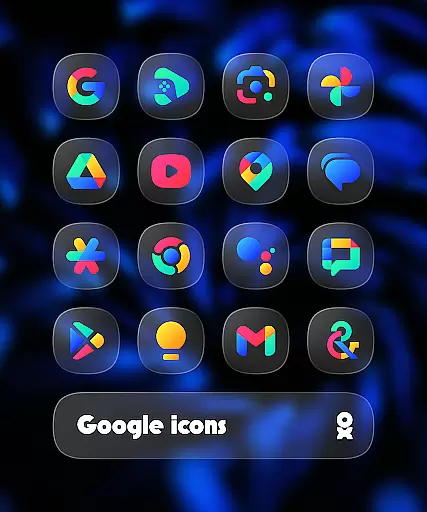
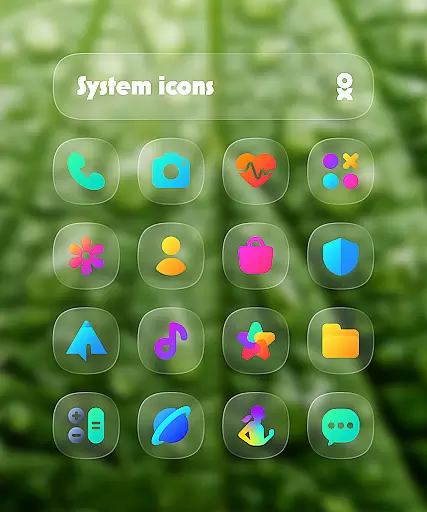
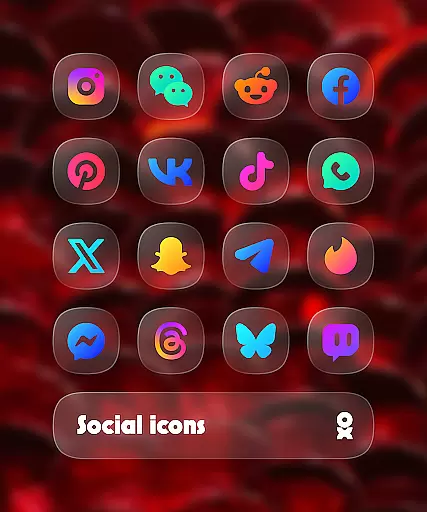
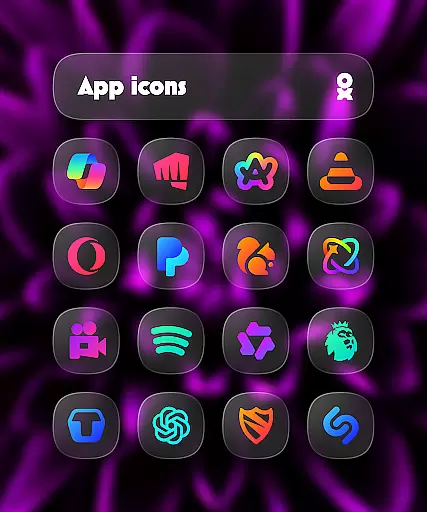
One UI Glass Color Icon Pack offers over 6000 crystal-clear, colorful squircle icons designed with a sleek and minimal aesthetic. Inspired by Samsung's One UI design language, this icon pack brings a modern and elegant feel to your device's interface.
The pack includes HD icons, cloud wallpapers, an icon request tool, and regular updates. It is compatible with various launchers such as One UI Home, Nova Launcher, and more, ensuring seamless integration and customization options for users seeking a refined home screen experience.
One UI Glass Color Icon Pack stands out with its comprehensive set of features tailored for personalization enthusiasts. With over 6000 HD icons, each crafted to perfection, users can enjoy a consistent and high-quality visual experience across their apps.
In addition to the extensive icon library, the pack provides cloud-based wallpapers that complement the icons, creating a cohesive look. The inclusion of an icon request tool empowers users to suggest new icons, while regular updates ensure compatibility with new apps and maintain the pack's freshness and relevance.
One UI Glass Color Icon Pack offers a wide array of customization options that cater to personal preferences and device aesthetics. With over 6000 HD icons, users can enjoy crystal-clear graphics in a colorful squircle design that aligns with modern interface trends.
The inclusion of cloud wallpapers adds another layer of personalization, allowing users to complement their new icons with matching or contrasting backgrounds. This feature ensures that your device's home screen remains fresh and visually appealing.
An icon request tool is also integrated into the app, empowering users to suggest specific icons they wish to see included in future updates. This collaborative approach to icon development means that the icon pack will continue to grow and adapt to user needs.
Regular updates ensure that the icon pack stays current with the latest app logos and design standards, providing ongoing value and relevance for users seeking a sleek and minimal look on their devices.
Compatibility is key when it comes to theme-based apps, and One UI Glass Color Icon Pack excels in this area. It supports a plethora of launchers including One UI Home with Theme Park, Smart Launcher 6, Niagara Launcher, and many others, ensuring seamless integration across different platforms.
For Samsung users, the requirement of Theme Park to apply the icon pack highlights its alignment with Samsungu2019s One UI design language, offering a cohesive experience that feels native to the device. Pixel Launcher users are advised to use Shortcut Maker for optimal results.
Nova Launcher users need to enable shadow settings to fully utilize the icon pack's capabilities, demonstrating attention to detail in compatibility considerations. Additionally, Kustom Widgets require KWGT & KWGT PRO (paid) for enhanced functionality.
By providing an extensive list of supported launchers and clear instructions on how to apply the theme, One UI Glass Color Icon Pack guarantees a smooth user experience. The emphasis on compatibility ensures that users can enjoy a consistent look and feel across their devices without compromising on functionality or design integrity.
Extensive icon library
Regular updates
Cloud wallpapers
Icon request tool
Sleek design
Requires supported launcher
No default support for Pixel Launcher
Paid Kustom Widgets needed
Limited to specific themes
FAQ not very detailed

Capture moments that pass like a storm, second by second.
 4.2
4.2
Only for Wear OS devices!
4.90
More than 3000+ themes and 9000+ wallpapers for everybody!
4.10 4.50
4.50
300+ Stunning and well-designed widgets inspired by NOTHING.
4.70
300+ Beautifully crafted widgets inspired by OneUI.
4.60
Struggling to find apps? Use this app to locate and open any app on your phone!
2.20
Enjoy a variety of amazing live wallpapers and colorful EDGE lighting borders!
4.80
Custom ringtones songs, music ringtones for Android phones
4.60
100+ Stylish Fonts, Emojis, Symbols keyboard for Instagram & TikTok!
4.80
Customizable Glass widgets. Over 360+ stunning widgets and more!
4.70
350+ widgets with a premium glass-style finish, perfect for home & lock screens.
4.70
Beautiful realistic hybrid watch face with numerous customization options.
4.50
Ninja Turtles Cowabunga SE watch face for Wear OS
4.50 4.50
4.50
Yandex Browser — stylish and secure, with voice search and data compression
4.40
Unleash Your Creativity and Connect with Loved Ones with Lockscreen Drawing!
4.20
Run multiple accounts of the same app on a single device
4.10
⭐ OneUI inspired Fluffy Icon Pack – Soft. Stylish. Standout. ⭐
4.3


User Reviews