
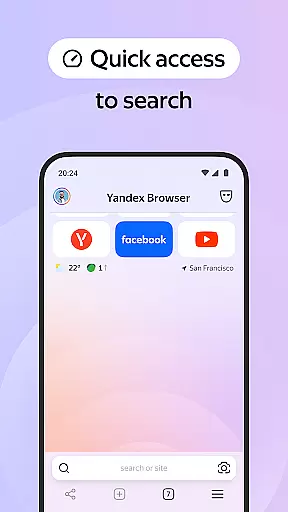
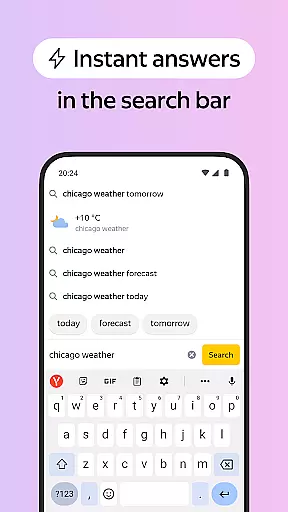

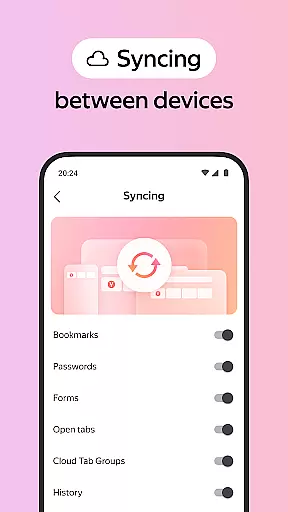
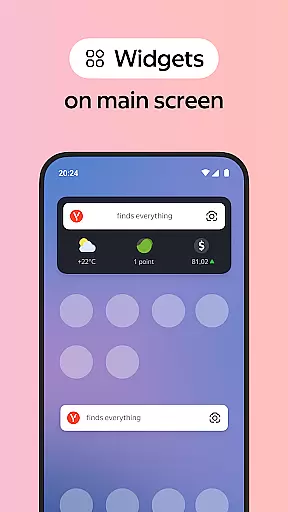
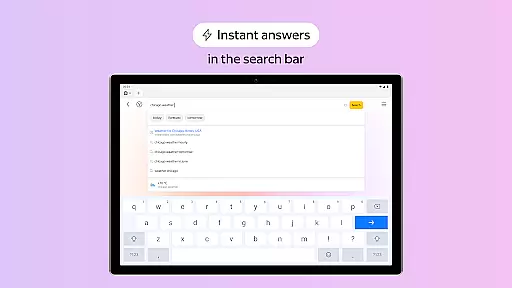
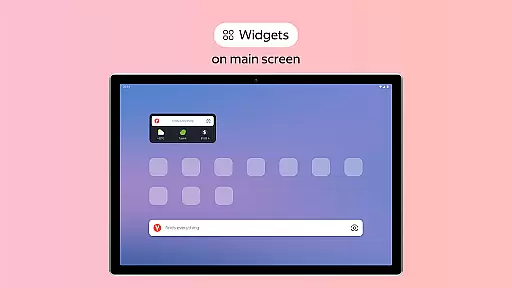
Yandex Browser with Protect is a stylish and secure mobile browser that offers advanced features for an optimal browsing experience. It includes voice search functionality, data compression for faster loading, and an active security system called Protect that safeguards users' personal data on public Wi-Fi networks. The browser also provides tools like Reader Mode to declutter web pages and Incognito Mode for private browsing sessions.
This application is particularly useful for users who prioritize both aesthetics and security in their browsing activities. With customizable wallpapers and cross-device syncing through Yandex account, it ensures a personalized yet consistent experience across all your devices. Whether you're looking to block ads, protect sensitive information, or simply enjoy a cleaner interface, Yandex Browser caters to these needs effectively.
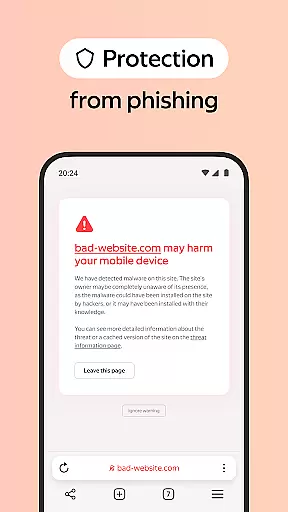
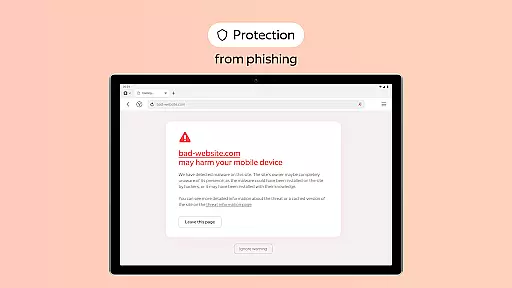
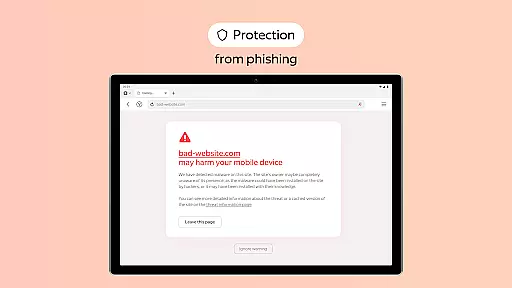
One of the standout features of Yandex Browser is its integration with third-party ad-blocking applications, allowing users to enjoy an uninterrupted browsing experience free from annoying advertisements. Additionally, the Protect feature actively shields against malicious websites and secures personal data during public Wi-Fi usage.
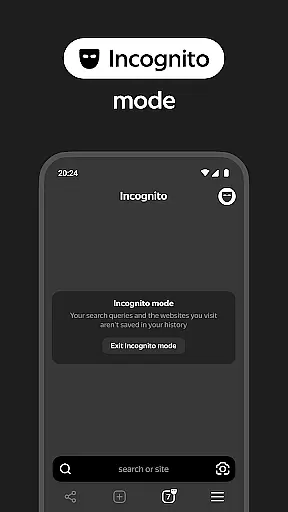
The browser's Reader Mode simplifies web pages by hiding unnecessary elements such as menus and buttons, focusing solely on the main content. For privacy-conscious users, Incognito Mode ensures no traces of browsing activity are left behind. Furthermore, extensive customization options enable users to personalize their interface with various wallpapers while maintaining seamless access to bookmarks and favorite sites across multiple devices via Yandex account synchronization.
All these features combine to create a versatile browsing tool that not only enhances user convenience but also prioritizes safety and personalization. This makes Yandex Browser suitable for anyone seeking a comprehensive solution for their daily internet needs.
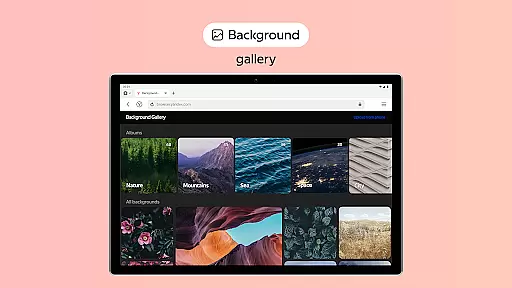
Customization is a key feature of any modern browser, and Yandex Browser excels in this area. The application offers users the ability to personalize their browsing experience through a wide range of customization options.
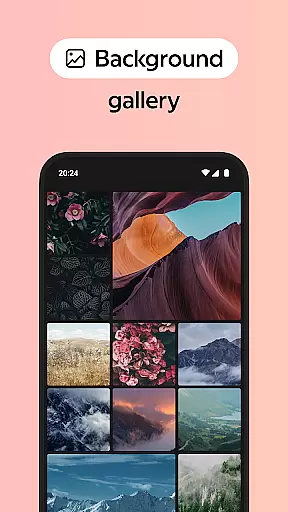
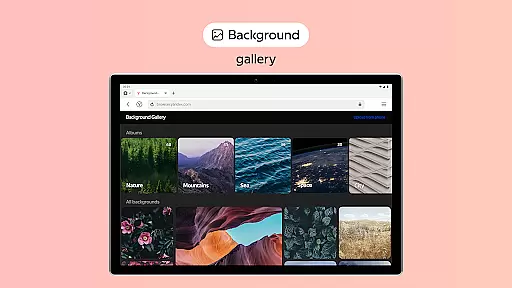
One of the standout features is the wallpaper library, which allows users to select from an extensive array of backgrounds. These backgrounds can be tailored to match individual styles or moods, providing a unique and personalized interface that enhances user satisfaction.
In addition to aesthetic customizations, Yandex Browser also supports functional adjustments. Users can integrate third-party blocking apps for ad-free browsing, activate Reader Mode to declutter web pages, and use Incognito Mode for private sessions without saving history or passwords.
This level of customization ensures that users have control over both the appearance and functionality of their browser, making it adaptable to various preferences and needs.
Theme compatibility is crucial for ensuring a seamless and visually cohesive browsing experience. Yandex Browser addresses this by offering themes that are fully compatible with its design framework.
The browser's theme system supports high-quality visuals and consistent UI elements across different devices. This means whether you're accessing the browser on your phone or tablet, the look and feel remain uniform, contributing to a more intuitive user experience.
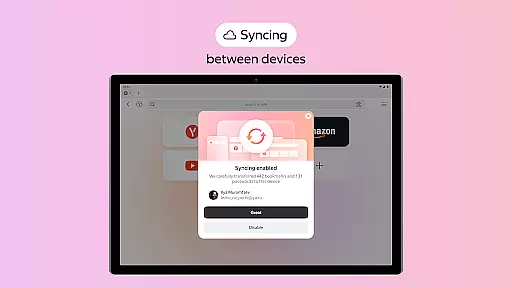
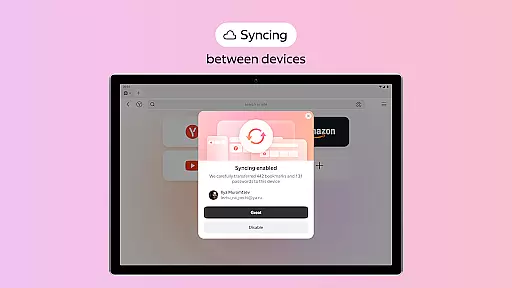
Moreover, Yandex Browser enables cross-device synchronization via a Yandex account. This feature ensures that all customizations, including themes, are synced and available regardless of the device being used.
By focusing on theme compatibility and synchronization, Yandex Browser provides a reliable and aesthetically pleasing environment that caters to users who value both form and function in their digital tools.
Fast data compression
Strong security features
Voice search capability
Customizable interface
Cross-device syncing
Limited third-party extensions
Higher memory usage
Occasional sync issues
No built-in ad blocker
Privacy concerns in some regions

Stunningly Different look with Line Icons and Neon Colors
 4.60
4.60
Classic analogue watch face. For wear os devices.
4.60
Run multiple accounts of the same app on a single device
4.10
Turn text & photos into stunning AI videos, art, and creative visual stories.
4.50 4.50
4.50 4.50
4.50 3.50
3.50
Icons made of colorful linear lines
4.60
Emoji Maker app - Design custom emojis and effortlessly blend them with Mixer
3.80
350+ widgets with a premium glass-style finish, perfect for home & lock screens.
4.70
Vertically oriented rectangular icons
4.70
A minimalist productivity launcher. One-hand-friendly. Zero ads.
4.70
Ultra realistic high quality analog watch face for Wear OS.
4.60
Unique Android Launcher
4.60
The definitive Icon pack maker and editor
4.30
Wear Os Watch Face - Seasonal - Animated Snow Effect - 9 Animals
4.20
Organize and manage your photos and videos effortlessly with Photo Gallery
4.20
Unleash Your Creativity and Connect with Loved Ones with Lockscreen Drawing!
4.20
Interactive Miniature Painting Catalogue
3.30


User Reviews