
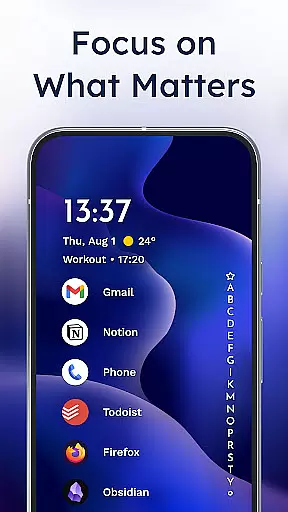
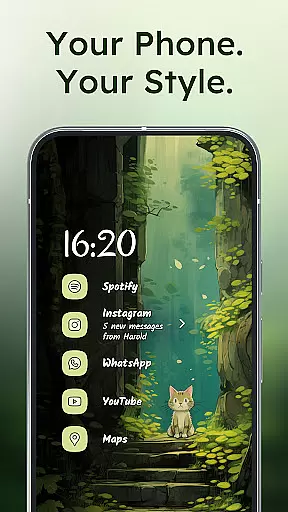
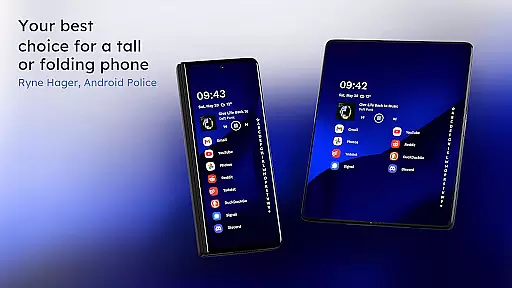
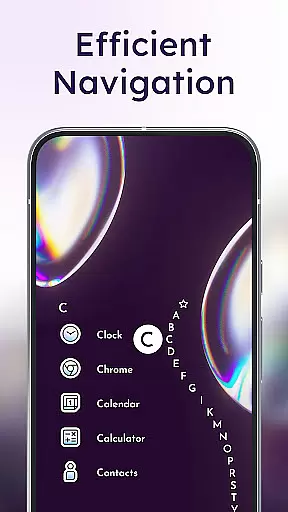
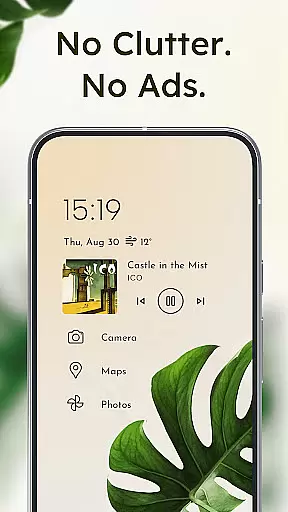
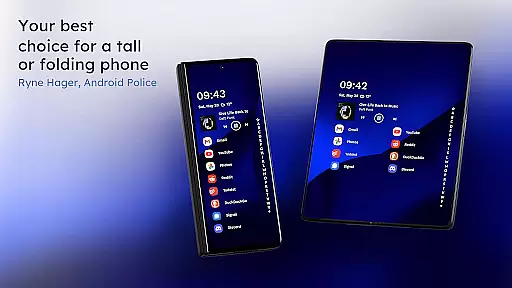
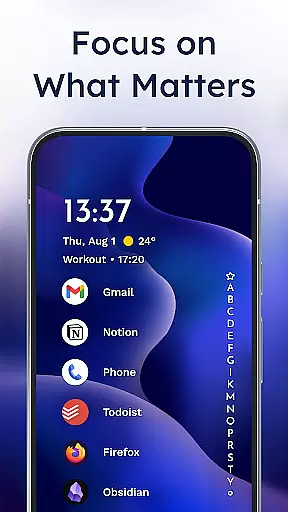
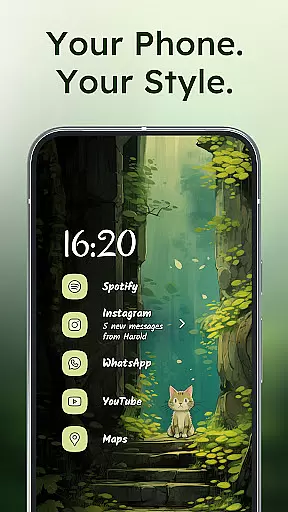
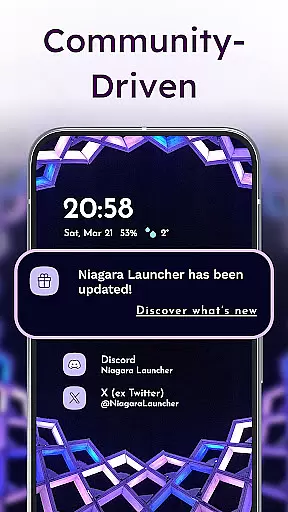
Niagara Launcher is a minimalist home screen replacement app designed to optimize one-handed usage on modern smartphones. Unlike traditional launchers that rely on grid layouts, Niagara offers an adaptive list interface that dynamically adjusts to user needs and interactions.
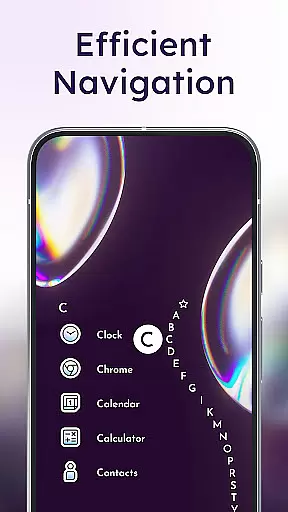
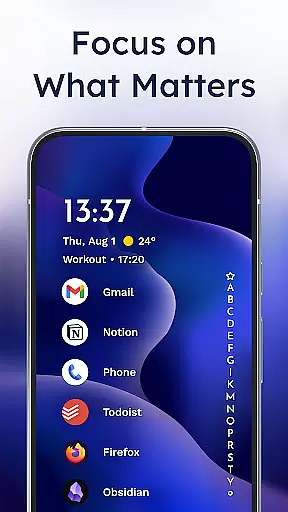
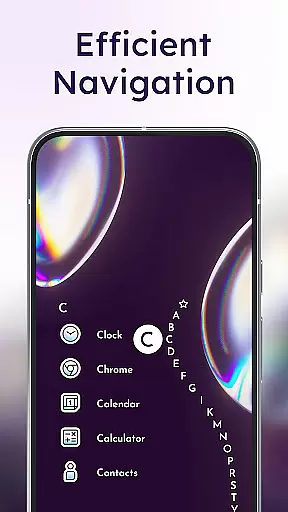
Key features include an ergonomic design for easy access to all apps, embedded notifications for direct interaction, and a unique wave alphabet navigation system. The launcher also supports Material You theming, allowing users to personalize their home screen with custom wallpapers, icons, and fonts.
This application is particularly beneficial for users with larger phones who struggle to reach all areas of their screen comfortably. By decluttering the home screen and focusing on essential elements, Niagara Launcher helps improve productivity while maintaining a clean aesthetic.
Niagara Launcher distinguishes itself through several innovative features that enhance user experience. Its signature wave alphabet navigation allows users to efficiently scroll through their apps using a satisfying animation that responds to touch gestures.
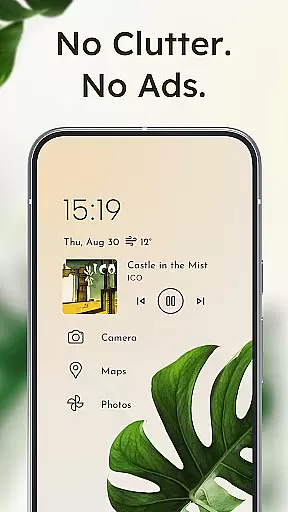
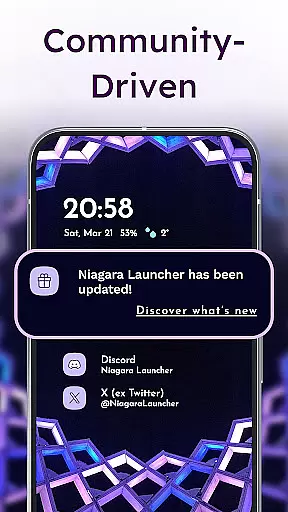
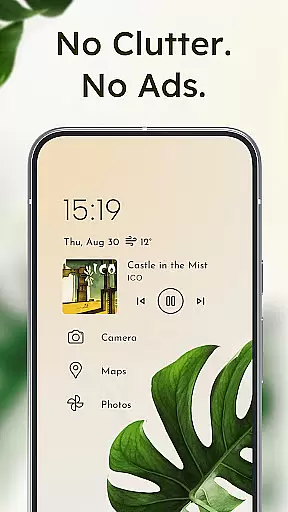
The adaptive list layout dynamically displays important information such as media controls, calendar events, and incoming messages exactly when needed. This intelligent system ensures relevant content appears without cluttering the interface.
Advanced notification handling enables users to read and respond to messages directly from the home screen. The launcher's focus on minimalism extends to its lightweight architecture, consuming minimal system resources while providing a smooth and responsive experience across all devices.
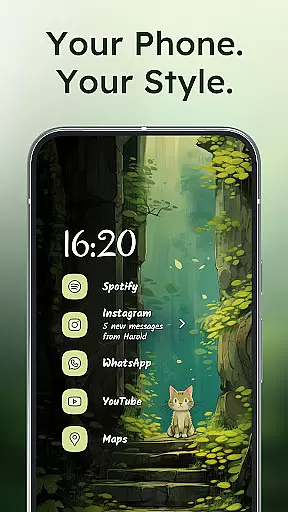
Niagara Launcher offers a rich array of customization options that allow users to tailor their home screen experience according to personal preferences. The launcher supports Material You Theming, which enables automatic color adaptation based on the user's wallpaper choice, ensuring a cohesive and personalized aesthetic.
Users can further personalize their interface with integrated icon packs, diverse fonts, and customizable wallpapers. This level of customization ensures that each useru2019s home screen is not only functional but also a true reflection of their style and needs.
The adaptive list feature is another aspect where Niagara Launcher shines; it dynamically adjusts to display relevant information such as media controls or calendar events when needed. This flexibility in layout ensures that users have quick access to important functions without cluttering their screens.
Overall, the extensive customization capabilities of Niagara Launcher empower users to create an ergonomic and visually pleasing home screen environment that enhances both productivity and enjoyment while using their smartphones.
Theme compatibility is at the heart of Niagara Launcher's design philosophy, seamlessly integrating with Androidu2019s latest Material You design system. This compatibility allows for a harmonious blend between the user's chosen wallpaper and the overall theme of the home screen, creating a fluid visual experience that feels both modern and intuitive.
In addition to supporting current theming technologies, Niagara Launcher extends Material You benefits to all Android versions by backporting this functionality. As a result, users with older devices can enjoy the same high-quality theming options as those with newer models, ensuring no one misses out on a top-tier customization experience.
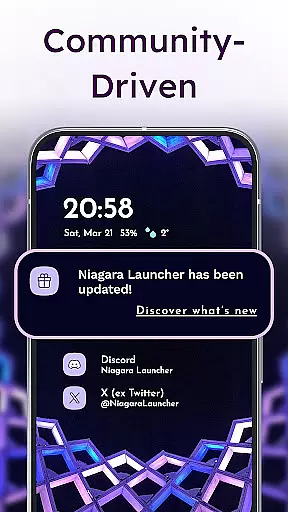
With its active development cycle, Niagara Launcher continuously improves its theme compatibility features. Users are encouraged to engage with the community through platforms like Twitter, Discord, Telegram, and Reddit to share feedback and influence future theming enhancements.
This commitment to theme compatibility ensures that whether you prefer a minimalist look or something more vibrant and expressive, Niagara Launcher provides the tools necessary to make your smartphone truly yours while maintaining optimal performance across different devices.
One-handed usability
Ad-free experience
Lightweight performance
Material You support
Active development
Limited widget support
No native Google integration
Basic customization options
Learning curve for new users
Fewer visual effects

A Colorful and Minimal icon pack in an Outline Style - Over 13,600 icons!
 4.70
4.70
Wear Os Watch Face - Seasonal - Animated Snow Effect - 9 Animals
4.20
Personalize your phone with stunning HD and 4K wallpapers!
4.70
Dark icon pack based on One 8
4.80
Transfer your live wallpapers from Windows to Android using Wallpaper Engine!
4.00
Adaptive Dot Style IconPack with Light & Dark Theme.
3.70
Icons made of colorful linear lines
4.60
Modern Glass Icon Pack with glossy icons, clean minimal theme & aesthetic style
4.3
Emoji Maker app - Design custom emojis and effortlessly blend them with Mixer
3.80
100+ Stylish Fonts, Emojis, Symbols keyboard for Instagram & TikTok!
4.80
Enjoy a variety of amazing live wallpapers and colorful EDGE lighting borders!
4.80
Classic analogue watch face. For wear os devices.
4.60
A retro cartoon style watch face and a punch right in the face of the copyright
4.60
Unique Android Launcher
4.60
Transform your phone with Launcher iOS 26 - Smooth & elegant iOS experience
4.50
Unique Fonts, typefaces and stylish text. Fonts for Instagram, Whatsapp & others
4.20
Customizable flower power digital watch face for Wear OS watches.
4.00
Your go to Weather App & Home Screen. Get your weather at a swipe of a finger!
3.80
Struggling to find apps? Use this app to locate and open any app on your phone!
2.20


User Reviews