
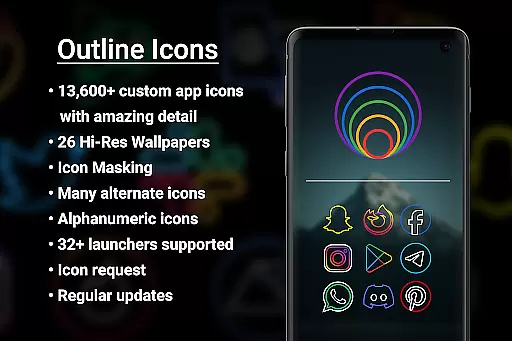

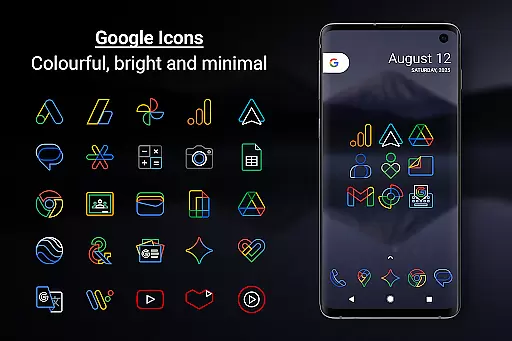
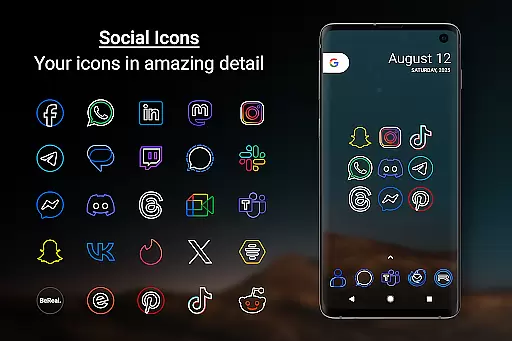
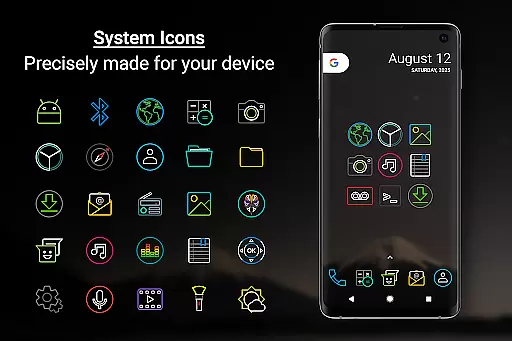
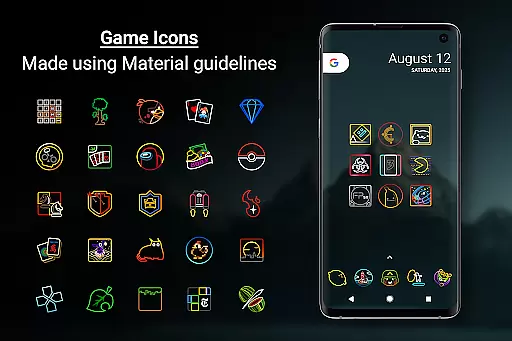
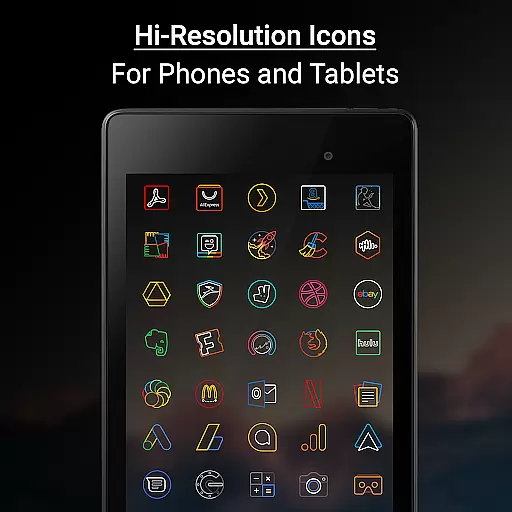

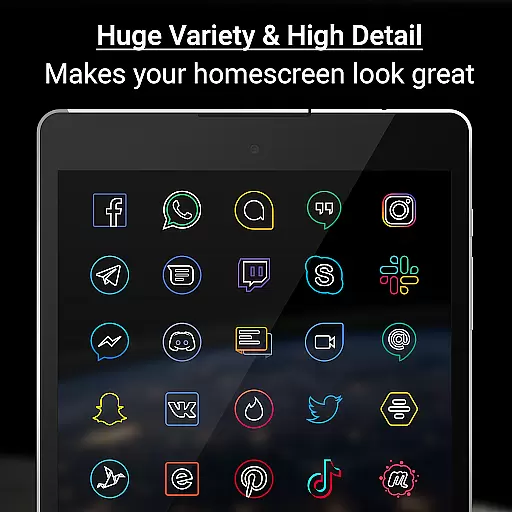
Outline Icons is a premium icon pack that transforms your home screen with an innovative outline design. Featuring over 13,600 handcrafted HD icons in bright colors and precise material design standards, these icons look stunning on any device.
The pack includes 26 high-resolution wallpapers that complement the minimal icon style, dynamic calendar support for multiple calendar apps, and various color options for system icons. Each icon is meticulously designed at 192x192 pixels (xxxhdpi) resolution, ensuring sharp details on both phones and tablets.
Outline Icons supports 32+ launchers including Nova, Niagara, and Lawnchair. Samsung users can apply the icons through Theme Park app. The pack also offers icon masking, category folders, alphabet icons, and regular updates with new content.
Outline Icons stands out with its comprehensive feature set tailored for customization enthusiasts. The pack contains over 13,600 individually crafted HD icons, each designed in a distinctive outline style that follows material design principles.
Users can enjoy advanced features like Icon Masking for unthemed icons, dynamic calendar support across multiple calendar applications, and colorful category folders. The inclusion of 26 royalty-free wallpapers provides perfect complements to the clean, minimal icon designs.
Additional functionality includes alternate color options for system icons, alphanumeric icon sets in various colors, and dedicated icon request features. With regular updates and premium fast-track requests, users can expect continuous improvements and expanding icon selections.
Outline Icons offers an extensive range of customization options that cater to various user preferences. With over 13,600 hand-crafted HD icons, the pack ensures that users can find an icon for almost any app they have on their device. These icons are not only numerous but also diverse in their representation, adhering to material design standards while maintaining a unique outline style.
In addition to the vast icon library, Outline Icons supports more than 32 launchers, providing flexibility for users with different devices and software. The inclusion of features like Icon Masking ensures that even apps without specific themed icons still blend seamlessly with the overall aesthetic. This level of compatibility and adaptability allows users to unify the appearance of their home screens regardless of the launcher they choose to use.
The pack also includes functional enhancements such as Dynamic Calendar support and Category Folders in various colors, which contribute to a personalized and organized home screen experience. Alphabet icons in multiple colors further extend customization possibilities, allowing users to create a truly unique interface that reflects their personal style.
By offering these comprehensive customization options, Outline Icons empowers users to transform their devices into personalized tools that are both visually appealing and highly functional, enhancing the overall user experience.
Theme compatibility is a crucial aspect of any icon pack, and Outline Icons excels in this area by ensuring its icons look great across different devices and launchers. Each icon is meticulously crafted at a resolution of 192 x 192 pixels (xxxhdpi), guaranteeing sharpness and clarity on both phones and tablets. This high standard of quality ensures that the icons maintain their visual integrity, regardless of the screen size or density.
Moreover, Outline Icons provides 26 high-resolution wallpapers that complement the minimal and subtle style of the icons. These wallpapers enhance the overall aesthetic when used together with the icons, creating a cohesive look that works well on AMOLED displays. The selection of wallpapers has been curated to match the clean, colorful, and minimal design language of the icons, resulting in a harmonious visual experience.
For Samsung users running OneUI 4.0 or newer, Outline Icons integrates smoothly with the Samsung Theme Park app from the Galaxy Store. This integration allows for easy application of the icon pack without needing to switch launchers, streamlining the process of achieving a consistent theme throughout the device's interface.
With its broad compatibility and attention to detail, Outline Icons ensures that users enjoy a seamless theming experience, making it simple to achieve a professional-looking customization that aligns with individual tastes and device capabilities.
Extensive icon library
Vibrant color palette
Precise design quality
Regular content updates
No advertisements
Limited launcher support
Requires manual application
Missing some app icons
Premium request cost
Complex setup process

A retro cartoon style watch face and a punch right in the face of the copyright
 4.60
4.60
Add cute Shimeji pets to screen, interact with them and relax with cute motions
4.60
Want to make your phone more special than ever?
4.60
App Icon Changer & Shortcut Creator. Customize your icons without any watermarks
4.30 4.10
4.10
Color phone with cool effects for call screen, flash alert & ringtones music
4.50
Embrace the Night. Unleash the power of darkness with Raven Dark Icon Pack
4.60
Crystal-clear, square icon provides a sleek and sophisticated visual upgrade
4.00
Transform your phone with stylish zipper lock themes and 4D live wallpaper
4.10
Wallpaper HD 4K Live - Thousands of high-quality Anime backgrounds for you.
4.80
Personalize your phone with stunning HD and 4K wallpapers!
4.70
Shimeji adds cute animated characters to your screen, lively and fun.
4.70
Bring adorable pets to life on your screen. Playful, interactive and full of fun
4.60
Over 28,000 high quality icons to bring color & homogeneity to your phone.
4.60
Stylish Pink Cute Hippo keyboard with 10000+ customized keyboard themes!
4.60
Themes - Widget & Wallpaper: Customize home screen, icon changer w unique themes
4.30
Unleash Your Creativity and Connect with Loved Ones with Lockscreen Drawing!
4.20
Customize glowing edges, wallpapers, and caller screen with EdgeAura.
3.50
HappyLighting is a Bluetooth lamp control software.
3.40


User Reviews