
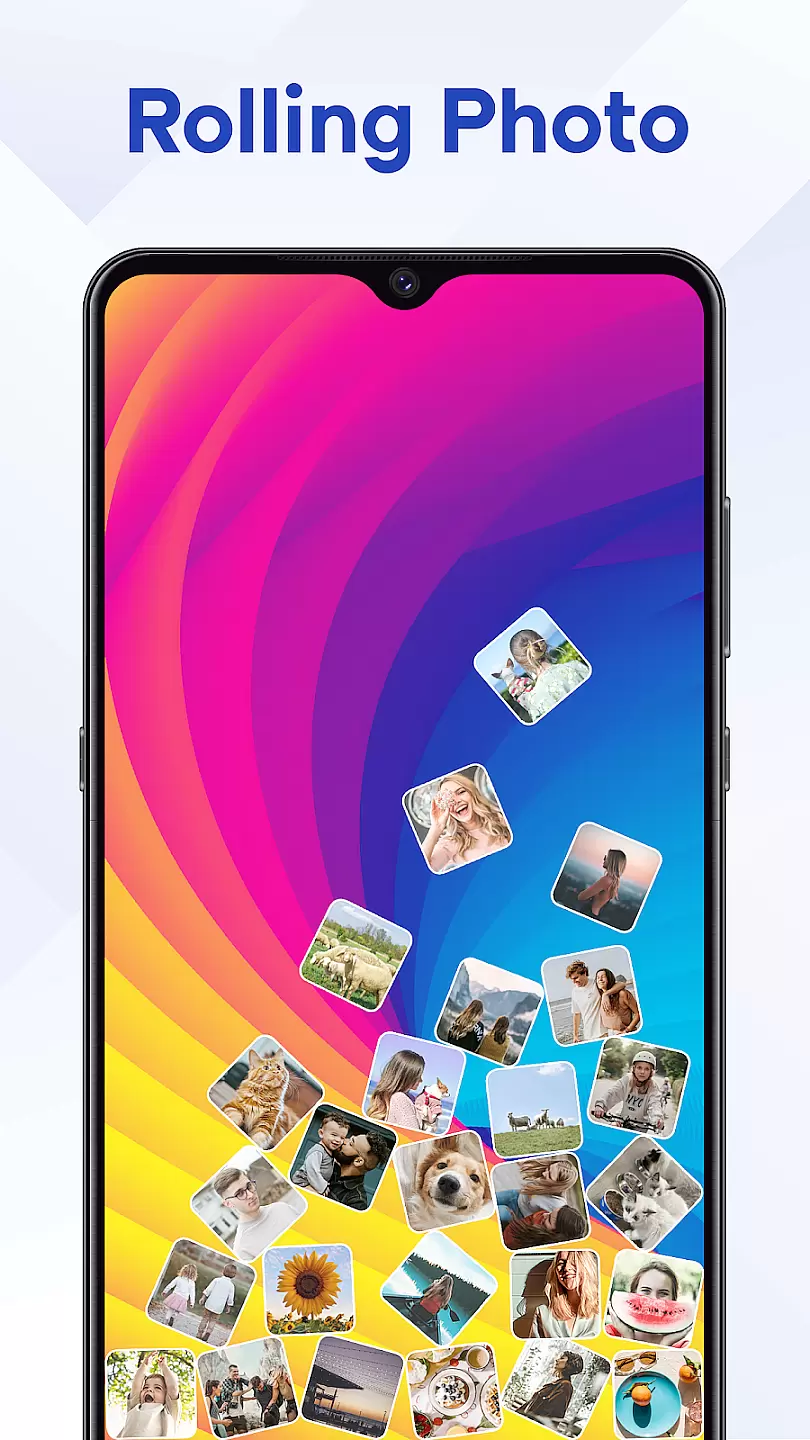
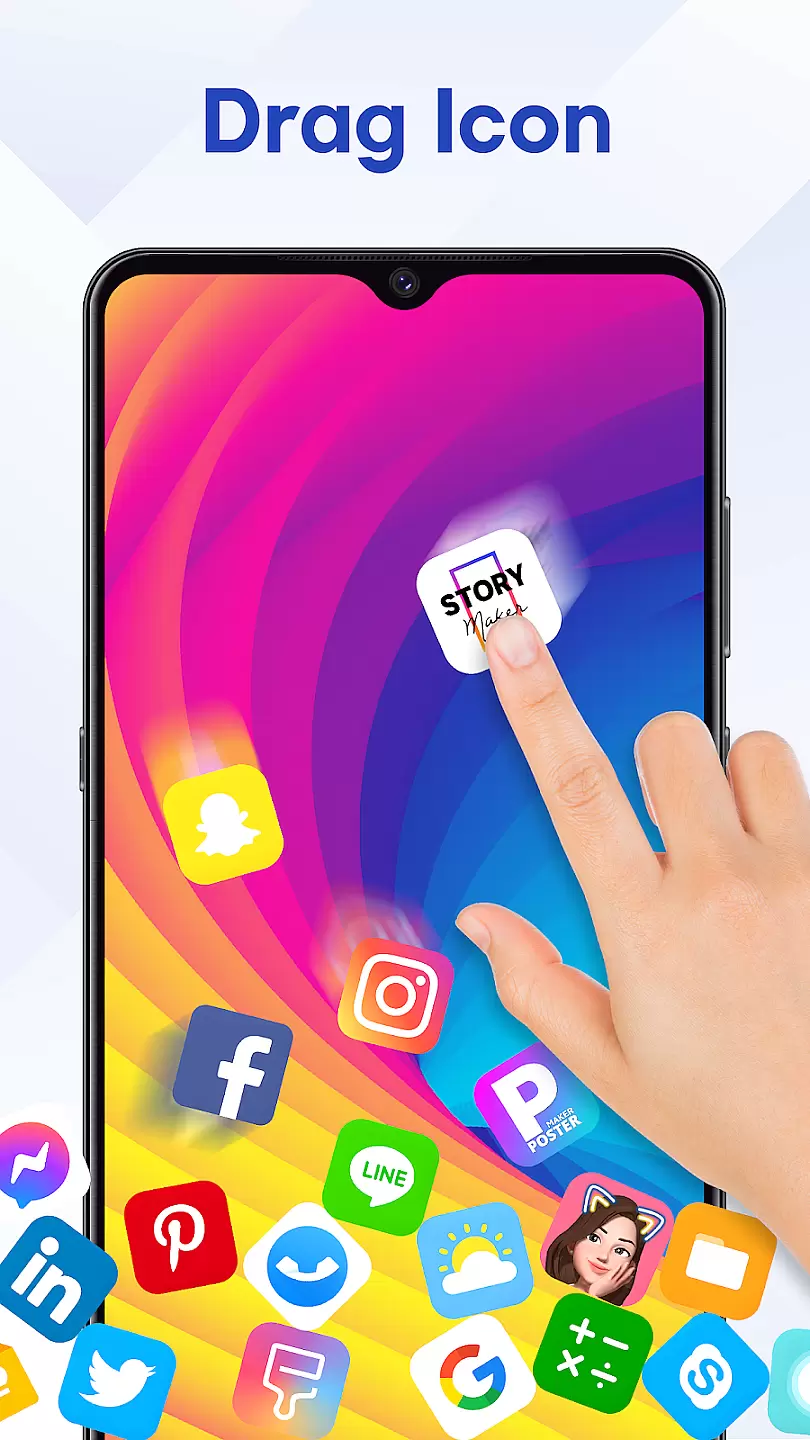
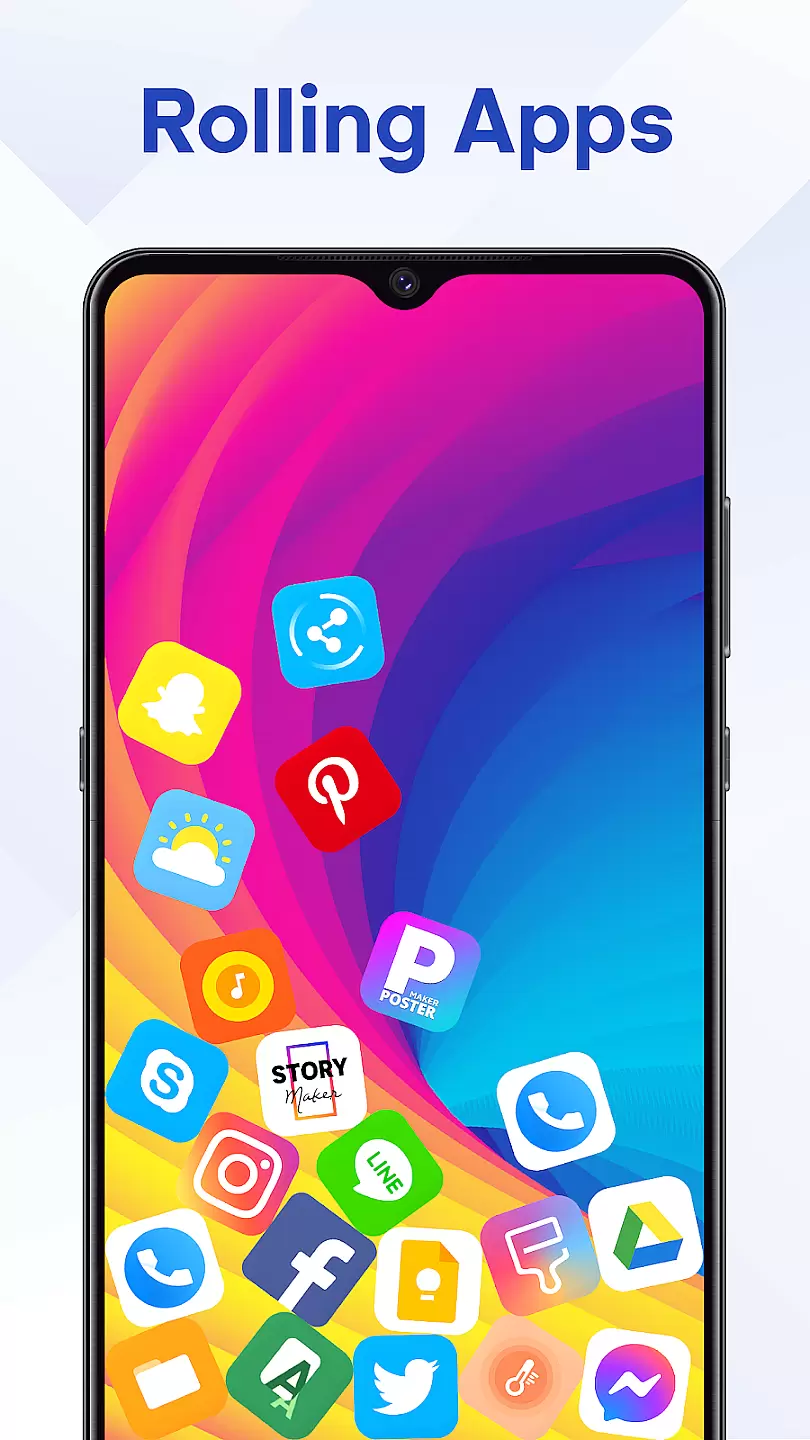
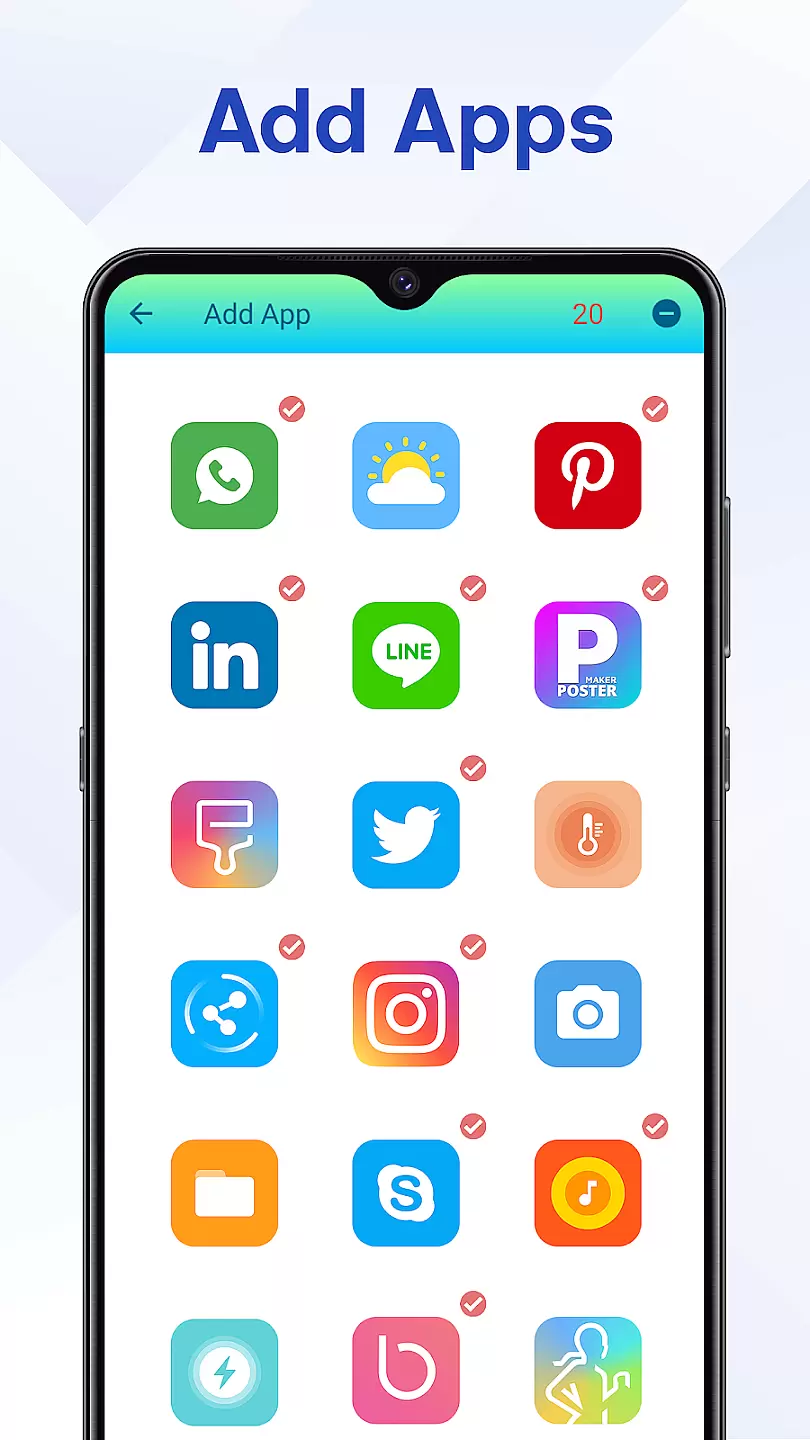
Rolling Icon: 3D Wallpaper is a personalization app that allows users to create dynamic and visually appealing home screens. The app's core feature is its ability to animate app icons with 3D effects, making devices more interactive and fun to use. Users can choose from a variety of pre-made animations or customize their own, offering endless possibilities for personalizing smartphones and tablets.
This app is particularly useful for those who want to stand out with unique device aesthetics. It supports most Android devices and provides an intuitive interface for easy customization. With Rolling Icon, users can express their personality through creative icon designs while enjoying the practical benefits of improved device usability.
Rolling Icon offers diverse features that enhance device personalization. The app includes a wide selection of 3D animation effects, ranging from simple movements to complex visual transformations. These effects can be applied to individual app icons or entire folders, giving users complete control over their home screen's appearance.
The customization options are extensive, allowing users to adjust animation speed, direction, and style. Additionally, the app provides tools for creating custom animations from scratch. This level of flexibility ensures that each user's home screen remains distinct and personalized. The app also maintains performance optimization, ensuring smooth animations without draining battery life.
Customization is at the heart of Rolling Icon: 3D Wallpaper, allowing users to tailor their device's appearance to match their personal style.
This app offers a wide array of customization options including various themes, colors, and dynamic 3D effects that bring your wallpaper to life. Users can choose from an extensive library of pre-designed icons or create their own unique designs using intuitive editing tools.
The ability to customize every aspect of your home screen not only enhances visual appeal but also improves usability by organizing apps and shortcuts in a way that suits individual preferences. With Rolling Icon, you have complete control over how your device looks and feels.
Ultimately, this level of customization empowers users to express themselves through their technology, making each device as unique as its owner while providing a personalized experience that goes beyond standard wallpapers.
Theme compatibility is crucial for ensuring that all elements on your screen work harmoniously together. Rolling Icon: 3D Wallpaper excels in this area by offering seamless integration with existing themes and icon packs available on your device.
Whether you prefer minimalist designs or vibrant colorful layouts, the app supports a broad spectrum of themes, guaranteeing that your chosen wallpaper complements other visual components without clashing styles. This ensures a cohesive look across your entire interface.
Moreover, Rolling Icon's adaptive technology automatically adjusts to new theme installations, maintaining consistency even when you decide to switch things up. This flexibility means you're never locked into one aesthetic and can freely experiment with different combinations knowing they'll always align perfectly.
By prioritizing theme compatibility, Rolling Icon provides peace of mind alongside endless creative possibilities, letting users focus on enjoying their personalized digital environment worry-free.
User-friendly interface
Wide range of effects
Highly customizable
Performance optimized
Regular updates
Limited iOS support
Some features locked
Ads present
Learning curve
Device compatibility

Ultra realistic gold analog watch face with lots of customization options.
 4.50
4.50
A retro cartoon style watch face and a punch right in the face of the copyright
4.60
Prank your friends with realistic broken screen and cracked HD effects!
4.1
Bring adorable pets to life on your screen. Playful, interactive and full of fun
4.60
Art & Emoji Keyboard with Cool Fonts, Cute Themes and Custom Designs.
4.40
Add cute Shimeji pets to screen, interact with them and relax with cute motions
4.60
Shimeji adds cute animated characters to your screen, lively and fun.
4.70
Vibrant Adaptive Icons with Material You and Enhanced Monet Colors.
4.50
Custom edge gestures for volume control, brightness, apps, and shortcuts.
4.3
300+ Stunning and well-designed widgets inspired by NOTHING.
4.70
Personalize your phone with stunning HD and 4K wallpapers!
4.70
400+ Beautifully crafted widgets inspired by NOTHING.
4.70
Over 28,000 high quality icons to bring color & homogeneity to your phone.
4.60
Try creating your own keyboard with "Keyboard theme for android" app now!
4.50 4.50
4.50
Adult video chat, dating, making friends, random matching
4.20
Unleash Your Creativity and Connect with Loved Ones with Lockscreen Drawing!
4.20
Interactive Miniature Painting Catalogue
3.30
Adorable pets roam and play right on your phone screen!
3.30


User Reviews