
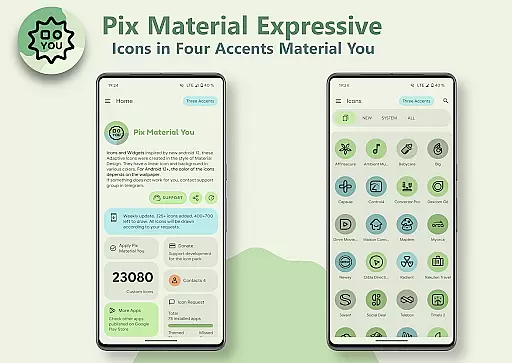
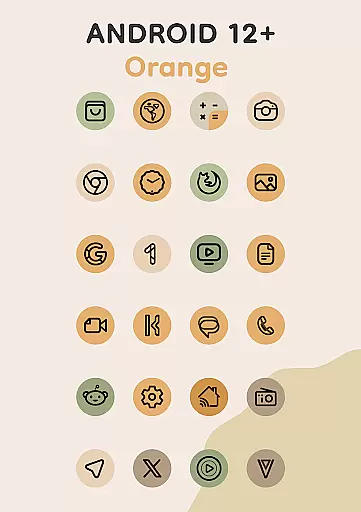
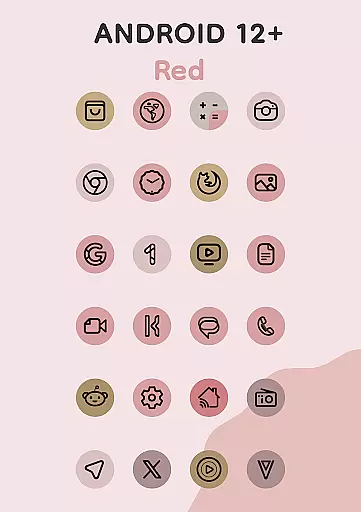
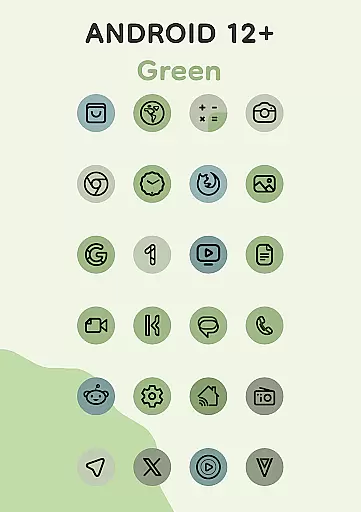
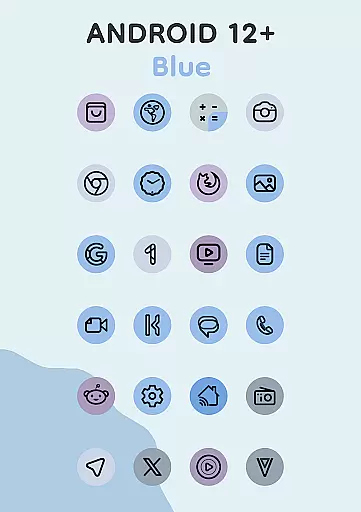
Pix Material Expressive Icons is a premium icon pack that brings your device to life with adaptive icons designed for full Material You support. This app goes beyond the standard Monet palette by incorporating four expressive accent colors, allowing for enhanced personalization of your device's appearance.
Each icon features a clean linear outline and dynamically changes its background color based on your wallpaper, ensuring seamless integration with your system's color scheme. The adaptive nature of these icons allows them to change shape on supported custom launchers, offering extensive customization options for a harmonious and unique style.
This icon pack stands out with its innovative features tailored for Android users seeking next-level personalization. Key features include full Material You support, an enhanced Monet palette with additional accent colors, and dynamic background color adaptation based on wallpapers.
The clean linear icon style provides a modern look while maintaining consistency across different devices. For Android 12 and above, the icons and widgets adapt their colors according to the wallpaper and utilize three Material You colors. Additionally, the Icon-Widget functionality offers unprecedented flexibility for launchers that don't natively support icon packs.
Users can enjoy various icon shapes, animations, and sizes that depend on the grid and DPI settings. These features collectively ensure that each user's home screen is not only visually appealing but also highly functional and personalized.
Pix Material Expressive Icons offers an extensive range of customization options that allow users to refresh the look of their devices with adaptive icons. These icons are designed to support Material You, providing a next-level personalization experience. Each icon features a clean linear outline and a dynamic background that changes color based on the user's wallpaper, ensuring seamless integration with the system's color scheme.
The adaptive nature of these icons allows them to change shape on supported custom launchers, offering even more customization possibilities. With full Material You support, users can enjoy enhanced Monet palettes with four additional accent colors for a more expressive design. This feature ensures that icons not only stand out visually but also maintain a harmonious and unique style that reflects individual preferences.
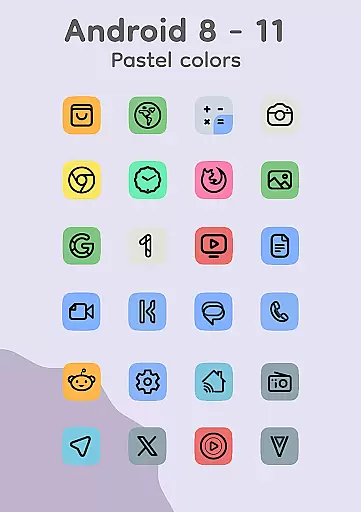
For devices running Android 8-11, the icons display in pastel colors due to the lack of Monet support, while Android 12+ users benefit from icons and widgets that adapt their colors based on the wallpaper and utilize three Material You colors. This flexibility empowers users to create a personalized and modern aesthetic that aligns with their deviceu2019s theme, whether light or dark.
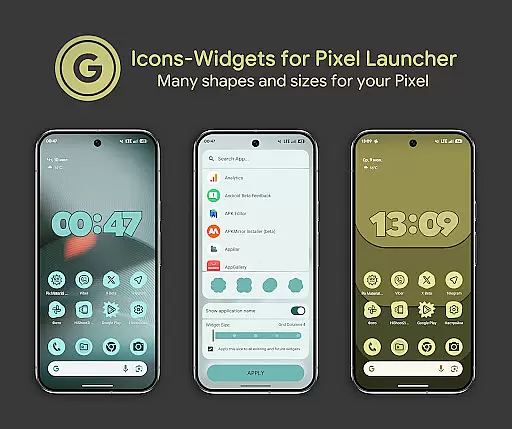
Theme compatibility is a standout feature of Pix Material Expressive Icons, ensuring that the icons and widgets adapt seamlessly to various themes and wallpapers. The Icon-Widget functionality represents a novel approach to implementing icon packs for launchers that typically don't support them, making it especially suitable for Google Pixel devices but also adaptable to other devices.
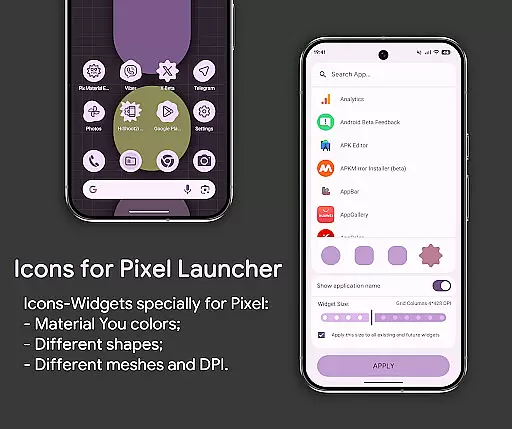
Icon-Widgets dynamically change color depending on the wallpaper and the device's light or dark theme, offering users the ability to select icon shapes, names, and widget sizes tailored to each screen grid. This makes the widgets closely resemble themed icons in Pixel Launcher, enhancing visual consistency across the user interface.
Users can interact fully with the icon pack, choosing from various icon shapes and enjoying icon animations. Different icon sizes are available depending on the grid and DPI settings, allowing precise adjustments for optimal display. To apply these features, users simply add a widget, select the desired app and icon shape, choose the grid size, and click APPLY, ensuring a straightforward and intuitive process.
Full Material You support
Dynamic color adaptation
Extensive customization options
Clean modern design
Wide launcher compatibility
Limited to Android 8+
Manual reapplication needed
Premium price point
Feature limitations on older OS
Complex setup for beginners

Vertically oriented rectangular icons
 4.70
4.70
Ultimate widget creator. Design custom widgets for a truly unique home screen!
3.90
Try creating your own keyboard with "Keyboard theme for android" app now!
4.50
100+ Stylish Fonts, Emojis, Symbols keyboard for Instagram & TikTok!
4.80
App Icon Changer & Shortcut Creator. Customize your icons without any watermarks
4.30
Nothing Icon pack with more than 3750+ highly crafted icons.
4.70
Color phone with cool effects for call screen, flash alert & ringtones music
4.50
One 8 icons glass color version
4.80
300+ widgets inspired by Material You and Material 3 expressive design.
4.60
Winter's Journey: digital watch face for Galaxy Watch & Wear OS
4.80
Sparkle your screen with Glitter Wallpapers For Girls and Cute Backgrounds!
4.80
Enjoy a variety of amazing live wallpapers and colorful EDGE lighting borders!
4.80
Customize your home screen with stunning themes, blur, widgets & icons.
4.60
Icons made of colorful linear lines
4.60
Choose your keyboard with RGB colors effect, themes, fonts, emojis.
4.60
3D, live, and moving wallpapers & themes in 4K and HD for your device.
4.50
AI-powered Copilot. Personalized keyboard with gifs, stickers & themes
4.40
Turn your lock screen into fun with smile live wallpapers & animated wallpapers!
2.50
Modern Glass Icon Pack with glossy icons, clean minimal theme & aesthetic style
4.4


User Reviews