
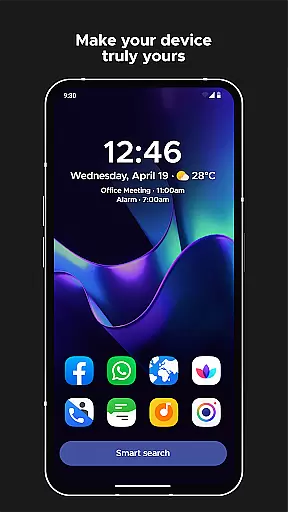
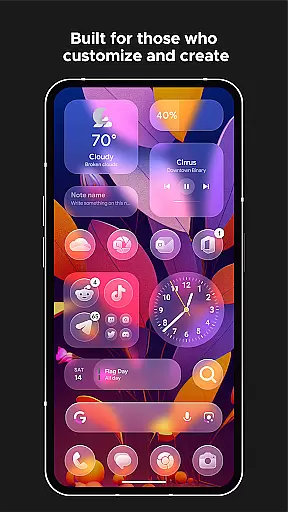
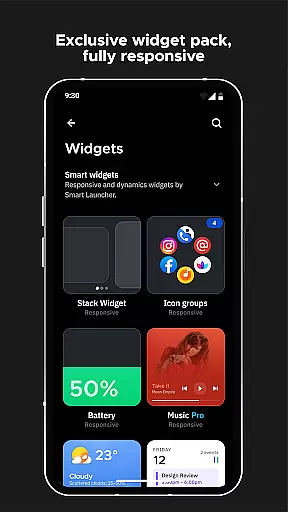
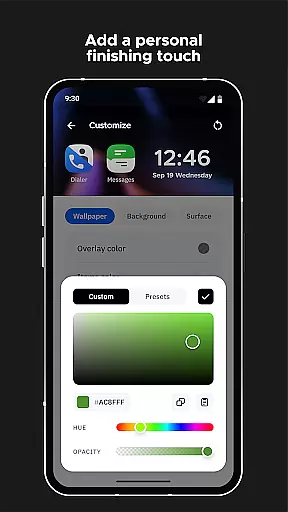
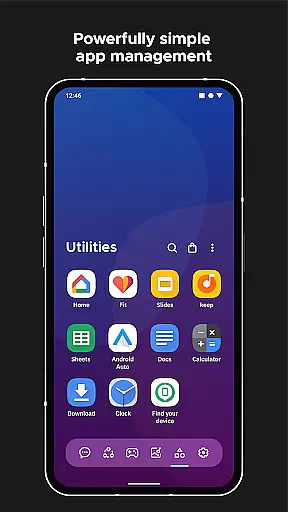
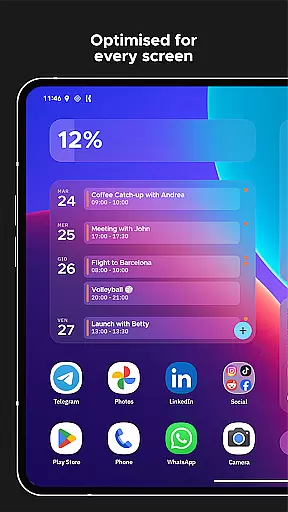
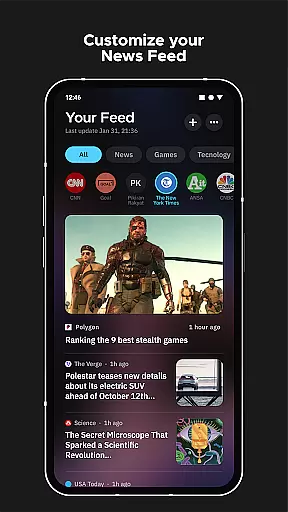
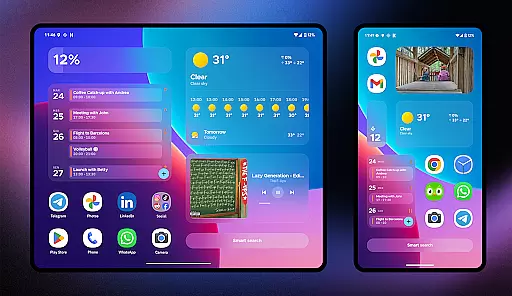
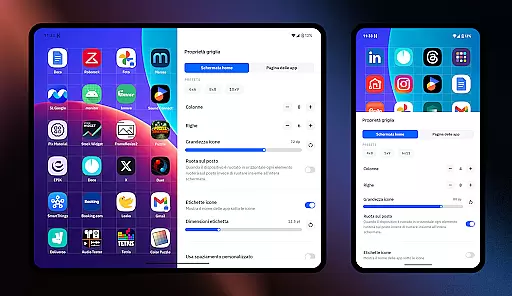
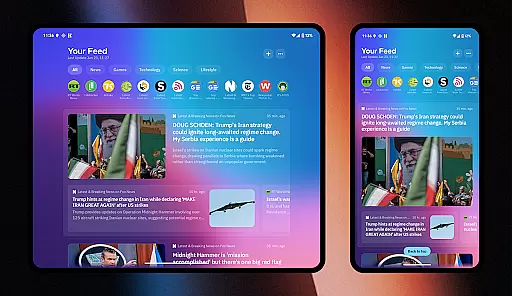
Smart Launcher 6 is a cutting-edge home screen replacement app designed to enhance the Android experience. This launcher introduces an innovative interface that automatically organizes apps into categories, saving users from the hassle of manual sorting. With its powerful search engine, users can swiftly locate apps and perform various tasks.
The app boasts an ambient theme feature that dynamically adjusts colors to complement your wallpaper, ensuring a visually cohesive experience. Its one-hand optimized layout places essential controls within easy reach. Users can enjoy responsive built-in widgets, adaptive icons, and extensive customization options ranging from theme colors to fonts.
Smart Launcher 6 is ideal for those seeking efficiency and personalization in their daily mobile usage. The inclusion of smart gestures, on-screen notifications, and immersive mode makes it a top choice for power users looking to maximize productivity and aesthetics.
Smart Launcher 6 distinguishes itself with several standout features. The automatic app sorting eliminates the need for manual organization by intelligently categorizing applications. This functionality has been acknowledged industry-wide, even influencing iOS design.
Ambient theme technology allows the interface to adapt its color scheme based on your chosen wallpaper, creating a harmonious visual experience. The launcher's one-hand optimization places crucial interface elements in easily accessible areas, enhancing usability.
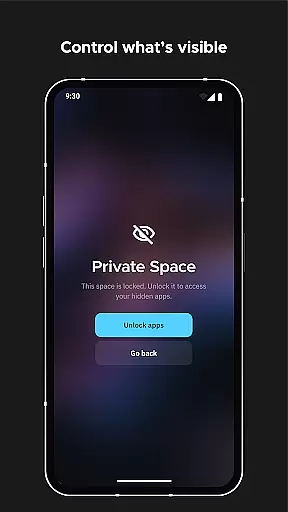
Advanced customization capabilities enable users to modify every aspect of the visual presentation, from theme colors to icon shapes. The smart search functionality provides quick access to apps, contacts, and various actions. Additional features include adaptive icons support, gesture controls, notification indicators, and security options for protecting sensitive apps with PIN protection.
Smart Launcher 6 offers an extensive range of customization options that allow users to tailor their home screen to their personal preferences. This includes the ability to modify every single color within the theme, unlocking infinite possibilities for color combinations.
In addition to color customization, users can also change fonts on the home screen. With access to thousands of fonts from Google Fonts, personalizing the look and feel of your device has never been easier or more comprehensive.
The launcher supports adaptive icons, which means not only customizable shapes but also larger and more beautiful icons. This feature ensures a consistent visual experience across different apps and enhances the overall aesthetic of the home screen.
With these robust customization features, Smart Launcher 6 empowers users to create a personalized and visually appealing home screen that truly reflects their style and meets their functional needs.
Theme compatibility in Smart Launcher 6 ensures that all visual elements on the home screen work harmoniously together. The launcher automatically adjusts its theme colors to match your wallpaper each time you make a change, providing a cohesive and aesthetically pleasing interface.
This ambient theme capability guarantees that whether you prefer a light or dark mode, or any specific color scheme, the launcher's appearance will adapt seamlessly to your preferences. It eliminates manual adjustments and maintains visual consistency without user intervention.
Moreover, with support for adaptive icons introduced with Android 8.0 Oreo, available for any Android device, Smart Launcher ensures that app icons are not only visually uniform but also optimized for visibility and accessibility.
By focusing on theme compatibility, Smart Launcher 6 delivers a polished and professional look that enhances user satisfaction and provides a unified experience across various devices and screen sizes.
Automatic app sorting
Ambient theme adaptation
One-hand optimized interface
Extensive customization options
Powerful search functionality
Requires accessibility permissions
May conflict with other launchers
Some features need premium version
Occasional stability issues
Steep learning curve for beginners

A Colorful and Minimal icon pack in an Outline Style - Over 13,600 icons!
 4.70
4.70
Romantic Kiss Stickers App. Start romantic messaging now!
4.30 4.50
4.50
Embrace the Night. Unleash the power of darkness with Raven Dark Icon Pack
4.60
Enjoy a variety of amazing live wallpapers and colorful EDGE lighting borders!
4.80
Emoji Maker app - Design custom emojis and effortlessly blend them with Mixer
3.80
Amazing letter fonts in your messages and social statuses
4.70
Fast SMS & group chat - use GIFs and emojis from your home screen launcher.
4.50
Custom ringtones songs, music ringtones for Android phones
4.60
Dark icon pack based on One 8
4.80
Wallpaper HD 4K Live - Thousands of high-quality Anime backgrounds for you.
4.80
300+ Stunning and well-designed widgets inspired by NOTHING.
4.70
A minimalist productivity launcher. One-hand-friendly. Zero ads.
4.70
Aesthetic Widgets, HD Wallpapers, Themes in Mico Widget for Home and Lock Screen
4.50 4.50
4.50
200+ Material Inspired Widgets
4.50
App Icon Changer & Shortcut Creator. Customize your icons without any watermarks
4.30
Wear Os Watch Face - Seasonal - Animated Snow Effect - 9 Animals
4.20
Modern Glass Icon Pack with glossy icons, clean minimal theme & aesthetic style
4.5


User Reviews