
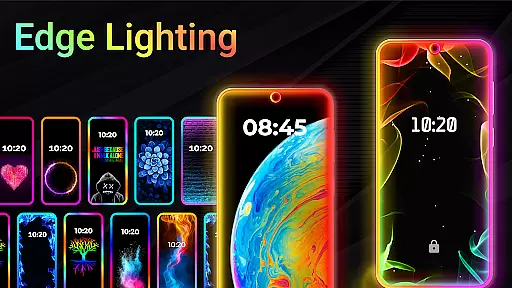
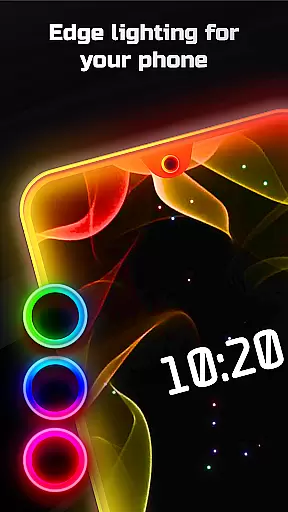
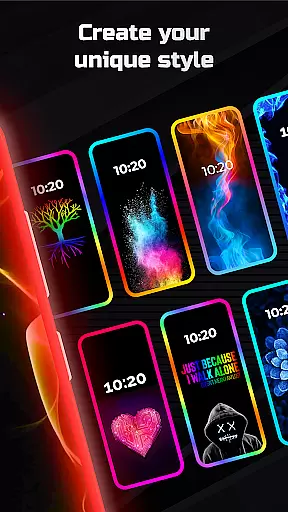
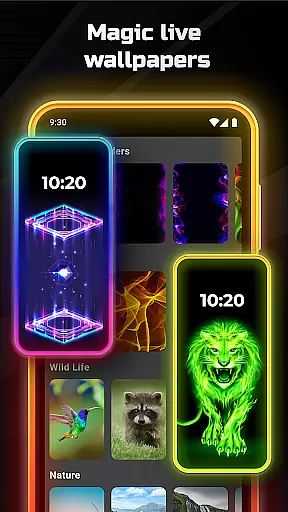
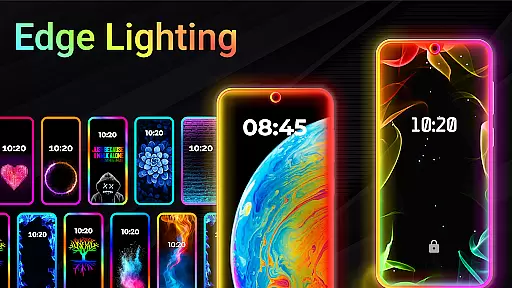
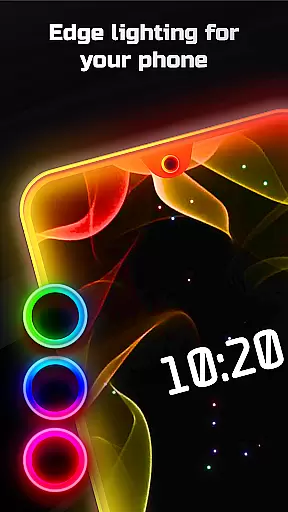
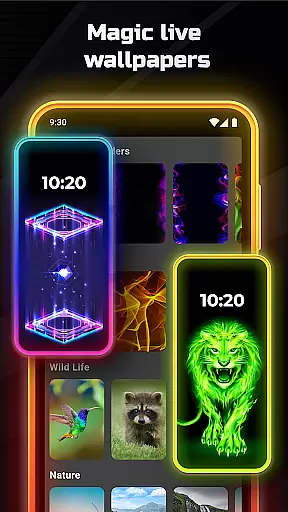
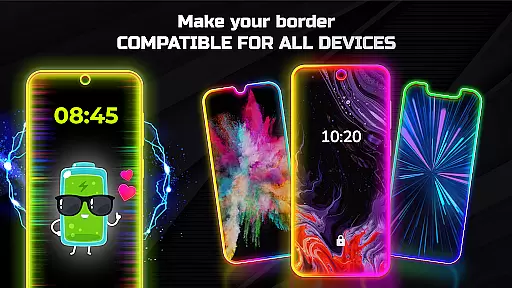
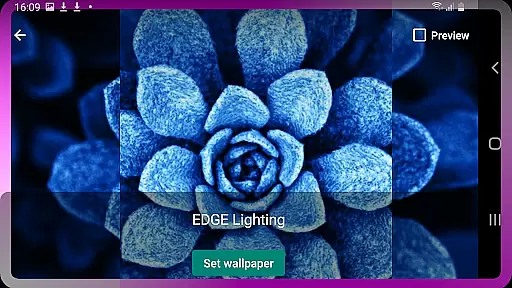

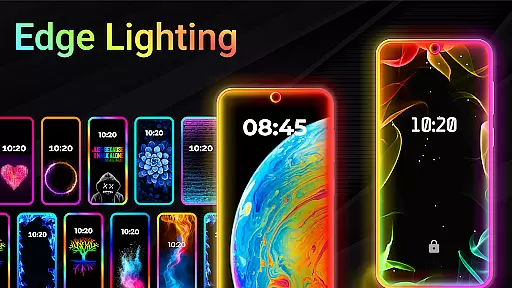
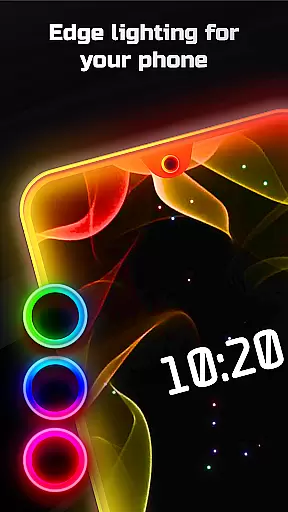
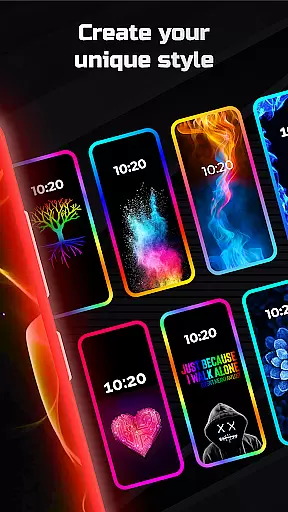
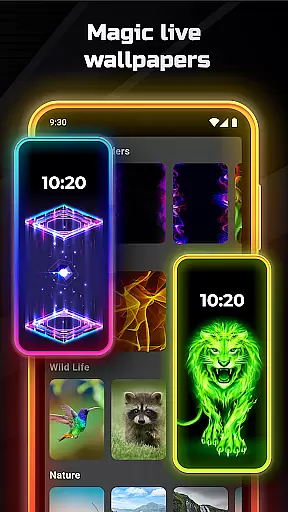
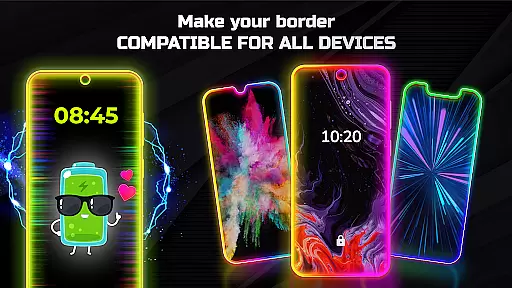
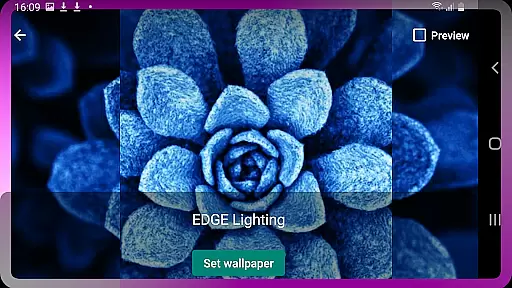
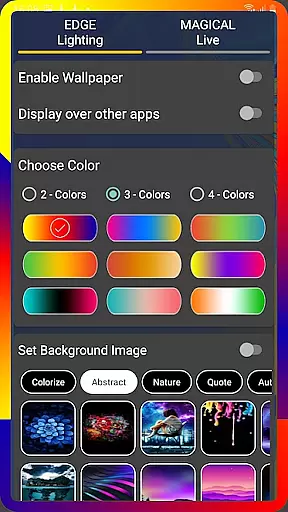
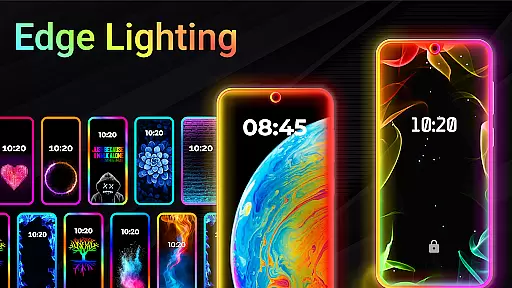
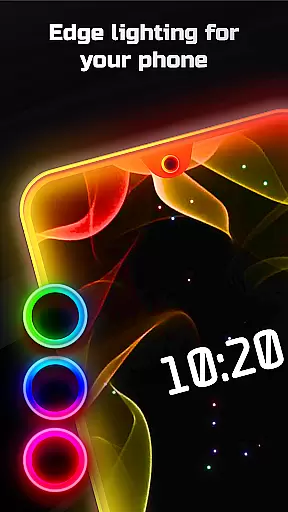
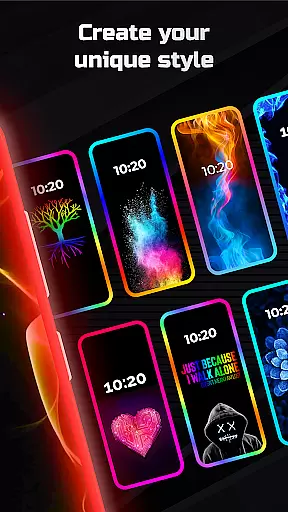
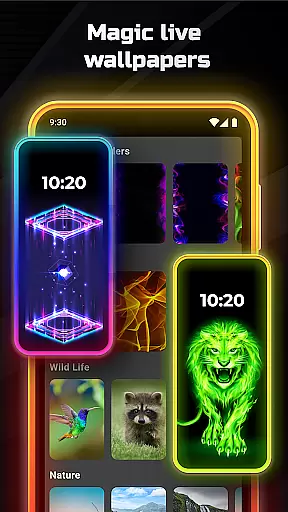
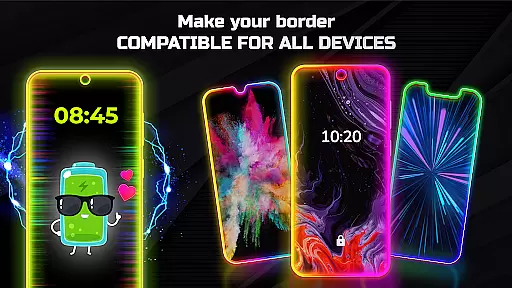
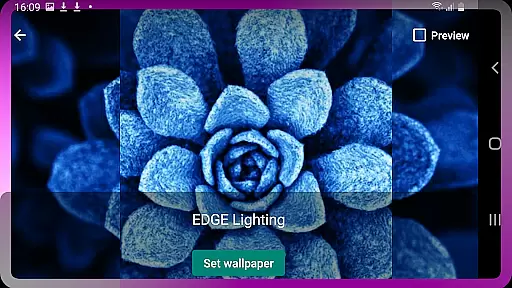
Edge Lighting is a versatile personalization app that allows users to enhance their Android devices with visually appealing edge lighting effects. The app's core functionality revolves around creating beautiful curved edge lighting designs for both home screen and lock screen displays.
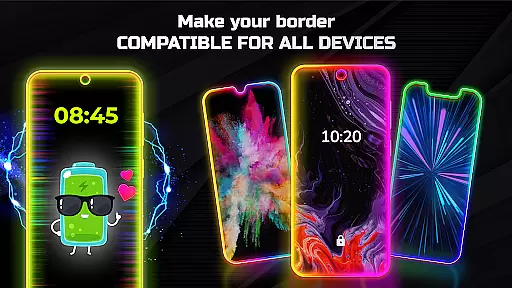
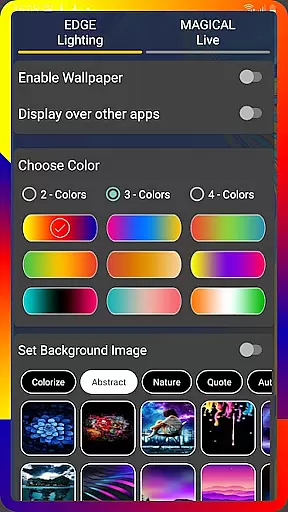
The application offers extensive customization options, letting users adjust colors, widths, and border types of the edge lighting. With support for various screen types including Infinity displays and notches, it ensures compatibility across a wide range of Android devices from Samsung Galaxy series to OnePlus, Xiaomi, and more.
This app is particularly useful for users who want to personalize their smartphones with unique aesthetic elements while maintaining functionality through features like display-over-apps capability.
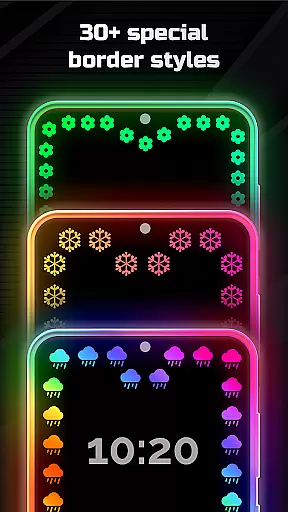
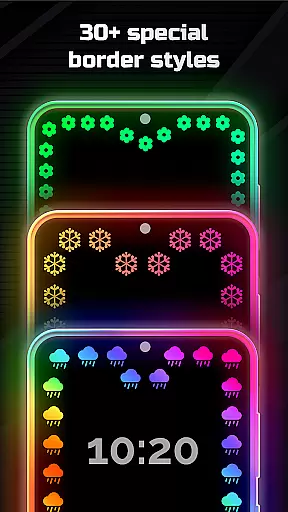
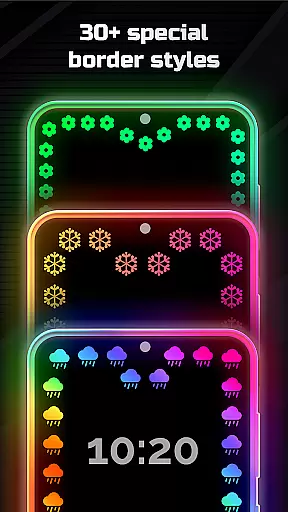
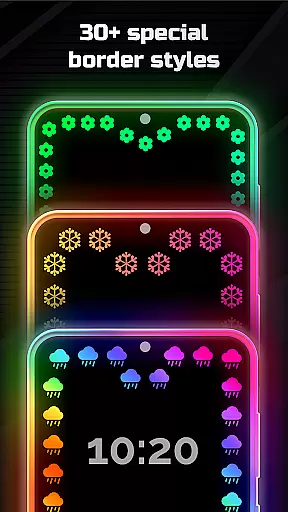
Edge Lighting stands out with its comprehensive feature set tailored for device personalization. The app provides over 15 customizable border types including creative shapes like hearts, birds, and snowflakes, allowing users to create distinctive visual effects.
A key differentiator is the Magical EDGE Lighting collection featuring more than 30 special effects. Users can choose from various RGB lighting patterns in multiple colors and adjust animation speed and curve radius for personalized results. The app also supports 4K backgrounds and custom photo integration within the edge lighting display.
The ability to display edge lighting over other applications adds practical value, while precise notch adjustment settings demonstrate attention to technical detail, making this app suitable for both casual users seeking aesthetic enhancements and tech enthusiasts wanting complete control over their device's appearance.
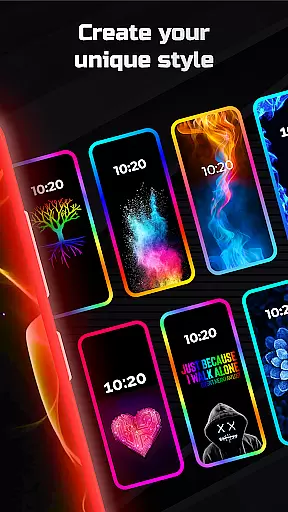
Customization is at the heart of EDGE Lighting, allowing users to tailor their device's aesthetics to their personal taste. With a plethora of options available, this application lets you modify the appearance of your mobile home screen and lock screen with ease.
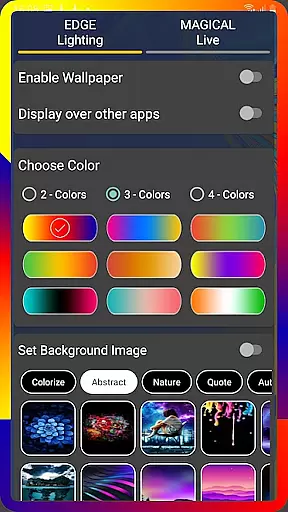
The app provides an extensive range of customization features including the ability to change colors, adjust the width, and select from over 15 types of EDGE lighting borders such as Heart, Bird, Sun, and more. Users can also fine-tune animation speed, curve radius, and notch settings to perfectly match their device and preference.
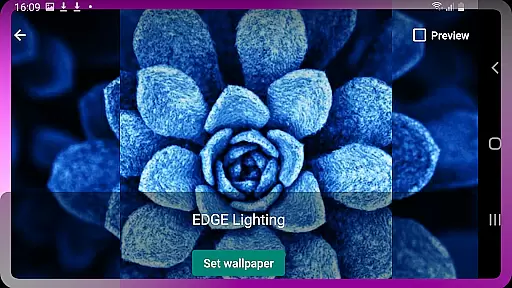
Moreover, EDGE Lighting supports setting 4K backgrounds as wallpapers and even using personal photos within the EDGE Lighting frame. This level of personalization ensures that each user's device can be uniquely their own, enhancing both individual expression and the overall user experience.
Theme compatibility is a crucial aspect of any personalization app, ensuring that aesthetic enhancements like EDGE Lighting work seamlessly across different devices and screen types. EDGE Lighting has been designed to support all types of screens, including Infinity U, Infinity V, Infinity O, and others.
Regardless of the deviceu2014be it a Samsung Galaxy, One Plus, Xiaomi, or Nokiau2014the app adjusts to provide optimal performance and visual appeal. It offers consistent theming elements that adapt to various display notches and sizes without losing functionality or beauty.
This compatibility means users are free to express their style on virtually any Android phone, enjoying a unified and high-quality thematic experience. The assurance of theme consistency across devices adds significant value for users who switch between multiple gadgets but wish to maintain a cohesive look.
Wide device compatibility
Extensive customization options
Unique border designs
High-resolution support
User-friendly interface
Premium features locked
May drain battery
Some features complex
Requires storage space
Occasional performance lag

Themes - Widget & Wallpaper: Customize home screen, icon changer w unique themes
 4.30
4.30
A launcher for Samsung Good Lock and Good Guardians modules without ads
4.70
AI-powered Copilot. Personalized keyboard with gifs, stickers & themes
4.40
Wallpaper HD 4K Live - Thousands of high-quality Anime backgrounds for you.
4.80
Turn text & photos into stunning AI videos, art, and creative visual stories.
4.50
Customize glowing edges, wallpapers, and caller screen with EdgeAura.
3.50 4.50
4.50
Design your screen with unique, vibrant clocks
3.80
Transform your phone with stunning video wallpapers and a unique, personal touch
3.80
Shimeji adds cute animated characters to your screen, lively and fun.
4.70
Add cute Shimeji pets to screen, interact with them and relax with cute motions
4.60
Embrace the Night. Unleash the power of darkness with Raven Dark Icon Pack
4.60
Handcrafted pixel art icons, widgets & wallpapers
4.60
Ultra realistic gold analog watch face with lots of customization options.
4.50
Beautiful realistic hybrid watch face with numerous customization options.
4.50 4.50
4.50
Magic fluids wallpaper 4D: Relax with stunning fluid simulation wallpaper app
4.20
Customizable flower power digital watch face for Wear OS watches.
4.00
Interactive Miniature Painting Catalogue
3.30


User Reviews