
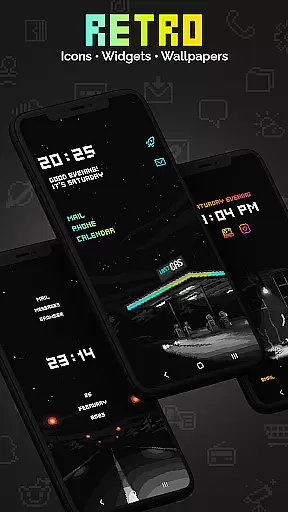
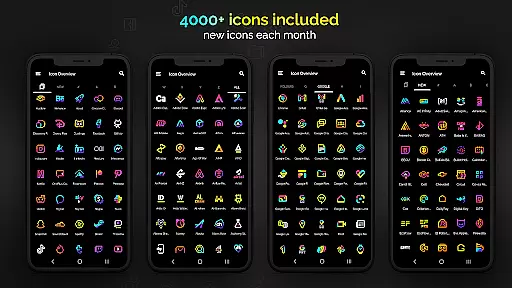
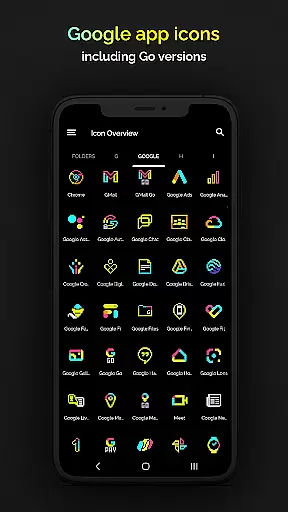
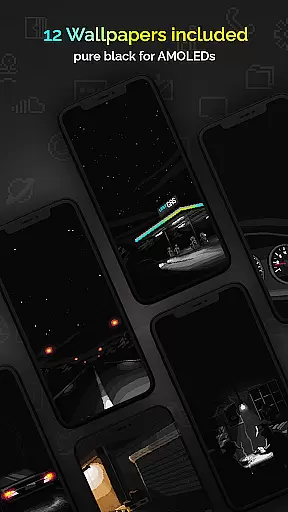
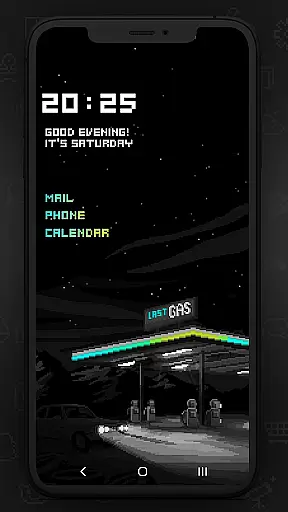
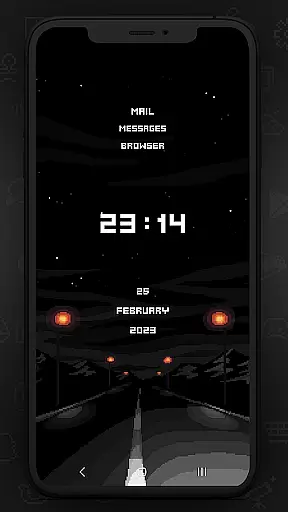
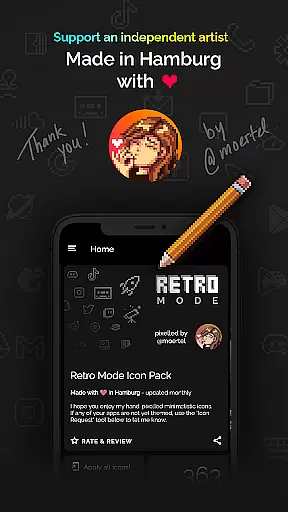
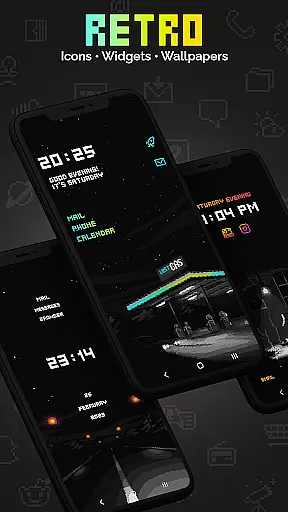
Retro Mode - Icon Pack (Neon) is a pixel art icon pack crafted by pixel artist Moertel, offering a nostalgic journey to the 90s with its vibrant neon colors. This pack includes over 4050 meticulously designed icons, 12 wallpapers, and 6 unique widgets that support Android 10 and above. The design features crisp pixel art without shadows or outlines, ensuring a clean and retro aesthetic on any device.
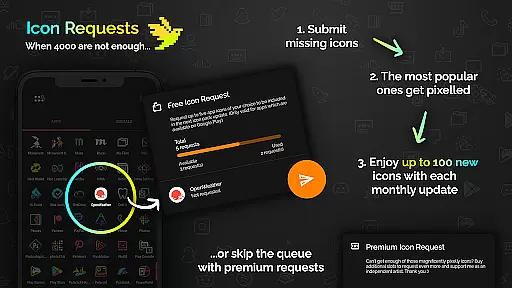
With monthly updates introducing new icons and features, users can enjoy an expanding collection tailored to their preferences. Supporting over 20 launchers, this icon pack caters to a wide range of devices and customization needs. Whether you're looking to revamp your smartphone's appearance or seeking specific widget functionalities, Retro Mode delivers both style and utility.
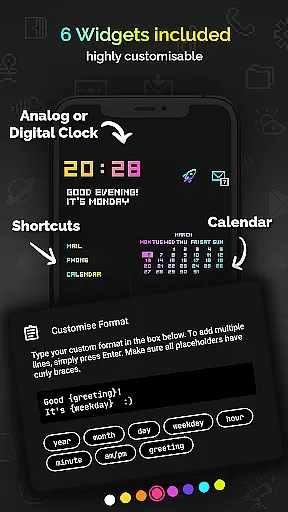
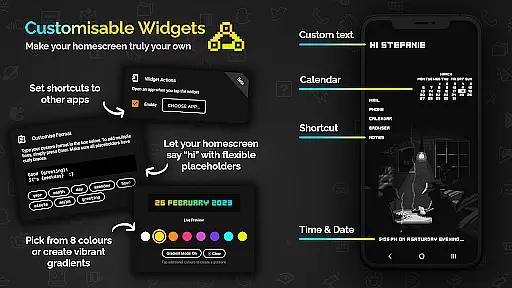
The Retro Mode - Icon Pack stands out with its comprehensive feature set designed for personalization enthusiasts. It boasts 4050 icons, each hand-drawn on a 20x20 pixel canvas and upscaled for sharpness, alongside 12 wallpapers and 6 versatile widgets. These widgets include digital and analog clocks, date displays, greetings, calendars, and customizable text shortcuts, available in 8 different colors or gradient combinations.
Functionality extends beyond aesthetics; the pack supports more than 20 launchers including popular options like Nova, Action, and ADW. Users can freely configure widget texts up to 500 characters and choose from various placeholders such as day, month, year, hour, minute, am/pm, greeting, and weekday. Additionally, it offers compatibility guidance for Google Pixel, Motorola, Xiaomi, and Samsung users, ensuring broad accessibility across devices.
Customization is at the heart of Retro Mode - Icon Pack (Neon), offering users a wide array of choices to personalize their device's appearance. With over 4050 pixel-perfect icons, this pack ensures that almost every app on your phone can be transformed to fit a vibrant neon aesthetic reminiscent of the 90s digital era.
In addition to the extensive icon collection, the pack includes 12 unique wallpapers and six versatile widgets, such as a digital clock, analog clock, date display, greeting messages based on the time of day, calendar views, and customizable text shortcuts. These features allow for an immersive themed experience that goes beyond just app icons.
The level of personalization extends further with support for more than 20 launchers, ensuring compatibility across a broad spectrum of devices and user preferences. Whether you're using Nova, Action, or even specific versions of Samsungu2019s One UI, Retro Mode provides seamless integration so you can enjoy its distinctive style without limitations.
Retro Mode - Icon Pack (Neon) excels in theme compatibility by catering to various launcher environments, making it accessible for a diverse range of Android users. This inclusivity is crucial since not all devices natively support third-party icon packs; therefore, having wide-ranging launcher supportu2014including popular options like Novau2014ensures that everyone can partake in this nostalgic visual journey.
For Samsung users specifically, those running Android 12 with One UI 4.0 or newer have the added convenience of applying these icons through the free Samsung app Theme Park. Meanwhile, owners of other brands like Google Pixel, Motorola, and Xiaomi are encouraged to switch to one of the many supported launchers if they wish to fully utilize the packu2019s offerings.
Moreover, Moertel has thoughtfully provided guidance for uncertain users via email support and detailed tutorials available online. Such resources help troubleshoot potential issues related to theme application while also demonstrating practical use cases, thereby enhancing overall customer satisfaction and confidence when adopting this colorful throwback aesthetic into their daily digital lives.
Extensive icon library
Vibrant neon designs
Monthly updates
Wide launcher support
Customizable widgets
Limited stock launcher support
Additional requests cost extra
Design may not suit all tastes
Some features require newer Android versions
Occasional update delays

A light in the dark, a unique style and an andless cutomization!
 4.30
4.30
Turn your lock screen into fun with smile live wallpapers & animated wallpapers!
2.50
Over 28,000 high quality icons to bring color & homogeneity to your phone.
4.60
Dark icon pack based on One 8
4.80
Run multiple accounts of the same app on a single device
4.10
Customize glowing edges, wallpapers, and caller screen with EdgeAura.
3.50
Design your screen with unique, vibrant clocks
3.80
Choose your keyboard with RGB colors effect, themes, fonts, emojis.
4.60
Yandex Browser — stylish and secure, with voice search and data compression
4.40
Only for Wear OS devices!
4.90
A Colorful and Minimal icon pack in an Outline Style - Over 13,600 icons!
4.70
350+ widgets with a premium glass-style finish, perfect for home & lock screens.
4.70
Ultra realistic high quality analog watch face for Wear OS.
4.60
Want to make your phone more special than ever?
4.60
Embrace the Night. Unleash the power of darkness with Raven Dark Icon Pack
4.60
Ninja Turtles Cowabunga SE watch face for Wear OS
4.50 4.50
4.50
Your home screen, just the way you like it.
4.30
More than 3000+ themes and 9000+ wallpapers for everybody!
4.10


User Reviews