
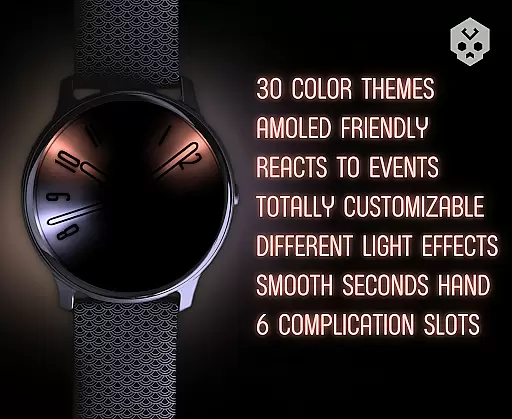
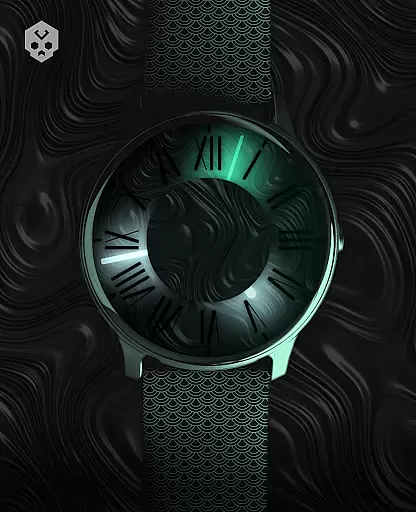
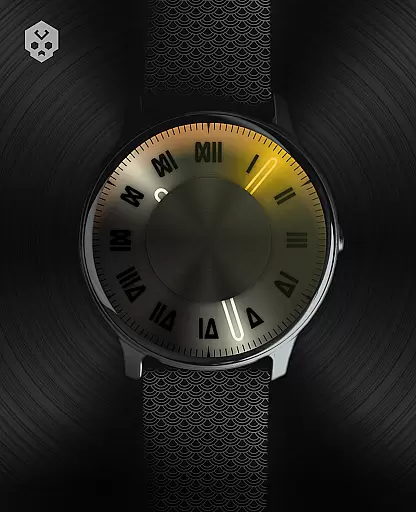

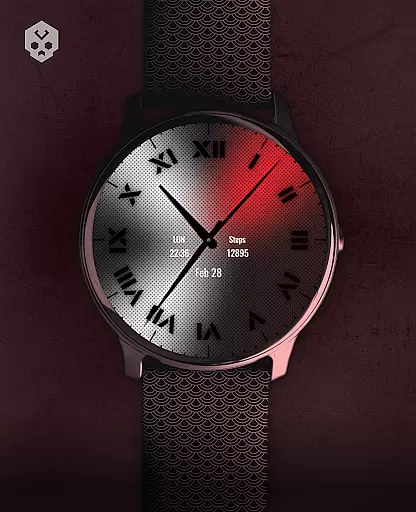
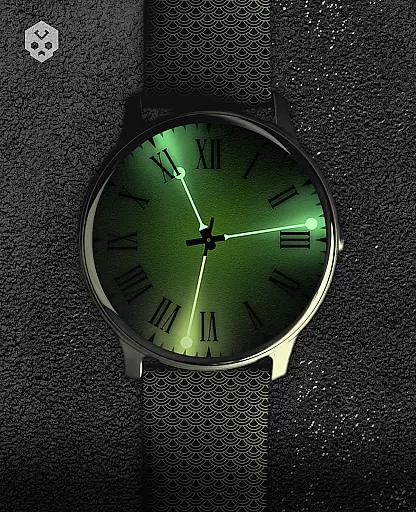
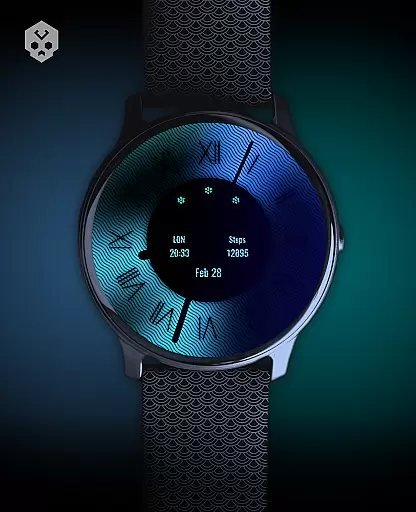
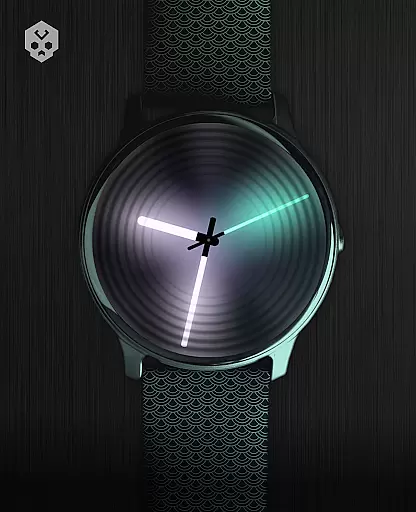
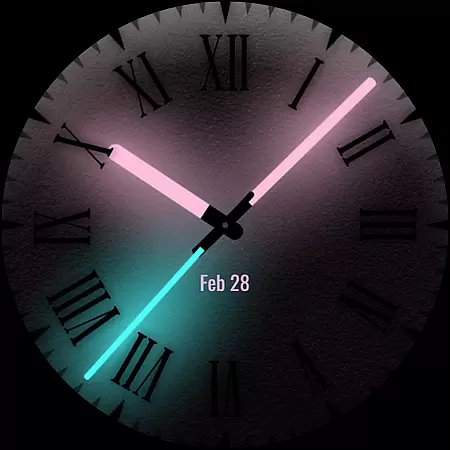
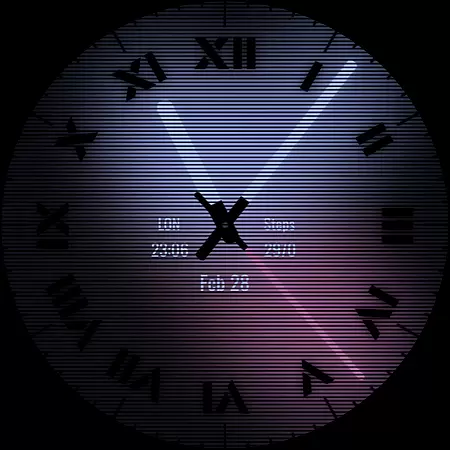
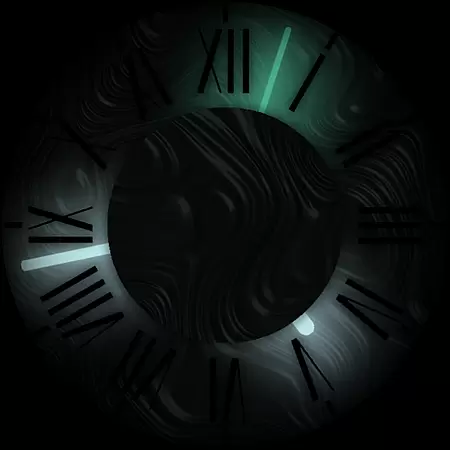

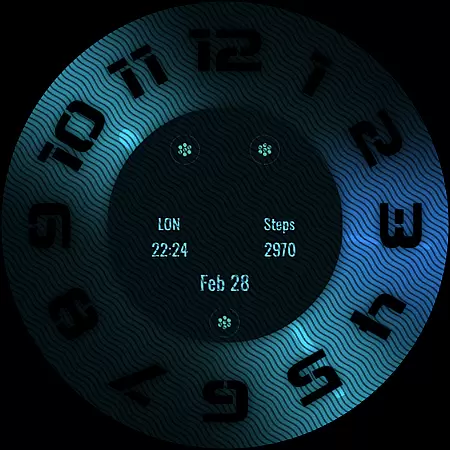
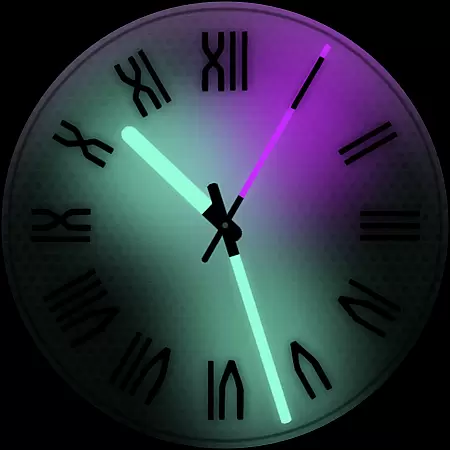
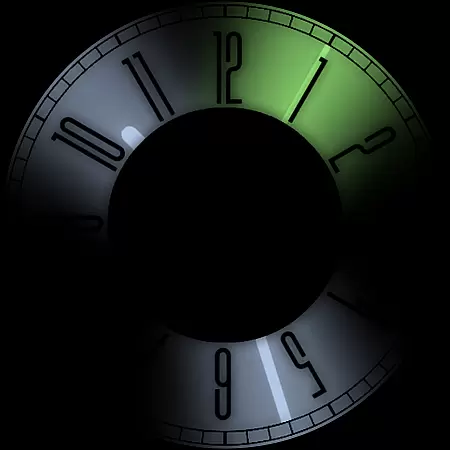
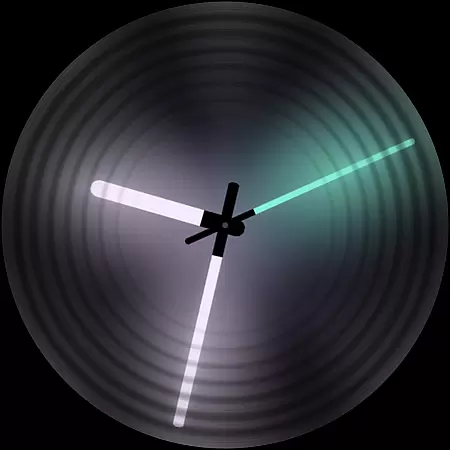
Dark Metal Saber Watch Face is a highly customizable Wear OS watch face designed for style-conscious users. It offers 30 color schemes and numerous customization options, including clock hands, index, decorator, and more. The watch face also reacts to low battery, notifications, and charging, ensuring both functionality and aesthetics.
This app is compatible with various smartwatches running Wear OS, such as Samsung, Mobvoi Ticwatch, Fossil, Oppo, and others. Its unique handcrafted design ensures a distinctive appearance on your wrist, making it an ideal choice for those who value individuality and style.
Dark Metal Saber Watch Face stands out with its extensive customization capabilities. Users can choose from 30 color schemes and customize almost every visual element, including clock hands, index markers, decorators, overlays, backlight, logo, and background. This level of personalization allows users to tailor the watch face to their exact preferences.
In addition to its aesthetic features, the watch face includes practical functionalities such as reacting to low battery, notifications, and charging status. It also supports five customizable complications in different sizes, providing quick access to essential information. The companion app makes installation and management easy, enhancing the overall user experience.
Customization is at the heart of Dark Metal Saber Watch Face, offering users an extensive range of personalization options to suit their unique style. With 30 color schemes available, users can select a look that best matches their mood or outfit for the day.
Beyond just colors, the watch face provides numerous customizations including clock hands, index, decorator, and even darkness settings. This level of detail ensures that every element on the display aligns with the user's preferences, making it not just a timepiece but a fashion statement.
Furthermore, features such as customizable overlays, backlight, logo, and background allow for an unprecedented level of personal touch. Users can react to low battery, notifications, and charging states with visual cues tailored specifically to them, enhancing both functionality and aesthetics.
Dark Metal Saber Watch Face stands out in its seamless integration with Wear OS devices, ensuring broad theme compatibility across various smartwatches from brands like Samsung, Mobvoi Ticwatch, Fossil, Oppo, and more. This native standalone application is meticulously crafted to maintain visual consistency regardless of the device it's installed on.
The design takes into account different screen sizes and resolutions, adapting its rich graphics without losing quality or performance. As a result, whether you're using a latest Xiaomi smartwatch or another Wear OS compatible device, you'll experience the same high-quality visuals and smooth operation.
In addition to supporting diverse hardware, this watch face also integrates effortlessly with the overall system UI. It respects system-wide themes and settings while adding its own flair, ensuring that users enjoy a cohesive and immersive experience throughout their smartwatch journey.
Highly customizable
Unique handcrafted design
Wide device compatibility
Responsive to notifications
Regular updates and support
Paid app
Complex setup process
Limited to Wear OS
No free trial available
Requires companion app

Shimeji adds cute animated characters to your screen, lively and fun.
 4.70
4.70
Ultimate Gallery Lock App - Hide Pictures, Videos and Lock Apps Instantly!
4.60 4.10
4.10
Adaptive Dot Style IconPack with Light & Dark Theme.
3.70
Custom edge gestures for volume control, brightness, apps, and shortcuts.
4.1
Your go to Weather App & Home Screen. Get your weather at a swipe of a finger!
3.80
300+ Beautifully crafted widgets inspired by OneUI.
4.60
Create unique, fun emojis with Funny Emoji Maker! Unlimited creativity!
4.00
Emoji Maker app - Design custom emojis and effortlessly blend them with Mixer
3.80
A Colorful and Minimal icon pack in an Outline Style - Over 13,600 icons!
4.70
A retro cartoon style watch face and a punch right in the face of the copyright
4.60
Embrace the Night. Unleash the power of darkness with Raven Dark Icon Pack
4.60
Handcrafted pixel art icons, widgets & wallpapers
4.60 4.50
4.50
200+ Material Inspired Widgets
4.50
Adult video chat, dating, making friends, random matching
4.20
Customizable flower power digital watch face for Wear OS watches.
4.00
Crystal-clear, square icon provides a sleek and sophisticated visual upgrade
4.00
Prank your friends with realistic broken screen and cracked HD effects!
4.4


User Reviews