
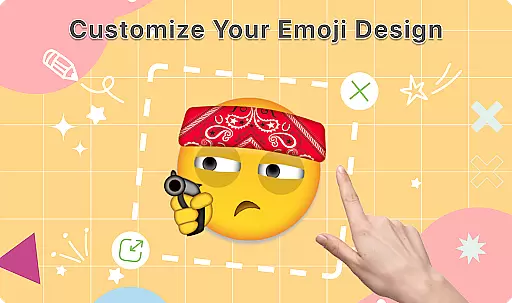
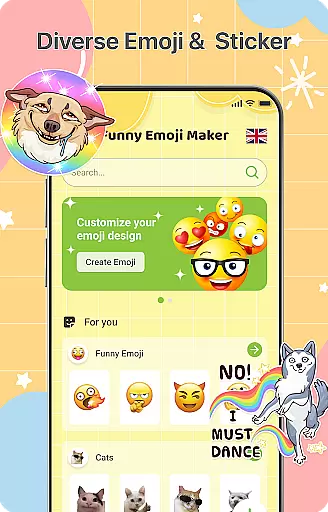
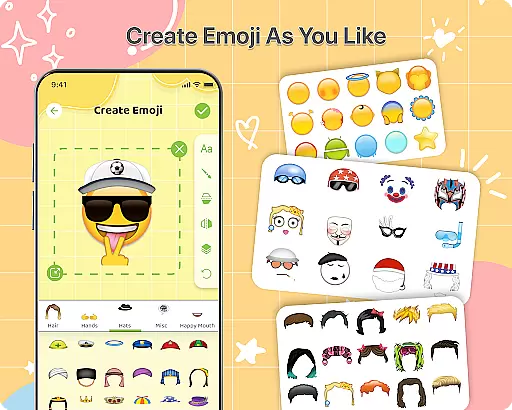
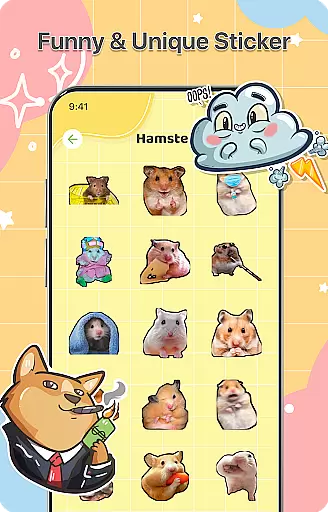
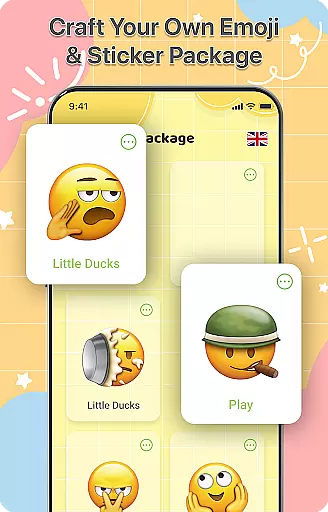
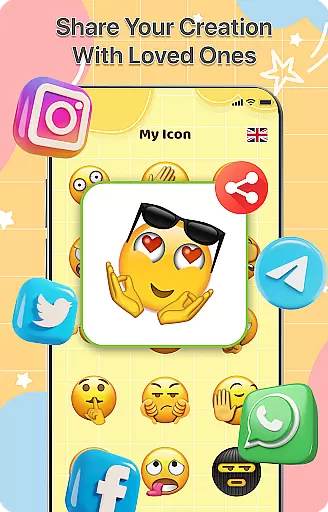
DIY Emoji is a creative personalization app that allows users to design their own unique emojis. With over 500 accessories including eyes, mouths, hats, and glasses, the app offers endless customization possibilities. Users can flip elements, draw details, add text with various fonts, and layer components for perfect emoji designs.
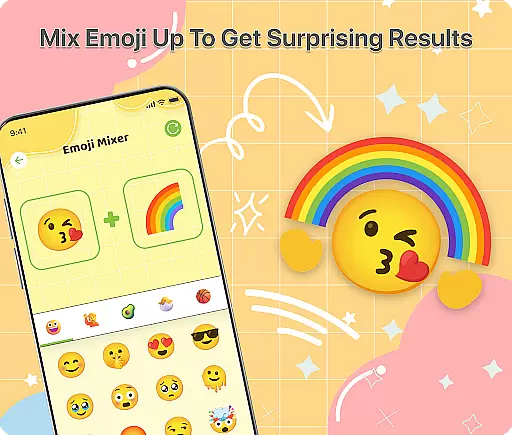
The app also features an innovative Emoji Mixer that lets users combine any two emojis for quirky and funny combinations. The built-in Emoji Library helps manage and store all custom creations, while frequent updates ensure a growing collection of accessories and emotes. Whether for personal chats or social media, DIY Emoji enhances communication with personalized emoticons.
DIY Emoji stands out with its comprehensive set of features tailored for emoji creation. The Emoji Maker tool provides over 500 accessories, enabling detailed customization. Users can manipulate elements by flipping them, drawing directly on emojis, adding stylized text, and layering different components for a polished look.
The Emoji Mixer feature allows for the combination of any two emojis, opening up a world of creative possibilities. Additionally, the Emoji Library offers efficient storage and quick search functionality, ensuring easy access to all custom emojis. Regular updates bring new content, keeping the app fresh and engaging for continuous creative expression.
Customization is at the heart of DIY Emoji, offering users a vast array of options to express their creativity. With over 500 accessories including eyes, mouths, hats, and glasses, the app allows for extensive personalization.
The app's interface supports layering elements, flipping items for unique effects, and drawing fine details. This flexibility ensures that each emoji can be as unique as its creator, enhancing personal expression in digital communications.
Furthermore, the ability to add text with various fonts and colors expands the customization possibilities. Users can craft emojis that not only look distinctive but also convey specific messages, making their digital interactions more engaging and personalized.
DIY Emoji ensures seamless integration with various themes across different platforms. Whether you're using it on Android or iOS, the emojis created maintain their quality and style, ensuring consistency in your communications.
This compatibility extends to various messaging apps, allowing users to incorporate their custom emojis into chats without losing visual fidelity. The emojis are designed to blend well with existing emoji sets, providing a cohesive look.
Moreover, frequent updates bring new accessories and emotes, keeping the content fresh and compatible with evolving digital trends. This commitment to compatibility ensures that users' creations remain relevant and visually appealing across different environments.
User-friendly interface
Extensive customization options
Frequent content updates
Variety of sharing options
Creative and fun experience
Limited free features
In-app purchases required
Some tools are complex
Occasional bugs reported
Ads may disrupt workflow

Ultra realistic gold analog watch face with lots of customization options.
 4.50
4.50
Transform your phone with Launcher iOS 26 - Smooth & elegant iOS experience
4.50
Interactive Miniature Painting Catalogue
3.30
Unique Fonts, typefaces and stylish text. Fonts for Instagram, Whatsapp & others
4.20
Nothing Icon pack with more than 3750+ highly crafted icons.
4.70
Custom edge gestures for volume control, brightness, apps, and shortcuts.
4.0
HappyLighting is a Bluetooth lamp control software.
3.40
One 8 icons glass color version
4.80
Enjoy a variety of amazing live wallpapers and colorful EDGE lighting borders!
4.80
Sparkle your screen with Glitter Wallpapers For Girls and Cute Backgrounds!
4.80
Zip lock screen with magic wallpaper to decorate your phone with fun zipper lock
4.60
Choose your keyboard with RGB colors effect, themes, fonts, emojis.
4.60
Beautiful realistic hybrid watch face with numerous customization options.
4.50
Turn text & photos into stunning AI videos, art, and creative visual stories.
4.50 4.50
4.50
The definitive Icon pack maker and editor
4.30
Unleash Your Creativity and Connect with Loved Ones with Lockscreen Drawing!
4.20
Ultimate widget creator. Design custom widgets for a truly unique home screen!
3.90
Struggling to find apps? Use this app to locate and open any app on your phone!
2.20


User Reviews